How to Use the HTML Lang Attribute Correctly

Sidharth Nayyar
The html lang attribute is a simple but critical piece of code that tells browsers the language of your webpage. It directly improves accessibility for screen reader users, supports international SEO, and helps deliver a better user experience to a global audience.
If you're looking at a template, CMS theme, or component library right now, this is one of the fastest fixes with outsized impact. A missing or incorrect lang value can make polished content sound broken in a screen reader, confuse language-sensitive browser behavior, and create avoidable compliance risk. Done correctly, it takes only a small markup change and gives browsers, assistive technologies, and search systems the signal they need.
TL;DR
- Set one primary language on the root element, such as
<html lang="en">. - Mark language changes inline on the smallest relevant element, such as
<span lang="es">Hola</span>. - Use valid BCP 47 tags like
en,es,fr,en-GB, oren-US. - For
text/htmldocuments, uselangas the document language declaration. For XHTML or polyglot documents, use bothlangandxml:langwith identical values, as specified by W3C. - Test manually and automatically so templates, CMS content, and user-generated content don't drift out of compliance.
What Is the HTML Lang Attribute?
A common failure looks small in code and obvious in use. A screen reader lands on a page, hits a sentence in Spanish, and keeps reading it with English pronunciation rules. The text is technically present, but the experience is wrong.
The html lang attribute is the machine-readable way to declare the human language of a page or a specific block of content. In practice, teams usually place it on the root element, like <html lang="en">, so browsers and assistive technologies know the default language for the document. MDN also notes that lang is a global attribute, accepts a single BCP 47 language tag, and matters for editable content too because it tells users what language they should type in. You can review those details in the MDN reference for the HTML lang attribute.
That isn't just good markup hygiene. It's directly tied to accessibility requirements. WCAG Success Criterion 3.1.1 requires the page language to be programmatically determined, and 3.1.2 requires that passages in a different language also be identified, which makes this part of core accessible web development practices.
What it does in real projects
Developers sometimes treat lang as a metadata detail that can wait until launch. That's usually a mistake. It affects how assistive tech interprets text, how language-aware styling works, and how systems distinguish broad language choices from regional variants.
Practical rule: Put the default language on
<html>, then override it only where the content actually changes language.
A few examples:
- Whole page in English:
<html lang="en"> - Page in American English:
<html lang="en-US"> - Inline French phrase in an English article:
<span lang="fr">bonjour</span>
The key point is simple. lang doesn't exist for developers. It exists so user agents can make the right decision for real people.
Why the Lang Attribute Is Critical for Your Website
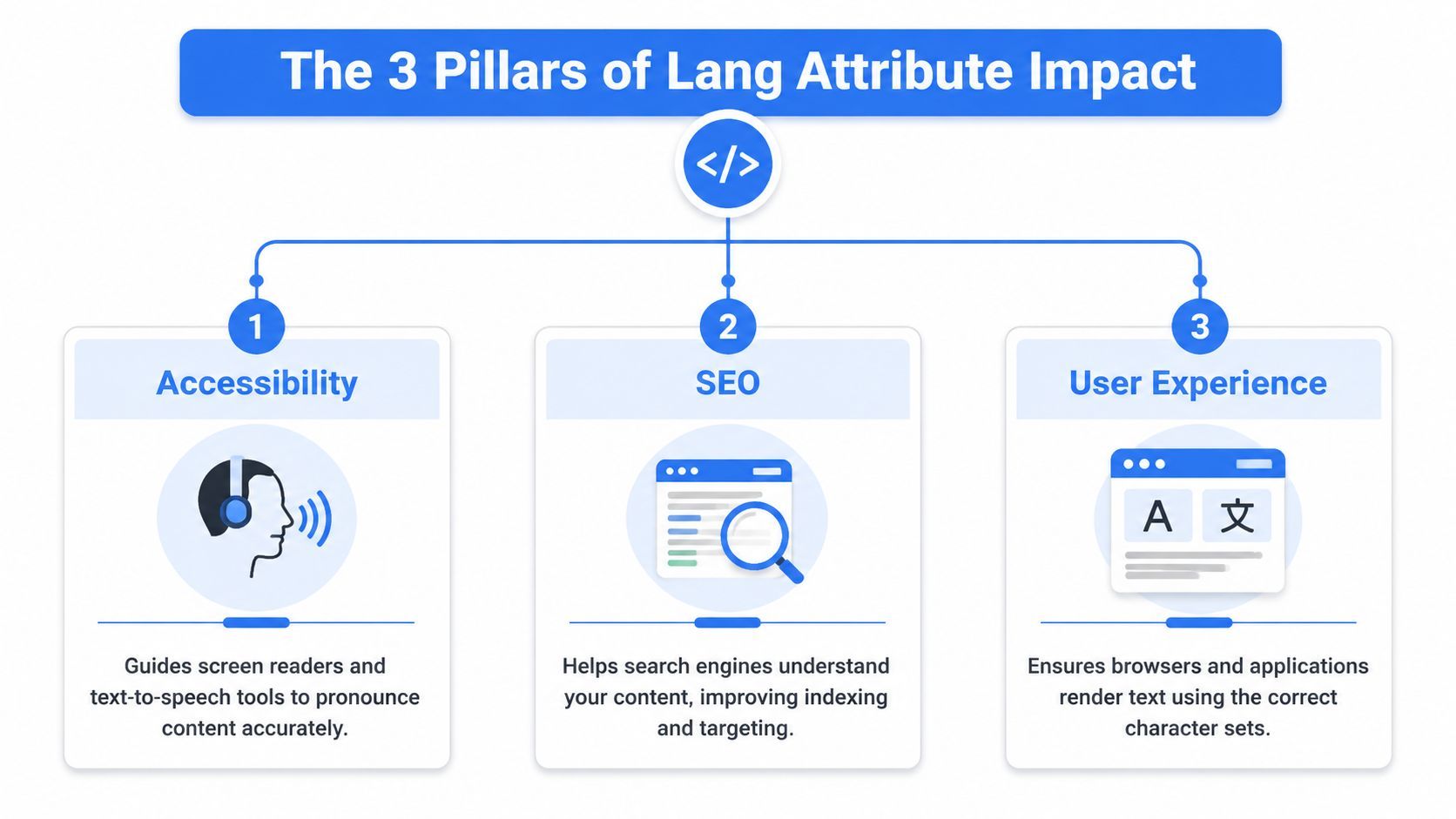
This is one of those attributes that sits in the first line of HTML and still affects several teams at once. Accessibility teams care because speech output depends on it. SEO teams care because language targeting depends on it. Product and conversion teams should care because users notice when a site feels native versus awkward.
Accessibility and comprehension
For assistive technology users, the html lang attribute isn't decorative. Deque's accessibility guidance explains that correct language metadata enables screen readers to switch pronunciation engines and translation rules at the exact boundary where content changes, reducing mispronunciation and improving comprehension for multilingual users. You can see that in Deque University's guidance on the html-has-lang rule.
That has a direct operational implication. If your page is in English but contains a pricing term, legal phrase, customer quote, or product name in another language, the smallest relevant element should carry the override. Root-level declaration alone isn't enough for mixed-language content.
Teams that work on onboarding, documentation, and support content should pay attention here. A term pronounced incorrectly can be more than annoying. It can make instructions harder to follow and reduce confidence in the product.
SEO and language targeting
Search systems need a language signal. Guidance from accessibility and SEO references emphasizes that both simple tags like en and regional forms like en-gb help search engines return language-specific results and help screen readers switch pronunciation profiles correctly. The practical explanation is covered in Sitechecker's overview of the HTML lang attribute and language variants.
This doesn't replace broader international SEO work, but it does support it. If you maintain separate language versions of key conversion pages, getting the root language right helps reinforce which audience each page serves. That matters most on pages with commercial intent, such as product detail pages, pricing, signup flows, and region-specific landing pages.
For teams thinking about discoverability and conversion together, this pairs well with a broader web accessibility platform rankings guide that looks at accessibility and SEO as connected work rather than separate checklists.
User experience and trust
Users don't experience your implementation in source code. They experience the result. If text is pronounced incorrectly, translated awkwardly, or styled inconsistently on multilingual pages, the site feels less reliable.
That matters on task-heavy pages:
- Checkout and pricing pages where users need clarity
- Knowledge base articles where misread commands can cause mistakes
- Forms and account settings where a language mismatch creates friction
- Support documentation for multilingual audiences
A good example of why this matters in practice is any experience focused on navigating Saaspa.ge with assistive technologies, where markup quality directly affects whether users can move confidently through content.
A lot of accessibility bugs aren't dramatic. They're small markup decisions that quietly make the interface harder to understand.
The business outcome is straightforward. Better comprehension reduces friction, supports broader market reach, and lowers the odds that a preventable accessibility issue turns into a compliance problem.
How to Implement the HTML Lang Attribute Correctly
The correct default implementation is simple. Set the document language on the root <html> element and make sure the value is a valid BCP 47 language tag.
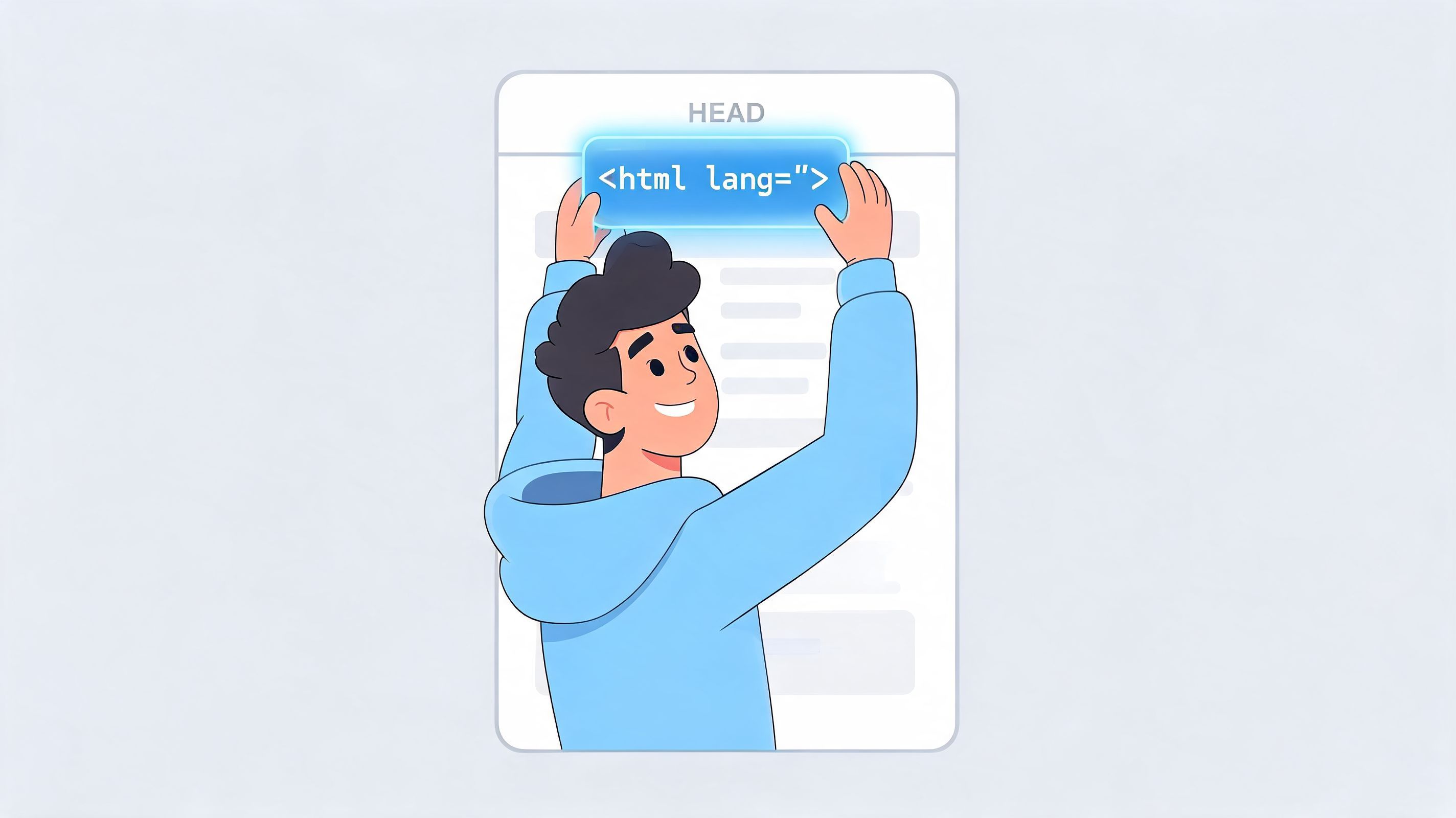
W3C specifies that for HTML documents served as text/html, the lang attribute should be used to declare the document's default language. For XHTML or polyglot documents, use both lang and xml:lang with identical values, and xml:lang takes precedence in XML parsing contexts. That guidance is laid out in W3C's documentation on declaring language in HTML and XHTML.
Root-level implementation
In most projects, one of these patterns is enough:
<html lang="en">
<!doctype html> <html lang="en"> <head> <meta charset="utf-8"> <title>Example page</title> </head> <body> ... </body> </html> Other common examples:
<html lang="es"> <html lang="fr"> <html lang="en-GB"> <html lang="en-US"> Use the broad language code when the page is generally for all speakers of that language. Use a regional variant when spelling, terminology, or audience targeting is specifically regional.
Right-to-left languages
lang tells user agents what language the content is in. It doesn't replace text direction. If you're serving Arabic or Hebrew, set direction explicitly with dir.
<html lang="ar" dir="rtl"> Language and direction solve different problems. lang supports language processing. dir controls visual flow and interaction patterns for right-to-left scripts.
A practical implementation rule:
- Use
langto identify the language - Use
dirto set reading direction where needed - Don't assume one implies the other
If your team works from a shared layout or design system, put this into your base template rather than relying on page authors to remember it.
Later in implementation reviews, this walkthrough can help teams see the markup in context:
CMS and framework considerations
Most mistakes happen outside hand-coded static pages. They happen in templates, SSR frameworks, and CMS rendering layers.
Check these places first:
- Base document template where the root
<html>tag is defined - Locale routing layer that maps
/en/,/fr/, or region-specific paths - CMS editor fields for snippets, legal notices, and embedded content
- Component libraries that render mixed-language labels or UGC
If the root value is hardcoded and your site serves multiple locales, every other accessibility fix downstream becomes more fragile.
Advanced Usage for Multilingual Content
The root lang attribute handles the default language for the page. Real sites rarely stay that clean. Marketing pages include customer quotes. Help articles include commands, foreign terms, and examples. Ecommerce pages include brand names, ingredient lists, and region-specific shipping notices.
Many teams get sloppy here. They set <html lang=\"en\"> and assume they're done.
Use the smallest relevant element
Practical guidance is often missing in translation workflows. Many guides mention element-level overrides, but fewer explain when to tag the document versus an inline phrase. That gap leads to mistakes that affect pronunciation and styling, as noted in the practical guidance around the lang attribute on W3Schools' lang attribute reference.
Use this decision rule:
- Whole page is one language. Set
langon<html>. - A section switches language. Set
langon the section element, such as<p>or<div>. - A short phrase or term switches language. Set
langon an inline element such as<span>.
Examples:
<html lang="en"> <body> <p>Our support team says <span lang="fr">merci</span> after every resolved ticket.</p> <p lang="es">Este párrafo completo está en español.</p> </body> </html> If only two words change language, tag the two words. Don't tag the whole paragraph unless the whole paragraph changed.
General tags and regional subtags
BCP 47 lets you choose broad or specific values. Use the more specific tag only when that distinction matters to the content or audience.
| Tag | Language | Meaning |
|---|---|---|
en | English | General English |
en-US | English | English as used in the United States |
en-GB | English | English as used in Great Britain |
es | Spanish | General Spanish |
fr | French | General French |
de | German | General German |
A useful rule for product teams:
- Use
enfor globally neutral English content - Use
en-USoren-GBwhen spelling, legal wording, or localized messaging differs - Apply the same thinking to other languages where region matters
Styling and behavior
Because lang is machine-readable, it also supports language-aware styling and processing. That matters in multilingual interfaces where the page may need different typography, quote styles, or selectors based on language.
In practice, front-end teams benefit from being precise. A well-tagged page is easier to target, easier to test, and easier to maintain than one that relies on text matching or locale assumptions.
Common Lang Attribute Mistakes and How to Fix Them
Most html lang attribute bugs are boring. That's why they ship. They don't crash the build, and they don't always show up in a visual review.

Missing the root declaration
This is the most common issue.
Wrong
<html> Right
<html lang="en"> If the page has one primary language and the root element doesn't declare it, assistive technologies and other user agents have to guess.
Using the wrong type of code
Teams often mix language codes and country codes, or use nonstandard shorthand they invented internally.
Wrong
<html lang="eng"> <html lang="uk"> Right
<html lang="en"> <html lang="en-GB"> Guidance from accessibility and SEO references emphasizes that both simple codes like en, es and extended regional forms like en-gb are important for language-specific search behavior and correct pronunciation profiles. That distinction is covered in the earlier Sitechecker reference.
Marking the whole page for a small language change
This usually happens in CMS content. An editor pastes a foreign-language quote and someone changes the root language instead of tagging the quote itself.
Wrong
<html lang="fr"> <p>This article is in English except for one phrase: bonjour.</p> </html> Right
<html lang="en"> <p>This article is in English except for one phrase: <span lang="fr">bonjour</span>.</p> </html> Forgetting direction on RTL content
Even when the language is correct, the layout can still be wrong for right-to-left scripts.
Wrong
<html lang="ar"> Better
<html lang="ar" dir="rtl"> Small language bugs often survive because visual QA doesn't catch them. Screen reader testing and code inspection do.
The fix pattern is consistent. Set one accurate root value, use valid tags, apply inline overrides only where needed, and pair RTL languages with the correct direction.
How to Test and Validate Your Lang Attribute
Implementation isn't the hard part. Keeping it correct across templates, page builders, localized campaigns, and content updates is the harder part.
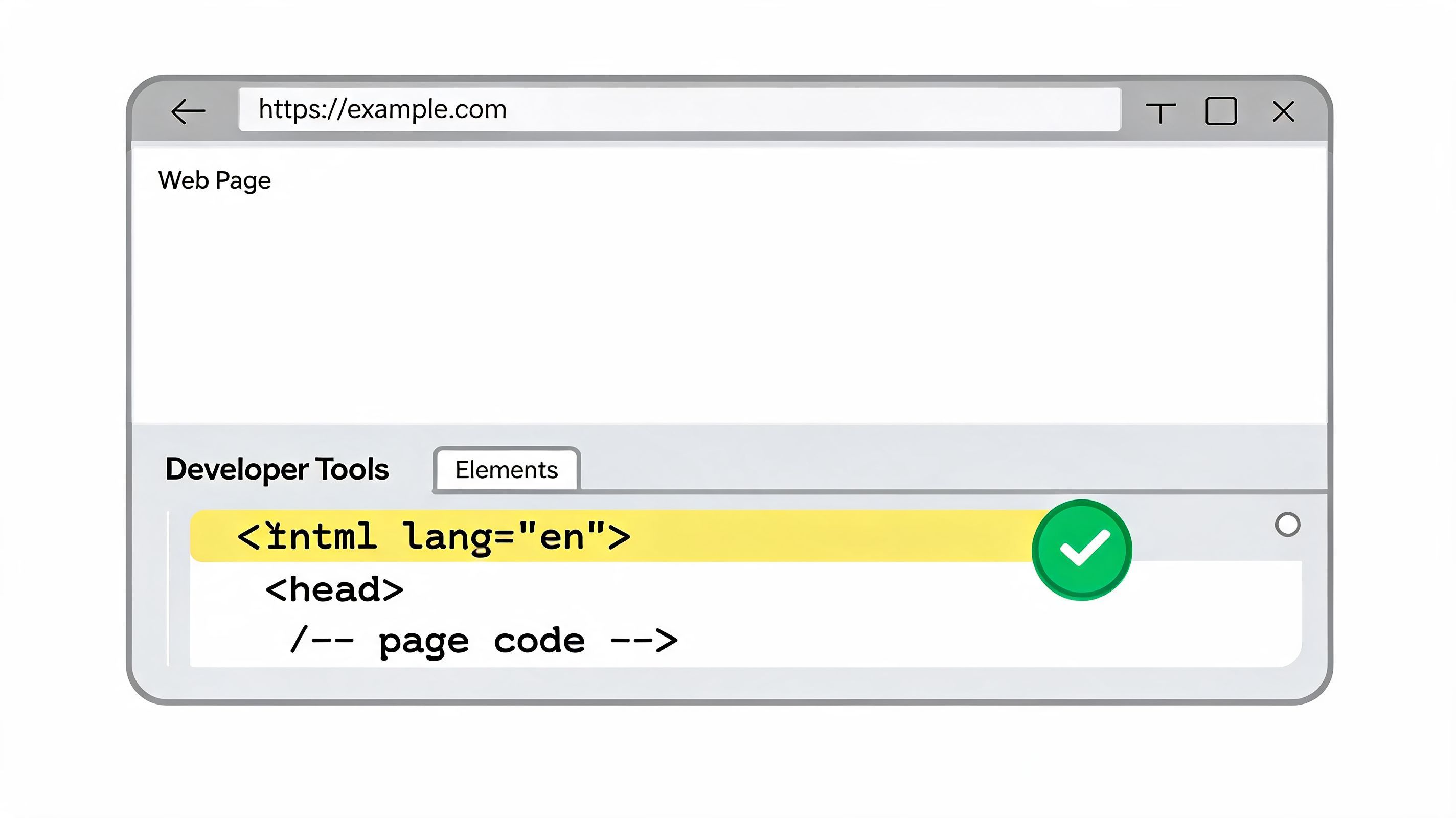
Manual checks that catch real issues
Start with the browser. Inspect the root element and confirm the <html> tag includes the expected language value for that page. Then sample the page content for any visible language changes that should be tagged inline.
A lightweight review process works well:
- Inspect the root element and verify the default
lang - Read visible multilingual content and confirm local overrides exist
- Test with a screen reader on pages with mixed-language passages
- Review templates and locale routes so future pages inherit the correct value
This manual pass matters because automated checks can catch missing declarations, but they won't always understand whether a specific foreign phrase should have been marked.
Automated checks for scale
Once a site grows, manual review alone won't hold. Marketing pages get cloned. CMS modules get reused. A template fix can regress after a redesign.
Automated scanning helps by repeatedly checking for missing or invalid language declarations across the site. Teams can use browser extensions, CI checks, or platform-based scanners as part of accessibility governance. One option is wcag compliance checker, which can help identify markup issues such as a missing language declaration during broader accessibility review.
For teams that need continuous monitoring across many pages, WebAbility.io is one example of a platform that provides automated scanning, dashboard-based issue tracking, and workflow support for accessibility governance. That's useful when the problem isn't one missing lang attribute, but the fact that dozens of teams publish content through different systems.
What to validate beyond presence
A page can technically have lang and still be wrong. Check for these failure points:
- Incorrect value such as the wrong language or region
- Template mismatch where all locales inherit one hardcoded tag
- Unmarked inline changes in support docs, legal text, or marketing quotes
- Broken publishing workflow where CMS-rendered content strips attributes
The pages to prioritize are usually your highest-value pages first. Homepage, pricing, product pages, signup flows, support center, and any localized landing pages.
Integrate Lang Attribute Best Practices into Your Workflow
The html lang attribute belongs in your baseline engineering standards, not in a final QA checklist. If the root template is correct, content authors know when to apply inline language changes, and automated checks are part of release hygiene, this stays manageable.
A mature workflow usually includes three habits:
- Template ownership so the default
<html lang="">value is controlled centrally - Content guidance so editors know when a phrase, paragraph, or embedded section needs its own
lang - Ongoing validation so regressions are caught when pages are created, translated, or redesigned
Experience, expertise, authoritativeness, and trust (E-E-A-T) manifest directly in daily production. Experience means you have witnessed where multilingual content breaks in live environments. Expertise means you understand how to tag it correctly. Authoritativeness comes from aligning implementation with WCAG and W3C guidance. Trust comes from building pages that work predictably for users and stand up to review.
Teams that want fewer accessibility surprises should treat this like any other design system rule. Build it into templates, code review, CMS governance, and design process accessibility integration.
A correct lang value won't solve every internationalization problem. It will solve one of the easiest high-impact issues on the page, and it will do it with a small amount of code.
If you want to validate your site's language declarations and broader accessibility issues more consistently, WebAbility.io gives teams a practical next step. Use its free tools for quick checks, or evaluate the platform if you need ongoing scanning, issue tracking, and governance across templates, localized pages, and multi-site environments.
Quick Questions
Tap to ask AI about this article