Loading
Free tool
Free Website Accessibility Checker
Scan any website against 50+ WCAG 2.2 criteria for ADA compliance. See your results in seconds, no account needed.
- No registration required
- Results in seconds
- 50+ WCAG 2.2 criteria
- Detailed reports
- of 5, from 12 verified AppSumo reviews
- 4.5
- Websites scanned with this tool
- 10,000+
- Scan engines behind every result
- 03
- Standards covered, from ADA to EN 301 549
- 06
What a website accessibility checker does
A website accessibility checker scans a web page against WCAG success criteria and reports which ones it fails. Automated checkers reliably detect roughly 30–40% of accessibility issues: colour contrast, missing alt attributes, unlabelled form fields. The remaining issues, such as whether alt text is meaningful or whether a custom widget works with a keyboard, require human testing. For the wider landscape, compare accessibility testing tools across free scanners, developer tools, and full platforms.
Real results
What users say and what we test against
From single-site owners to agencies managing accessibility across a hundred client sites.
100 out of 100 accessibility score on every page.
Easy to use, even without WCAG knowledge.
Every accessibility scan is measured against six standards
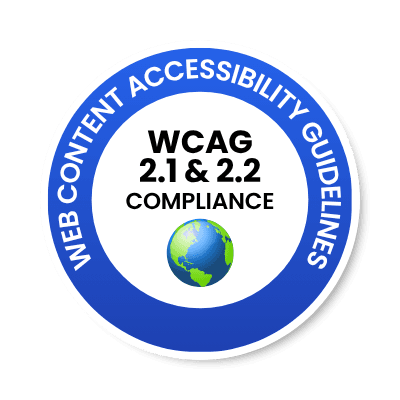

WCAG 2.2 Level AA is the standard the other five reference, so one scan maps to all six.
Coverage
What this accessibility checker tests
Three scanning engines run in parallel, then results are deduplicated into one clean list.
Axe-core
The open-source engine used across the accessibility industry, covering the machine-detectable WCAG rules.
WebAbility Detectors
Around 14 AI-assisted advanced checks that catch patterns rule-based engines structurally miss.

HTML_CodeSniffer
A second standards-based pass, so a finding missed by one engine is still caught by another.
Accessibility criteria covered by every scan
The criteria you will see most often, from the 50+ our engines cover.
- Colour contrast ratios (WCAG AA and AAA thresholds)
- Missing or non-descriptive image alternative text
- Form inputs without associated labels
- Heading hierarchy and document structure
- ARIA roles, states and properties
- Keyboard navigability and focus visibility
- Link text descriptiveness
- Video captions and media alternatives
Every result is split into two lists, and that matters
Issues are findings we can confirm automatically. Incomplete are findings that need a human to judge: contrast over a gradient or photograph, marketing imagery where “decorative or meaningful?” is a content decision, and elements whose pre-animation state can’t be inspected reliably. We never auto-fix anything in the incomplete list. Guessing there is how automated tools break working pages.
Every plan gets the same scan depth. There is no gated “pro” engine. The difference between plans is what we do with the findings, not how well we find them.
How it works
Three steps, no sign-up
The diagnosis is free. You only give us an email address if you want the report as a PDF.
Enter your URL
No sign-up, no credit card, no demo call. Paste a URL and the scan starts immediately.
See your results
Issues grouped by WCAG principle and severity, with the specific elements on your page that triggered each one.
Get the full report
Want it as a shareable PDF with the conformance summary? Give us an email address and we’ll send it over.
Transparency
What your website accessibility report looks like
No surprises. This is the actual shape of a scan result, including what’s free and what needs an account.

Tue, August 25, 2026
Scan results for www.example.com
62%score
Partially Compliant
A few fixes and you’ll be fully compliant
Your website is partially accessible but targeted fixes will close the gap. Resolving these issues expands your audience and reduces compliance risk.
- 18 Issues
- 7 Critical6 Moderate5 Mild
- 12 Auto Fixable
- CriticalAuto Fixable
Text contrast below 4.5:1
WCAG 1.4.3
FIXRaise the muted text colour to at least #6B7280 on white, or darken the surface behind it.
CONTEXT<p class="muted">Trusted by 10,000+ teams</p> - CriticalAuto Fixable
Form input has no associated label
WCAG 3.3.2
FIXAdd a <label for="newsletter-email">. A placeholder is not a label; it disappears on input.
CONTEXT<input id="newsletter-email" type="email" placeholder="Your email"> - ModerateNeed Action
Page has zero heading elements
WCAG 2.4.6
Sign up to unlock the recommended fix and context for free
Sign up for free (external link)
Issue counts, affected elements and WCAG mapping are always free. Creating a free account unlocks the fix instructions.
WebAbility scan data
The 10 failures we find most often
We scanned 1,777 websites with the WebAbility scanner between June 2025 and August 2026. These were the most common WCAG Level A and AA failures, with the share of sites affected by each.
WCAG 1.4.3
57% of sites affected
Text contrast below 4.5:1
WCAG 2.4.7
53% of sites affected
No visible keyboard focus indicator
WCAG 1.3.1
51% of sites affected
Structure not conveyed in markup
WCAG 4.1.2
37% of sites affected
Custom controls missing name, role or value
WCAG 1.1.1
30% of sites affected
Images missing alt text
WCAG 2.1.1
28% of sites affected
Functionality not reachable by keyboard
WCAG 2.4.4
24% of sites affected
Empty or ambiguous link text
WCAG 1.4.11
24% of sites affected
UI component contrast below 3:1
WCAG 1.3.2
18% of sites affected
Reading order does not match visual order
WCAG 2.4.6
12% of sites affected
Unhelpful headings or labels
Methodology
1,777 sites, June 2025 to August 2026, automated + manual verification. Cite as: WebAbility, "State of ADA Compliance 2026."
Honest limits
What automated scanning can and cannot find
Can be automated
- Colour contrast detection
- Missing alt attributes
- Missing form labels
- Missing page language
- ARIA syntax errors
Needs human judgement
- Whether alt text is meaningful
- Logical heading hierarchy
- Keyboard operability of custom widgets
- Screen-reader announcement quality
- Whether error messages are helpful
The other 60–70%
This checker finds roughly 30–40% of WCAG issues, the machine-detectable ones. It cannot judge whether your alt text is meaningful, whether your heading structure is logical, or whether a custom component works with a screen reader. No automated tool can, including ours.
For everything else, our accessibility experts test your site by hand, including with assistive technology, and give you a report you can hand to an auditor or a lawyer.
For developers
Scan from your IDE
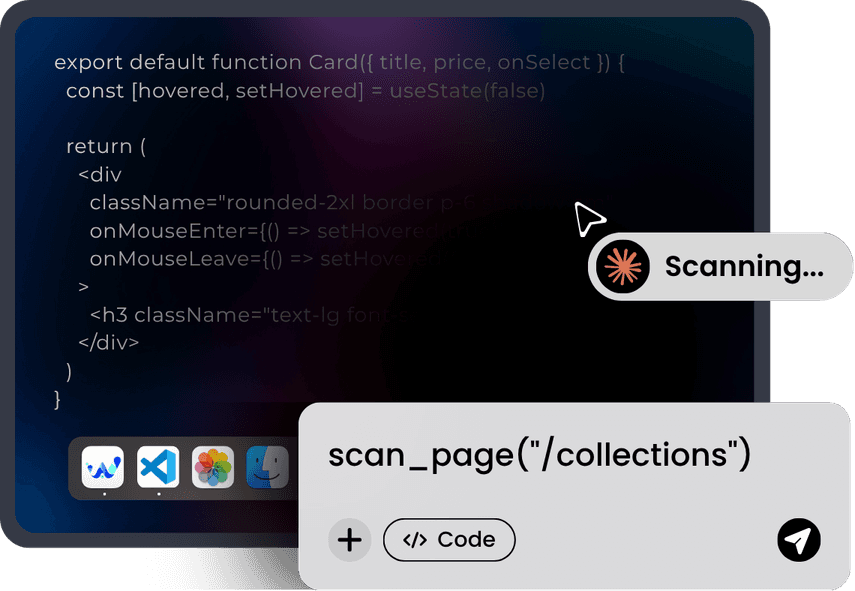
If you’d rather not leave your editor, our accessibility MCP runs the same three engines locally inside Cursor, Claude Code, GitHub Copilot, Windsurf and VS Code.
- The local scan needs no account
- Framework-aware fixes for Tailwind, MUI, Bootstrap, Next.js and WordPress
- A verify step that re-scans the element and confirms the fix landed
- A vision pass for focus visibility and “looks like a button but isn’t”
Web accessibility checker for your platform
The scan works on any public URL. These guides cover the fixes specific to each platform.

WordPress
Most failures trace back to the theme rather than the content. Muted body text set below 4.5:1, plugin-generated forms with placeholder-only inputs, and page builders that emit an <h4> where an <h2> belongs.
Fix at the theme level and one change usually resolves the issue across every post.

Shopify
Product galleries, variant pickers and quantity steppers are the usual sources of keyboard traps: custom components built from <div>s that a keyboard cannot reach. Checkout is largely locked, so focus effort on templates you control.
Test the buy flow with the mouse unplugged. It is where revenue and risk overlap.

Wix
Drag-and-drop positioning frequently produces a DOM order that does not match the visual order, so screen reader users hear the page in a different sequence than it appears. Auto-generated alt text is also common and rarely meaningful.
Check reading order first, then rewrite alt text by hand.

Webflow
Custom interactions often trigger on hover or focus without a keyboard equivalent, and symbols reused across pages replicate a single mistake everywhere. Rich text blocks tend to skip heading levels.
Fix the symbol, not the page. One correction propagates site-wide.
Context
Why website accessibility matters
Legal exposure is rising
Under the DOJ’s Title II rule, state and local government entities must meet WCAG 2.1 AA. The deadline is 26 April 2027 for populations of 50,000+ and 26 April 2028 for smaller entities and special districts, after the DOJ moved both dates back one year in April 2026. Private businesses face no fixed deadline but are subject to demand letters and litigation now.
We cover WCAG 2.1 and 2.2 AA, ADA, Section 508, the European Accessibility Act, EN 301 549 and AODA.
It’s also just better for business
Semantic headings, descriptive links and real alt text are the same signals search engines use to understand a page. Accessible sites tend to be more usable for everyone: clearer forms, better contrast on mobile in daylight, and content that works when connections are poor.
Around one in four US adults has a disability. Excluding them is a commercial decision as much as a compliance one.
Frequently asked questions
Everything people ask before running a scan
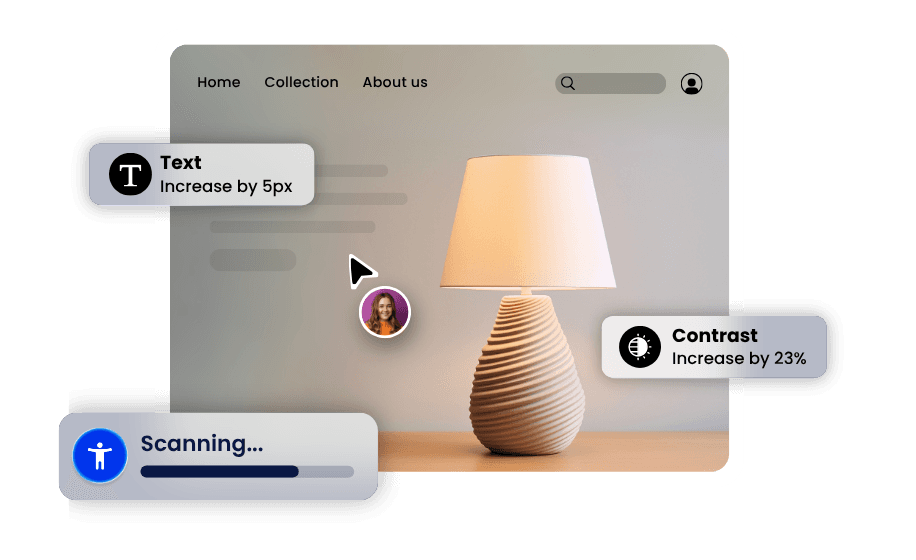
Check your site in about 30 seconds
No demo call, no account, no card. Scan a page, see what’s wrong, and decide what you want to do about it.
- No account needed
- No credit card
- Results in seconds
- Rated 4.5/5 by users
Related tools and guides
Free tools, compliance guides and expert services.