12 Best Web Accessibility Testing Tools (2026 Reviewed)

Sidharth Nayyar

Best Web Accessibility Testing Tools (2026): The Complete Guide
Short answer: the best website accessibility tool depends on who runs it. Developers use axe DevTools or Accessibility Insights. Content editors start with WAVE. Enterprises with many sites use Siteimprove or Level Access. Teams that want scanning, monitoring and a visitor toolbar in one product use WebAbility.io. No automated tool checks every WCAG success criterion, so pair any of them with manual testing.
Updated October 2026. 12 testing platforms reviewed, plus color contrast checkers, WordPress plugins, ADA checkers and monitoring tools.
Want to skip the setup? Run a free WebAbility scan against 50+ WCAG 2.2 checks in seconds, no install. For a manual expert review, see our accessibility audit. Not sure which type of solution you need first? Start with our accessibility widget vs audit vs automated decision guide.
These platforms do more than just scan for errors; they provide the roadmap to a truly inclusive user experience. For businesses, this extends to every corner of their digital presence; for example, understanding web accessibility on Shopify is important to ensure their online store is inclusive for all users. This guide moves beyond generic feature lists to offer a practical, in-depth analysis of the leading tools on the market. We'll cover their real-world applications, limitations, and ideal use cases to help you find the perfect fit for your team, whether you're a solo developer, a growing agency, or a large enterprise.
Why Web Accessibility Testing Tools Matter in 2026
With growing legal requirements around the ADA, the European Accessibility Act (EAA), Section 508, and WCAG 2.2, businesses and developers need reliable tools to identify issues, improve usability, and create inclusive digital experiences. The right tools turn a complex compliance task into a manageable, repeatable process: they help you find and fix issues, monitor compliance over time, and open your brand to a wider audience - while reducing legal risk. Also accessibility applies to data as much as page structure. Charts and dashboards are frequent offenders, relying on colour-only encoding and missing text alternatives, which is why data visualization consulting work increasingly treats WCAG contrast and labelling rules as part of the design brief.
How We Evaluated These Tools
Rather than a generic feature dump, every tool here is assessed on real-world criteria: WCAG 2.2 coverage, the balance of automated versus guided/manual testing, integration into developer workflows, monitoring and reporting depth, ease of use for non-specialists, and value across solo developers, agencies, and enterprises.
Automated vs. Manual Accessibility Testing
Automated tools are fast and excellent at catching programmatically detectable issues - missing alt text, low color contrast, missing form labels, and structural errors. But automation typically catches only a portion of WCAG success criteria. Judgment-based checks - keyboard navigation, logical focus order, meaningful alt text, screen reader experience, and cognitive clarity - still require manual testing. The strongest programs pair an automated engine with guided manual workflows, which is why several tools below offer both.
The Best Web Accessibility Testing Tools
1. WebAbility.io
An all-in-one, AI-powered accessibility platform that pairs a visitor-facing Accessibility Enhancer with a complete backend compliance dashboard. The Enhancer gives visitors 40+ on-demand adjustments (screen-reader support, dyslexia-friendly fonts, contrast controls), while the dashboard provides 24/7 automated scanning, real-time monitoring, and compliance scoring against standards like WCAG 2.2 AA and Section 508. Low-code installation for platforms like WordPress and Shopify makes a compliance baseline quick to reach. Ideal for enterprises, agencies, and e-commerce sites needing a scalable, end-to-end solution.
WebAbility.io establishes itself as a premier solution among web accessibility testing tools by offering a holistic, two-pronged approach to digital inclusion. It masterfully bridges the gap between user empowerment and technical compliance, making it a standout choice for businesses, public sector entities, and digital agencies alike. The platform's core strength lies in its dual-component system: a powerful front-end Accessibility Widget and a sophisticated back-end Compliance Dashboard.
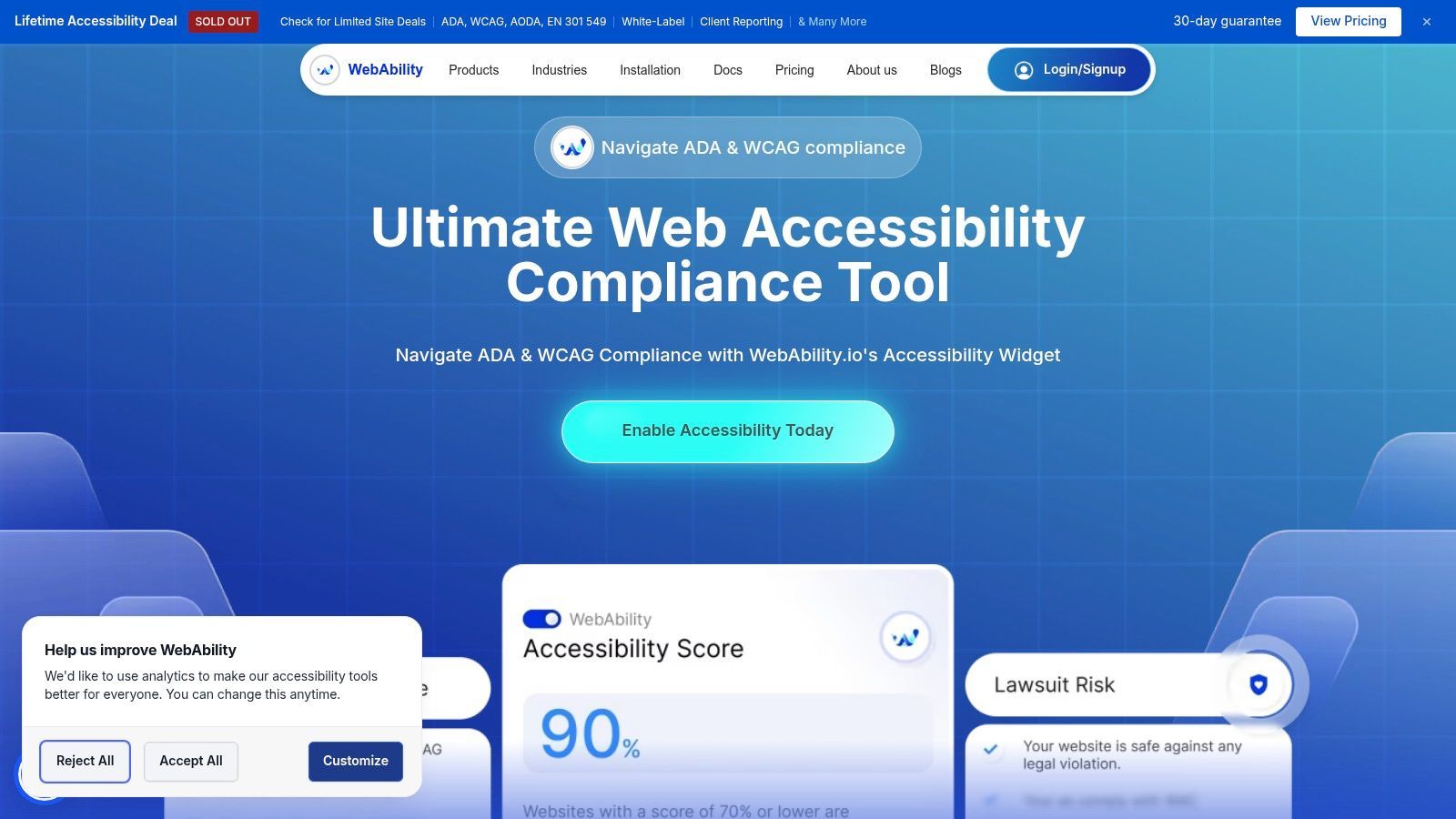
The Accessibility Enhancer gives visitors over 40 distinct features, allowing them to instantly tailor the website’s presentation to their specific needs, from adjusting for dyslexia to enhancing screen reader navigation. This proactive approach significantly improves the user experience in real time.
Key Features and Use Cases
- Accessibility Enhancer: Offers 40+ on-demand user customizations, including screen readers, dyslexia-friendly fonts, and contrast adjustments. This is ideal for e-commerce and SaaS platforms looking to immediately enhance UX and broaden their addressable market.
- Centralized Compliance Dashboard: Provides 24/7 automated scanning, real-time monitoring, and detailed compliance scoring against standards like WCAG 2.2 AA and Section 508. Development teams and agencies can use this to manage multiple client sites, track remediation progress, and generate compliance reports efficiently.
- Low-Code Installation: With straightforward integration for platforms like WordPress and Shopify, small businesses can achieve a baseline of compliance quickly without requiring deep technical expertise. The platform's free accessibility tools and a risk-free trial lower the barrier to entry.
This integrated system ensures that while users are given control, site administrators have the tools they need for ongoing monitoring and improvement, a topic further explored in their guide on how to improve web accessibility with widgets.
Platform Analysis
| Aspect | Assessment |
|---|---|
| Ideal For | Enterprises, agencies, and e-commerce sites needing a scalable, end-to-end solution. |
| Pricing | Requires direct contact for full plan details, though a free trial is available to test functionality. |
| Pros | Complete standards compliance, powerful user-facing widget, and solid backend reporting. |
| Cons | Pricing isn't transparent upfront; some users report a need for more language options. |
Official Website:https://www.webability.io
2. Deque – axe DevTools
An industry-standard engine built on the open-source axe-core. The free browser extension delivers instant automated analysis inside DevTools with clear remediation advice; paid plans add Intelligent Guided Tests for semi-automated checks (keyboard navigation, modal dialogs) and CI/CD integrations (Jenkins, GitHub Actions, Cypress, Playwright) for "shift-left" testing. Ideal for development teams and enterprises embedding accessibility into the build pipeline.
Built on the powerful open-source axe-core engine, Deque’s axe DevTools is a complete suite designed for developers and QA teams aiming to integrate accessibility directly into their development lifecycle. The free browser extension provides instant automated analysis within your browser's developer tools, flagging violations with clear remediation advice. This immediate feedback loop is invaluable for catching issues early.
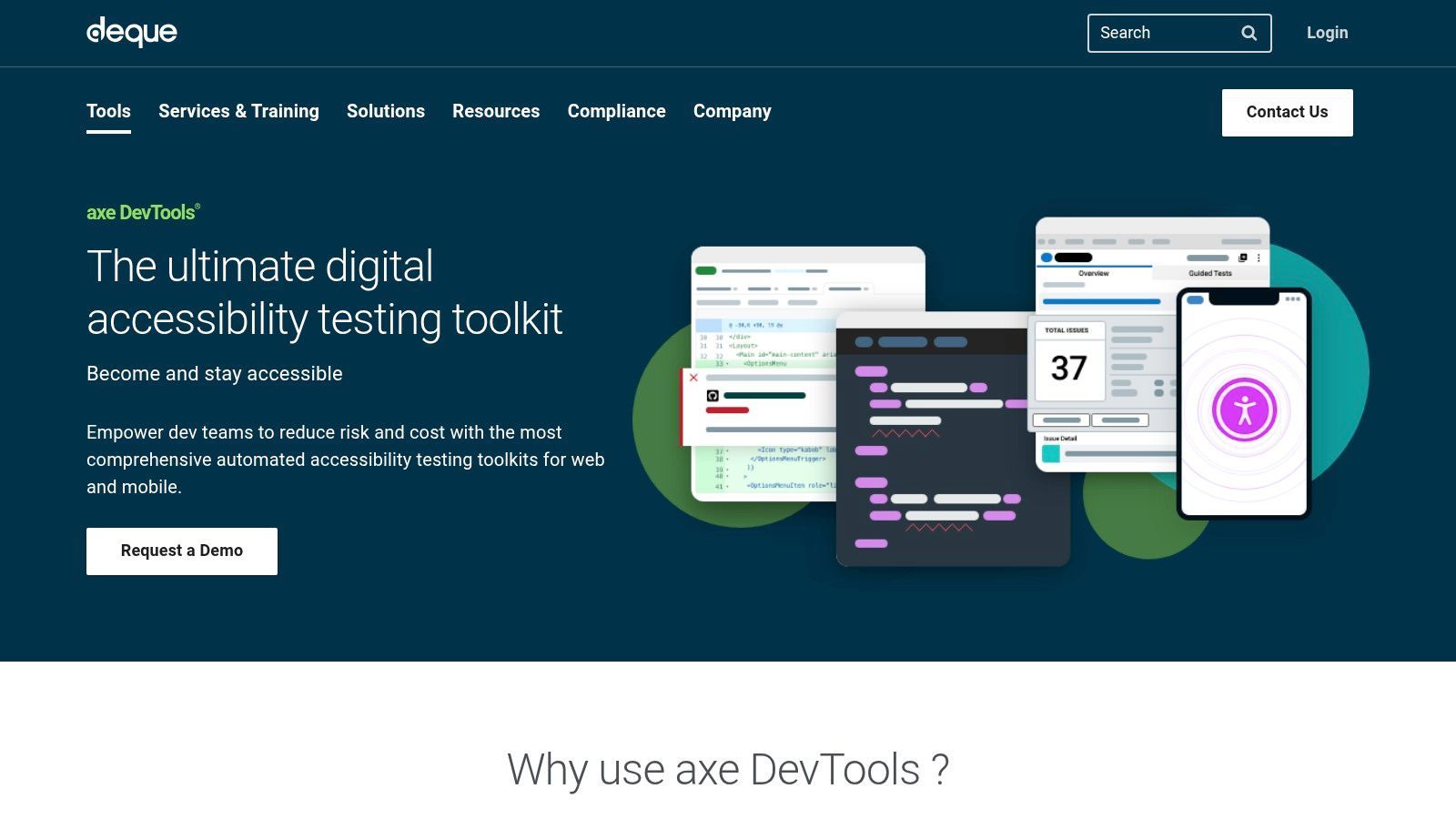
What sets axe DevTools apart is its ecosystem. Paid plans unlock Intelligent Guided Tests, which walk you through complex, semi-automated checks for issues like keyboard navigation and modal dialogs, something purely automated tools miss. For development teams, integrations with CI/CD pipelines (like Jenkins and GitHub Actions), linters, and testing frameworks (like Cypress and Playwright) enable automated accessibility checks before code is ever merged.
For Playwright-based accessibility testing, TestDino adds the reporting layer that helps teams classify failures, detect flakiness, and understand suite health across CI runs.
Key Details & Use Cases
- Best For: Development teams and enterprises that want to embed accessibility testing directly into their existing workflows.
- Pricing: A free browser extension is available. Paid Pro plans unlock advanced features and guided tests, with custom enterprise pricing for full platform access and support.
- Unique Feature: Intelligent Guided Tests offer a semi-automated approach that bridges the gap between simple automated scans and fully manual audits, significantly reducing manual testing time.
- Pros: Deep developer tool integration, excellent documentation, and strong enterprise support.
- Cons: The most powerful features, like guided tests and CI/CD integration, are locked behind paid tiers.
Website:https://www.deque.com/axe/devtools/
3. WebAIM – WAVE
One of the most widely used free evaluation tools. WAVE overlays icons directly on your page to show errors, alerts, and ARIA/structural information in context, making it outstanding for learning and for quick manual spot-checks. Ideal for beginners, content teams, and anyone who wants visual, page-level feedback at no cost.
Developed by the non-profit organization WebAIM (Web Accessibility in Mind), WAVE is a suite of evaluation tools designed to make web content more accessible to individuals with disabilities. Its free browser extensions (for Chrome, Firefox, and Edge) and online checker inject icons and indicators directly into a webpage's content. This visual feedback makes it easy to understand where errors, alerts, and structural elements are located, serving as a powerful educational resource.
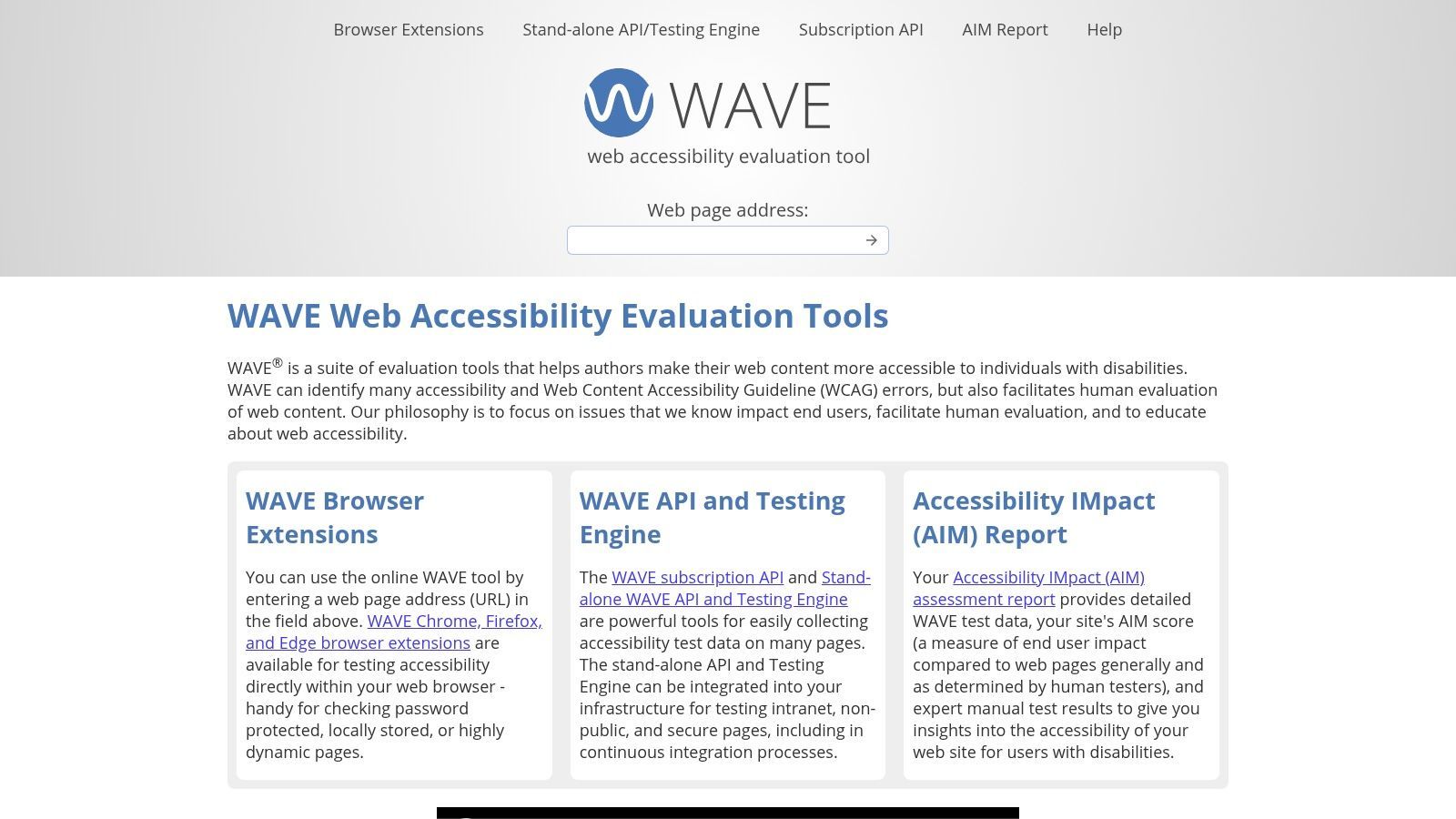
While the free tools analyze pages one by one, WebAIM also offers a powerful API for developers to run large-scale, automated scans across entire sites. For organizations needing more complete analysis, their AIM (Accessibility Implementation Methodology) reports combine automated WAVE results with expert manual testing, providing a more complete compliance picture. Understanding how WAVE fits into a broader audit strategy is key, and you can learn more about WAVE and accessibility audits for deeper context.
Key Details & Use Cases
- Best For: Beginners, educators, and manual testers who benefit from clear, in-context visual feedback to learn about accessibility principles.
- Pricing: The browser extensions and single-page online checker are free. A paid API is available on a credits-based model, and complete AIM reports are available for a fee.
- Unique Feature: The in-page visual overlay is highly intuitive, turning abstract accessibility concepts into concrete, easy-to-identify issues directly on the user interface.
- Pros: Extremely user-friendly and educational, backed by a reputable non-profit, and offers a clear pathway from free checks to paid, large-scale analysis.
- Cons: The free tools are limited to page-by-page analysis, which is not efficient for auditing entire websites without using the paid API.
Website:https://wave.webaim.org/
4. TPGi – ARC Platform (plus free ARC Toolkit)
An enterprise monitoring platform backed by deep accessibility expertise, with the free ARC Toolkit browser extension for granular manual testing. Ideal for organizations that want enterprise-grade auditing combined with expert methodology.
TPGi’s ARC Platform is an enterprise-focused solution for organizations that need to monitor, manage, and report on accessibility at scale. Its free companion, the ARC Toolkit, is a solid browser extension for Chrome and Firefox that provides on-demand page analysis directly within developer tools. This free tool gives developers a powerful starting point for identifying and fixing WCAG violations with detailed, expert-backed guidance.
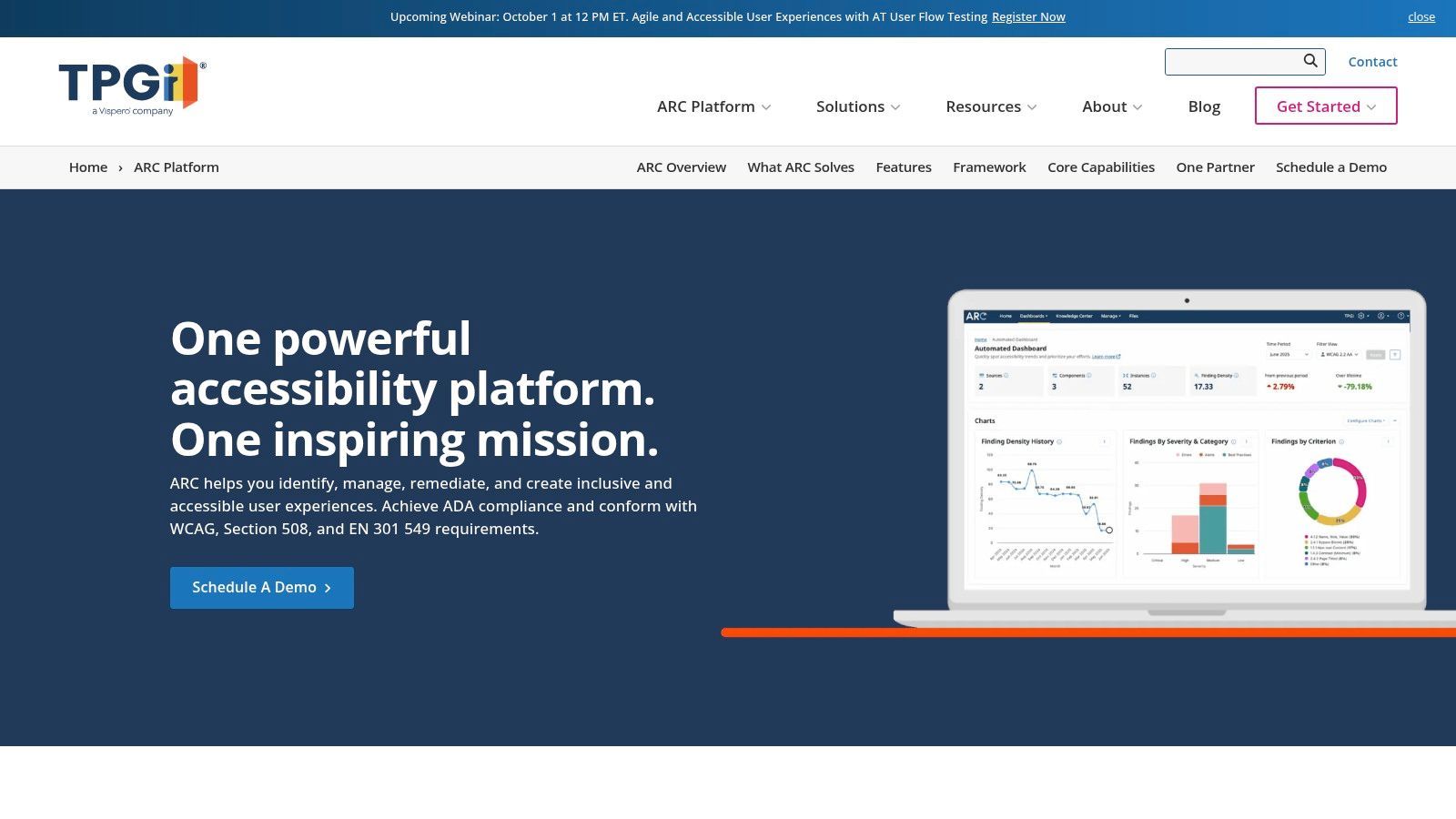
The full ARC Platform distinguishes itself through its complete analytics dashboard, usage-based API scanning, and access to a vast knowledge base. It is designed for program management, offering insights into compliance trends over time and integrating with tools like Zapier for automated workflows. The platform’s connection to JAWS, one of the most popular screen readers, gives its testing and remediation advice a high degree of credibility among web accessibility testing tools.
Key Details & Use Cases
- Best For: Large organizations and enterprises needing a centralized platform for accessibility governance, monitoring, and detailed reporting.
- Pricing: The ARC Toolkit is free. The full ARC Platform offers tiered pricing based on seats and usage, with specific enterprise plans available.
- Unique Feature: The deep integration and knowledge-sharing from the creators of the JAWS screen reader provide unparalleled insights into the real-world user impact of accessibility issues.
- Pros: Backed by industry-leading experts, provides a free and highly capable toolkit, and offers strong enterprise-level analytics and reporting.
- Cons: The most powerful monitoring and management features are part of the paid enterprise platform, which may require significant investment.
Website:https://www.tpgi.com/arc-platform/
5. Siteimprove – Accessibility
A polished enterprise platform that scans large sites, prioritizes issues by severity and impact, and tracks remediation progress over time with clear dashboards and reporting. Ideal for marketing and compliance teams managing large, content-heavy sites.
Siteimprove is more than just a dedicated accessibility checker; it's a complete digital quality and compliance platform. Its accessibility module automatically scans entire websites against WCAG standards, providing detailed dashboards that categorize issues by severity and conformance level. This holistic view is ideal for large organizations managing hundreds or thousands of pages, offering clear progress tracking and workflow management for remediation tasks.
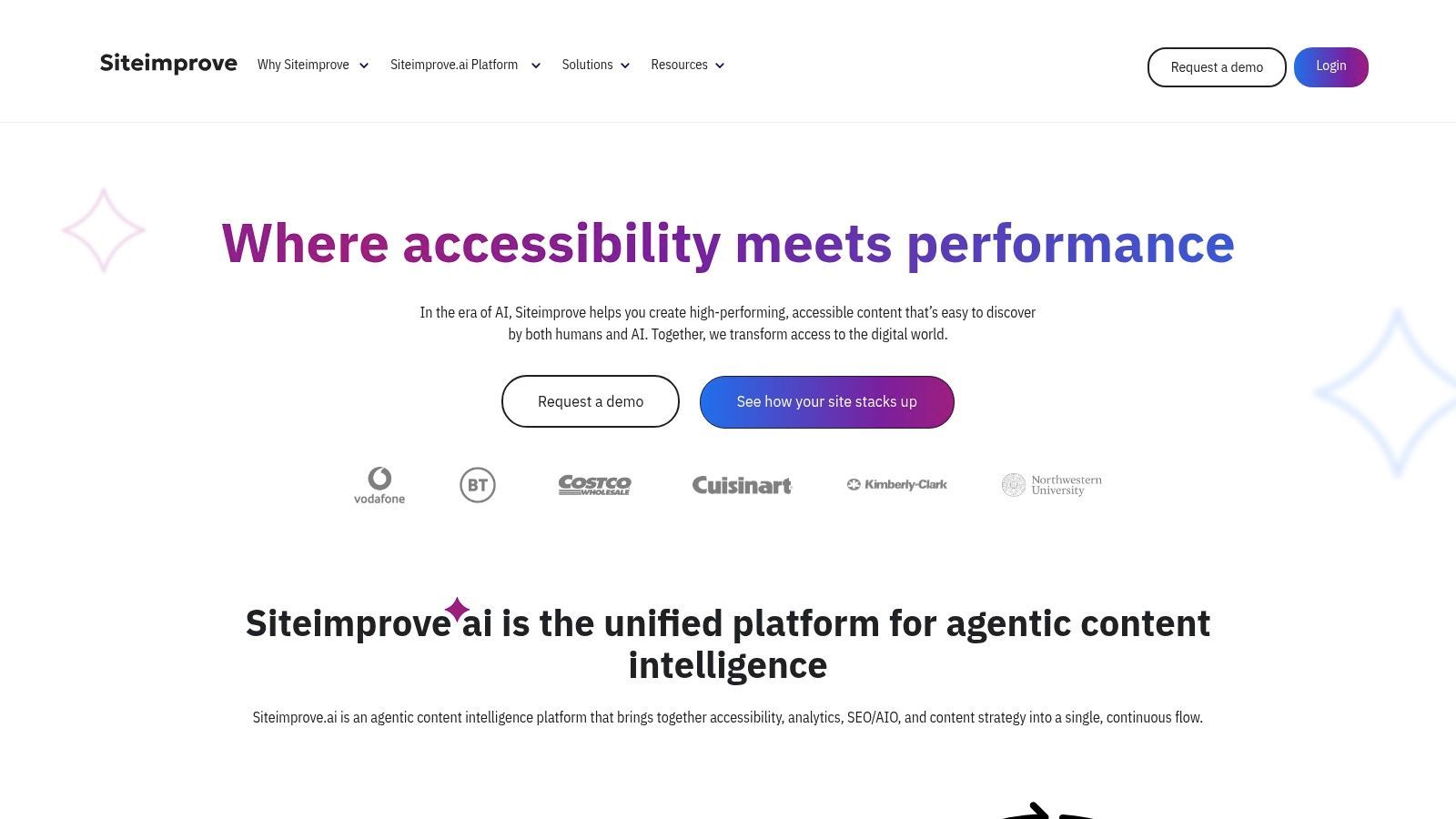
The platform shines in its ability to integrate accessibility monitoring into a broader digital strategy that includes SEO, performance, and content quality. For teams needing to report on compliance, especially for standards like Section 508, Siteimprove provides the high-level reporting and historical data necessary to demonstrate ongoing efforts. This makes it a powerful governance tool, not just a bug-finding one.
Key Details & Use Cases
- Best For: Enterprises, government agencies, and higher education institutions that require continuous, automated accessibility monitoring and detailed compliance reporting across large digital properties.
- Pricing: Quote-based enterprise pricing. A free single-page accessibility checker is available on their website for quick spot-checks.
- Unique Feature: The platform’s strength is its integration of accessibility with other digital marketing metrics like SEO and analytics, providing a single source of truth for overall website health and compliance.
- Pros: Excellent for sitewide automated scanning and reporting, integrates with content management systems, and provides solid workflow tools for large teams.
- Cons: The full platform can be expensive, and its focus on automated scanning means it's not a replacement for manual audits for complex issues.
Website:https://www.siteimprove.com/
6. Acquia Monsido
A web-governance suite that bundles accessibility checks with quality assurance, SEO, and content monitoring. Ideal for teams that want accessibility managed alongside broader site quality.
Acquia Monsido positions itself as a complete web governance platform, where accessibility is a core component of a broader quality assurance strategy. The platform performs weekly or on-demand WCAG 2.1 and 2.2 scans, presenting findings in a user-friendly dashboard that helps teams prioritize fixes. Its ability to inventory site content and track issues over time makes it a powerful tool for ongoing compliance management.
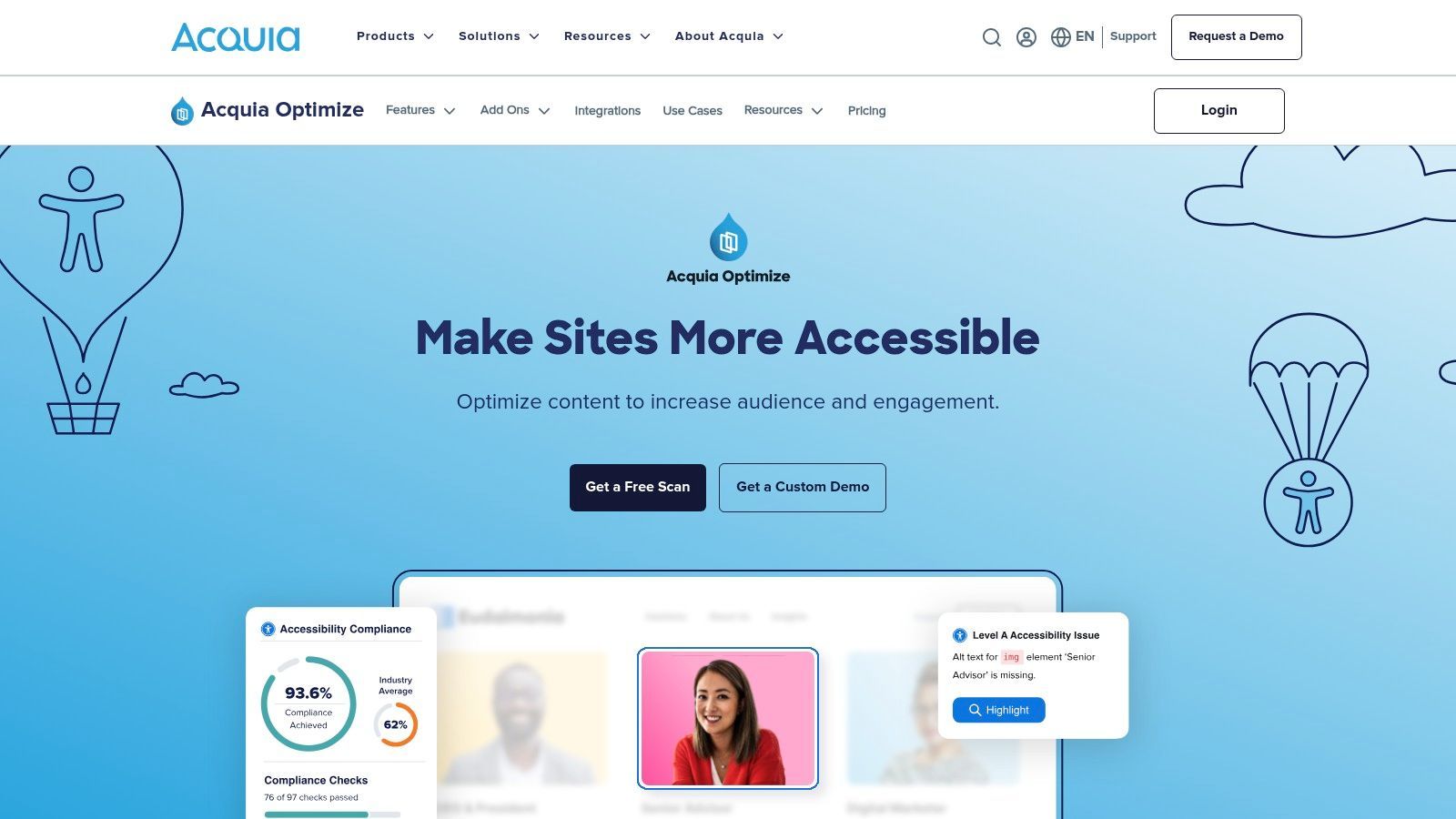
What makes Monsido a unique entry among web accessibility testing tools is its integrated suite. Beyond standard web accessibility, it offers PDF scanning and remediation services, SEO issue tracking, and modules for data privacy and cookie consent. This one-stop-shop approach is ideal for marketing departments, public sector organizations, and large enterprises that need to manage multiple facets of their digital presence from a single interface.
Key Details & Use Cases
- Best For: Organizations and public institutions seeking a unified platform to manage accessibility, SEO, performance, and data privacy without juggling multiple tools.
- Pricing: Custom quotes are provided based on the size of the website and the specific modules required. Pricing is not publicly available.
- Unique Feature: The combination of automated web accessibility scanning with built-in PDF accessibility checks and other site optimization tools (like SEO and quality assurance) in one platform.
- Pros: Broad coverage combining accessibility with other critical site metrics, extensive practical resources and training materials, and user-friendly dashboards for easy reporting.
- Cons: Pricing is not transparent, and the most valuable features are often separated into different subscription tiers or add-on modules.
Website:https://www.acquia.com/products/monsido/
7. Stark
A design-first toolkit that lives inside Figma, Sketch, and the browser, letting teams check contrast, typography, and focus order before code is written. Ideal for designers shifting accessibility earlier in the workflow.
Stark is designed to close the gap between design and development by embedding accessibility checks directly into the tools designers use every day. Instead of discovering contrast or focus order problems late in the development cycle, teams can use Stark’s plugins to validate color contrast, simulate different types of color blindness, and check touch target sizes during the initial design phase. This proactive approach saves significant time and rework.
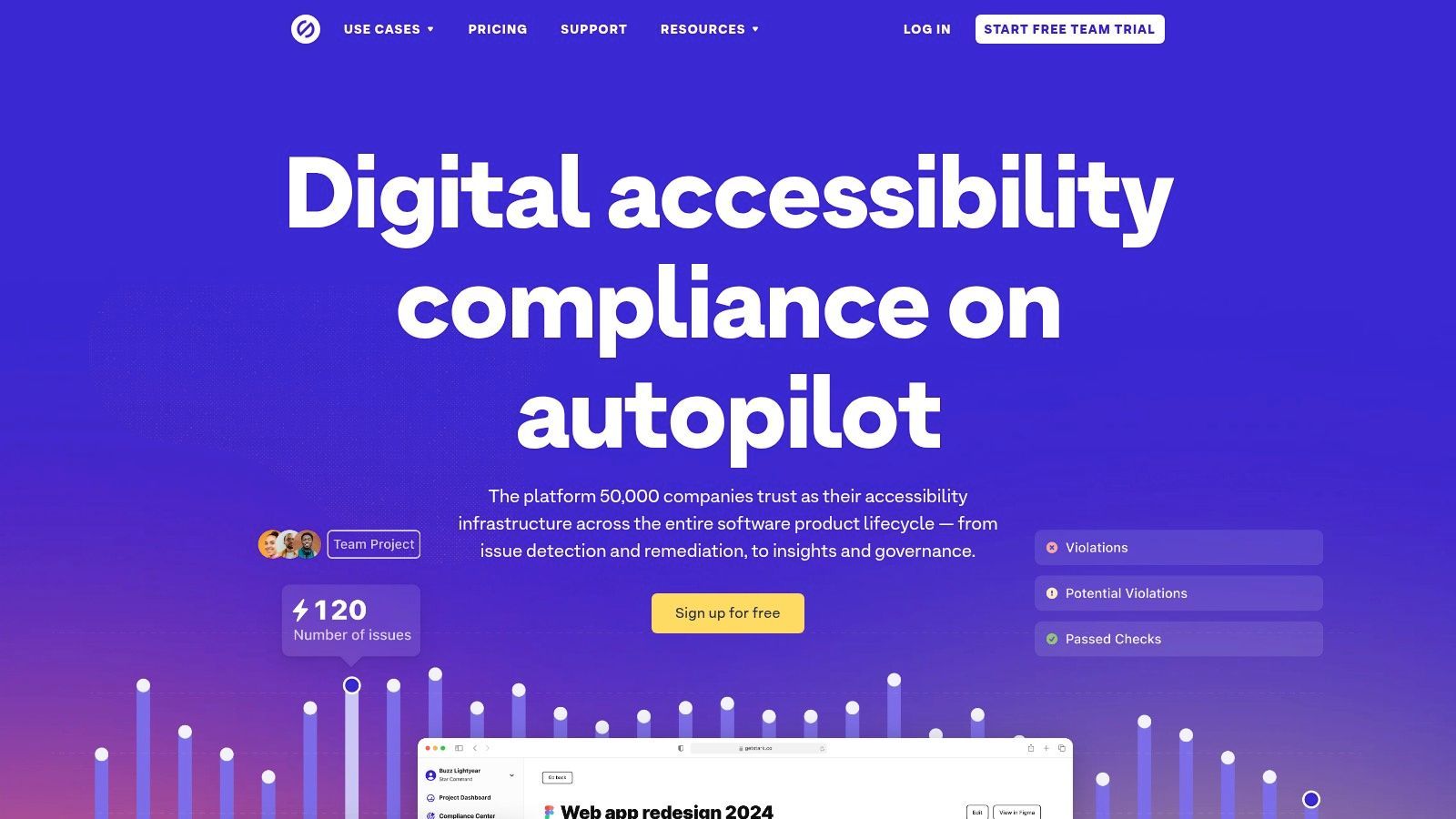
Beyond its design tool integrations, Stark offers a browser extension for live website analysis and a sidecar application that provides centralized project management and reporting. This allows product teams to track accessibility compliance from initial mockups to live production, ensuring consistency and accountability. Its AI-powered suggestions for alt text and contrast fixes further simplify the remediation process for the entire team.
Key Details & Use Cases
- Best For: Product teams, UI/UX designers, and front-end developers who want to build accessibility into their workflow from the very beginning.
- Pricing: A free plan is available with basic features. Paid plans start for individuals and scale up for teams, unlocking advanced tools, unlimited projects, and reporting.
- Unique Feature: Its deep integration with design software (Figma, Sketch, Adobe XD) allows for real-time accessibility validation before development starts, preventing costly fixes later.
- Pros: Bridges the design-to-development gap effectively, intuitive UI, and offers helpful AI-powered suggestions.
- Cons: It's not a complete site-wide crawler or monitoring platform; it complements rather than replaces enterprise-grade scanners.
Website:https://www.getstark.co/
8. Silktide
An approachable platform that combines automated scanning with guided training and simulations (showing how users with various disabilities experience your site). Ideal for teams that want testing plus education in one place.
Silktide is more than just a scanner; it's a platform for continuous website improvement. It automatically crawls entire websites, including PDFs, on a regular basis (typically every five days) to provide a complete picture of accessibility health. This frequent re-scanning is ideal for dynamic sites, ensuring new issues are caught almost immediately. The platform presents data in a clear, non-technical way, making it accessible to marketers and content creators, not just developers.
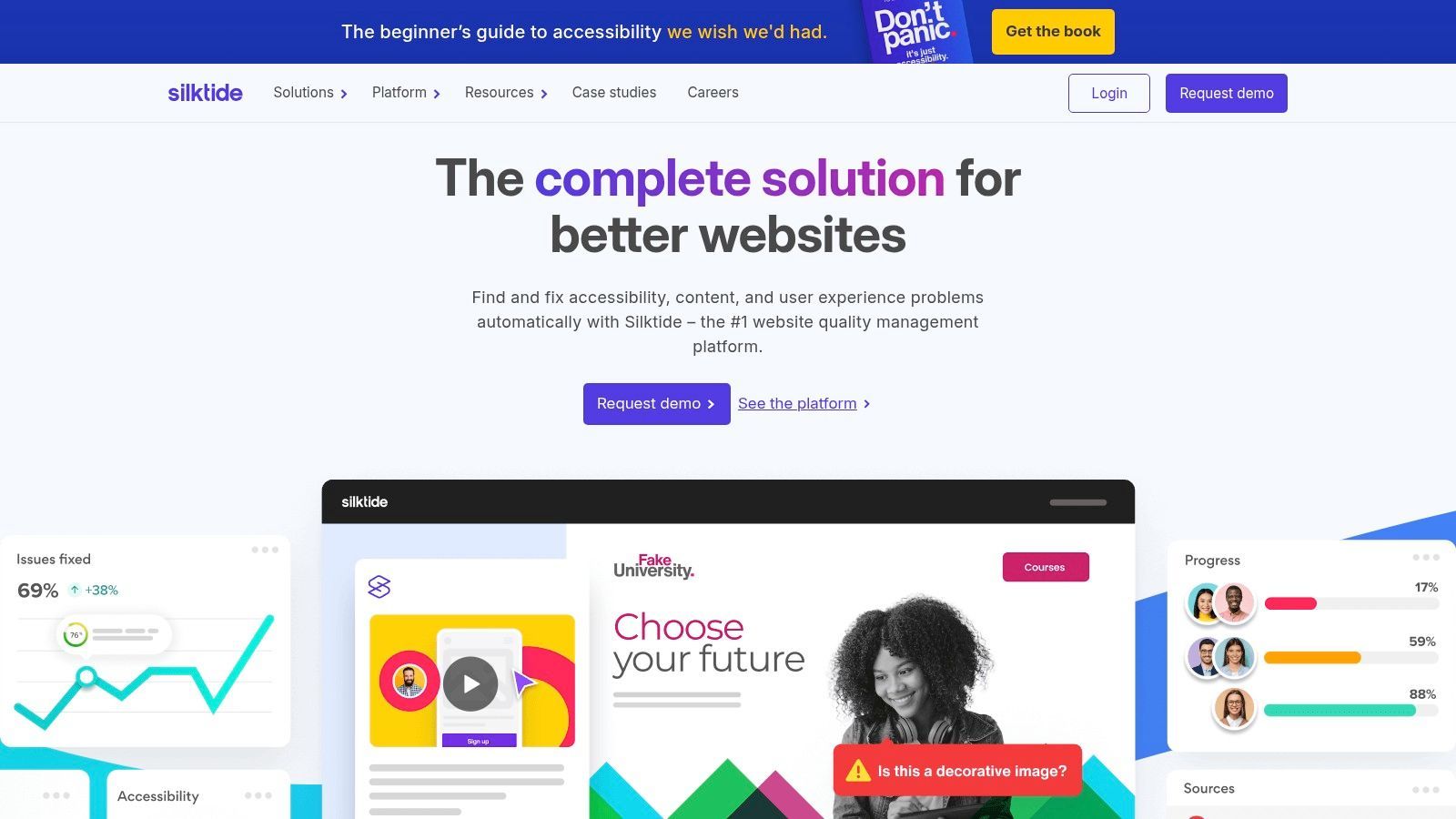
What truly distinguishes Silktide is its holistic approach and philosophy. The company advocates for fixing problems at the source and provides the training and support to empower teams to do so. Beyond its automated checks, Silktide offers manual audits, consulting, and tailored training, positioning itself as a partner in an organization’s accessibility journey rather than just a software vendor. This makes it one of the most complete web accessibility testing tools for larger teams.
Key Details & Use Cases
- Best For: Medium to large organizations, public sector institutions, and enterprises that need continuous, sitewide monitoring and reporting combined with expert support and training.
- Pricing: Custom pricing based on website size and needs. Contracts are typically for a 12-month minimum. A free Chrome extension is also available for on-page checks.
- Unique Feature: The combination of frequent, automated sitewide scanning with integrated training and a strong anti-overlay philosophy ensures teams build sustainable accessibility practices.
- Pros: Provides a holistic view beyond just accessibility (including content and UX), excellent educational resources, and flexible support levels.
- Cons: Pricing is not transparent and requires a custom quote, and the typical 12-month contract may be a barrier for smaller businesses.
Website:https://silktide.com/
9. Level Access
A comprehensive enterprise solution blending software with professional services and expert audits for organizations with strict legal and regulatory obligations. Ideal for large enterprises needing managed, defensible compliance.
Level Access provides a complete accessibility solution tailored for large organizations, particularly those in regulated sectors like government and finance. Its platform approach combines automated scanning, developer integrations, and managed services to create a holistic compliance program. The Access Engine tool allows teams to embed automated accessibility testing directly into their CI/CD pipelines, catching issues before they reach production.
What makes Level Access a strong choice for enterprises is its focus on centralized governance. The platform’s dashboard offers a single source of truth for tracking accessibility status across multiple digital properties. Browser extensions for Chrome and Firefox sync results back to this central hub, enabling smooth collaboration between QA, developers, and compliance officers. This unified workflow is critical for maintaining standards in complex corporate environments.
Key Details & Use Cases
- Best For: Large enterprises and public sector organizations needing a structured, scalable platform for managing accessibility compliance.
- Pricing: Enterprise-focused subscription model. Pricing is customized based on organizational size, needs, and service levels.
- Unique Feature: The Access Continuum tool integrates with modern development frameworks like Jest, Playwright, and WebdriverIO, making it one of the more solid web accessibility testing tools for automated CI/CD workflows.
- Pros: Mature enterprise tooling, strong developer integrations, and deep expertise in US accessibility regulations.
- Cons: Primarily designed for large-scale deployments; pricing and features may be excessive for smaller teams or individual projects.
Website:https://www.levelaccess.com/
10. Accessibility Insights (Microsoft)
A free, axe-powered tool offering FastPass automated checks plus guided "assessment" walkthroughs for manual criteria, available for web and Windows. Ideal for developers wanting a free automated-plus-guided workflow.
Developed and maintained by Microsoft, Accessibility Insights is a powerful suite of free tools designed to empower developers to find and fix accessibility issues. It comes in two main forms: a browser extension for web testing and a desktop application for Windows apps. The browser extension offers a "FastPass" feature that quickly identifies the most common accessibility failures in under a minute, providing clear visual feedback directly on the page.
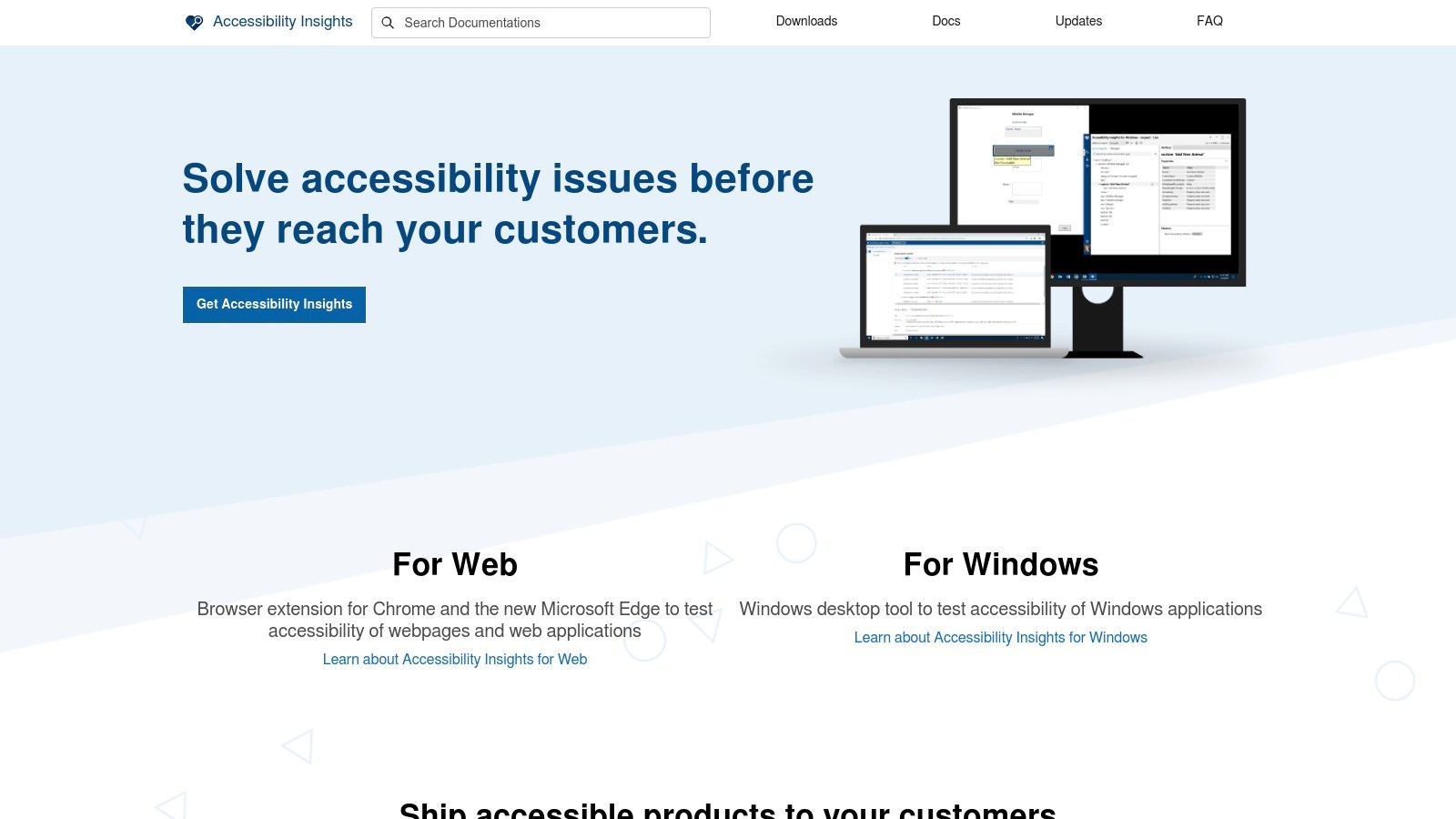
Where Accessibility Insights truly shines is in its complete, guided assessments. These semi-automated workflows walk you through manual checks for complex criteria like keyboard navigation, tab stops, and color contrast, effectively teaching you the "why" behind each rule. This makes it one of the best web accessibility testing tools for teams looking to build their internal expertise without a significant budget.
Key Details & Use Cases
- Best For: Individuals and teams new to accessibility, or those needing a free, solid tool for both automated and guided manual testing.
- Pricing: Completely free and open source.
- Unique Feature: The complete guided assessment flow is exceptional for a free tool, breaking down complex WCAG criteria into manageable, step-by-step tests that educate the user.
- Pros: Entirely free with no upsells, actively maintained by Microsoft, and its educational approach helps build team skills.
- Cons: Lacks sitewide crawling capabilities and reporting features found in enterprise platforms, making it better for page-level analysis.
Website:https://accessibilityinsights.io/
11. Google Lighthouse (Chrome/Edge DevTools)
Built into Chromium DevTools, Lighthouse runs an accessibility audit (also axe-powered) alongside performance and SEO scoring. Ideal for quick, no-install baseline checks during development.
Google Lighthouse is one of the most accessible web accessibility testing tools because it's already installed in the browsers most developers use daily. Integrated into the Developer Tools panel in Chrome and Edge, it provides a one-click audit that generates a score-based report on common accessibility issues. This makes it an excellent starting point for developers and QA testers to get a high-level overview of a page's health without installing additional software.
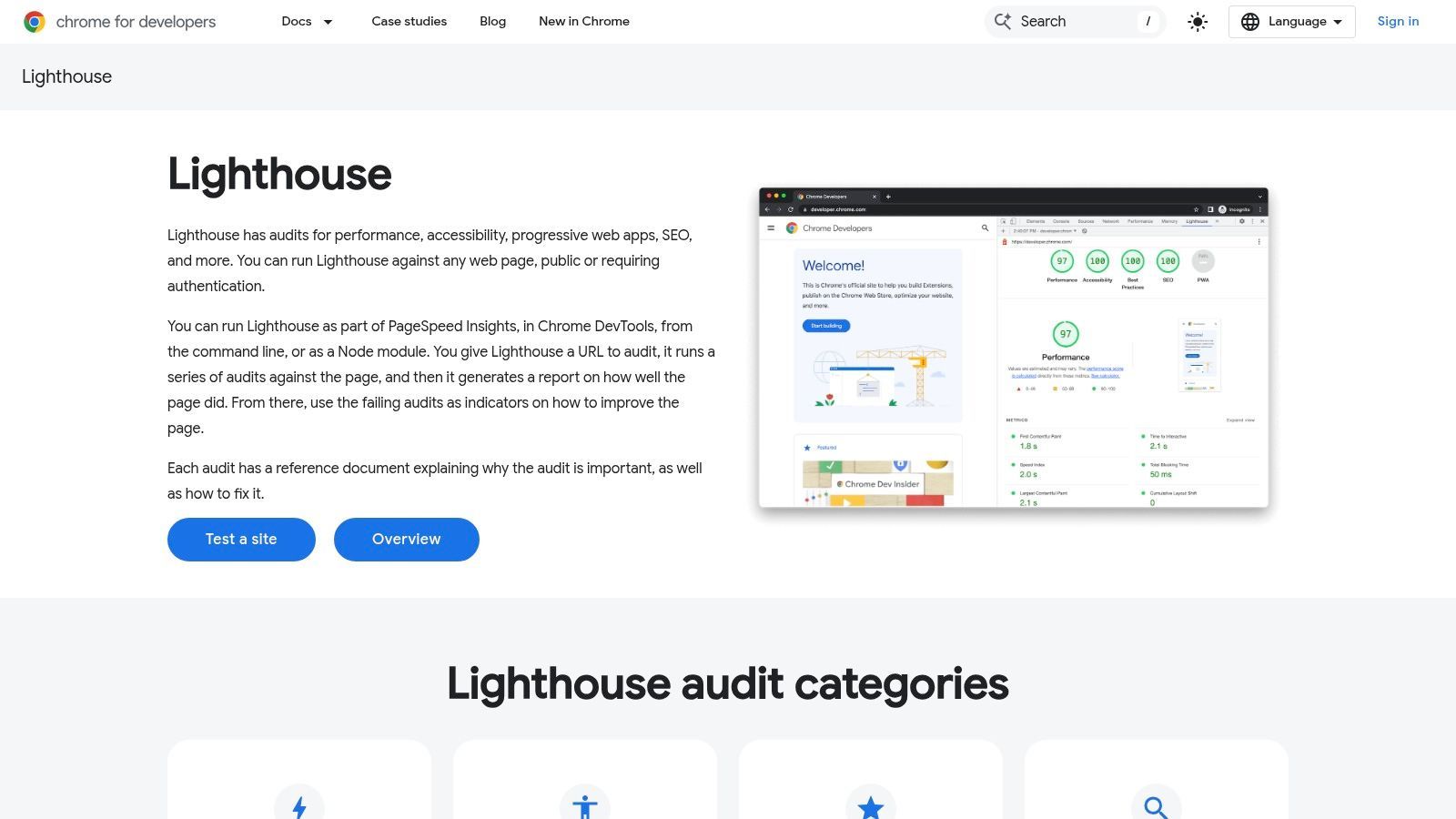
The real value of Lighthouse lies in its convenience and educational aspect. Each flagged issue links directly to Google's own documentation, explaining why the problem matters and how to fix it. While it only catches a fraction of potential WCAG violations, it effectively identifies low-hanging fruit like color contrast errors, missing alt text, and improper ARIA roles. Understanding what an accessibility checker can do is a important first step for any team.
Key Details & Use Cases
- Best For: Developers, marketers, and QA teams needing a quick, free, and easy way to perform an initial accessibility spot-check.
- Pricing: Completely free and built into Google Chrome and Microsoft Edge.
- Unique Feature: Its accessibility score provides a simple, immediate benchmark that teams can use to track high-level progress over time.
- Pros: Free and universally available, no installation required, and provides actionable links to educational resources.
- Cons: Only detects automated issues (a subset of all accessibility problems), and its scoring system can create a false sense of full compliance.
Website:https://developer.chrome.com/docs/lighthouse/
12. Pope Tech (Powered by WAVE)
Builds on the WAVE engine to add organization-wide monitoring, dashboards, and user-friendly reporting that scales testing across many pages and teams. Ideal for higher-ed and organizations needing accessible reporting at scale.
Built on the trusted open-source WAVE engine from WebAIM, Pope Tech provides a powerful dashboard for scanning entire websites automatically and on a schedule. Instead of testing page by page, it offers a holistic view of your digital accessibility, allowing teams to track progress, assign tasks, and manage compliance across multiple sites from a single interface. The platform is designed for collaboration, providing unlimited user accounts within each plan.
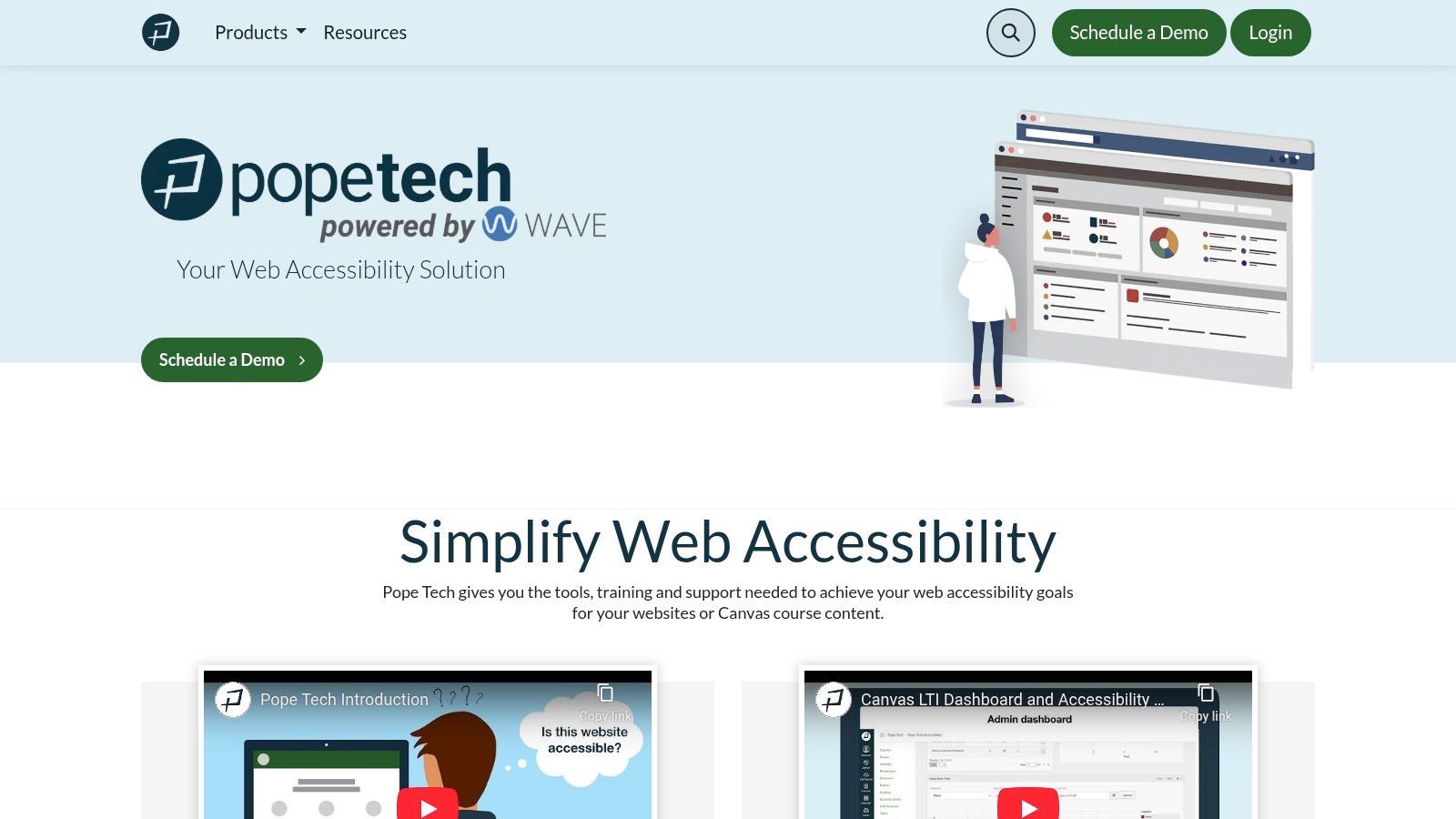
Pope Tech excels at turning raw scan data into actionable insights for teams. Its integrations with project management tools like JIRA and Asana, along with CI/CD pipeline options, help embed accessibility into existing workflows. The ability to scan content behind logins on higher tiers is important for web applications and membership sites, providing a more complete compliance picture.
Key Details & Use Cases
- Best For: Organizations, educational institutions, and government agencies needing ongoing, automated accessibility monitoring and reporting across multiple websites.
- Pricing: A generous free plan allows for 25 pages per month. Paid plans are transparently tiered based on page volume, starting at a budget-friendly level.
- Unique Feature: Site-wide dashboard reporting and trend analysis powered by the highly-regarded WAVE engine, making large-scale accessibility management straightforward.
- Pros: Transparent, scalable pricing with a free tier, unlimited users on all plans, and strong reporting features for team management.
- Cons: Advanced features like API access, single sign-on (SSO), and PDF scanning are reserved for higher-priced enterprise plans.
Website:https://pope.tech/
Best WCAG Color Contrast Checkers
Color contrast is one of the most common - and most easily fixed - accessibility failures. WCAG requires a contrast ratio of at least 4.5:1 for normal text and 3:1 for large text. These dedicated tools make hitting those targets straightforward:
- WebAbility WCAG Contrast Checker - an AI-enhanced tool that not only flags failing pairs but suggests compliant color alternatives.
- WebAIM Contrast Checker - the simple, authoritative web tool for checking a foreground/background pair against AA and AAA.
- TPGi Colour Contrast Analyser (CCA) - a free desktop app with an eyedropper for sampling any on-screen color, ideal for testing real UI.
- Deque axe DevTools - includes a color contrast analyzer within its broader automated suite.
- Stark - contrast checking plus accessible color suggestions inside design tools.
- Adobe Color - Contrast Checker - useful for building accessible palettes during brand and design work.
- Contrast Ratio (by Lea Verou) - a fast, free web utility for checking ratios, including semi-transparent colors.
Best WordPress Accessibility Plugins
WordPress powers a large share of the web, and several tools integrate directly to test and improve accessibility inside the CMS:
- WebAbility.io - low-code WordPress integration for both the user widget and backend monitoring.
- Equalize Digital - Accessibility Checker - scans posts and pages inside the editor and reports issues without sending data to a third party.
- WP Accessibility (Joe Dolson) - a long-standing free plugin that fixes common theme-level accessibility problems.
- WP ADA Compliance Check - scans content against WCAG/ADA criteria from within WordPress.
- UserWay and Readabler - widget-based plugins offering on-page user customizations.
Note the distinction below: plugins that genuinely test and remediate code differ from overlay widgets that sit on top of a site.
Accessibility Overlays and Widgets: Are They Enough?
Accessibility overlays and widgets (such as UserWay, accessiBe, AudioEye, and EqualWeb) add a front-end layer that lets visitors adjust contrast, font size, spacing, and similar settings. They can improve the experience for some users and are quick to deploy. However, an overlay alone cannot guarantee ADA or WCAG conformance - it does not fix the underlying code, and automated injection can miss or even interfere with assistive technology. Use widgets to enhance user control, but pair them with real code-level testing and remediation for genuine compliance.
Replacing an overlay? Our side-by-side pages compare price, approach, and compliance evidence: accessiBe alternatives, UserWay alternatives, and AudioEye alternatives.
The best accessiBe alternatives
accessiBe is one of the best-known accessibility overlays: a script that applies automated adjustments and a visitor toolbar at runtime. An overlay can help with some machine-detectable issues and give users quick controls, but no overlay resolves everything WCAG requires, and it does not replace manual testing or remediation. If you are weighing accessiBe alternatives, the thing to compare is whether a tool only applies runtime fixes, or also scans, monitors, and supports real remediation. Strong accessiBe alternatives from the tools above, by need:
- Webability.io - pairs a visitor-facing widget with automated scanning, ongoing monitoring, and an expert audit path, so you get the runtime layer plus a route to actual compliance.
- Deque axe DevTools - developer-first testing built into your workflow instead of a runtime overlay.
- WAVE - a free, in-page checker for spotting issues visually.
For the full side-by-side, see WebAbility vs accessiBe.
Whichever you choose, remember automated tools and widgets catch part of WCAG; the remaining criteria need manual testing.
The best Siteimprove alternatives
Siteimprove is an established enterprise platform for accessibility monitoring and reporting across large sites, often bundled with broader content-quality and SEO modules. That breadth fits big organizations but can be more than smaller teams need. If you are looking for a Siteimprove alternative, match the tool to your scale and budget:
- Webability.io - automated scanning and monitoring plus a widget and expert audits, for teams that want compliance coverage without an enterprise-suite commitment.
- Deque axe DevTools - enterprise monitoring with deep expert methodology, a like-for-like enterprise option.
- WAVE - if the priority is developer-workflow testing over site-wide monitoring.
ADA Compliance Checkers Worth Knowing
Beyond the testing platforms above, several tools are framed specifically around ADA conformance and broader audits:
- PowerMapper SortSite - crawls an entire site to report accessibility, broken links, and standards issues in one pass.
- AudioEye - combines automated fixes with managed services and human audits.
- EqualWeb - offers automated and manual remediation options.
- Bureau of Internet Accessibility (BOIA) - pairs automated scanning with expert audit and remediation guidance.
Continuous Scanning and Monitoring
One-time audits drift out of date as content changes. For ongoing assurance, scanners and monitors re-check your site on a schedule and alert you to regressions. Strong options include Deque axe Monitor, Siteimprove, Acquia Monsido, Silktide, Pope Tech, and WebAbility.io's 24/7 dashboard. Ideal for teams that publish frequently or manage many sites.
Best Tool by Use Case
- For developers: Deque axe DevTools or Accessibility Insights (in-workflow, CI/CD-ready).
- Best free tool: WAVE, Lighthouse, or the axe browser extension.
- For enterprises: Level Access, Siteimprove, or TPGi ARC.
- For agencies: WebAbility.io or Pope Tech (multi-site management and reporting).
- For designers: Stark (contrast and focus order before code).
- For WordPress: Equalize Digital Accessibility Checker or WebAbility.io.
- For continuous monitoring: axe Monitor, Monsido, or WebAbility.io's dashboard.
Comparison at a Glance
| Tool | Category | Free tier | Best for |
|---|---|---|---|
| WebAbility.io | All-in-one widget + monitoring | Free trial | End-to-end compliance |
| Deque axe DevTools | Developer testing engine | Yes (extension) | Dev/CI-CD workflows |
| WebAIM WAVE | Visual evaluation | Yes | Beginners, spot-checks |
| TPGi ARC / ARC Toolkit | Enterprise + manual toolkit | Yes (toolkit) | Expert auditing |
| Siteimprove | Enterprise monitoring | No | Large content sites |
| Stark | Design-stage testing | Limited | Designers |
| Accessibility Insights | Automated + guided | Yes | Developers |
| Google Lighthouse | Built-in audit | Yes | Quick baselines |
| Pope Tech | WAVE-based monitoring | Limited | Reporting at scale |
| WCAG/WebAIM Contrast Checkers | Color contrast | Yes | Fixing contrast |
What These Tools Detect - and Why WCAG 2.2 Matters
Common issues these tools surface include insufficient color contrast, missing or unhelpful alt text, unlabeled form fields, missing document structure and headings, keyboard traps, and improper ARIA. WCAG 2.2 adds criteria that pure automation often can't judge, so they deserve manual attention: Focus Appearance, Dragging Movements (offering a single-pointer alternative), Accessible Authentication (avoiding cognitive-heavy logins), and Target Size (adequately large interactive targets).
How to Choose the Right Tool
Match the tool to your role and scale: developers should prioritize in-workflow engines and CI/CD integration; designers need contrast and focus checks at the design stage; agencies and enterprises need multi-site monitoring, reporting, and (often) expert services; compliance teams need defensible audit trails. Above all, remember the next point.
Tools Support a Strategy - They Don't Replace One
No tool, automated or otherwise, can single-handedly guarantee compliance or replace inclusive design practice. Accessibility is a continuous process of testing, remediation, manual review, and user feedback. The tools above accelerate that process; they don't substitute for it.
Frequently Asked Questions
What is the best accessibility testing tool for websites?
There's no single winner for every team. Developers gravitate to axe DevTools; beginners love WAVE; enterprises lean on Siteimprove, Level Access, or TPGi; and teams wanting an all-in-one widget plus monitoring choose WebAbility.io. Match the tool to your role, scale, and budget.
Can automated accessibility tools guarantee WCAG compliance?
No. Automation reliably catches a subset of issues (contrast, alt text, labels, structure) but cannot judge keyboard logic, meaningful alt text, or screen reader experience. Combine automated scanning with manual testing.
Are accessibility overlays enough for ADA compliance?
No. Overlays and widgets can improve usability for some visitors but don't fix underlying code and cannot guarantee ADA or WCAG conformance on their own. Treat them as an enhancement, not a substitute for remediation.
What is the difference between WCAG 2.1 and WCAG 2.2?
WCAG 2.2 builds on 2.1 and adds new success criteria - including Focus Appearance, Dragging Movements, Accessible Authentication, and Target Size - aimed at motor and cognitive accessibility.
Are free accessibility tools reliable?
Yes, for what they do. WAVE, Lighthouse, and the axe extension are trusted for automated checks and spot-testing. For large sites, continuous monitoring, and audit trails, paid platforms add significant value.
What is the best WCAG compliance software?
There is no single "best" - it depends on your goal. For developer-workflow testing, axe DevTools; for free visual checks, WAVE; for a widget plus scanning, monitoring, and an audit path in one place, WebAbility.io; for enterprise monitoring, Siteimprove or TPGi ARC. No software makes a site compliant from a scan alone; the remaining WCAG criteria need manual testing.
What is a good accessiBe alternative?
If you want more than a runtime overlay, look for a tool that also scans, monitors, and supports remediation. WebAbility.io pairs a widget with automated scanning and an expert audit path; axe DevTools and WAVE are strong for developer and visual testing respectively.
Final Checklist Before You Commit
- Does it cover WCAG 2.2 and your target standard (ADA, Section 508, EAA)?
- Does it combine automated scanning with guided manual testing?
- Does it fit your workflow (DevTools, CI/CD, CMS, or design tools)?
- Does it support ongoing monitoring, not just one-time scans?
- Does it scale to your number of sites and teammates, with clear reporting?
Start with a free tool to baseline your site today, then layer in monitoring and - where needed - expert services. The goal isn't a passing score; it's a genuinely inclusive experience for every user.
Ultimately, selecting from the many available web accessibility testing tools is an investment in your users and your brand. The right tool will empower your team to build accessibility into the foundation of your digital experiences. As you finalize your accessibility strategy, ensure your efforts align with a complete guide like this ultimate website accessibility checklist to cover all your bases.
By prioritizing digital inclusion, you are not just mitigating legal risk; you are expanding your audience, enhancing user experience for everyone, and building a web that truly lives up to its promise of being accessible for all.
Ready to move from testing to true digital inclusion? WebAbility.io offers a powerful, all-in-one platform that combines automated scanning, guided remediation, and complete reporting to make accessibility achievable for teams of any size. Start your journey toward a more accessible website today by visiting WebAbility.io.
Quick Questions
Tap to ask AI about this article