Accessibility Testing: Building Inclusive and Compliant Digital Experiences

Sidharth Nayyar
Sidharth Nayyar
Ready to make your website accessible? Engage with our team or start a free trial today.
Digital inclusion is no longer optional — it's essential.
With accessibility testing, businesses ensure that every person — regardless of ability — can navigate, interact with, and benefit from their digital content.
An accessibility testing process verifies that your website, web app, or digital product complies with accessibility standards such as the Web Content Accessibility Guidelines (WCAG) and other legal frameworks. By identifying and removing barriers early, organizations not only enhance usability but also demonstrate a genuine commitment to inclusivity and equal access.
Before diving deeper into accessibility testing, it's important to understand what accessibility truly means in a digital context.
Accessibility refers to the design and development of digital environments — websites, apps, software, and content — so that they can be used effectively by everyone, including people with visual, auditory, motor, or cognitive impairments.
Accessibility means designing for diversity:
Incorporating accessibility from the start is not just an act of compliance — it's a moral responsibility and a smart business decision. Websites that are accessible perform better in SEO, provide a superior user experience, and reach a broader audience.
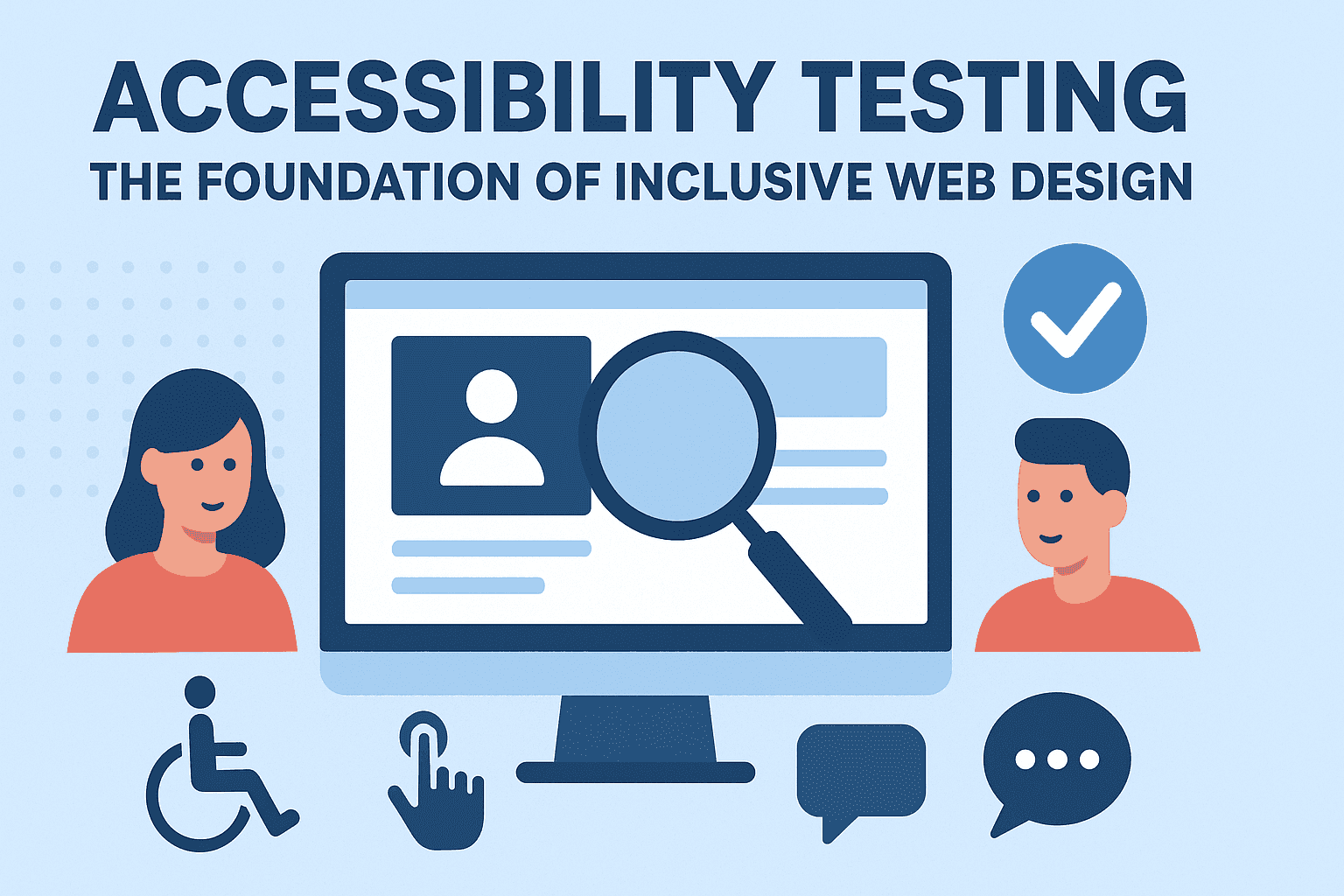
Accessibility testing is the process of evaluating how well a digital product meets established accessibility standards and guidelines. It identifies obstacles that may prevent people with disabilities from accessing or using content effectively.
Through systematic accessibility testing, businesses can uncover and resolve usability issues that impact inclusivity, ensuring compliance with WCAG, ADA (Americans with Disabilities Act), Section 508, and other international standards.
Legal Compliance:
Laws worldwide require organizations to ensure their digital content is accessible. Failing to comply can lead to lawsuits, penalties, and reputational harm.
Better User Experience:
Accessibility improvements, such as intuitive navigation, readable fonts, and clear contrast, benefit all users — not just those with disabilities.
Enhanced SEO:
Search engines favor websites with accessible, well-structured content, resulting in better ranking and visibility.
Broader Market Reach:
Over a billion people globally live with some form of disability. Accessibility testing ensures you don't exclude this large audience segment.
A complete accessibility testing strategy includes both automated and manual assessments to identify all potential issues.
This involves using specialized tools and software to detect common accessibility problems — such as missing alt text, improper heading hierarchy, or insufficient color contrast. While efficient, automation only identifies about 30–40% of issues.
Manual testing is conducted by accessibility experts and real users who rely on assistive technologies. They simulate real-world interactions to evaluate how accessible a product truly is.
This form of accessibility testing ensures that your website or app functions properly with screen readers (like JAWS, NVDA, or VoiceOver), speech recognition tools, and alternative input devices.
Engaging real users with disabilities provides authentic feedback that automation cannot capture. This is the most accurate reflection of accessibility in action.
A comprehensive accessibility testing process assesses the following areas:
Each of these elements directly influences user experience and determines whether a website is inclusive.
Performing accessibility testing requires a structured approach to guarantee accuracy and actionable insights.
Determine which platforms, pages, or digital assets to test and select the standards (such as WCAG 2.1 Level AA) you aim to meet.
Initial scans detect surface-level issues and provide a baseline for deeper analysis.
Accessibility specialists perform hands-on testing, using assistive technologies to simulate real user journeys.
Detailed reports highlight each issue, explain its impact, and recommend practical remediation steps.
After fixes are applied, retesting ensures that the issues have been resolved and compliance is maintained.
Selecting the right toolkit is essential for efficient accessibility testing. While no single tool solves everything, a sensible stack speeds up discovery and helps your team focus manual time where it matters most.
Rule-based scanners: Lighthouse, axe, WAVE, and Pa11y quickly surface recurring issues (missing alt text, low contrast, label/ID mismatches, improper heading order). These are excellent for continuous checks but won't catch every barrier.
Color/contrast analyzers: Standalone contrast checkers validate text and UI element ratios against WCAG AA/AAA, including non-text elements such as icons and focus indicators.
ARIA and structure validators: Extensions that visualize landmarks, roles, and name/role/value relationships help confirm semantic structure and assistive-tech compatibility.
Screen reader environments: NVDA and JAWS on Windows; VoiceOver on macOS/iOS; TalkBack on Android. Test with at least two combinations (e.g., NVDA + Firefox, VoiceOver + Safari).
Keyboard testing aides: Utilities that show current focus, tab order, and focus traps to verify full operability without a mouse.
Video/caption utilities: Tools for authoring captions, transcripts, and audio descriptions—and verifying that media controls are accessible with keyboard and assistive tech.
Tip: treat tools as "sensors," not "judges." Automated results should always be triaged and verified with human review.
Measure progress with metrics that matter:
Dashboards keep stakeholders aligned and make remediation predictable.
When teams understand what accessibility entails and adopt disciplined accessibility testing, inclusive design becomes part of everyday delivery. The results are tangible: simpler interfaces, clearer content, resilient components, and experiences that welcome more customers.
Start small if you must, but start now: choose a standard, test a flow, fix what matters most, and keep iterating. With consistent practice, your organization will transform accessibility from a compliance checkbox into a competitive advantage — one that is better for users, better for business, and better for the web.
Tap to ask AI about this article