TLDR: SEO and accessibility go hand-in-hand. Making your website accessible for all users (e.g., using proper headings, descriptive image alt text) directly improves technical SEO signals that search engines like Google reward. This dual-focus strategy boosts your rankings, expands your audience, and creates a better experience for everyone.
Let’s get one thing straight: SEO and accessibility aren't two separate jobs. They are deeply intertwined, and working on one almost always helps the other. When you build a website that's easy for everyone to use, you're also building a site with the clean structure and great user experience that search engines like Google love.
The result? Better rankings and a bigger audience.
Why SEO and Accessibility Are Better Together
I like to think of a website as a physical store. SEO is like having a great location with a big, bright sign out front—it helps people find you. Accessibility, then, is the ramp at the entrance, the wide aisles, and the clear price tags. It ensures that once people find your store, they can actually get inside and have a good experience.
Without the sign (SEO), nobody knows you exist. Without the ramp (accessibility), you’re turning away a huge number of potential customers at the door.
The World Wide Web Consortium (W3C) created a great visual that shows just how many people benefit from accessible design.
As you can see, you’re not just helping someone with a permanent disability. You’re also helping someone with a broken arm, a new parent holding a baby, or someone trying to use their phone in bright sunlight. The audience is much bigger than you think.
The Business Case for Unity
This connection isn't just a "nice-to-have"—it has a real impact on your business's growth and legal standing. For example, the European Accessibility Act (EAA) kicks in from June 2025, and it requires over 500,000 businesses to be accessible.
From a pure performance standpoint, research has found that accessible websites rank, on average, 12% higher in search results. It makes sense, as many of the official WCAG success criteria directly improve signals that SEOs have cared about for years. You can dig into more data on web accessibility and business compliance to see just how critical this has become.
By focusing on accessibility, you’re really just optimizing your website for both people and search engine bots. Both need a logical, predictable, and well-structured site to understand what’s on the page.
When you treat them as a single goal, you create a powerful cycle where every improvement in one area gives the other a boost. You end up with a website that’s easier to find, easier to use, and legally compliant—a win for everyone that leads to better engagement and a stronger bottom line.
Honestly, making your site truly accessible might just be one of the smartest SEO moves you can make.
How Accessibility Directly Improves SEO Performance
When you get right down to it, the connection between SEO and accessibility is pretty straightforward. Both search engine bots and assistive tools, like screen readers, are trying to do the same thing: understand your webpage. They both need a clear, well-structured site to figure out what your content is about and how it’s all laid out. So, when you make your site accessible, you’re basically handing search engines the exact structural clues they need to index and rank your pages properly.
Here’s a helpful way to think about it: imagine a search engine crawler is like a person using a screen reader. It can’t “see” your cool visual design, so it has to rely on the underlying code—the headings, alt text, and semantic HTML—to make sense of it all. By optimizing for users with disabilities, you’re simultaneously giving search engine bots a perfectly formatted roadmap they can follow, which can lead to better rankings.
This diagram really brings the idea home, showing how building with accessibility and SEO as foundational pillars leads to a much stronger website for everyone.
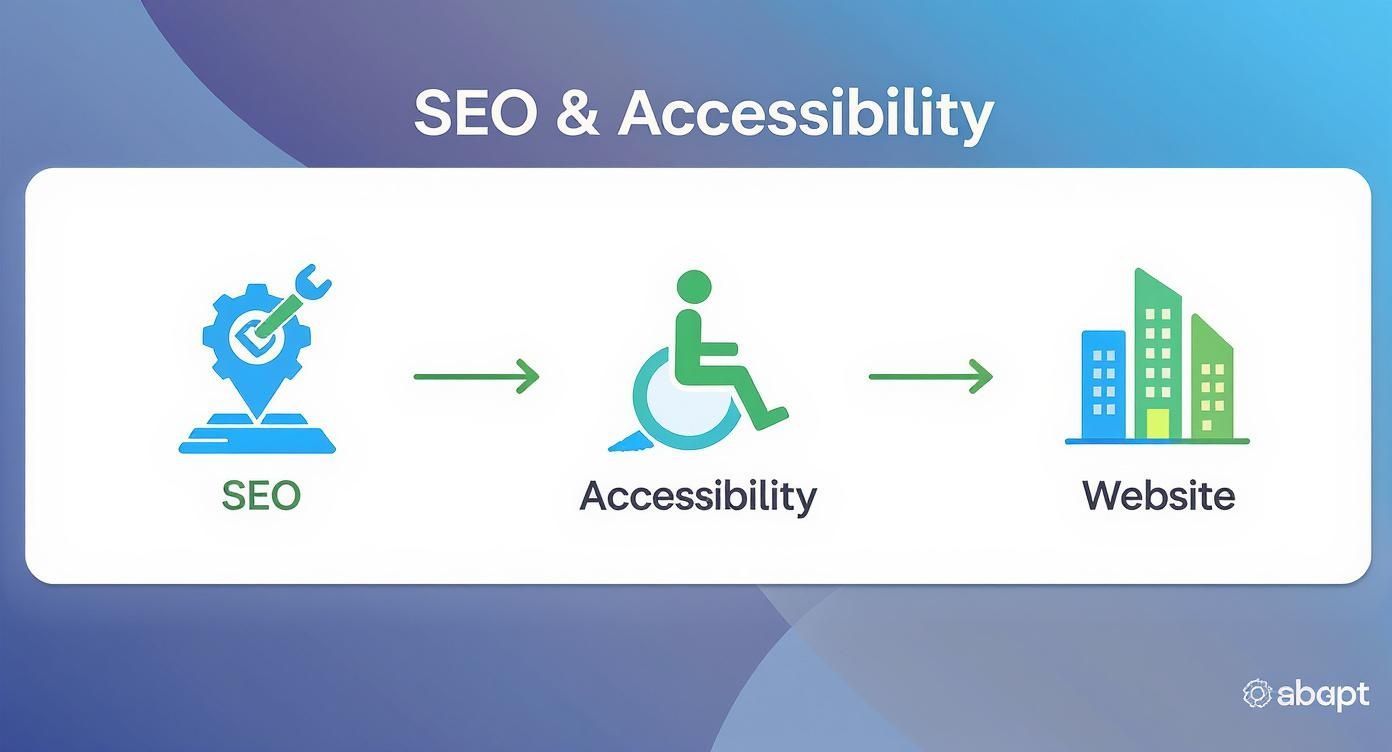
The takeaway here is that SEO and accessibility aren't two separate to-do lists. They're intertwined components that build on each other to create a superior online presence.
The Technical Handshake Between Bots and Users
It’s actually surprising how much overlap there is between what a search engine crawler needs and what a person using assistive tech needs. Both get a huge boost from a website built on a logical, predictable foundation. Let's break down how specific accessibility features translate directly into SEO wins.
Logical Heading Hierarchy (H1, H2, H3): Headings essentially create an outline for your page. For a screen reader user, this is a game-changer, letting them skip right to the section they care about. For a search engine, it defines the content’s structure and signals the importance of each topic.
Descriptive Alt Text on Images: Alt text is there to describe an image for someone who can't see it. That very same text gives search engines vital context, helping them index your images for image search and understand how they relate to the rest of your content.
Meaningful Link Anchor Text: Using clear, descriptive text for links (think "Download Our Accessibility Checklist" instead of "click here") tells a screen reader user exactly where that link is headed. It also gives search engines a crystal-clear signal about the content of the page you're linking to.
These aren't just minor tweaks. They are fundamental to good web design and serve a powerful dual purpose, strengthening both the user experience and your visibility in search results.
An accessible website is, by its very nature, a well-structured website. This clarity removes any guesswork for search engine crawlers, allowing them to index your content more accurately and confidently—a key factor in climbing the rankings.
The Data Proves the Connection
This isn't just theory; the numbers back it up. A recent study that analyzed thousands of websites found a direct, positive link between accessibility compliance and SEO performance. The research showed that sites with better accessibility scores saw their average Organic Traffic jump by 23%.
Even better, they ranked for 27% more organic keywords and boasted a 19% higher Authority Score. This data paints a clear picture: putting accessibility first is a measurable growth strategy.
Every single improvement you make for users with disabilities also contributes to a healthier, more authoritative site in the eyes of Google. To learn more about broader optimization strategies that work hand-in-hand with accessibility, check out these proven SEO tips to improve Google search rankings.
At the end of the day, any step you take toward a more inclusive website is also a step toward a more powerful SEO strategy. You can also read more about how accessibility enhancements can boost your website's traffic in our other guide.
Practical Steps to Merge Your SEO and Accessibility Efforts
Alright, let's move from theory to action. This is where the rubber meets the road. Thinking about SEO and accessibility together isn’t about doubling your workload; it’s about tweaking your current process to hit two targets with one stone. When you focus on the shared DNA of a well-built website, you create an experience that’s not just findable but genuinely usable and valuable for every single visitor.
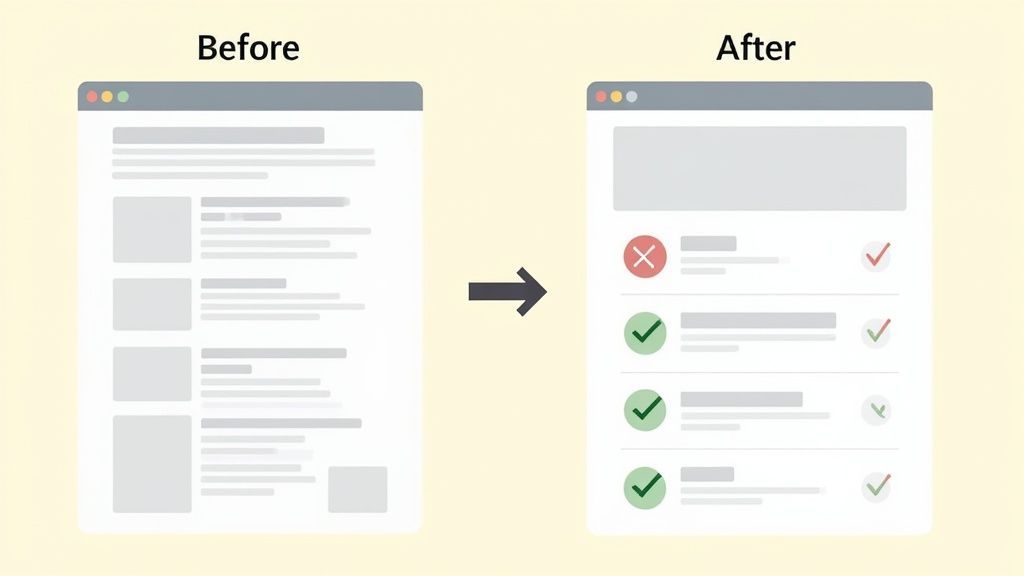
Here, we'll walk through actionable steps for developers, writers, and marketers. I'll show you exactly where the technical side of SEO and accessibility meet, using simple before-and-after examples so you can see the impact for yourself. These aren't just theoretical wins—they can deliver immediate improvements for both your users and your rankings.
Master Your Semantic HTML
Think of semantic HTML as the architectural blueprint for your webpage. Tags like <header>, <nav>, <main>, and <footer> do more than just box up your content; they give it meaning. This blueprint is absolutely critical for assistive technologies, which rely on it to guide users, and for search engine crawlers, which use it to figure out the hierarchy and purpose of your information.
A classic mistake is to wrap everything in generic <div> tags. Sure, you can make it look good with CSS, but for a screen reader or a search bot, you've created a flat, meaningless document.
Before (Non-Semantic):
<div class="article-header">...</div>After (Semantic):
<header>...</header>
By simply swapping a <div> for a <header>, you create clear signposts. This tiny change helps screen reader users navigate more easily and gives search engines explicit clues about what each part of your page does. It's a small effort with a big payoff for both accessibility and on-page SEO.
Craft Alt Text That Works Harder
Alternative text (or alt text) is probably the most famous overlap between SEO and accessibility. Its main job is to describe an image for someone who can't see it. But that very same description gives search engines powerful context, helping them index your images in Google Images and understand how they relate to the rest of your content.
Steer clear of lazy, generic descriptions or stuffing them with keywords. The best alt text is descriptive, concise, and weaves in relevant terms naturally.
Before (Poor Alt Text):
alt="dog"After (Effective Alt Text):
alt="Golden retriever puppy playing with a red ball in a grassy park"
The "after" example is a perfect illustration of doing it right. It paints a vivid mental picture for a user with a screen reader while giving Google specific, useful information about what's in the image, boosting its ranking potential.
"Your website’s accessibility and SEO performance are two sides of the same coin. Both depend on a logical, predictable, and well-structured site to understand what’s on the page."
Implement a Clear Heading Hierarchy
Headings (H1, H2, H3, etc.) are the skeleton of your content. They create an outline that makes your page easy to scan for everyone—humans and bots alike. A screen reader user can use headings to skip right to the section they care about. In the same way, a search engine crawler analyzes your heading structure to understand the main topics and subtopics of your page, a fundamental part of how it ranks content.
The golden rule is to never skip heading levels (like jumping from an H2 to an H4) or use them just for styling. They must follow a logical, sequential order.
Before (Incorrect Hierarchy):
<h1>Main Title</h1><h4>A Subtopic</h4>
After (Correct Hierarchy):
<h1>Main Title</h1><h2>A Major Section</h2><h3>A Subtopic</h3>
A proper hierarchy makes the content more readable for all users and gives search engines the clean, logical structure they love to see. Learning how to audit a website is a great first step to finding and fixing these kinds of structural problems.
Write Descriptive and Meaningful Anchor Text
The text inside your links, called anchor text, is a huge signal. For someone using a screen reader, it tells them exactly what to expect if they click. For an SEO, it gives search engines context about the page you're linking to, which helps build its authority on that topic.
Vague phrases like "click here" or "read more" are dead weight. They offer zero context to a user navigating by a list of links and provide no meaningful information to search engines.
Before (Vague Anchor Text):
To learn more, <a href="...">click here</a>.After (Descriptive Anchor Text):
You can <a href="...">download our complete SEO checklist</a>.
The descriptive version is a clear win-win. It improves the user's experience and strengthens your internal linking strategy at the same time. To dig deeper into how this works in practice, it’s worth exploring the core principles of accessibility in UX design.
Shared Best Practices for SEO and Accessibility
To make this even clearer, here’s a quick-reference table showing how these elements pull double duty for both goals.
| Website Element | Benefit for Accessibility | Benefit for SEO |
|---|---|---|
| Semantic HTML | Provides a clear structure for screen readers to navigate. | Helps search engines understand content hierarchy and context. |
| Alt Text on Images | Describes visual content for users who cannot see it. | Provides context for image search and on-page relevance. |
| Heading Structure | Creates a navigable outline for users to scan and jump through content. | Defines the topical structure and importance of content sections. |
| Descriptive Anchor Text | Informs users about the destination of a link before they click. | Gives search engines contextual signals about the linked page. |
| Video Transcripts | Makes video content accessible to users who are deaf or hard of hearing. | Creates crawlable, keyword-rich text content for search engines. |
| Site Maps | Helps users understand the overall structure and find pages easily. | Allows crawlers to discover and index all site pages efficiently. |
As you can see, the path to better SEO and the path to better accessibility are often the exact same road.
The tough truth is that most websites are falling short. A report from the WebAIM Million Project analyzed the homepages of the top one million websites and found that a shocking 96.3% had detectable failures under the Web Content Accessibility Guidelines (WCAG). This added up to over 49 million distinct errors, averaging about 50 errors per page.
This isn't just a compliance issue; it’s a massive opportunity. By focusing on these shared fundamentals, you can build a more inclusive website and gain a real competitive advantage in search at the same time.
Better User Experience, Better Rankings
Think about it this way: when you make your website more accessible, you're directly improving the user experience (UX) signals that Google loves. Things like clear navigation, readable text, and keyboard support don't just help users with disabilities—they help everyone. This leads to lower bounce rates and longer visit times, which tells search engines your site is high-quality.
At the end of the day, both SEO and accessibility share the same goal: delivering a fantastic user experience. Google and other search engines are getting much smarter. They've moved beyond just looking at keywords and are now analyzing how real people interact with your site. They're watching signals like bounce rate, session duration, and overall engagement to figure out if your page is actually valuable.
A truly accessible website just naturally does better with these metrics. When you design for inclusivity from the start, you end up with a smooth, intuitive experience that encourages people to stick around and dig deeper. This isn't just about checking a compliance box; it's about building a fundamentally better website that search engines will recognize and reward.

Keep Visitors Around with Clear Navigation
A high bounce rate is a major red flag for search engines. It basically screams, "Users didn't find what they wanted here!" One of the biggest reasons people leave a site immediately is confusing or broken navigation. If someone can't figure out how to get around, they're gone.
This is where accessible design really shines, because it forces you to prioritize clarity and logic.
Consistent Menus: When your navigation menu stays the same on every single page, it helps all users—especially those with cognitive disabilities—quickly learn your site's layout and find content without getting frustrated.
Logical Structure: A well-thought-out site map and breadcrumb trails give people a clear sense of where they are and where they can go next. It makes exploring feel safe, not like a maze.
"Skip to Content" Links: This incredibly simple feature is a game-changer for people using screen readers or keyboards. It lets them bypass the same header and navigation links on every page and jump right to the good stuff.
These aren't just accessibility features; they're usability upgrades that make your site better for everyone. The result? Lower bounce rates and stronger positive signals to Google.
Get People to Stay Longer with Readable Content
Okay, so you got a visitor to stick around past the first few seconds. Now you want them to actually read what you've written. The time they spend on your page—the session duration—is another huge UX signal. And guess what? Accessibility best practices are the key to creating content that’s easy and enjoyable to consume.
Simple tweaks to readability can make a world of difference:
Readable Fonts: Stick with simple, sans-serif fonts and make sure your body text is at least 16px. This small change prevents eye strain and makes your content far more accessible for people with visual impairments or dyslexia.
High Color Contrast: The text on your site needs to stand out from the background. A contrast ratio of at least 4.5:1 is crucial for users with low vision, but it also helps anyone trying to read their phone screen in the bright sun.
Plenty of White Space: Nothing makes a visitor's eyes glaze over faster than a giant wall of text. Use short paragraphs, bullet points, and clear headings to break up your content and make it scannable.
When your content is genuinely easy to read, people are far more likely to stay, engage with it, and get real value. That sends a powerful message to search engines that your page is a winner.
"By focusing on the user, all else will follow." This has been a core principle at Google for years, and it perfectly sums up why an accessible, user-friendly website is an SEO-friendly website. A great user experience is the ultimate ranking factor.
Encourage Interaction with an Operable Design
Engagement isn't just about how long someone stays on a page; it’s about what they do. A website is considered "operable" when everyone can use all of its features, no matter how they access the internet.
Full keyboard navigability is a perfect example. Many people with motor disabilities rely entirely on a keyboard to get around the web. When every link, button, and form field on your site can be reached with the Tab key, you're not just being compliant—you're opening up your site to a whole new audience.
The same goes for providing transcripts for your videos and podcasts. Sure, it's essential for users who are deaf or hard of hearing, but it also lets any visitor scan the content quickly or catch up on your podcast in a noisy office. These dual benefits make your content more engaging for a wider audience, leading to more clicks, shares, and time on site. To learn more about how performance metrics and accessibility go hand-in-hand, you can explore the connection between Web Vitals and accessibility and see their combined impact.
Common Misconceptions About Accessibility and SEO
Plenty of teams drag their feet on combining SEO and accessibility because of a few stubborn myths. It's time to set the record straight and show how building an inclusive website is just plain good business.
Myth 1: “Accessibility is too expensive and takes too much time.”
Let's tackle the biggest one first: the budget. People hear "accessibility" and immediately see dollar signs. And while a ground-up manual audit and rebuild is an investment, the return is enormous. We're talking about a global market of people with disabilities and their families who control an estimated $13 trillion in annual disposable income. Leaving them out is like voluntarily shrinking your market.
Besides, getting started doesn't have to mean draining your bank account. Many of the most crucial accessibility fixes, like writing descriptive alt text or using a logical heading structure, are things you should already be doing for good SEO.
Myth 2: “Accessibility will make my design look boring.”
This is a classic. The fear is that accessibility rules will strip a site of its visual flair, leaving behind a bland, uninspired design. Honestly, the opposite is true. Accessibility forces you to be a smarter, more intentional designer.
Think about it. Principles like strong color contrast, clean typography, and a clear visual hierarchy don't just help a user with a visual impairment—they make the experience better for everyone. It's about designing with purpose, not just for looks.
Good design is accessible design. The so-called constraints of accessibility often spark more creative and user-friendly solutions. The result? A site that's easier for everyone to use, which is a huge win for the user engagement signals Google pays close attention to.
Instead of seeing it as a limitation, view it as a framework for creating designs that are both beautiful and genuinely effective for as many people as possible.
Myth 3: “Our target audience doesn’t have disabilities.”
This assumption is not only wrong, it's statistically impossible. In the United States alone, about one in four adults lives with a disability. That number doesn't even touch on temporary situations, like someone trying to use their phone with a broken arm, or situational limitations, like a new parent browsing with one hand while holding a baby.
By making your website accessible, you're not catering to a tiny niche. You're opening the door to the widest possible audience, which means more traffic, more potential customers, and a brand that people see as inclusive and trustworthy.
Myth 4: “You can only do accessibility with a full manual overhaul.”
Finally, let's talk about how to get this done. There's a lot of debate about the "right" way to achieve accessibility. While a comprehensive manual approach is fantastic, it's not the only way forward. In fact, managed accessibility solutions and widgets can play a really positive role in a company's overall strategy.
These tools can be an excellent first step, allowing teams to quickly fix common problems and show they’re serious about inclusion. They work best when integrated into a long-term plan, offering helpful tools for users and automated checks that support ongoing manual improvements. Think of them as a valuable part of the toolkit, not an all-or-nothing choice.
Building an Inclusive and High-Performing Digital Presence
Unifying SEO and Accessibility for a Better Web
Throughout this guide, we've explored the powerful connection between SEO and accessibility. The takeaway is simple: they aren't separate disciplines but two sides of the same coin. Both share the ultimate goal of delivering an outstanding, user-focused experience. An inclusive website is a high-performing one—something both search engines and people will reward.
This isn't a one-and-done task. Creating a truly inclusive digital presence is an ongoing journey. It demands a mindset shift, making accessibility a natural part of how you handle content creation, design, and technical SEO. When you put the user first, you naturally create the clean structure and positive engagement that search engines love to see.
Your First Steps Toward an Inclusive Presence
Getting started can feel like a huge undertaking, but it doesn't have to be. The trick is to begin with small, manageable changes that offer the biggest impact for both accessibility and SEO. These initial improvements create immediate value and build momentum for more advanced work later on.
Here are a few actionable steps you can take right now:
Audit Your Content: Use a free online tool to scan your most important pages for common accessibility issues. Look for things like missing alt text, incorrect heading structures, and low-contrast text. Our free website accessibility checker is a great place to start.
Integrate Accessibility Checks: Simply add accessibility to your existing checklists. When your team creates a new blog post, make sure "add descriptive alt text" is on the to-do list right alongside "include target keyword."
Prioritize Foundational Fixes: Focus on the basics first. Ensuring a logical heading hierarchy (H1, H2, H3) and writing clear, descriptive anchor text for your links are quick wins that benefit everyone.
By prioritizing both accessibility and SEO, you are not just optimizing for algorithms; you are building a stronger, more reputable brand that welcomes every potential customer. This commitment is a powerful differentiator that fosters loyalty and drives sustainable growth.
The path to a website that ranks well and serves everyone is paved with these intentional, user-focused improvements. Every step you take makes the web a better place for your audience and solidifies your position as a forward-thinking leader in your industry.
Common Questions on SEO and Accessibility
How Does Image Alt Text Affect Both SEO and Accessibility?
Think of alt text as a bridge connecting your images to both people and search engines. For accessibility, it’s the only way to explain an image to someone using a screen reader, ensuring they get the same information as a sighted user. Without it, the image is just a blank space.
At the same time, that descriptive text is a goldmine for search engines. It gives crawlers crucial context about what an image contains, helping you rank better in image searches. It also reinforces the overall topic of the page, tying your visual content directly to your SEO and accessibility goals.
Can Automated Tools Catch Every Accessibility Problem?
Automated tools are an incredible starting point. They're fast and efficient at flagging common technical mistakes like missing alt text, poor color contrast, or broken links. On average, they can catch about 30-40% of potential WCAG violations right out of the gate.
But they have a major blind spot: context. An automated tool can see that alt text is present, but it has no way of knowing if that text is actually helpful or just a string of keywords.
A solid strategy always combines automated scans with manual testing by real people. This dual approach ensures your site isn't just technically compliant, but is actually usable and frustration-free for everyone.
What's the Best Way to Start Making My Website More Accessible?
The best place to begin is with the fundamentals—the simple fixes that give you the biggest bang for your buck. Tackling this "low-hanging fruit" first delivers immediate value for both users and search engines.
Here’s where I always recommend people start:
Get Your Headings in Order: Use H1, H2, and H3 tags to create a logical outline for your content. This is a game-changer for screen reader users trying to navigate a page, and it helps search engines understand your content's structure.
Write Meaningful Alt Text for All Images: Audit your most important pages and make sure every image has alt text that clearly describes what's happening in the picture. This instantly improves the experience for visually impaired users and gives your image SEO a lift.
Use Descriptive Link Text: Ditch generic phrases like "click here." Instead, use anchor text that tells people exactly where they’re going, like "Download our 2024 accessibility report." This provides vital context for all users.
Starting with these core elements creates tangible improvements from day one, strengthening both your accessibility and your site's overall SEO performance.
Ready to build a high-performing website that welcomes every user? WebAbility.io provides an end-to-end platform with AI-enhanced tools and expert services to achieve and maintain compliance while boosting your SEO. Start your free trial and see how easy it can be at https://www.webability.io.