What is WCAG?
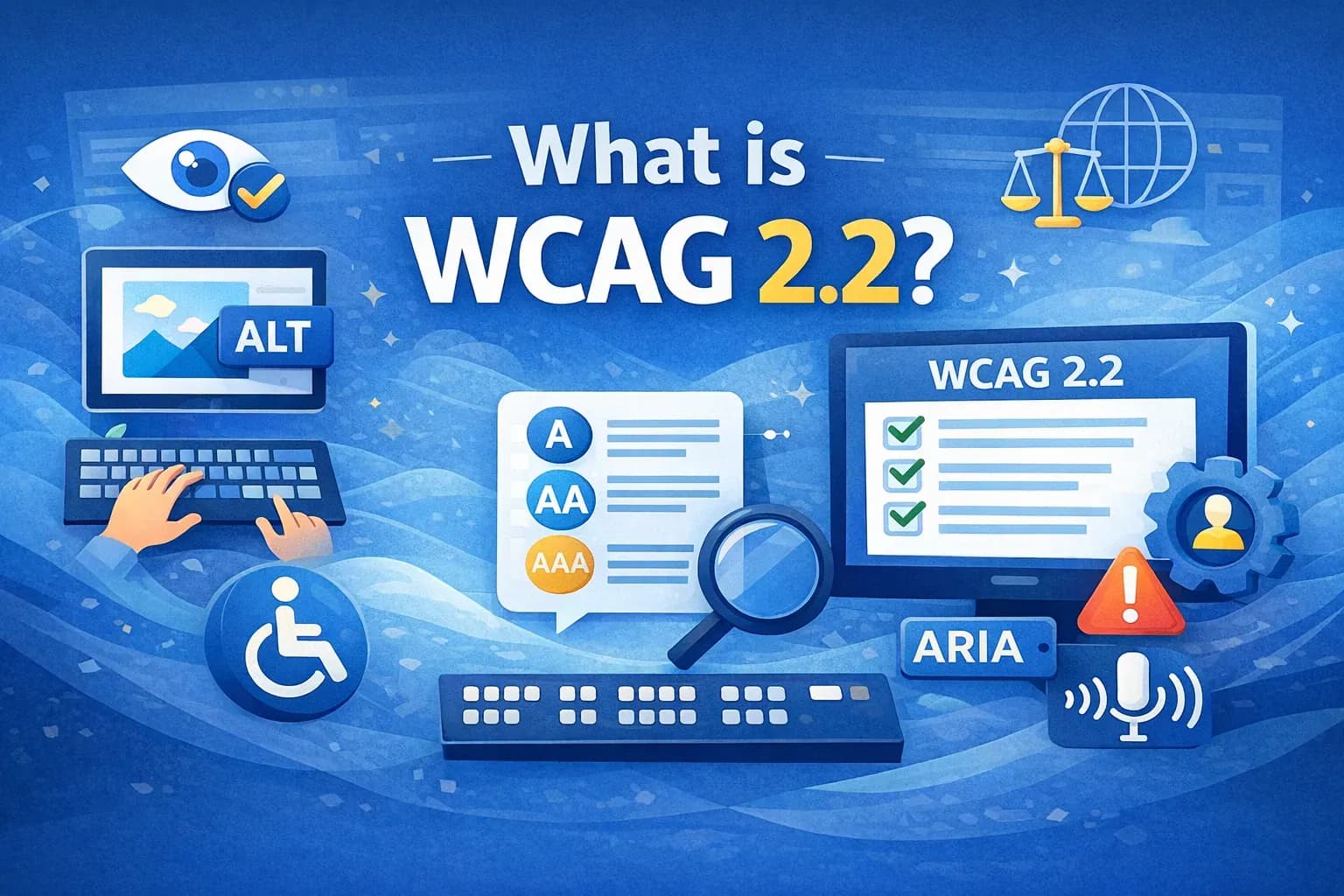
What is WCAG 2.2? (Complete Guide to Web Accessibility Standards)
If you're working toward website accessibility compliance, understanding WCAG 2.2 guidelines is the first and most critical step.
The Web Content Accessibility Guidelines (WCAG) 2.2 define how to make digital content accessible to people with disabilities. These guidelines are the global benchmark for accessibility compliance, referenced by laws like ADA, AODA, and the European Accessibility Act.
If you're new to accessibility, start with our Complete Guide to Website Accessibility Compliance
What is WCAG 2.2?
WCAG 2.2 is the latest version of accessibility standards developed by the World Wide Web Consortium (W3C) under the Web Accessibility Initiative (WAI).
It provides a structured framework to ensure that websites, applications, and digital products are accessible to users with:
- Visual impairments (blindness, low vision)
- Hearing impairments
- Motor disabilities
- Cognitive and learning disabilities
WCAG is not a law itself, but it is used as the foundation for accessibility laws worldwide.
Why WCAG 2.2 Matters for Businesses
Ignoring WCAG 2.2 compliance can lead to:
Legal Risks
Many countries mandate accessibility through regulations that align with WCAG standards.
Lost Revenue
Inaccessible websites exclude millions of potential users.
Poor User Experience
Accessibility improvements benefit all users, not just those with disabilities.
SEO Benefits
WCAG best practices overlap with SEO, including:
- Proper heading structures
- Alt text for images
- Clear navigation
WCAG 2.2 Principles (POUR Framework)
WCAG is built on four core principles known as POUR.
1. Perceivable
Content must be presented in ways users can perceive.
Key requirements:
- Provide alt text for images
- Add captions for videos
- Maintain sufficient color contrast
2. Operable
Users must be able to interact with all elements.
Key requirements:
- Full keyboard accessibility
- No keyboard traps
- Clear navigation structure
3. Understandable
Content and UI should be easy to understand.
Key requirements:
- Clear form labels and instructions
- Predictable navigation
- Helpful error messages
4. Robust
Content must work with assistive technologies.
Key requirements:
- Compatible with screen readers
- Proper use of semantic HTML
- Correct use of ARIA attributes
What’s New in WCAG 2.2?
WCAG 2.2 introduces new success criteria focused on improving accessibility for users with
- Cognitive disabilities
- Low vision
- Motor impairments
Key additions include:
- Focus Appearance (2.4.11) – Improved visibility of focus indicators
- Dragging Movements (2.5.7) – Alternatives to drag-and-drop interactions
- Target Size (2.5.8) – Minimum clickable area for interactive elements
- Accessible Authentication (3.3.7 & 3.3.8) – Easier login experiences without cognitive burden
These updates make WCAG 2.2 more practical for modern UI/UX patterns.
WCAG Conformance Levels Explained
WCAG defines three levels of compliance:
Level A (Basic Accessibility)
Minimum requirements for accessibility.
Level AA (Recommended Standard)
Most commonly required level for legal compliance.
Level AAA (Advanced Accessibility)
Highest level, often difficult to achieve fully.
Most businesses aim for WCAG 2.2 Level AA compliance
How WCAG 2.2 Relates to Accessibility Laws
WCAG is referenced by major global regulations:
- ADA (USA)
- Section 508 (USA)
- AODA (Canada)
- European Accessibility Act (EU)
- RPWD Act (India)
This means WCAG compliance = legal compliance in many cases
How to Implement WCAG 2.2 on Your Website
To achieve WCAG 2.2 compliance, organizations typically follow:
Step 1: Accessibility Audit
Identify issues using automated and manual testing.
Step 2: Remediation
Fix accessibility issues in code, UI, and content.
Step 3: Continuous Monitoring
Ensure accessibility is maintained as the website evolves.
WCAG 2.2 Checklist (Quick Snapshot)
Here are a few key checks:
- All images have alt text
- Website is keyboard navigable
- Forms have labels and error handling
- Proper heading structure is used
- Color contrast meets WCAG standards
Read the full checklist: WCAG 2.2 Checklist for Websites
Common Mistakes in WCAG Implementation
- Relying only on automated tools
- Ignoring manual testing
- Using accessibility overlays as a complete solution
- Poor use of ARIA attributes
Not testing with real assistive technologies
How Webability Helps with WCAG 2.2 Compliance
Achieving WCAG compliance can be complex, especially for growing websites.
Webability’s Accessibility Enhancer helps you:
- Detect accessibility issues instantly
- Improve compliance in real-time
- Understand WCAG violations with clear explanations
- Reduce dependency on manual fixes
It acts as a scalable accessibility solution, not just a basic widget.
Quick Questions
Tap to ask AI about this article