7 Top-Tier Accessibility Website Examples to Inspire You in 2026

Sidharth Nayyar
TL;DR: This article showcases 7 top-tier accessibility website examples and resources to guide developers and designers. It highlights educational tools like the W3C's Before and After Demo and ARIA Guide, practical frameworks like the U.S. Web Design System, and accessible foundations like WordPress "Accessibility Ready" themes and Shopify's ecosystem. These examples offer actionable blueprints for building inclusive websites that comply with WCAG and ADA standards from the start.
Building an inclusive web experience is one of the most impactful investments a team can make. It not only ensures legal compliance with standards like WCAG and ADA but also expands your audience and strengthens your brand's reputation. Yet, translating abstract guidelines into tangible, effective web design can be challenging. Where do you start? The best way to learn is by example.
To truly appreciate why great web accessibility goes beyond a mere checklist, understanding the importance of digital accessibility compliance is crucial for framing your team's strategy. This moves the conversation from a technical task to a core business objective. This article cuts through the theory by showcasing 7 outstanding accessibility website examples and resources designed to provide that strategic clarity.
We'll break down what makes them effective, from code-level implementation to user-centric design patterns. For web development teams and digital agencies, this curated list offers a blueprint for creating truly accessible digital products.
Each entry includes:
- Annotated Screenshots: Visual breakdowns of key accessibility features in action.
- Strategic Analysis: Insights into the "why" behind their design and development choices.
- Actionable Takeaways: Replicable tactics you can apply to your own projects.
This guide is designed to be a practical resource. It moves past generic advice to offer specific, tactical insights you can use to build better, more inclusive websites. Let's dive into the examples.
1. W3C WAI – Before and After Demonstration (BAD)
The W3C Web Accessibility Initiative's (WAI) Before and After Demonstration (BAD) is an essential educational resource, offering one of the most powerful accessibility website examples available. It’s not a commercial site but a learning tool that presents a fictional, inaccessible website and a fully remediated, accessible version side-by-side.
This unique format allows development teams, designers, and content creators to directly experience the impact of accessibility barriers. Users can navigate both sites using keyboards, screen readers, and other assistive technologies to understand precisely how specific coding and design choices create or remove obstacles.
Strategic Analysis: The Power of Direct Comparison
The BAD site's core strength lies in its direct comparison model. Instead of just listing WCAG guidelines, it shows them in action. This hands-on approach is invaluable for training, as it transforms abstract principles into tangible user experiences.
For instance, a developer can attempt to navigate a poorly structured form on the "before" site with just a keyboard, then switch to the "after" version to see how proper labels, fieldsets, and focus management create a seamless experience. This immediate feedback loop is far more impactful than reading documentation alone.
Key Strategic Insight: By demonstrating the consequences of inaccessibility and the solutions in a live environment, the BAD site fosters deep empathy and understanding. It shifts the conversation from "compliance" to "usability," which is a critical mindset for building truly inclusive digital products.
Actionable Takeaways for Your Team
The W3C WAI Before and After Demonstration is a completely free resource, requiring no account or special access. It is designed for universal use as an educational platform.
Here’s how to leverage this invaluable tool:
- Onboarding and Training: Use the BAD site as a mandatory part of your onboarding process for new developers, designers, and QA testers. Have them complete specific tasks on both the "before" and "after" versions to build foundational knowledge.
- Empathy Building Exercises: Conduct team workshops where participants use a screen reader (like NVDA or VoiceOver) to navigate the BAD site. This exercise helps stakeholders who don't typically use assistive technology understand the real-world frustrations caused by accessibility barriers.
- Code Review and Auditing: Reference the annotated code samples in the "after" version as a practical guide during code reviews. When a developer is unsure how to implement an accessible component, the BAD site provides a working, compliant model.
By integrating this resource into your workflows, you provide a clear, practical, and unforgettable lesson in digital accessibility.
Website:W3C WAI Before and After Demonstration (BAD)
2. W3C WAI – ARIA Authoring Practices Guide (APG)
The W3C Web Accessibility Initiative's (WAI) ARIA Authoring Practices Guide (APG) is the definitive resource for developers building complex web components. It serves as one of the most critical accessibility website examples, acting not as a commercial site but as a "gold standard" technical library for implementing dynamic and interactive user interfaces like menus, dialogs, and tab panels.
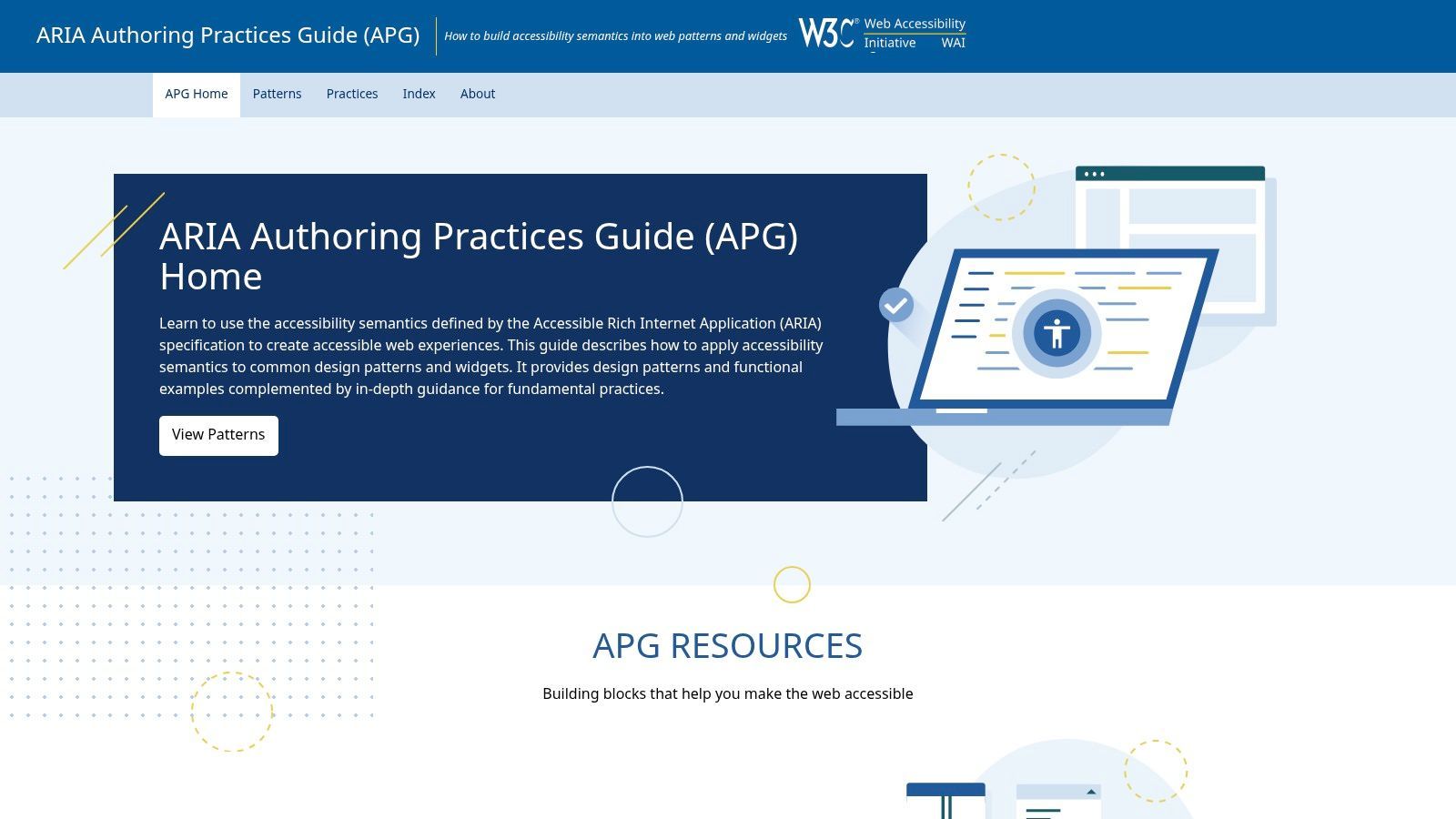
The APG provides developers with established patterns, keyboard interaction models, and essential WAI-ARIA roles, states, and properties. It bridges the gap between the ARIA specification and real-world application, offering functional examples that demonstrate how to make sophisticated widgets accessible to users of assistive technologies.
Strategic Analysis: The Blueprint for Complex Components
The APG's core value is its role as an authoritative blueprint. When a developer needs to build a custom component that isn't native to HTML, such as a tree view or a complex grid, the APG provides the exact recipe for accessibility. It details the required semantic structure and the expected behavior, especially for keyboard-only users.
This moves development beyond guesswork. Instead of trying to invent an accessible solution from scratch, teams can consult the APG's patterns to ensure their components behave in a way that is predictable and usable for screen reader users. This guidance is indispensable for building modern, JavaScript-heavy web applications that are robustly accessible.
Key Strategic Insight: By providing standardized, working models for complex widgets, the APG reduces development ambiguity and prevents the creation of inaccessible custom components. It empowers teams to build rich, interactive experiences without sacrificing inclusion, establishing a common language for accessible user interface design.
Actionable Takeaways for Your Team
The WAI-ARIA Authoring Practices Guide is a free, open-standard resource maintained by the W3C. It is designed specifically for web developers and engineers to use as a primary reference guide.
Here’s how to leverage this invaluable tool:
- Component Development Standard: Make the APG the first point of reference for your engineering team whenever they build a custom interactive component. Integrate its patterns into your internal design system or component library.
- Defining QA Test Plans: Use the keyboard interaction models outlined in each APG pattern to write precise acceptance criteria for your QA team. Testers can validate components against the APG's documented behavior to ensure consistency.
- Technical Design Reviews: During the technical design phase for new features, reference APG patterns to plan for accessibility from the start. This proactive approach is far more efficient than trying to remediate complex components after they are already built.
By adopting the APG as a foundational development resource, your team can ensure its custom interfaces are predictable, functional, and fully accessible.
Website:W3C WAI – ARIA Authoring Practices Guide (APG)
3. W3C WAI – Tutorials (Designing/Developing Accessible Pages)
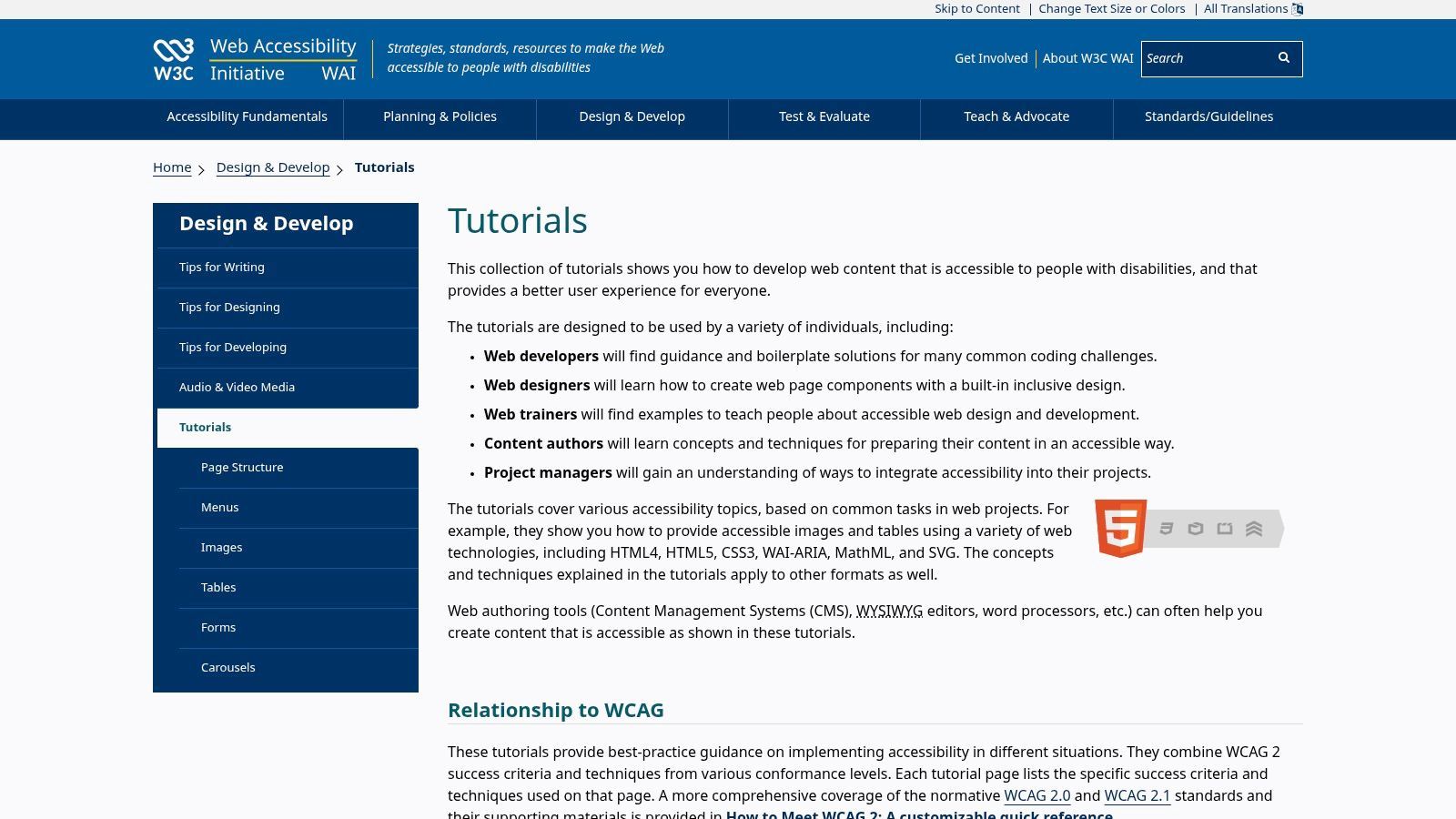
The W3C Web Accessibility Initiative (WAI) Tutorials are a foundational resource for any digital professional, offering another of the most practical accessibility website examples available. Unlike a single demonstration site, this is a comprehensive library of topic-specific guides that break down how to create accessible web components and content, from images and tables to complex navigation menus.
This repository of knowledge serves as a direct bridge between the technical WCAG standards and their real-world application. It provides developers, designers, and content authors with clear, step-by-step instructions, working code examples, and the rationale behind each accessibility practice, making it an indispensable tool for daily work.
Strategic Analysis: From Theory to Application
The primary strength of the WAI Tutorials is their ability to deconstruct complex accessibility concepts into manageable, component-level tasks. While the WCAG documentation is the definitive source of truth, it can be dense and theoretical. These tutorials translate that theory into actionable code and design patterns.
For example, a developer tasked with building an accessible data table can find a specific tutorial covering proper <thead>, <tbody>, <th> tags, and the use of the scope attribute. The page provides not only the "how" with code snippets but also the "why," explaining how these elements help screen reader users understand table structure. This approach empowers teams to build accessible components from the ground up, rather than trying to fix them later.
Key Strategic Insight: By providing concrete, pattern-based solutions, the WAI Tutorials shift team focus from merely understanding guidelines to competently implementing them. This repository transforms WCAG from a compliance checklist into a practical, everyday development guide, fostering a culture of proactive accessibility.
Actionable Takeaways for Your Team
The W3C WAI Tutorials are a completely free, open-access resource intended for widespread educational use. Their modular nature makes them easy to integrate into any project lifecycle or training program.
Here’s how to leverage this invaluable resource:
- Component-Specific Guidance: When your team starts work on a new feature like a carousel, form, or navigation menu, make the corresponding WAI tutorial required reading. This ensures best practices are considered from the very beginning.
- Design and Content Workshops: Use the tutorials on images, page structure, and text content to train designers and authors. These guides offer clear principles for creating alt text, using headings correctly, and ensuring content is perceivable.
- Augmenting Your Design System: Link directly to relevant WAI tutorials from your internal component library or design system documentation. This provides your team with an authoritative, external reference for the accessibility standards behind each component. A deeper understanding can be gained by exploring this deep dive into web content accessibility guidelines and its best practices.
By making these tutorials a go-to reference, you equip your team with the knowledge to not only meet but exceed accessibility standards in their daily work.
Website:W3C WAI Tutorials
4. U.S. Web Design System (USWDS)
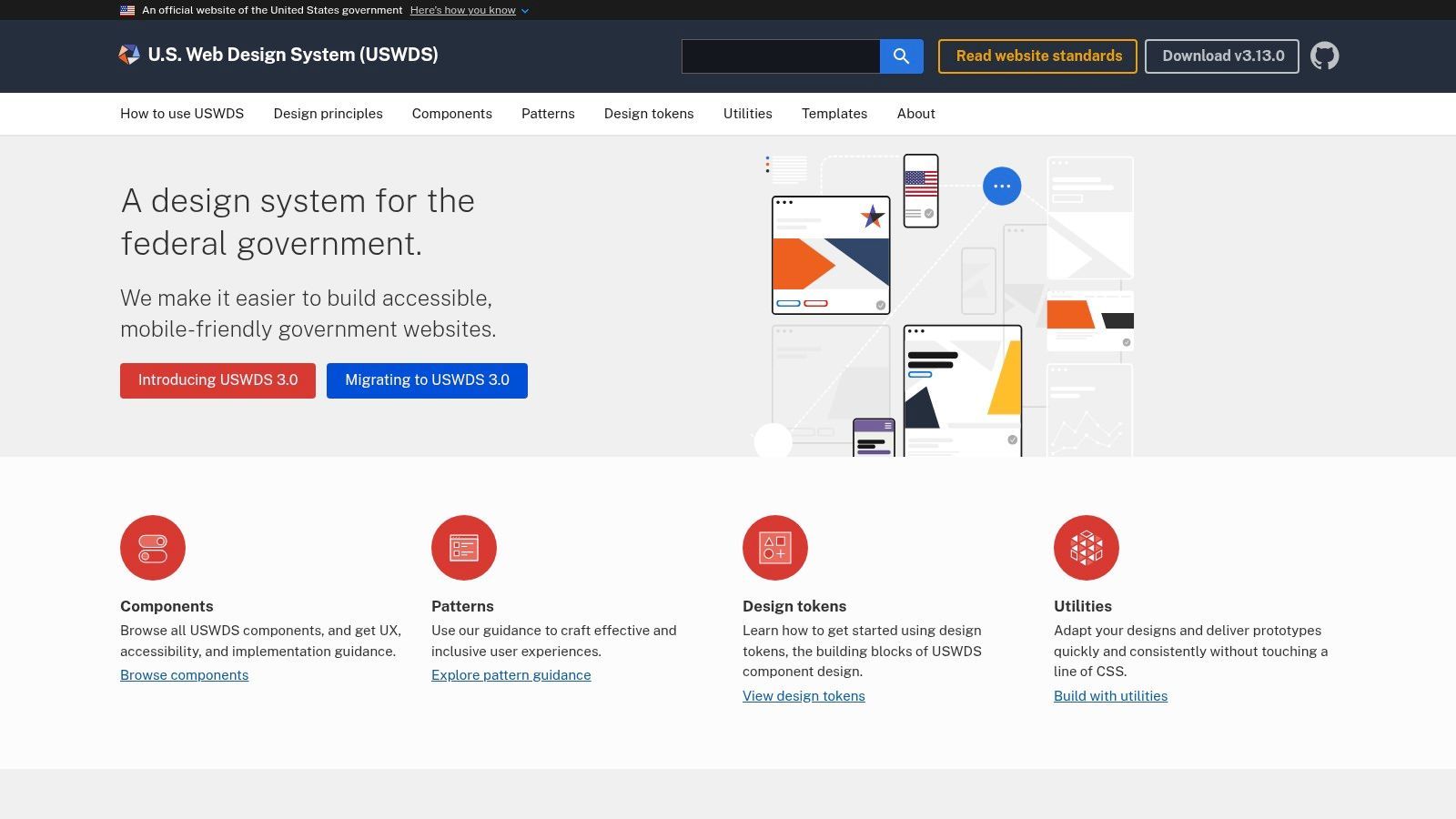
The U.S. Web Design System (USWDS) is a comprehensive design system created by the U.S. government, providing a powerful library of accessible, production-ready components. While designed for federal websites, it has become a go-to resource for teams everywhere, serving as one of the best accessibility website examples for building inclusive systems from the ground up.
Its core purpose is to provide a unified design language and a set of reusable, compliant components that meet rigorous standards like WCAG and Section 508. For development teams, this means having access to a pre-vetted toolkit that embeds accessibility best practices directly into the code, saving significant time and reducing compliance risks.
Strategic Analysis: Building Accessibility in, Not Bolting It On
The true power of the USWDS lies in its "accessibility-first" philosophy. Instead of treating accessibility as a final checklist item, it integrates inclusive design principles into every component, from a simple button to a complex multi-step form. This approach shifts the burden from individual developers to the system itself, ensuring a consistent and high-quality user experience for all.
Each of its 40+ components comes with detailed documentation explaining the accessibility considerations, keyboard interactions, and ARIA attributes used. This makes it an invaluable learning tool as much as a development resource. A team can not only use a compliant component but also understand why it is compliant, reinforcing best practices across the organization.
Key Strategic Insight: By systemizing accessibility through a shared component library, USWDS turns compliance into a scalable, repeatable process. It proves that accessibility doesn't have to be a custom, one-off effort for every project; it can be an inherent property of the tools you use to build.
Actionable Takeaways for Your Team
The U.S. Web Design System is an open-source, completely free resource. There are no licensing fees, and the code is publicly available for anyone to use, adapt, or learn from. Its guidance is particularly useful for teams navigating Section 508 requirements.
Here’s how to leverage this invaluable system:
- Benchmark Your Components: Use the USWDS component documentation as a reference when building or auditing your own design system. Compare your components against their implementation to identify gaps in ARIA usage, keyboard navigation, or semantic HTML.
- Accelerate Prototyping: Even if you don't adopt the entire system, use its components to quickly build accessible, high-fidelity prototypes. This ensures accessibility is considered from the earliest stages of the design process, not just during final QA.
- Inform Your Standards: Incorporate the accessibility guidance from USWDS into your team's internal development standards and "definition of done." This provides a clear, authoritative source for what makes a component truly accessible.
Adopting the principles and practices of USWDS can fundamentally improve the consistency and quality of your digital products.
Website:U.S. Web Design System (USWDS)
5. WordPress.org Themes – “Accessibility Ready” Category
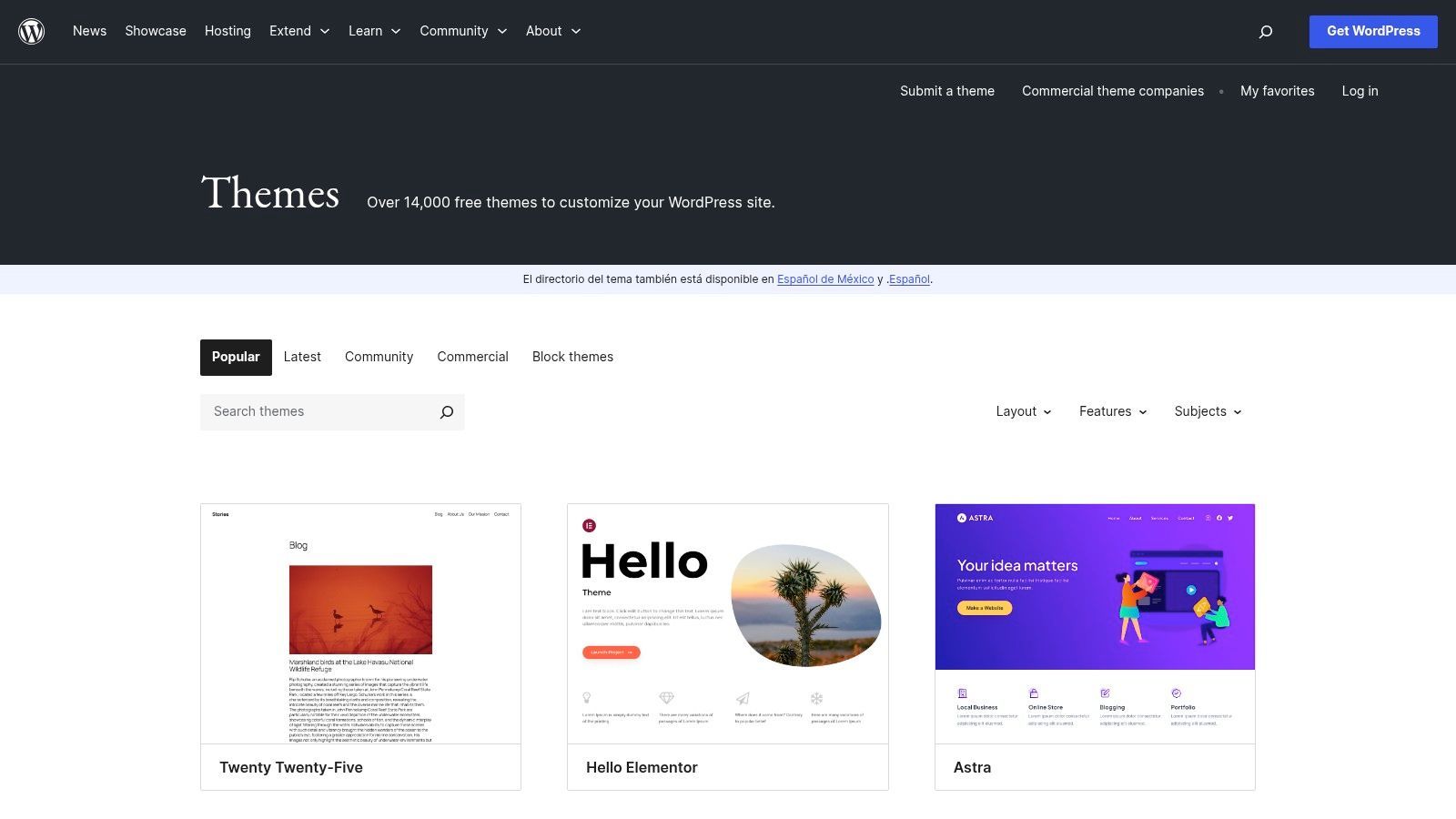
The official WordPress.org Theme Directory offers a powerful starting point for any accessible web project through its "Accessibility Ready" filter. While not a single website, this curated collection serves as one of the most practical accessibility website examples by providing a launchpad for building inclusive sites. These themes have undergone a review by the WordPress Accessibility Team to ensure they meet a foundational set of accessibility guidelines.
This resource is invaluable for teams looking to learn from established patterns or rapidly prototype a new project with a solid, accessible base. It allows developers to download, inspect, and build upon themes designed with features like proper heading structures, keyboard navigation, and appropriate color contrast from the start.
Strategic Analysis: Building on a Solid Foundation
The strategic advantage of the "Accessibility Ready" category is its ability to lower the barrier to entry for creating accessible websites. Instead of starting from scratch, teams can select a theme that has already solved common accessibility challenges, such as implementing skip links, ensuring focus states are visible, and using ARIA landmarks correctly.
This approach saves significant development time and reduces initial remediation costs. By deconstructing these themes, developers can learn best practices for accessible menus, forms, and content layouts. It's important to remember that "Accessibility Ready" is a starting point, not a guarantee of full compliance once content and plugins are added. You can further enhance your site by exploring powerful accessibility plugins for WordPress.
Key Strategic Insight: Leveraging "Accessibility Ready" themes shifts the development process from "fixing" accessibility issues to "maintaining" an accessible foundation. This proactive approach embeds accessibility into the project from day one, making it a core component rather than an afterthought.
Actionable Takeaways for Your Team
The WordPress.org Theme Directory is completely free, providing access to hundreds of "Accessibility Ready" themes without any cost or account requirements.
Here’s how to leverage this resource effectively:
- Rapid Prototyping: Use an "Accessibility Ready" theme to quickly build a functional prototype for a new website or feature. This ensures that user testing and initial stakeholder reviews are conducted on a platform that is already usable by people with disabilities.
- Code-Level Learning: Assign developers the task of reviewing the codebase of a well-regarded "Accessibility Ready" theme. This is a practical way to see how experienced developers implement accessible patterns in PHP, HTML, CSS, and JavaScript.
- Establish a Baseline: For agencies and freelancers, recommend "Accessibility Ready" themes as the default starting point for all client projects. This establishes a high standard of quality and demonstrates a commitment to inclusive design from the outset.
By integrating these themes into your workflow, you can accelerate development while ensuring your projects are built on a foundation of accessibility.
Website:WordPress.org "Accessibility Ready" Themes
6. Shopify – Theme Store and Accessibility Guidance
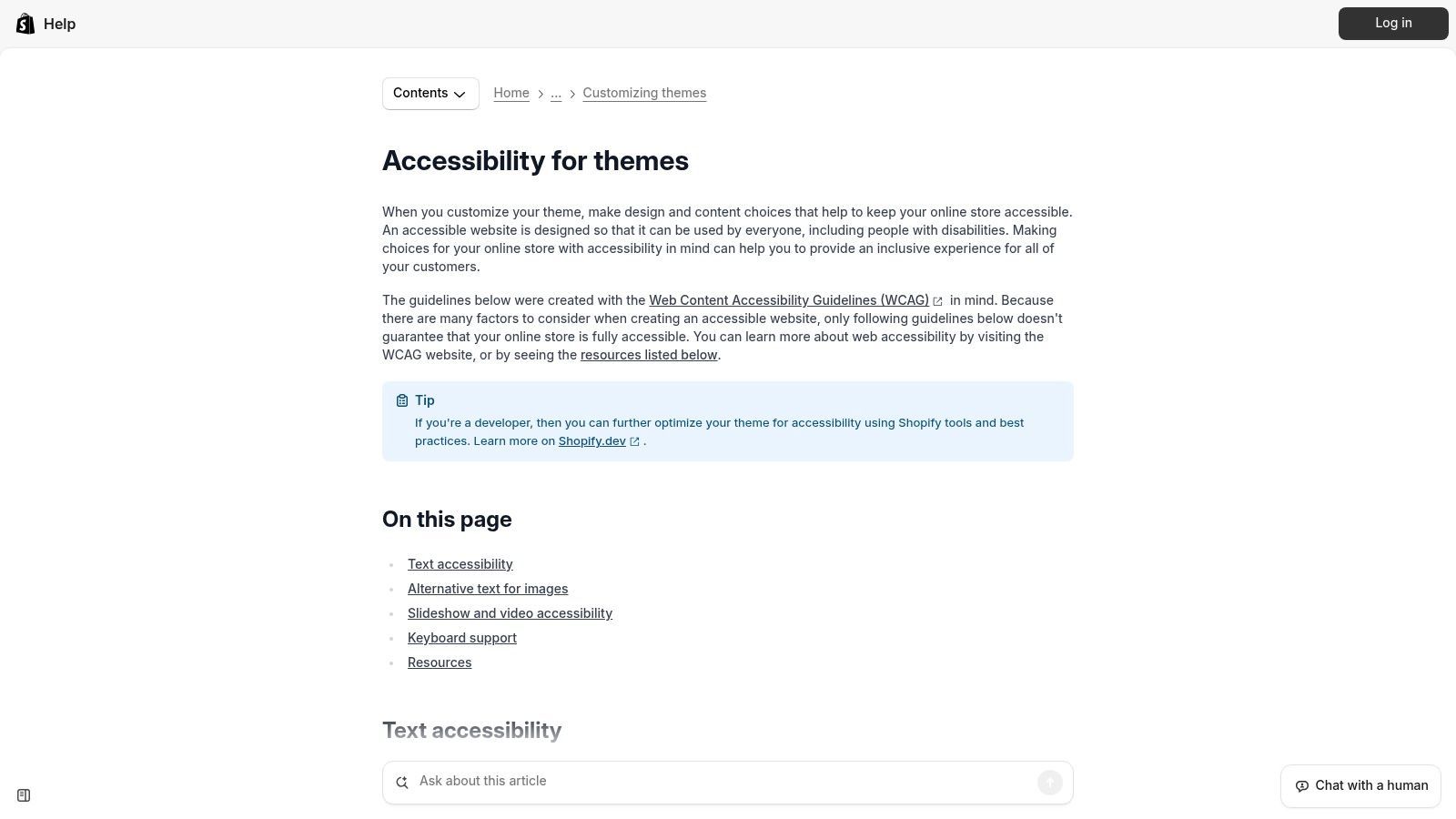
Shopify's official guidance and Theme Store serve as powerful accessibility website examples tailored for the world of ecommerce. Rather than a single site, Shopify provides an ecosystem of resources, including detailed documentation and live theme demos, that guide merchants in creating accessible online storefronts from the ground up.
This approach empowers businesses of all sizes to embed accessibility into their core customer experience. By exploring themes like "Dawn" or "Craft," developers and store owners can see accessible patterns for product galleries, navigation menus, and checkout forms in a real-world context, moving beyond theory to practical application.
Strategic Analysis: Building an Accessible Ecommerce Foundation
Shopify's strategy centers on providing accessible defaults and clear guidance, making it easier for merchants to do the right thing. By building accessibility principles directly into their free themes and outlining best practices for developers, they lower the barrier to entry for creating a compliant and user-friendly online store.
This model is particularly effective because it addresses accessibility at the source: the theme architecture. When a store is built on an accessible foundation, future customizations and content additions are less likely to introduce significant barriers. This proactive approach is more sustainable and impactful than relying solely on post-launch fixes.
Key Strategic Insight: By integrating accessibility into its core product offering (themes) and educational resources, Shopify positions inclusivity not as an add-on, but as a fundamental component of a successful online business. This strategy encourages a scalable, platform-wide adoption of best practices.
Actionable Takeaways for Your Team
Access to Shopify's accessibility guidance is completely free. The Theme Store offers both free and paid themes, many of which can be previewed without cost to evaluate their accessibility features.
Here's how to leverage Shopify's ecosystem:
- Benchmark Ecommerce Patterns: Use Shopify's free themes like "Dawn" as a reference for accessible ecommerce components. Analyze their implementation of accessible product carousels, variant selectors, and cart functionality to inform your own projects.
- Evaluate Third-Party Themes: When selecting a theme, use Shopify's accessibility checklist as your guide. Test the theme demo with a keyboard and screen reader, paying close attention to focus indicators, image alt text, and heading structures before purchasing.
- Layered Implementation: Use Shopify's guidance to build a strong, natively accessible foundation for your store. Then, explore vetted accessibility apps from the Shopify App Store to provide additional user-facing controls and enhancements while your team continues to implement deeper, code-level improvements.
By using these resources, your team can learn from proven ecommerce patterns and build a more inclusive, effective, and compliant online store.
Website:Shopify Help Center - Theme Accessibility
7. WebAIM (Web Accessibility In Mind)
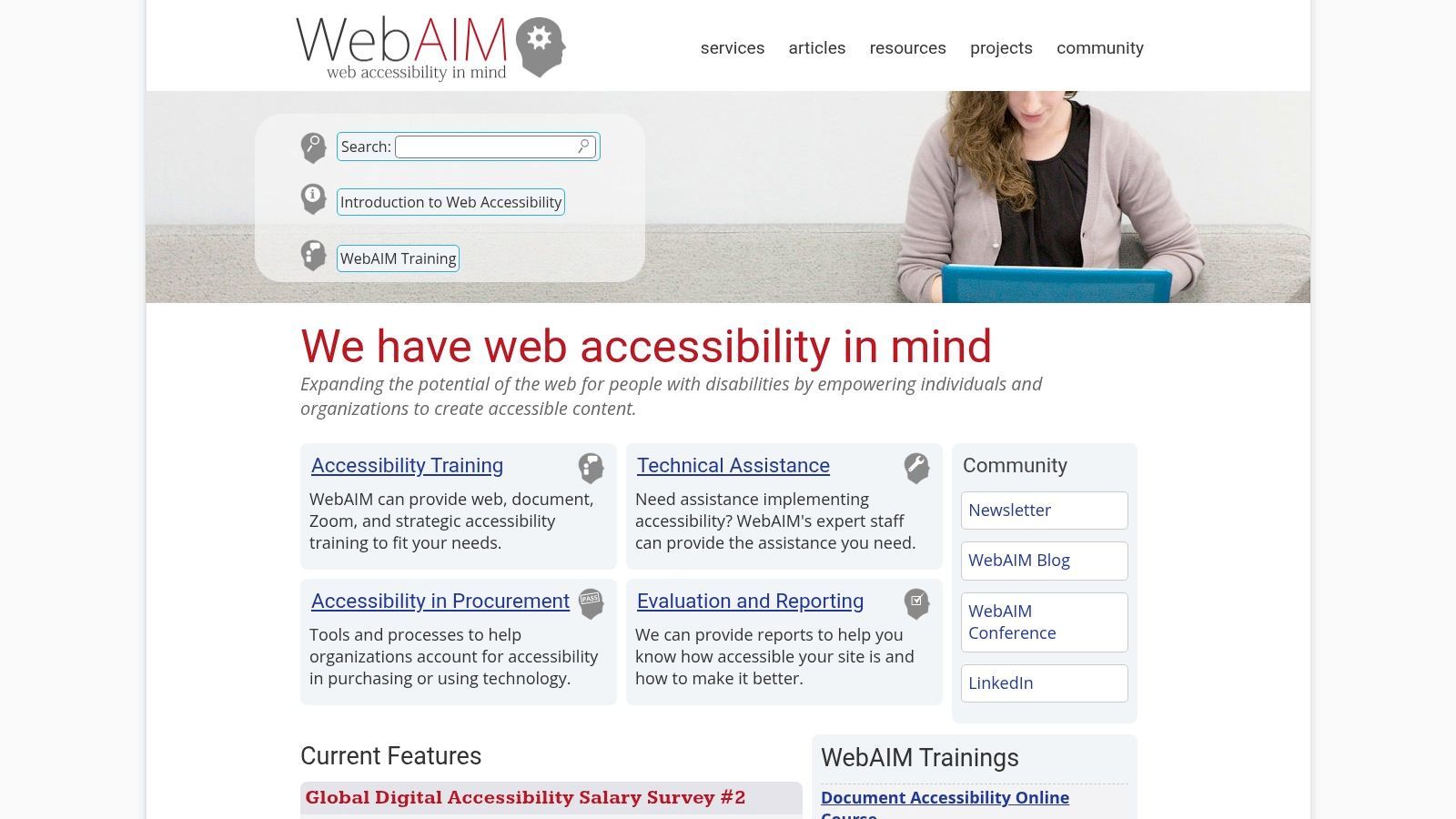
WebAIM (Web Accessibility in Mind) is a non-profit organization based at Utah State University, and its website is a cornerstone resource for the digital accessibility community. It serves less as a showpiece of accessible design and more as an indispensable toolkit, offering some of the most practical and widely-used accessibility website examples, articles, and evaluation tools available.
The site is a masterclass in translating dense, technical WCAG guidelines into clear, actionable advice for developers, designers, and content creators. From its famous WCAG 2 Checklist to its in-depth articles on ARIA, forms, and color contrast, WebAIM provides the "how-to" that teams need to implement accessibility correctly.
Strategic Analysis: Bridging Theory and Practice
WebAIM's primary strength is its ability to bridge the gap between abstract accessibility principles and real-world application. While the WCAG documentation is the definitive source, it can be overwhelming. WebAIM distills this information into practical guides, checklists, and free tools that teams can use immediately.
The WAVE Web Accessibility Evaluation Tool, for instance, provides instant visual feedback on accessibility issues directly within a web browser, making it an invaluable first-pass auditing tool. Similarly, their Color Contrast Checker is the go-to utility for designers ensuring their palettes meet legibility standards. This focus on practical application makes accessibility less daunting and more achievable.
Key Strategic Insight: By providing a suite of free, high-quality tools and tutorials, WebAIM democratizes accessibility knowledge. It empowers teams, regardless of size or budget, to take concrete steps toward creating more inclusive products, shifting accessibility from a specialized discipline to a core development practice.
Actionable Takeaways for Your Team
WebAIM's resources are completely free and are designed to support ongoing accessibility efforts. Its content is trusted by government agencies, educational institutions, and corporations worldwide.
Here’s how to leverage this essential resource:
- Bookmark Key Resources: Make the WCAG 2 Checklist and the Color Contrast Checker standard bookmarks for your design and development teams. These should be the first stops for quick reference and validation.
- Integrate WAVE into Your Workflow: Use the WAVE browser extension for quick accessibility checks during development and QA. While automated tools are just one part of a comprehensive strategy, WAVE is excellent for catching common errors early. You can explore a variety of web accessibility testing tools to build a complete testing suite.
- Deep-Dive Training: Use WebAIM’s articles and tutorials for targeted training sessions. For example, if your team is working on complex forms, use WebAIM's guide on accessible forms to review best practices for labels, instructions, and validation.
By incorporating WebAIM's tools and knowledge base into your daily operations, you equip your team with the practical guidance needed to turn accessibility requirements into reality.
Website:WebAIM (Web Accessibility In Mind)
7-Example Accessibility Website Comparison
| Resource | Implementation complexity | Resource requirements | Expected outcomes | Ideal use cases | Key advantages |
|---|---|---|---|---|---|
| W3C WAI – Before and After Demonstration (BAD) | Low to review; applying fixes varies | Minimal (browser access, downloadable demos) | Clear, visual before/after evidence and demo code for training | Stakeholder buy-in, demos, accessibility training | Side-by-side examples; standards-aligned; free |
| W3C WAI – ARIA Authoring Practices Guide (APG) | High (requires HTML/JS and ARIA knowledge) | Developer time for implementation and QA | Correct, keyboard-accessible interactive widgets | Building complex UI components (menus, dialogs, trees) | Authoritative ARIA patterns with live examples |
| W3C WAI – Tutorials (Designing/Developing) | Low–medium (step-by-step) | Designers/developers/content authors time | Improved accessibility for common page elements with code snippets | Learning/applying WCAG for everyday pages | Practical, topic-focused tutorials mapping to WCAG |
| U.S. Web Design System (USWDS) | Medium (integrate and theme components) | Design/dev resources for theming and integration | Production-ready accessible components and templates | Government projects or orgs needing stable component library | Well-documented, maintained, Section 508/WCAG-aligned |
| WordPress.org Themes – “Accessibility Ready” | Low (installable themes) | WordPress admin skills; plugin/content testing | Accessible baseline for prototypes and sites (not guaranteed full WCAG AA) | Rapid prototyping, content sites, learning | Free, large ecosystem, easy entry point |
| Shopify – Theme Store and Accessibility Guidance | Low–medium (theme use plus fixes) | Shopify theme knowledge; possible apps or developer time | Ecommerce-focused accessible storefront examples and add-ons | Online stores seeking accessible theme patterns | Turnkey ecommerce demos; apps for quick enhancements |
| WebAIM (Web Accessibility In Mind) | Low to use resources; tools need interpretation | Time for review and manual testing; tool usage | Actionable checklists, evaluation results, contrast and WAVE reports | Translating WCAG to actionable tasks; evaluating live pages | Trusted guidance, clear checklists and free evaluation tools |
Turning Inspiration into Action: Your Next Steps in Web Accessibility
The journey through these foundational accessibility website examples has provided more than just a gallery of compliant designs; it has offered a strategic blueprint for building a more inclusive web. We've moved beyond theory and examined the practical, code-level implementation of accessibility, from the W3C's definitive ARIA patterns to the scalable systems of the USWDS and the accessible-ready themes within WordPress and Shopify. The common thread is a proactive, not reactive, commitment to inclusive design principles.
These examples underscore a critical truth: accessibility is not a feature to be added at the end of a project. It is a fundamental component of quality development and user experience, woven into the fabric of design, content, and code from the very beginning. The resources from WebAIM further reinforce this by providing the tools and knowledge needed for continuous testing and education, ensuring that accessibility remains a priority throughout a website's lifecycle.
The key takeaway is that building an accessible website is an achievable goal, supported by a wealth of established patterns, frameworks, and community-driven resources. You don't need to reinvent the wheel. By leveraging these proven examples, your team can accelerate its development process, reduce guesswork, and build with the confidence that comes from using standards-based, user-tested components.
From Blueprint to Build: Your Actionable Roadmap
Viewing these examples is the first step, but true progress comes from implementation. The path forward involves a blend of strategic planning, hands-on development, and the right technology to support your efforts. Here’s how you can translate the inspiration from these accessibility website examples into tangible results.
Conduct a Component-Level Audit: Start small. Choose one or two of your website’s most critical interactive components, like a navigation menu, a modal dialog, or a data table. Compare its structure, ARIA roles, and keyboard behavior directly against the corresponding examples in the W3C’s ARIA Authoring Practices Guide (APG) or the U.S. Web Design System. This micro-audit provides clear, actionable feedback without the overwhelm of a full-site review.
Establish Your "Source of Truth": Your team needs a unified standard. Formally adopt one of the frameworks we've explored as your internal guide. For public sector projects, the USWDS is a natural fit. For a broader, more universal starting point, the W3C’s tutorials and design patterns serve as an excellent foundation for creating your own internal design system or component library.
Prioritize Education and Empowerment: Equip your team with the knowledge they need to succeed. Schedule a lunch-and-learn session focused on the WebAIM website. Task designers with deconstructing an "accessibility-ready" WordPress theme to understand its structure. Encourage developers to build a component from scratch using a W3C tutorial. Knowledge is the most powerful tool for preventing accessibility issues before they start.
Choosing the Right Tools to Accelerate Your Journey
While manual implementation and adherence to best practices are essential, modern accessibility requires a toolset that can scale, monitor, and adapt. The examples we reviewed are the "what" and the "how"; technology provides the "how fast" and "how consistently."
- For Development Teams: Integrate automated accessibility checkers into your CI/CD pipeline to catch issues before they reach production. Tools that scan code can be invaluable for identifying programmatic errors early.
- For Content and Marketing Teams: Utilize browser extensions and simple checkers, like those offered by WebAIM, to review content for basic issues like missing alt text, insufficient color contrast, and proper heading structure.
- For Enterprise-Wide Governance: To manage compliance across multiple digital properties, you need a centralized platform. This is where comprehensive solutions shine, offering automated scanning, ongoing monitoring, detailed reporting, and guided remediation to ensure you not only achieve but also maintain compliance over time.
These foundational accessibility website examples lay the groundwork for excellence. They provide the patterns and standards that, when combined with a strategic approach and powerful tooling, empower your organization to build digital experiences that are not just compliant, but genuinely welcoming and usable for every single visitor.
Ready to move from inspiration to implementation? The examples above provide the blueprint, and WebAbility.io provides the tools to build, manage, and maintain accessibility at scale. Let our automated scanning, AI-powered widget, and comprehensive compliance platform accelerate your journey to a fully inclusive website. Discover how WebAbility.io can transform your accessibility strategy today.
Quick Questions
Tap to ask AI about this article