7 Standout Accessibility Website Example Models to Inspire You in 2026

Sidharth Nayyar
TL;DR: Accessible websites expand your audience, build trust, and boost conversions. This article showcases 7 top-tier accessibility website examples (from W3C, Apple, and government bodies) that provide actionable blueprints for your team. By implementing their proven strategies—like clear navigation, semantic HTML, and transparent reporting—you can create an inclusive experience that not only meets compliance standards but also drives business growth. For a deeper dive into making your website a conversion engine, see our expert tips on accessible web design.
Web accessibility is no longer a niche concern; it's a core component of modern business strategy that directly impacts your bottom line. As industry leaders and our own first-hand experience at WebAbility.io confirm, creating an inclusive digital experience not only expands your potential audience by up to 25% but also significantly boosts trust, brand loyalty, and, ultimately, conversions. When every user can navigate your site with ease, you reduce friction, improve engagement, and open doors to new revenue streams. This principle is a cornerstone of effective digital design, and to further understand how adhering to best practices can boost conversions, exploring general 12 Web Design Best Practices Guidelines for Usability provides expert tips for an optimal user experience.
This article moves beyond theory to provide a deep dive into practical application. We've curated a list of premier accessibility website example models from leaders in the field, including government bodies and tech giants. For each example, you will find:
- Annotated Screenshots: Visual breakdowns of key accessibility features in action.
- Strategic Analysis: A look at the "why" behind their implementation choices.
- WCAG Conformance Insights: Actionable takeaways linked directly to official guidelines.
- Direct Links: So you can explore these best-in-class websites for yourself.
Our goal, based on years of expertise in digital compliance, is to give your team a clear, replicable blueprint for building websites that are not just compliant but also highly effective conversion engines. Let's explore how the experts get it right.
1. W3C Web Accessibility Initiative (WAI): The Global Standard-Bearer
TL;DR: The W3C WAI website is the authoritative source for web accessibility standards, including WCAG. It serves as a prime accessibility website example by practicing what it preaches, with clear content structure, robust keyboard navigation, and transparent documentation, making it an essential resource for any development team.
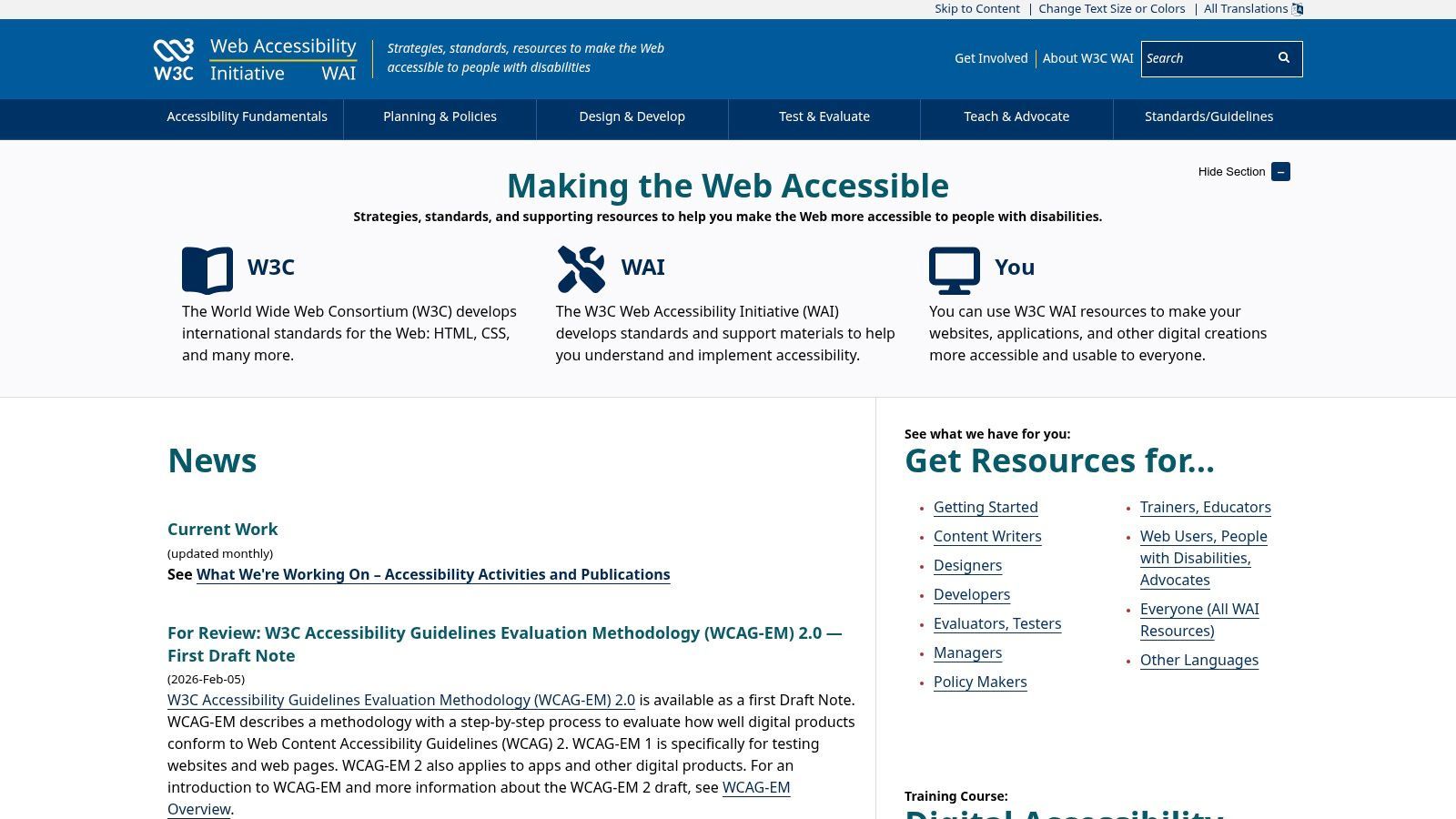
The World Wide Web Consortium (W3C) Web Accessibility Initiative (WAI) is not just a resource; it's the foundation of modern digital accessibility. This website is the definitive source for the standards themselves, including the Web Content Accessibility Guidelines (WCAG). It stands out because its primary purpose is to educate and guide, and its own design and structure reflect the very principles it establishes.
Why WAI Is a Top Accessibility Example
The site’s excellence lies in its commitment to clarity and structure. Information is organized logically, using proper headings, landmarks, and semantic HTML that create a seamless experience for screen reader users. The content itself, from technical specifications to tutorials, is written to be understood by a global audience of developers, designers, and policymakers.
Key Takeaway: WAI’s site demonstrates that accessible design is fundamentally about clear information architecture. By building with semantic HTML and logical content hierarchies from the start, you create a foundation that supports all users, including those relying on assistive technology.
Replicable Strategies & Key Features
For teams looking to improve their own accessibility, WAI offers a direct model to follow.
- Accessibility Statement: The site features a model accessibility statement that clearly outlines its conformance goals, known limitations, and contact information for feedback. This transparency builds trust and provides users with a clear path for support.
- Content and Navigation: The navigation is fully keyboard-operable, with visible focus indicators. Content is well-structured, with high-contrast text and a responsive layout that works across devices.
- Free Resources: All guidance, tutorials, and tools, including the invaluable Accessibility Statement Generator, are completely free. This makes it the go-to resource for understanding and implementing global accessibility standards.
By studying how WAI structures its own content, your team can gain direct insight into WCAG principles in action. For ongoing monitoring of these principles on your own site, a platform like WebAbility.io can automate testing against the very standards WAI establishes.
2. U.S. Web Design System (USWDS): Building Accessibility In
TL;DR: The USWDS is a government-backed design system that offers pre-built, WCAG 2.1 AA-conformant components. It serves as a powerful accessibility website example by demonstrating how to bake accessibility into the core of a digital product, providing a replicable blueprint for any organization looking to scale its accessible design practices.
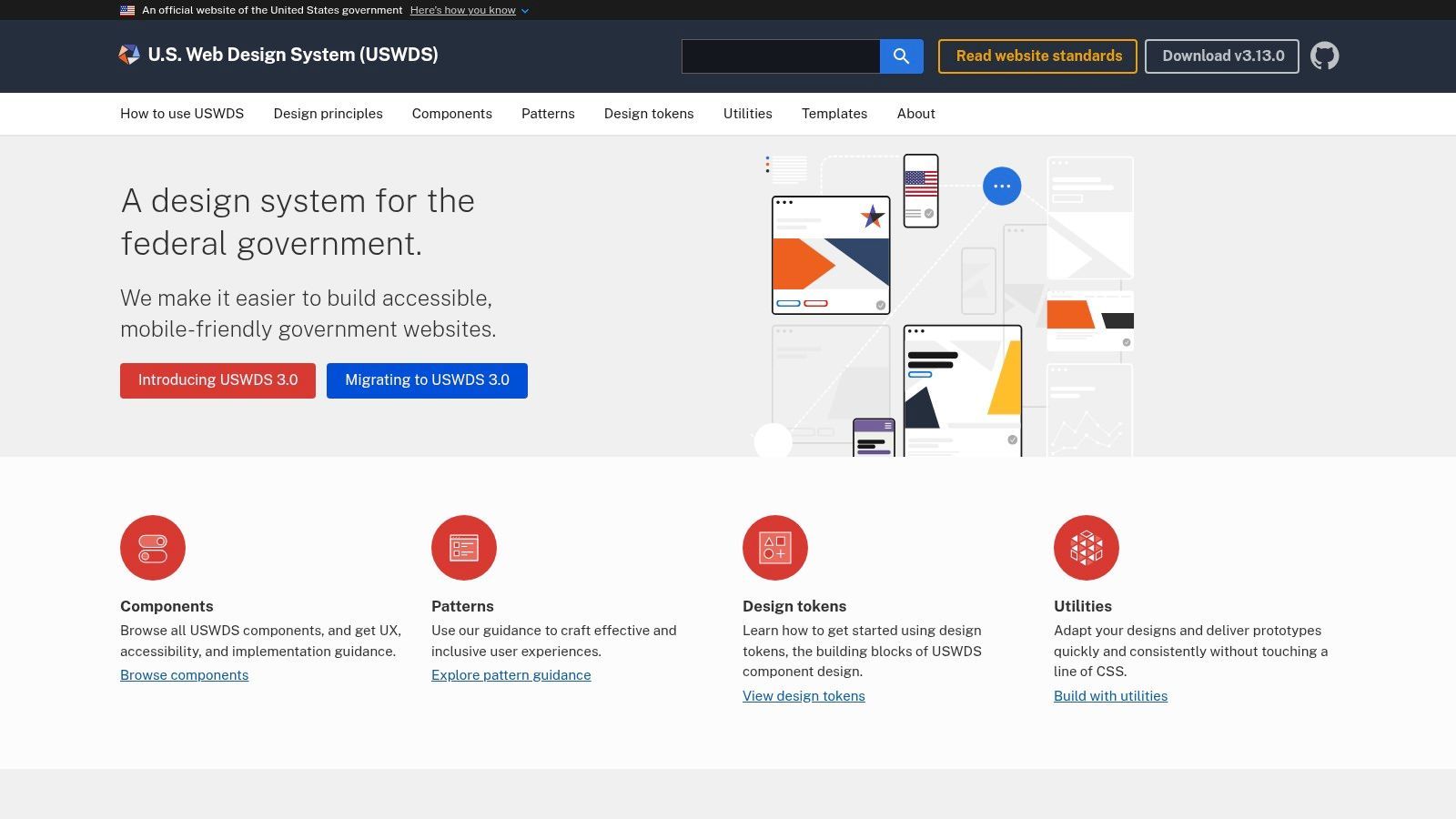
The U.S. Web Design System (USWDS) provides a practical roadmap for building accessible digital services from the ground up. Developed for U.S. federal government websites, it offers a public library of components, patterns, and design tokens where accessibility is a foundational requirement, not an afterthought. It stands out by showing how accessibility can be operationalized within a design system, making it easier for teams to create compliant experiences efficiently.
Why USWDS Is a Top Accessibility Example
The strength of the USWDS lies in its component-level approach. Every element, from buttons to complex form patterns, is designed and coded with WCAG standards in mind. This provides development teams with a solid, tested foundation, reducing the guesswork and manual effort typically required to build accessible interfaces. The documentation for each component includes specific accessibility guidance, making the "how" and "why" transparent.
Key Takeaway: A design system with baked-in accessibility is a massive accelerator. By standardizing compliant components, USWDS shows that organizations can enforce consistency and high standards across all digital properties, which is a core principle of accessible web design.
Replicable Strategies & Key Features
For teams aiming to systematize their accessibility efforts, the USWDS offers a clear model.
- WCAG-First Components: The system provides a free, open-source library of HTML/CSS and React components designed to meet WCAG 2.1 AA. Each component's documentation includes notes on its intended use and accessibility considerations.
- Transparent Reporting: USWDS publishes an Accessibility Conformance Report (based on VPAT) that details how its components align with standards. This transparency is a model for accountability and helps teams understand the system's capabilities and limitations.
- Integrated Guidance: Accessibility isn't separate documentation; it's woven into the guidance for design tokens like color and typography, ensuring that even foundational design choices support usability for everyone.
While USWDS provides a strong starting point, teams must still conduct their own testing. Using a platform like WebAbility.io can help verify that components are implemented correctly and that the final application meets all necessary compliance standards.
3. ADA.gov (U.S. Department of Justice)
TL;DR: ADA.gov is the definitive U.S. government source for legal accessibility requirements, particularly the Title II web rule. It serves as a strong accessibility website example through its clear language, logical structure, and commitment to providing understandable guidance for public-sector entities, making it a crucial reference for compliance.
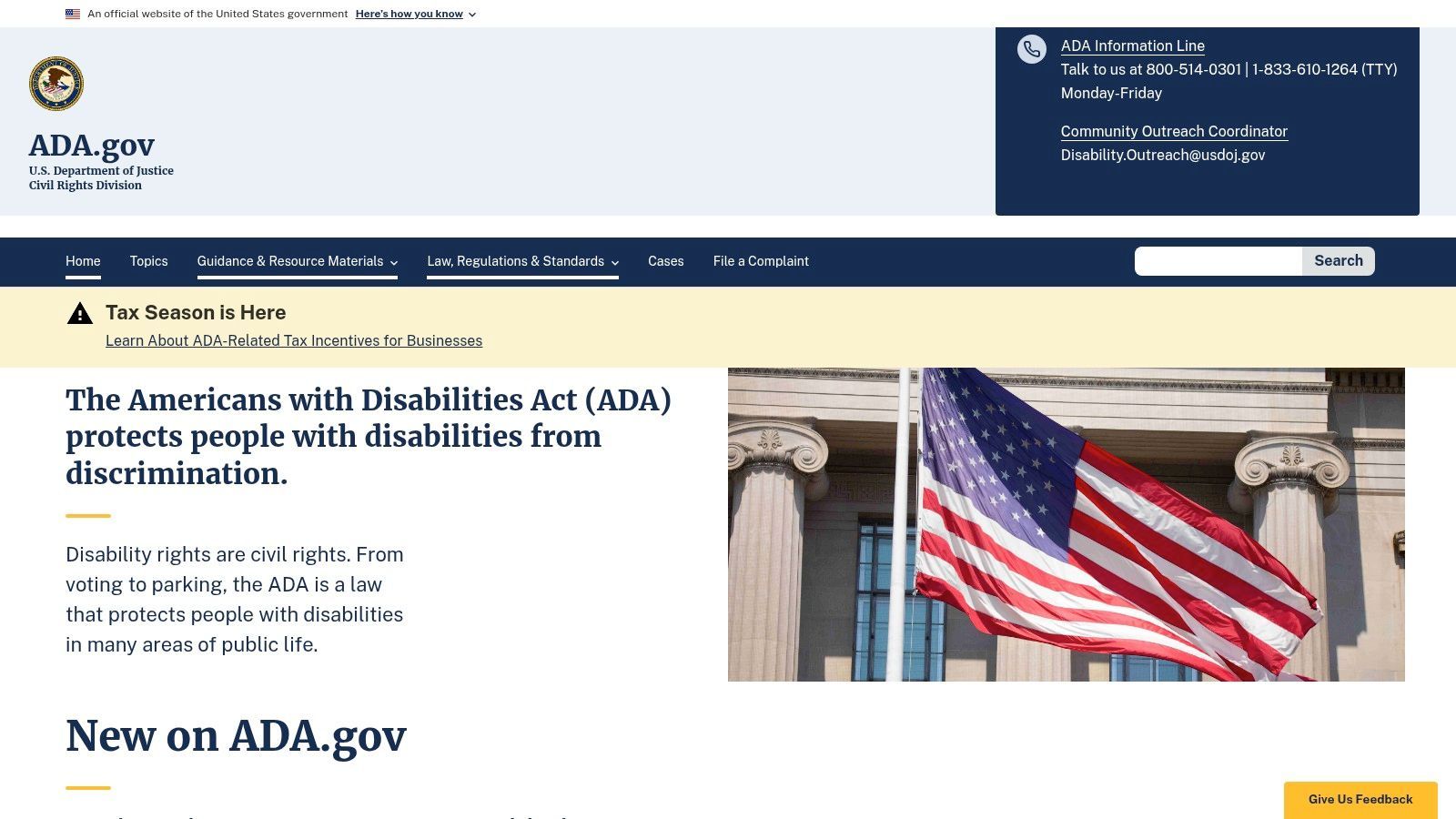
The U.S. Department of Justice’s official ADA.gov website is the authoritative source for understanding the Americans with Disabilities Act (ADA) in the United States. Its purpose is to explain legal obligations in plain language, and its own design mirrors this goal. The site is an essential resource for public-sector organizations navigating their requirements under the new Title II web and mobile rule.
Why ADA.gov Is a Top Accessibility Example
The website’s strength is its directness and simplicity. It avoids complex legal jargon and presents information in a highly organized, accessible format. Proper heading structures, high-contrast text, and a straightforward layout ensure that users, including those with disabilities, can easily find critical information about their rights and the obligations of government entities.
Key Takeaway: Authoritative content must be presented accessibly to be effective. ADA.gov shows that a clean design, plain language, and a well-organized content hierarchy are the best ways to communicate complex regulatory information to a wide audience.
Replicable Strategies & Key Features
For organizations needing to understand and meet U.S. legal standards, ADA.gov provides a clear model for communication.
- Plain Language Content: The site translates dense legal rules, like the Title II web rule mandating WCAG 2.1 AA conformance, into understandable summaries and guides. This is a model for any organization’s own help documentation or policies.
- Clear Information Architecture: Information is logically segmented for different audiences, including small-entity compliance guides and practical examples. This focused approach helps users find relevant information without getting lost.
- Authoritative Guidance: As the official source, it provides the definitive context for U.S. digital accessibility law, especially for state and local governments. This makes it an invaluable reference for any compliance effort.
By examining how ADA.gov structures its compliance guides, you can learn how to create your own clear and actionable internal resources. For a deeper dive into how these rules apply, you can learn more about ADA compliance and Section 508.
4. Section508.gov (GSA): The U.S. Federal Accessibility Playbook
TL;DR: Section508.gov is the definitive resource for understanding and implementing U.S. federal accessibility requirements. It serves as a powerful accessibility website example by providing clear, actionable playbooks and templates that directly map WCAG principles to government procurement and policy, making it essential for public sector teams and contractors.
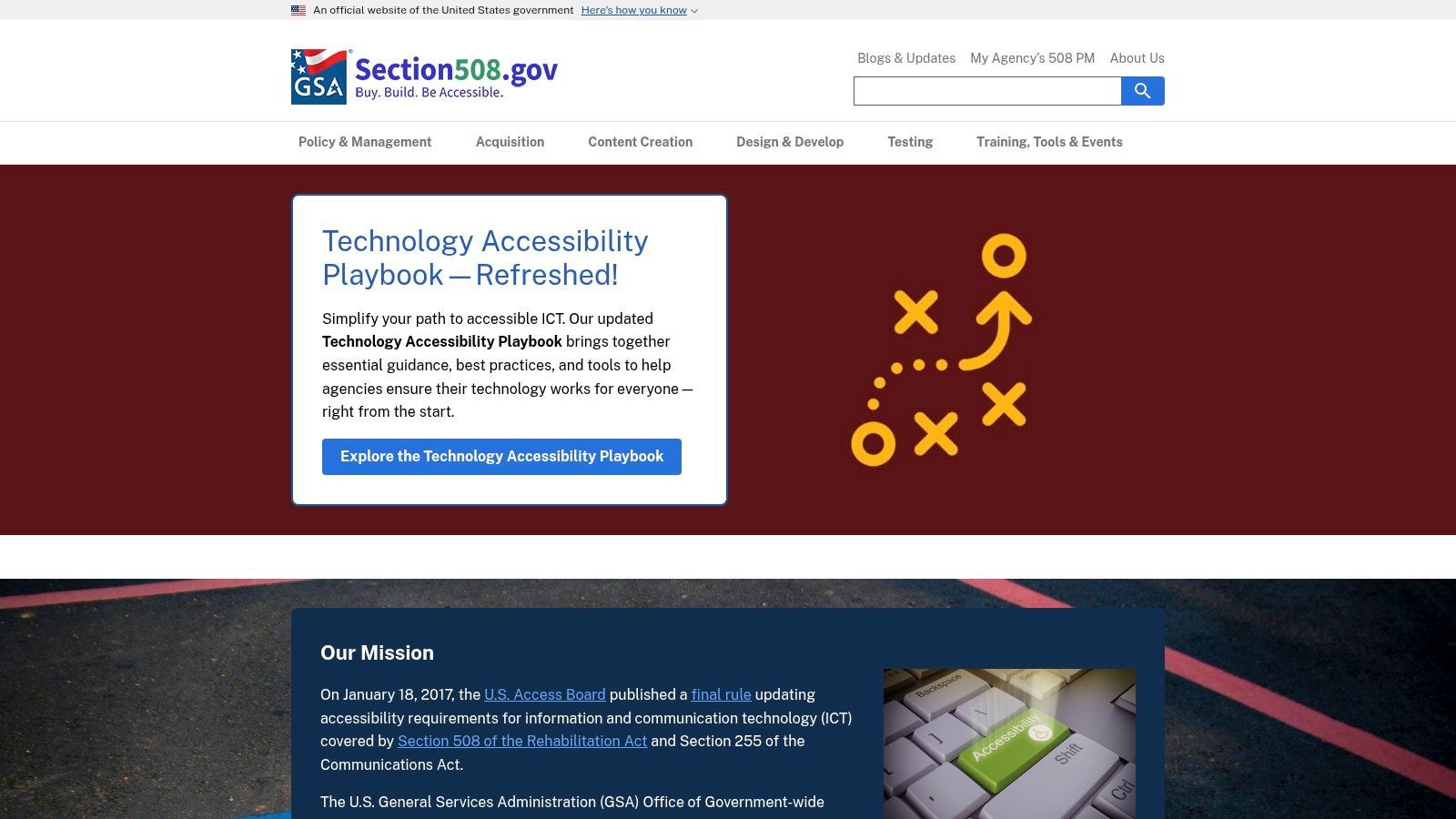
Managed by the U.S. General Services Administration (GSA), Section508.gov provides the official guidance for federal agencies to meet their obligations under Section 508 of the Rehabilitation Act. More than just a set of rules, the site is a practical toolkit designed to help organizations build and maintain accessible digital services. It demonstrates how accessibility can be integrated into policy, procurement, and training from the ground up.
Why Section508.gov Is a Top Accessibility Example
The website’s strength is its direct, policy-driven approach. It translates abstract accessibility concepts into concrete agency procedures, from writing a compliant accessibility statement to evaluating vendor products using a Voluntary Product Accessibility Template (VPAT). The content is logically structured, making it easy for program managers and developers to find relevant U.S.-specific guidance.
Key Takeaway: Section508.gov shows that accessibility is not just a technical issue but a core component of governance and procurement. By establishing clear policies and providing practical templates, organizations can embed accessibility into their operational DNA, ensuring compliance and usability are addressed throughout the entire lifecycle.
Replicable Strategies & Key Features
For teams working within or for the U.S. public sector, Section508.gov offers a direct model for building a robust accessibility program.
- Policy and Governance Templates: The site offers prescriptive guidance and templates for creating an agency accessibility program. This includes creating accessibility statements, which is a critical first step in establishing accountability and user trust.
- Actionable Training and Playbooks: It provides extensive, free resources like playbooks, videos, and articles that explain how to apply accessibility standards in practical scenarios. This content is tailored for government workflows but offers valuable insights for any large organization.
- Procurement Guidance: A key feature is its detailed information on how accessibility impacts procurement, including the creation and evaluation of Accessibility Conformance Reports (ACRs). This directly links accessibility to business and legal requirements.
By adopting the frameworks presented on Section508.gov, your team can build a compliance program rooted in official U.S. policy. To validate these efforts, platforms like WebAbility.io can provide continuous monitoring to ensure your digital assets remain aligned with these established standards.
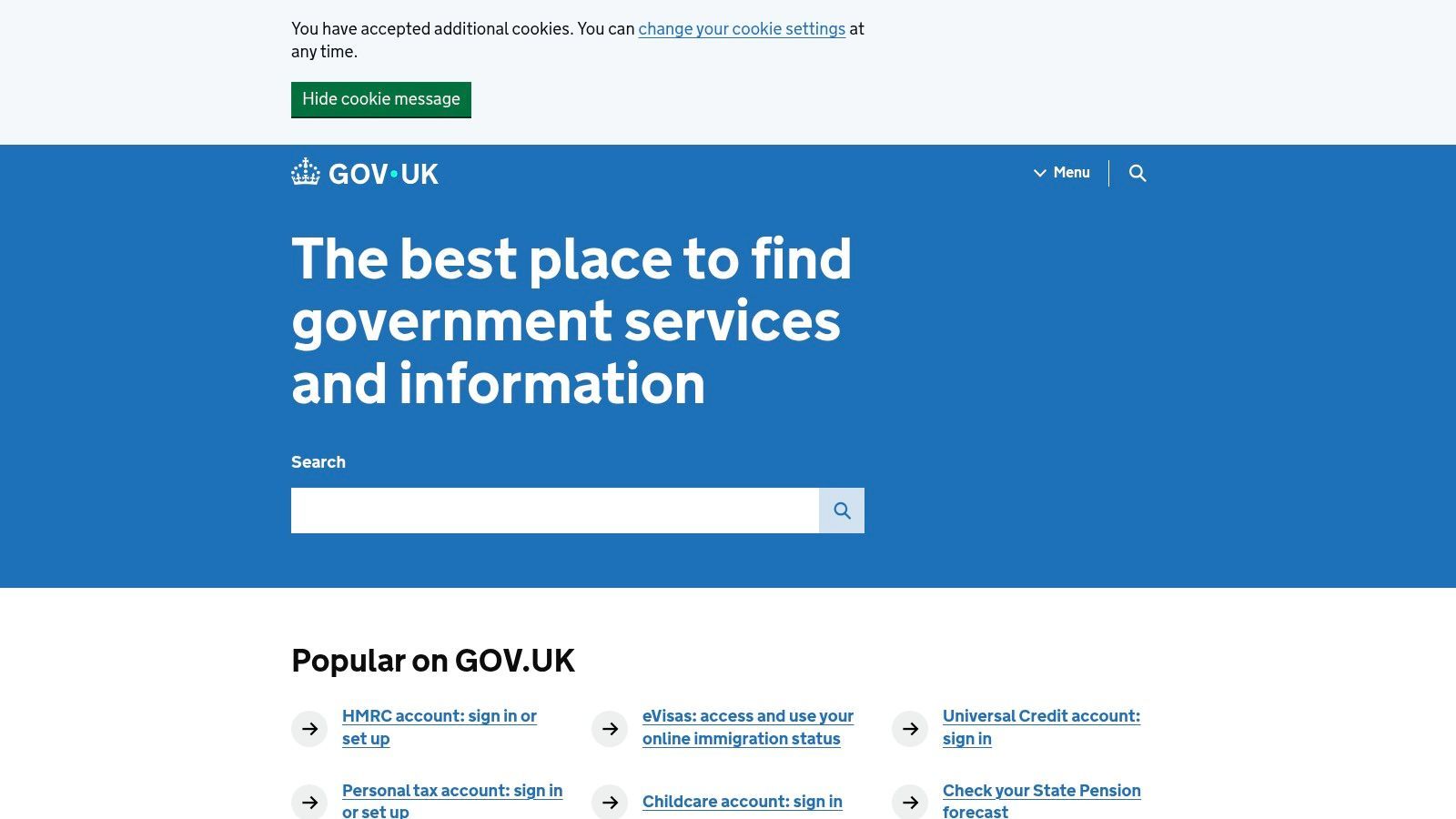
5. GOV.UK: The Benchmark for Transparent Accessibility Reporting
TL;DR: The GOV.UK website sets the global standard for public accountability in accessibility. Its detailed accessibility statement, which openly lists known failures and remediation plans, serves as a powerful accessibility website example for any organization committed to transparency and continuous improvement.
As the central information hub for the entire UK government, GOV.UK manages a colossal amount of content and serves millions of users daily. Its design philosophy is rooted in simplicity, clarity, and inclusivity, making it a foundational reference for accessible public-sector web design. The site demonstrates that even at an immense scale, a commitment to user-centric, accessible principles is achievable.
Why GOV.UK Is a Top Accessibility Example
The standout feature of GOV.UK is not just its accessible interface but its radical transparency. The site's accessibility statement goes beyond a simple conformance claim by openly documenting specific WCAG 2.2 AA failures. It details what is not working, why it isn't, and what the plan is to fix it, providing a clear roadmap for remediation. This approach builds trust and treats accessibility as an ongoing process, not a one-time achievement.
Key Takeaway: An accessibility statement is more than a legal requirement; it's a public commitment to your users. By detailing known issues and timelines for fixes, you demonstrate accountability and empower users by letting them know what to expect.
Replicable Strategies & Key Features
Organizations, particularly in the public sector or regulated industries, can learn a great deal from the GOV.UK accessibility statement.
- Detailed Non-Compliance Reporting: Instead of a generic statement, GOV.UK lists specific components or content that fail to meet WCAG standards. This includes issues found during independent audits, with dates of testing clearly published.
- Clear Remediation Plans: For each known issue, the statement outlines the planned resolution. This level of detail shows a structured approach to accessibility maintenance and provides a model for internal project management.
- Accountability Through Dates: The statement includes the date it was prepared and the date of the last audit. This simple act provides a clear timeline of their efforts and sets a precedent for regular reviews.
Adopting this level of transparency can significantly improve user trust. For teams needing to create and manage their own detailed statements, a platform like WebAbility.io can help automate the identification of non-compliant areas, providing the specific data needed to build a similarly thorough and actionable report.
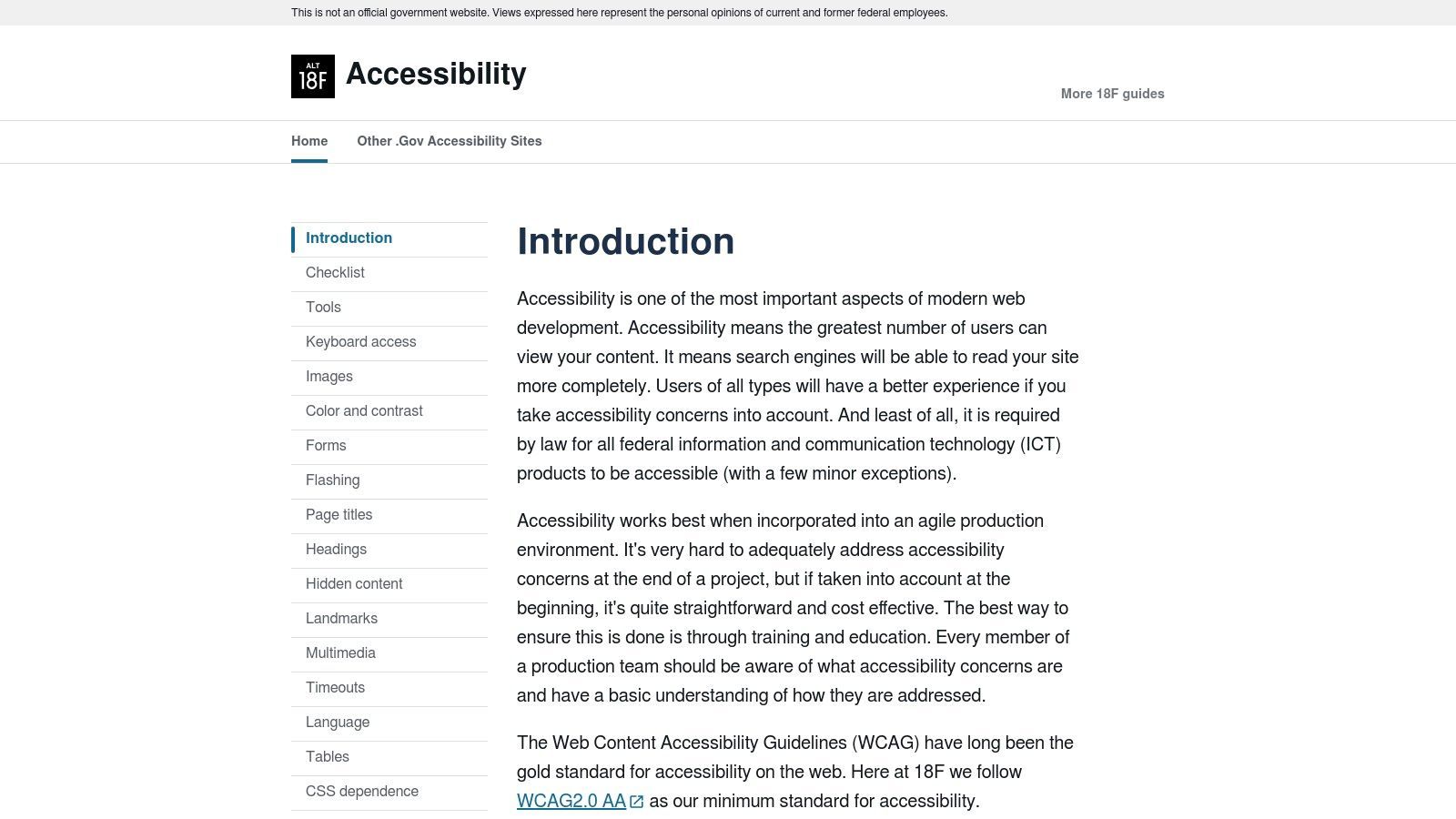
6. 18F Accessibility Guides (GSA/TTS): The Agile Team's Playbook
TL;DR: The 18F Accessibility Guides offer a practical, developer-focused playbook for integrating accessibility into agile workflows. This accessibility website example shines by providing prioritized checklists and role-based guidance, making compliance an actionable part of every sprint, not an afterthought.
Created by the U.S. General Services Administration's digital consultancy, the 18F Accessibility Guides are a masterclass in operationalizing accessibility. This is not just a list of rules; it's a living document designed to be adopted by fast-moving development teams. The site itself is a model of clarity, presenting complex information in a way that is easy to digest and immediately applicable.
Why 18F Is a Top Accessibility Example
The strength of the 18F guide is its focus on action and prioritization. It breaks down accessibility into manageable tasks that fit neatly into development sprints. By providing role-specific resources for designers, developers, and content creators, it ensures that accessibility is a shared responsibility across the entire team. This approach demystifies compliance and makes it a core part of the delivery process.
Key Takeaway: Accessibility shouldn't be a final gate before launch; it should be woven into every stage of development. 18F’s model shows that by providing clear, prioritized checklists, you empower your team to build accessibly from day one.
Replicable Strategies & Key Features
For agile teams looking for a battle-tested accessibility framework, the 18F Guides are a direct blueprint.
- Prioritized A/B/C Checklist: The guide presents a checklist organized by priority, covering critical areas like keyboard access, forms, and color contrast. This helps teams focus on the most impactful fixes first.
- Role-Based Guidance: It provides specific resources tailored to different roles, ensuring everyone understands their part in creating an accessible product. The public domain license means teams can freely adapt this content for their internal documentation.
- Actionable Tooling Suggestions: The site recommends specific scanning tools like pa11y and axe, giving teams concrete ways to automate parts of their testing workflow within their continuous integration (CI) pipelines.
By adopting 18F's sprint-based methodology, your team can make steady, measurable progress. To complement this manual process, an automated platform like WebAbility.io can provide continuous scanning and reporting, ensuring no regressions occur between sprints.
7. Apple Accessibility
TL;DR: Apple’s accessibility site is a masterclass in organizing complex features for multiple audiences. It serves as a premier accessibility website example by centralizing consumer education, developer resources, and direct customer support, demonstrating how accessibility can be a core part of a brand's product and service story.
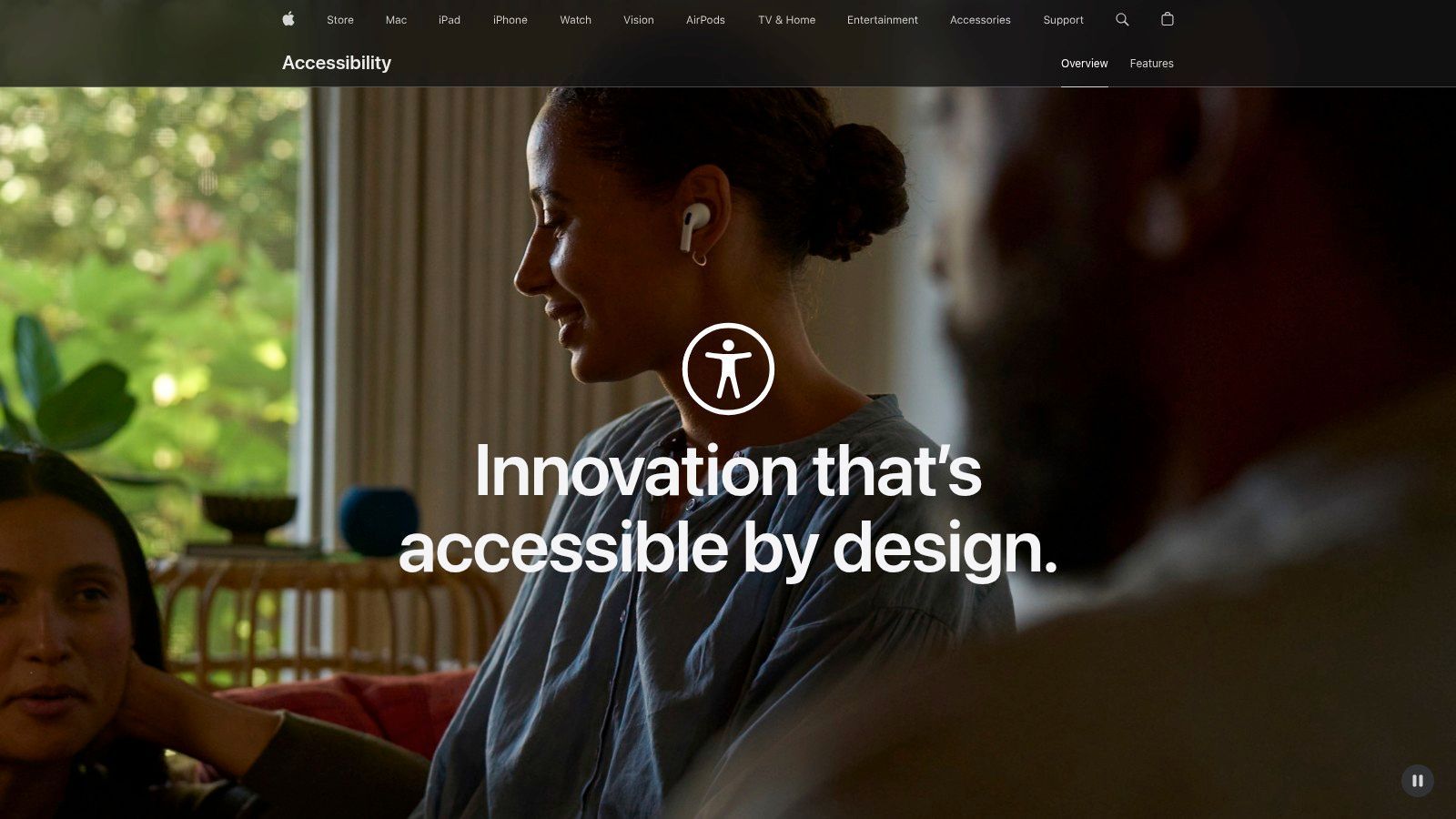
Apple’s dedicated accessibility hub goes beyond simple product descriptions. It’s a centralized destination built to serve a wide range of users, from customers exploring built-in assistive technologies to developers seeking guidance for building accessible apps. The site organizes its features logically by disability category (vision, hearing, mobility, and cognitive), making information easy to find and understand.
Why Apple Is a Top Accessibility Example
The website’s strength lies in its exceptional content design and user-centric organization. Instead of focusing on technical compliance, Apple centers its narrative on human benefit, using media-rich explainers and real-world stories to show its features in action. This approach makes accessibility feel approachable and integral to the user experience, not just a technical requirement.
Key Takeaway: A great accessibility website doesn't just list features; it connects them to real user needs and provides clear pathways for support. By integrating consumer education, developer documentation, and customer service, you can build a truly supportive digital environment.
Replicable Strategies & Key Features
Teams can look to Apple’s model for integrating accessibility into their core customer experience and support infrastructure.
- Audience-Centric Navigation: The site architecture at www.apple.com/accessibility/ is organized by user need, not by product. This allows individuals to quickly find relevant assistive technology features regardless of the device they use.
- Integrated Support: Apple prominently features its dedicated accessibility support line. Making direct help easy to find shows a deep commitment to user success and provides a crucial feedback loop.
- Developer Resources: The hub connects directly to developer documentation, encouraging the creation of accessible third-party applications. This demonstrates a commitment to fostering a broader accessible ecosystem.
By studying how Apple communicates its accessibility efforts, your team can learn to frame accessibility as a core feature and a competitive advantage. To ensure your own site’s features meet WCAG standards, tools like WebAbility.io can provide continuous monitoring and reporting.
7-Source Accessibility Guidance Comparison
| Site | Implementation complexity | Resource requirements | Expected outcomes | Ideal use cases | Key advantages |
|---|---|---|---|---|---|
| W3C Web Accessibility Initiative (WAI) | Low–Moderate (guidance-heavy; requires translation into practice) | Moderate (time and accessibility expertise) | Standards alignment, comprehensive guidance and examples | Learning, policy development, drafting accessibility statements | Authoritative, comprehensive, global standard-setter |
| U.S. Web Design System (USWDS) | Moderate (component adoption and customization) | Moderate (design/dev effort; testing) | Reusable WCAG-first components; faster compliant builds | Federal sites, component-driven projects, design systems | WCAG-first components, VPAT/ACR transparency |
| ADA.gov (DOJ) | Low (reference-focused; legal implementation may be complex) | Low–Moderate (legal guidance and planning) | Clear regulatory context for Title II and public-sector obligations | Public-sector compliance, procurement guidance, policy referencing | Authoritative legal guidance, plain-English explanations |
| Section508.gov (GSA) | Moderate (prescriptive but requires adaptation to orgs) | Moderate (templates, training, procurement alignment) | Agency-aligned accessibility statements, governance and procurement guidance | U.S. federal agencies and contractors | Prescriptive templates, governance and procurement focus |
| GOV.UK | Moderate (requires processes for transparency and tracking) | Moderate (testing, independent audits) | High transparency and public accountability; documented remediation | Government accountability, public-facing accessibility reporting | Detailed non-conformance disclosure, third-party testing |
| 18F Accessibility Guides (GSA/TTS) | Low–Moderate (practical, sprint-friendly guidance) | Low (developer-friendly checklists and tool recommendations) | Operational accessibility in agile/CI workflows | Agile development teams, operationalizing accessibility | Practical checklists, role-based resources, public-domain reuse |
| Apple Accessibility | Low (well-organized resources; product implementation varies) | Moderate (developer resources for platform-specific features) | Improved product accessibility, integrated support for users/developers | Consumer product teams, developer support and education | Excellent content design, centralized support and developer resources |
From Inspiration to Implementation: Your Next Steps to a More Accessible Website
The examples we've explored, from the U.S. Web Design System to Apple's dedicated accessibility pages, offer more than just a blueprint for compliance. They demonstrate that a commitment to inclusive design leads to better, more usable digital products for everyone. Each accessibility website example showcases a specific set of principles in action, proving that thoughtful structure, clear navigation, and semantic HTML are the foundations of an excellent user experience.
The core lesson is that accessibility is not a feature to be added at the end of a project. Instead, it must be integrated into every stage of the design and development lifecycle. This involves a shift in mindset from viewing accessibility as a checklist to seeing it as an essential component of quality and innovation.
Key Insights and Actionable Takeaways
Throughout our analysis, several key themes emerged. The most successful examples consistently prioritized:
- Semantic HTML: Using native HTML elements correctly (like
<nav>,<button>, and proper heading structures) provides a robust foundation for assistive technologies. - Clear Keyboard Focus: Visible and logical focus indicators are non-negotiable for users who rely on keyboard navigation. The GOV.UK site excels at this.
- Sufficient Color Contrast: High contrast between text and background, as seen on ADA.gov, ensures readability for users with low vision.
- Contextual Information: ARIA attributes, when used judiciously, can fill in the gaps that HTML cannot, providing critical context for screen reader users.
A critical component of modern web development and a cornerstone of accessibility is understanding what is responsive web design, ensuring your site adapts seamlessly to all devices. This adaptability is fundamental to meeting the needs of users with diverse abilities and devices.
Charting Your Course to Compliance
Seeing a great accessibility website example is inspiring, but translating that inspiration into action is what matters. Your next steps should be strategic and methodical. Start by conducting a baseline audit of your current digital properties to identify the most critical issues. Prioritize fixing high-impact barriers first, such as missing alt text on important images or inaccessible forms.
Next, focus on empowering your team. Provide developers, designers, and content creators with the training and tools they need to build and maintain accessible experiences. Integrate accessibility checks into your automated testing and CI/CD pipelines to catch issues early. Remember, continuous monitoring is key to preventing accessibility regression as your site evolves.
Ultimately, the journey toward a more accessible website is a continuous one, built on a foundation of empathy, education, and the right technology. The examples highlighted in this article prove that achieving high standards of accessibility is not only possible but also a powerful driver of superior user experience and broader market reach.
Ready to move from inspiration to implementation? WebAbility.io provides the automated scanning, detailed reporting, and guided remediation you need to make your website accessible. See how our platform can help you apply the principles from each accessibility website example by visiting WebAbility.io for a free website scan.
Quick Questions
Tap to ask AI about this article