7 Inspiring Accessible Website Example Resources for 2026

Sidharth Nayyar
TL;DR: This article provides a curated list of top resources that serve as accessible website examples and tools. It includes the W3C's Before/After Demo for visual learning, the WAI-ARIA guide for developers building interactive components, the GOV.UK Design System for creating robust component libraries, WebAIM's checklist for practical WCAG guidance, and "accessibility-ready" themes from WordPress.org and ThemeForest as solid starting points. The list is rounded out with Deque's axe DevTools for automated testing, offering a comprehensive toolkit for building and validating inclusive web experiences.
Moving from accessibility theory to practical application can be a significant challenge for development and design teams. While understanding the Web Content Accessibility Guidelines (WCAG) is crucial, seeing those principles implemented correctly provides the clarity needed to build truly inclusive digital experiences. To begin, it's essential to understand the core concepts covered in this guide on What Is Digital Accessibility. This article bridges that gap, transitioning from abstract rules to tangible, real-world solutions.
This curated listicle moves beyond simple descriptions to offer a deep, strategic breakdown of each accessible website example. We dissect what makes each one effective, providing annotated screenshots, the specific WCAG success criteria they address, and detailed implementation notes. You won't find generic praise here; instead, you'll get a comprehensive analysis of the tactics and code that power these accessible designs.
Our goal is to equip your team with replicable strategies and actionable takeaways. For each example, we provide insights into the "how" and "why" behind their accessibility choices, offering clear templates and methods that can be adapted to your own projects. Whether you are building a new site from scratch or retrofitting an existing one, these examples serve as a practical blueprint for achieving and maintaining high standards of digital inclusion. This resource is designed to help you find the best demonstrations and platforms to guide your specific accessibility needs, complete with direct links for immediate exploration.
1. W3C WAI Before and After Demonstration (BAD)
The W3C Web Accessibility Initiative's (WAI) Before and After Demonstration (BAD) is not a commercial website, but an essential educational tool. It serves as an interactive, live-action case study, making it an indispensable resource for any team serious about understanding digital accessibility. It visually and functionally contrasts an intentionally inaccessible website with a fully remediated, accessible version, providing a concrete accessible website example for developers, designers, and stakeholders.
This platform's unique value lies in its direct, side-by-side comparison. Users can navigate pages like a homepage, news section, and even a ticket purchasing form in both "inaccessible" and "accessible" states. This hands-on experience demonstrates the real-world impact of accessibility barriers and the transformative effect of proper implementation. The site is a completely free resource, available globally without any access requirements.
Strategic Analysis: Why W3C BAD is a Top Learning Tool
The W3C's demonstration site excels by bridging the gap between abstract guidelines and practical application. Instead of just reading about compliance, teams can see, hear, and interact with it.
Visual Learning: Inline annotations pop up on the pages, pinpointing specific issues like missing alt text, poor color contrast, or non-descriptive links. These callouts explain the problem and describe the fix applied to the accessible version.
WCAG Mapping: Each identified issue and its corresponding solution is explicitly mapped to specific Web Content Accessibility Guidelines (WCAG) success criteria. This is invaluable for training, auditing, and building a case for accessibility investment, as it ties fixes directly to compliance standards. If your team is new to these concepts, you can get a foundational overview by exploring what is web accessibility.
Offline Utility: The entire demonstration site can be downloaded as a package. This feature is perfect for internal workshops, training sessions, or presentations where internet access might be unreliable.
Key Insight: W3C BAD transforms accessibility from a checklist into a tangible user experience. It allows stakeholders who may not be developers to personally experience the frustration of an inaccessible interface and the seamlessness of an accessible one.
Actionable Takeaways for Your Team
This resource provides a clear roadmap for both learning and implementation.
| Tactic/Feature | Actionable Takeaway for Your Team |
|---|---|
| Side-by-Side Demos | Use the BAD site in stakeholder meetings to demonstrate the ROI of accessibility. Show, don't just tell, how specific fixes improve usability for everyone. |
| Inline Annotations | Task junior developers and designers with reviewing the annotated "inaccessible" pages. Have them document the issues and compare their findings to the provided solutions as a training exercise. |
| Downloadable Package | Integrate the offline demo into your new-hire onboarding process for web teams. It provides a standardized, practical introduction to your company's accessibility commitments. |
| WCAG Mappings | When conducting internal audits, use the BAD site's structure as a template for your reports. Map your own site's issues to WCAG criteria, referencing the W3C examples to clarify the required fixes. |
By exploring this unique educational platform, your team can gain a deeper, more intuitive understanding of how to build websites that work for everyone.
2. WAI-ARIA Authoring Practices Guide (APG) + Example Library
The WAI-ARIA Authoring Practices Guide (APG) is not a conventional website but an essential, authoritative library for developers. It provides working, accessible examples of common web components like accordions, menus, and dialogs. This resource serves as a blueprint for building complex user interface widgets, making it a critical accessible website example for any development team aiming to implement robust, interactive, and compliant features from scratch.
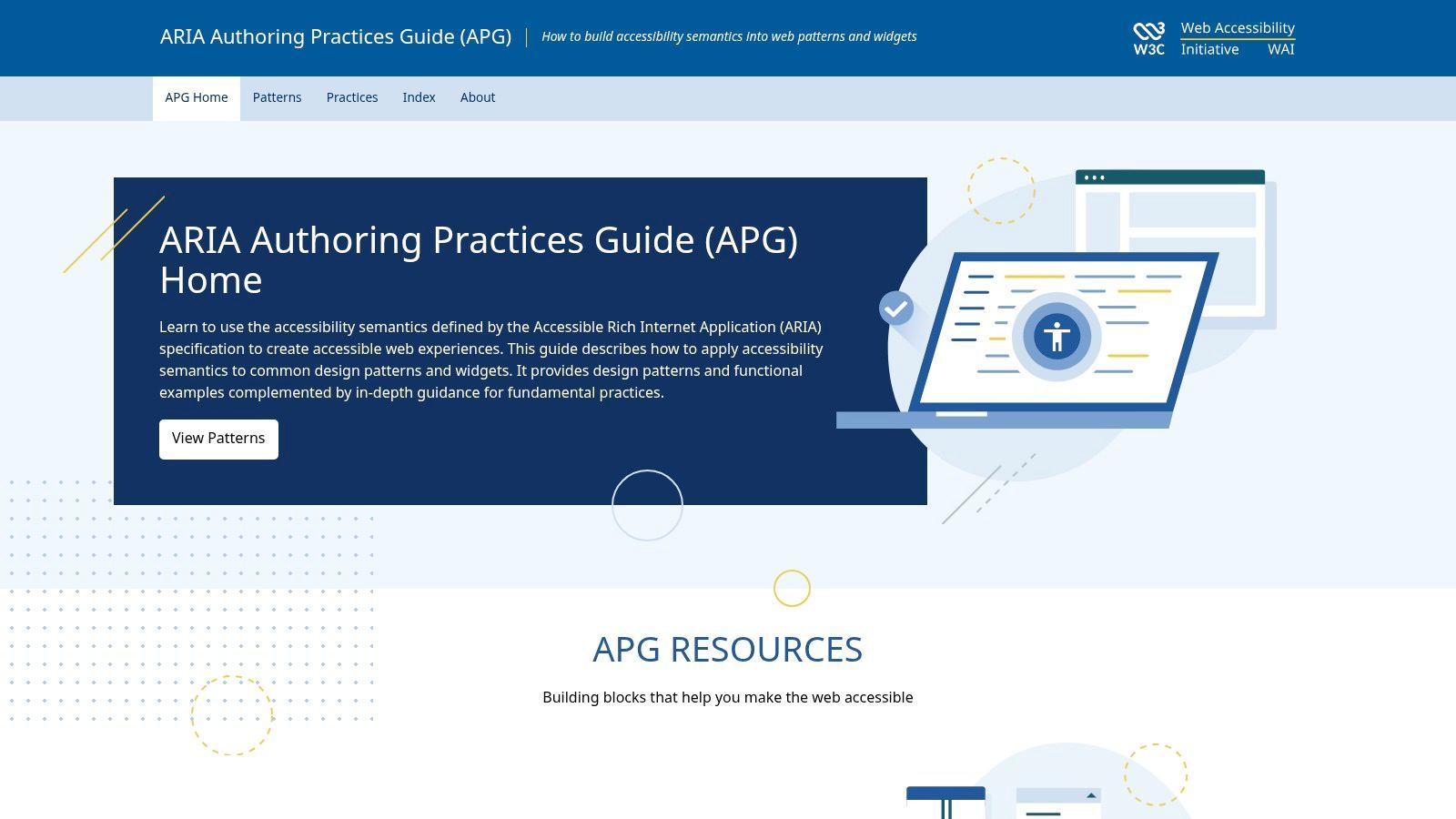
This guide's primary value is its focus on the "how-to" of accessible component development. Rather than just describing what an accessible modal should be, it provides a live, interactive modal with inspectable code and meticulously documented keyboard interaction patterns. The APG details the correct ARIA roles, states, and properties needed for each component, ensuring assistive technologies can correctly interpret and operate them. This resource is completely free and maintained by the W3C, setting the industry standard for accessible patterns.
Strategic Analysis: Why the APG is a Top Developer Resource
The APG is the definitive source for bridging the gap between standard HTML elements and the complex, dynamic widgets modern web applications require. It provides developers with reliable, standards-based patterns they can trust.
Pattern-Based Learning: The guide is organized by design patterns, allowing developers to find the exact widget they need to build. Each pattern includes a functional example, detailed keyboard interaction requirements, and the necessary ARIA attributes.
Focus Management Guidance: One of the most challenging aspects of widget accessibility is managing keyboard focus. The APG provides explicit instructions for each component, such as trapping focus within a modal dialog or moving focus correctly in a tabbed interface.
Code Transparency: Every example in the APG includes a link to its source code. Developers can inspect, copy, and adapt the HTML, CSS, and JavaScript to fit their own projects, drastically reducing the time and guesswork involved in building accessible components.
Key Insight: The WAI-ARIA Authoring Practices Guide moves beyond theory and provides a practical, copy-and-adapt toolkit. It empowers developers to build custom components that are accessible by default, rather than trying to retrofit accessibility after development.
Actionable Takeaways for Your Team
This guide offers a clear, technical roadmap for building individual components accessibly.
| Tactic/Feature | Actionable Takeaway for Your Team |
|---|---|
| Live Widget Examples | Before building a new custom component (e.g., a tab panel, carousel, or custom select), mandate that developers first review the corresponding APG example to establish a baseline for keyboard support and ARIA implementation. |
| Keyboard Interaction Patterns | Use the APG's documented keyboard behaviors as the basis for your team's quality assurance (QA) and testing scripts. This ensures your custom components meet user expectations for assistive technology. |
| Adaptable Source Code | Create a private, internal library of accessible components for your team based on the APG examples. This standardizes implementation across projects and accelerates development timelines. |
| ARIA Roles and Properties | During code reviews, use the APG as the "source of truth" for validating the use of ARIA roles, states, and properties on interactive elements. This helps catch issues before they reach production. |
By treating the APG as a primary development resource, your team can ensure its custom-built components are robust, usable, and conformant with global accessibility standards.
3. GOV.UK Design System (Components)
The GOV.UK Design System is not a single website but a comprehensive toolkit of production-ready components and patterns. It serves as an exemplary model for building accessible digital services at scale, making it a crucial accessible website example for any organization developing its own design system or component library. It provides a blueprint for how to engineer accessibility into the core of a product from the ground up.
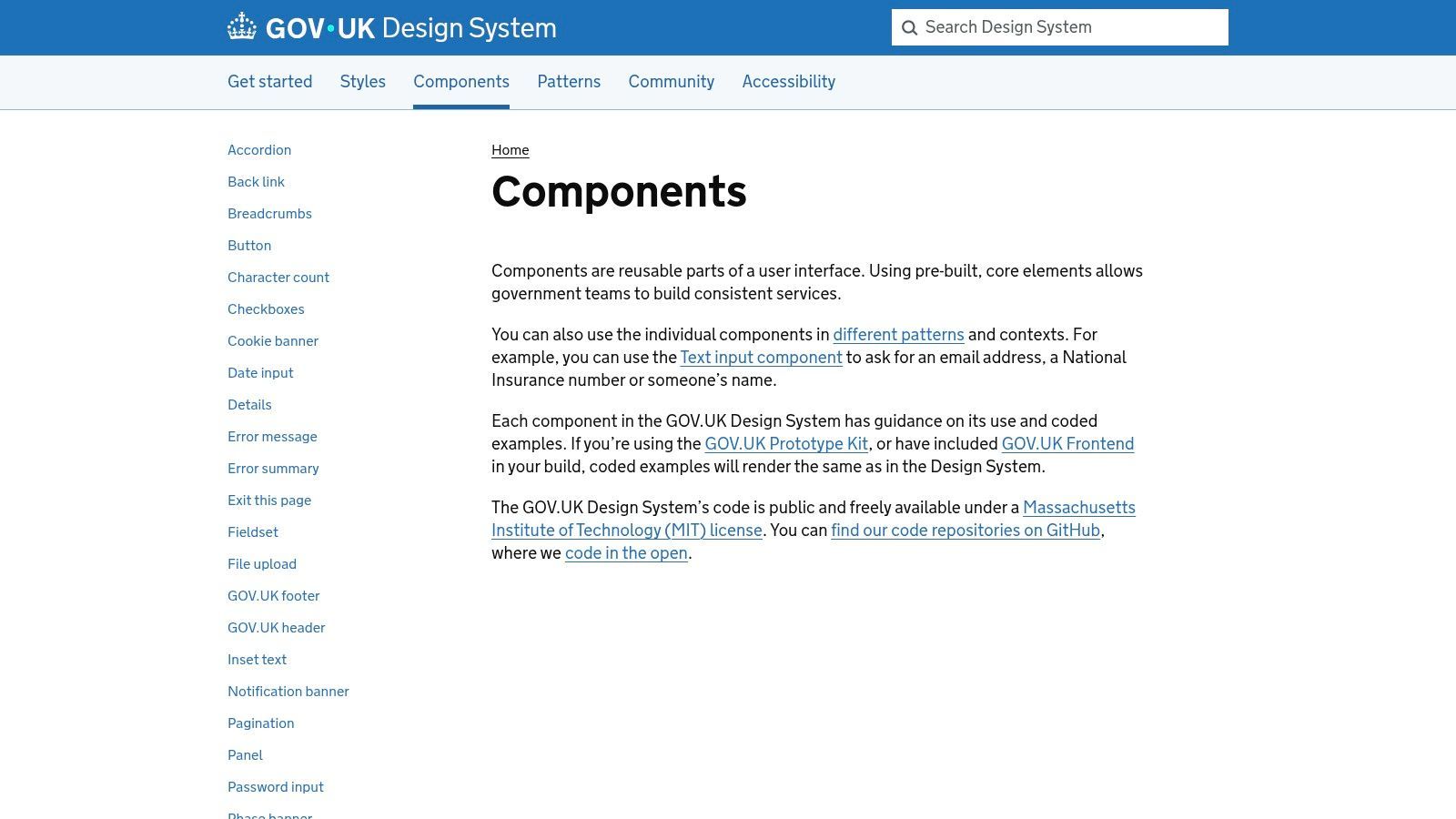
This platform's value comes from its rigorous, real-world testing and exhaustive documentation. Teams can browse components like buttons, form inputs, and accordions, each with detailed guidance on usage, code examples, and specific accessibility considerations. The entire system is open source (MIT licensed) and completely free to use, providing a government-grade foundation for public and private sector projects alike.
Strategic Analysis: Why the GOV.UK Design System is a Top Model
The GOV.UK Design System excels by operationalizing accessibility, transforming it from a compliance task into a fundamental design principle baked into every element. It demonstrates how to build a scalable and maintainable accessible front-end.
Component-Level Accessibility: Each component page details how it meets accessibility standards. For example, the "Text input" component explains how to correctly associate labels with inputs (WCAG 1.3.1, 3.3.2, 4.1.2) and how to handle error messages programmatically.
Practical Guidance: It goes beyond code snippets, offering "when to use" and "when not to use" guidance. This contextual advice helps teams make better design decisions that inherently support usability and accessibility.
Extensible and Testable: The system provides clear instructions on how to extend or modify components while maintaining accessibility standards. It also outlines methods for verifying accessibility, empowering teams to own their compliance.
Key Insight: The GOV.UK Design System proves that accessibility isn't a feature you add later; it's a core dependency of a robust, scalable system. By providing accessible-by-default components, it reduces the cognitive load on developers and ensures a consistent, compliant user experience across countless services.
Actionable Takeaways for Your Team
This resource offers a clear framework for building your own accessible components and systems.
| Tactic/Feature | Actionable Takeaway for Your Team |
|---|---|
| Component Documentation | When building your own design system, model your component documentation on GOV.UK's structure. For every component, create a dedicated "Accessibility" section detailing how it works with assistive technologies and which WCAG criteria it meets. |
| Usage Guidance | Adopt their "when to use this component" and "when not to use this component" format. This helps prevent designers and developers from misusing components in ways that create accessibility barriers. |
| MIT-Licensed Code | If your team needs a complex, accessible component like a date picker or an accordion, use the GOV.UK code as a starting point. This saves development time and provides a battle-tested, compliant foundation to build upon. |
| Accessibility Principles | Use the GOV.UK design principles as a a basis for creating your own company-wide accessibility charter. This helps align all teams around a shared understanding and commitment to inclusive design. |
By studying and borrowing from the GOV.UK Design System, your team can accelerate the development of a highly accessible and maintainable digital product or service.
4. WebAIM (WCAG 2.2 Checklist and Resources)
WebAIM (Web Accessibility in Mind) is a non-profit organization whose website serves as a foundational resource for accessibility practitioners. While not a commercial product, its collection of tools, articles, and research provides an essential framework for any team aiming to build an accessible website example. The site's standout feature is its plain-language WCAG 2.2 checklist, which translates complex technical standards into actionable, understandable steps.
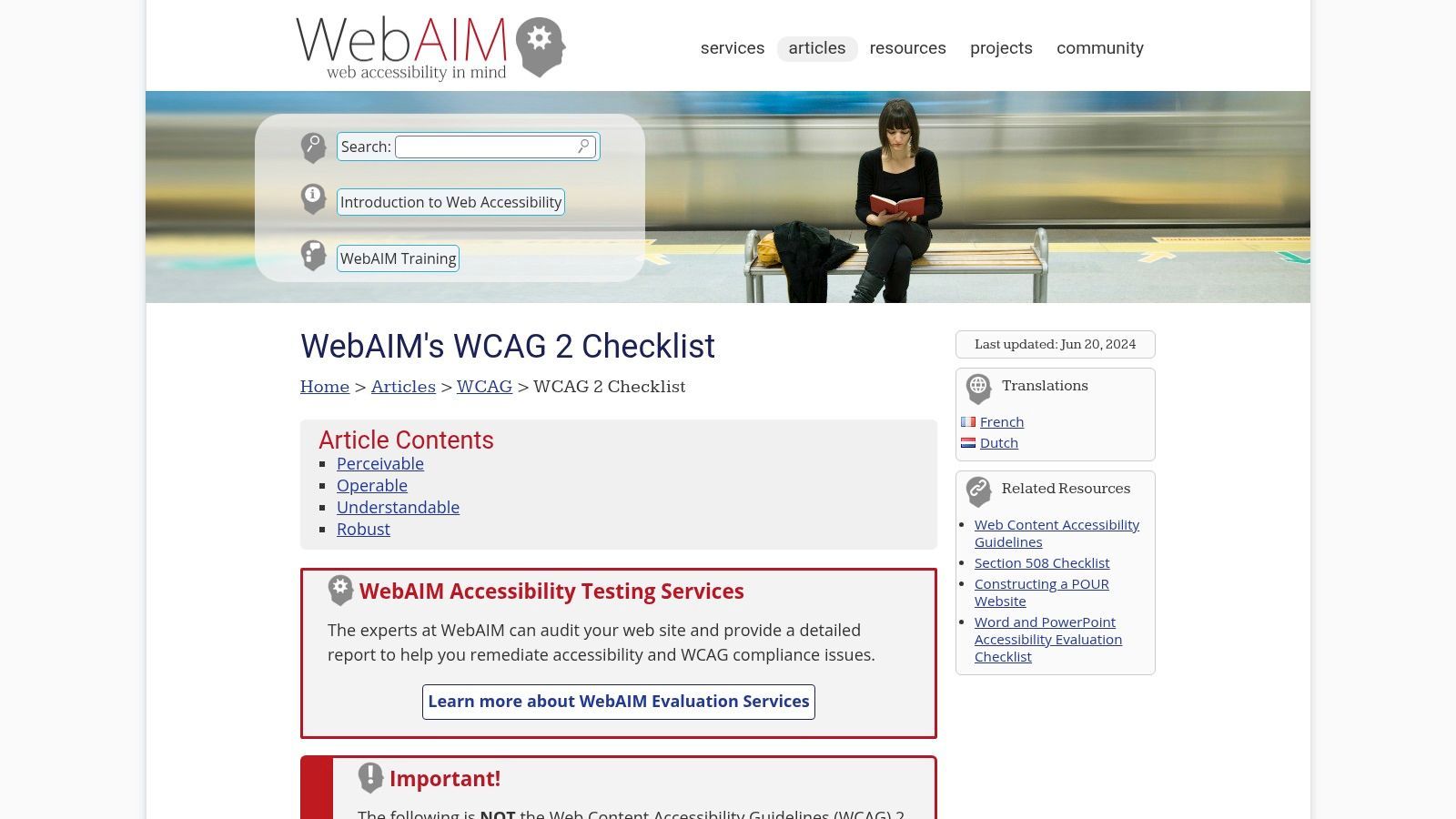
The platform is more than just a checklist; it's a comprehensive knowledge base. It features long-running, influential research, such as its screen reader user surveys, which offer direct insight into the real-world experiences of users with disabilities. All of WebAIM's articles, checklists, and research are completely free and globally accessible, making it a go-to reference for training, auditing, and development.
Strategic Analysis: Why WebAIM is an Essential Reference Tool
WebAIM excels at making accessibility standards practical and approachable. It bridges the gap between the dense, official WCAG documentation and the day-to-day tasks of developers and content creators, turning abstract principles into checkable criteria.
Clarity and Simplicity: The WCAG checklist breaks down each success criterion into simple language, clarifying what is required to conform. This is invaluable for teams who are just beginning their accessibility journey and need a clear starting point.
User-Centric Data: WebAIM’s screen reader user surveys provide critical data on user preferences and behaviors. This research helps teams make informed design and development decisions based on how assistive technologies are actually used, rather than on assumptions.
Practical Implementation Guides: Beyond the checklist, the site offers numerous articles and tutorials on specific topics like alternative text, form accessibility, and keyboard navigation. These resources provide step-by-step guidance for implementing fixes. A deeper understanding of these standards is available if you want to explore what is WCAG compliance.
Key Insight: WebAIM operationalizes WCAG. It transforms the standards from a monolithic compliance document into a practical, project-management tool that teams can use to define tasks, write acceptance criteria, and verify their work.
Actionable Takeaways for Your Team
This resource provides a direct line from accessibility theory to development practice.
| Tactic/Feature | Actionable Takeaway for Your Team |
|---|---|
| WCAG 2.2 Checklist | Use the checklist as a basis for creating your project's accessibility acceptance criteria. Convert checklist items into user stories or test cases for your QA process. |
| Screen Reader Surveys | Review the latest screen reader survey results in your design and development planning meetings. Use the data to prioritize features and resolve debates about implementation details. |
| How-To Articles | Assign relevant WebAIM articles as pre-reading for team members before tackling a new component, such as a complex form or data table, to ensure best practices are followed. |
| WAVE Extension | Encourage your team to install and use the WAVE Web Accessibility Evaluation Tool (WebAIM's browser extension) for quick, on-the-fly checks during development and content entry. |
By leveraging WebAIM's resources, your team can build a strong, shared understanding of accessibility requirements and implement them with greater confidence and accuracy.
5. WordPress.org Theme Directory – "Accessibility Ready" tag
The WordPress.org Theme Directory is a vast repository of themes, but its "accessibility-ready" tag carves out a niche of critical importance. This curated collection features free themes that have passed a baseline review by the official WordPress Accessibility Team. It serves as a practical launchpad for organizations, providing a foundational accessible website example in the form of a working template, rather than a finished site.
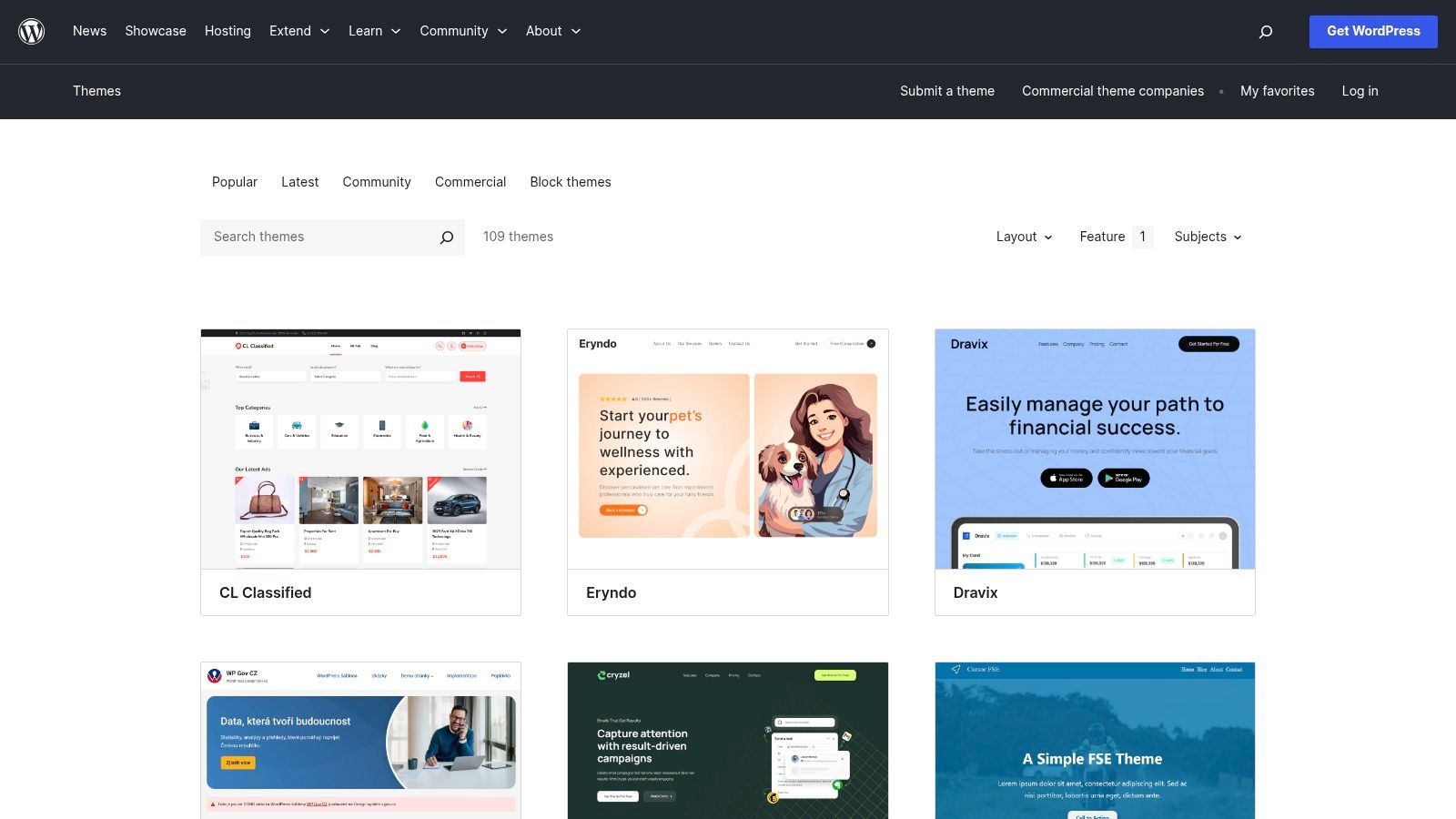
This resource is invaluable for teams building on the WordPress platform who need a more accessible starting point. Instead of remediating a theme from scratch, developers can select a pre-vetted option. The directory is completely free, with all themes available for immediate download and use, making it an economically smart choice for projects of any scale.
Strategic Analysis: Why the "Accessibility Ready" Tag is a Smart Starting Point
The "accessibility-ready" tag provides a significant strategic advantage by reducing the initial technical debt related to accessibility. It allows teams to focus on accessible content and custom functionality, knowing the theme's core structure meets established criteria.
Transparent Standards: The WordPress Accessibility Team publishes its review criteria. This transparency allows developers to understand exactly what "accessibility-ready" means, including requirements for keyboard navigation, ARIA landmarks, and form labeling.
Community-Vetted Foundation: These themes aren't just checked by a bot; they are reviewed by a dedicated community team. This human oversight helps catch nuances that automated tools might miss, providing a more robust foundation.
Cost-Effective Compliance: By starting with a free, pre-vetted theme, organizations can allocate their accessibility budget toward content creation, plugin audits, and user testing rather than basic structural fixes.
Key Insight: The "accessibility-ready" tag is not a guarantee of final WCAG compliance, but a powerful accelerator. It shifts the starting line forward, ensuring foundational elements are in place before a single line of custom code is written or a piece of content is published.
Actionable Takeaways for Your Team
Leverage this resource to streamline your development process and build a stronger accessibility culture.
| Tactic/Feature | Actionable Takeaway for Your Team |
|---|---|
| "Accessibility Ready" Filter | Mandate that all new WordPress projects must start with a theme from the "accessibility-ready" list. This establishes a high-quality baseline and reduces remediation costs later. |
| Published Review Criteria | Use the WordPress Accessibility Team's official guidelines as a training resource for your developers. Task them with reviewing a non-compliant theme against these criteria to sharpen their auditing skills. |
| Free Theme Testing | Before committing to a theme, install a few "accessibility-ready" options on a staging server. Conduct basic keyboard and screen reader tests to see which one best suits your content structure and user needs. |
| Foundation for Customization | Use an "accessibility-ready" theme as the parent theme for your custom development. This ensures your bespoke design inherits a solid, accessible core, saving significant development time and effort. |
By using the WordPress "accessibility-ready" directory, your team can build websites on a foundation of inclusivity, ensuring a better experience for all users from day one.
6. ThemeForest – "Accessibility-Ready" Website Templates
ThemeForest is a large commercial marketplace for website themes and templates, not a single exemplary site. However, its collection of themes marketed as "accessibility-ready" provides a vast library of paid, demo-able starting points for teams. This makes it a valuable resource for finding a functional accessible website example across specific verticals like government, medical, or e-commerce, offering a foundation to build upon rather than starting from scratch.
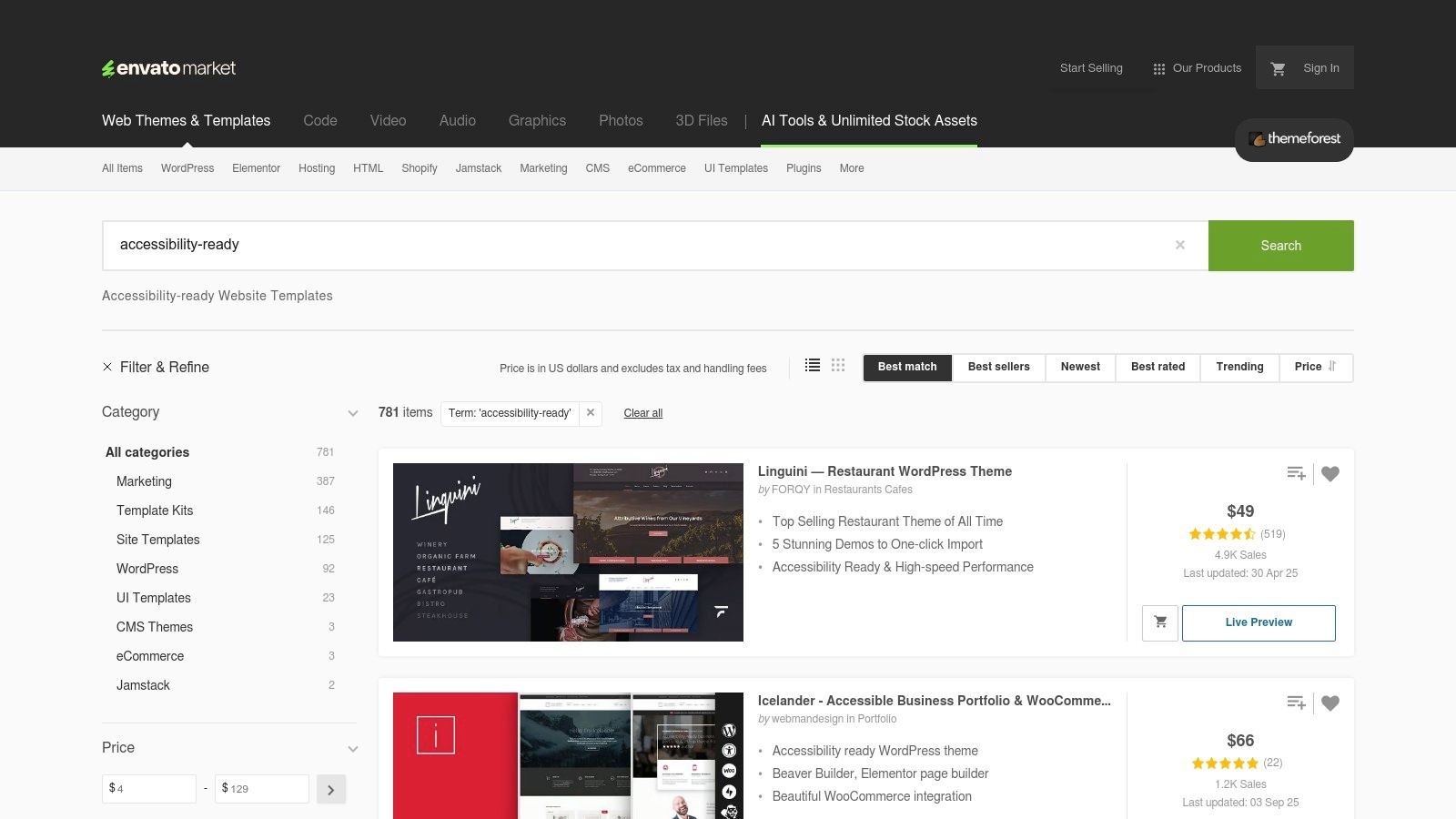
The platform allows users to search specifically for "accessibility-ready" templates and then interact with live previews before making a purchase. This hands-on evaluation is crucial for assessing the look, feel, and claimed accessibility features of a potential theme. Pricing is transparent and listed per theme, with instant digital downloads available after purchase, making it easy to acquire and inspect a theme’s codebase.
Strategic Analysis: Why ThemeForest is a Top Starting Point
ThemeForest's primary value is providing access to pre-built, industry-specific designs that have already considered accessibility. This can significantly accelerate project timelines by offering a tested and functional base.
Vertical-Specific Demos: Need to see how a medical clinic or a non-profit website can be made accessible? You can find and interact with live demos filled with relevant sample content, making it easier to visualize your own project.
Code Inspection: Purchasing a theme grants you access to the underlying code. This allows your development team to learn from the structural and technical choices made by the theme's authors to achieve accessibility.
Competitive Evaluation: For agencies, the marketplace serves as a practical tool for competitive analysis. You can quickly review what different developers are implementing for accessibility and at what price point, informing your own project bids and feature sets.
Key Insight: ThemeForest acts as a practical project accelerator. Instead of designing from zero, teams can leverage a pre-built, accessibility-conscious foundation, allowing them to focus resources on custom features and content accessibility.
Actionable Takeaways for Your Team
This marketplace provides a clear path for evaluation and implementation, but requires due diligence.
| Tactic/Feature | Actionable Takeaway for Your Team |
|---|---|
| "Accessibility-Ready" Search | When starting a new project, use the search filter to create a shortlist of 3-5 potential themes. This saves significant design and development time upfront. |
| Live Previews | Before purchasing, have your QA team run automated accessibility checkers (like WAVE or Axe) on the live demos. This provides an initial, independent verification of the seller's claims. |
| Code Access After Purchase | Assign developers to perform a manual code review of a purchased theme. Task them with documenting the ARIA roles, semantic HTML, and keyboard navigation patterns used as a learning exercise. |
| Seller Reviews and Comments | Read the comments and support threads for a theme before buying. Look for other customers asking about accessibility issues to gauge the developer's responsiveness and expertise. |
By using ThemeForest as a launchpad, your team can leverage existing work to build high-quality, accessible websites more efficiently.
7. Deque axe DevTools (Free and Pro)
While not a public-facing website, Deque's axe DevTools is a fundamental tool for creating and validating any accessible website example. It is the industry-standard browser extension for automated accessibility testing, empowering developers and QA teams to find and fix issues directly within their development workflow. By integrating the powerful axe-core rules engine into the browser, it makes the first layer of accessibility auditing fast, accurate, and educational.
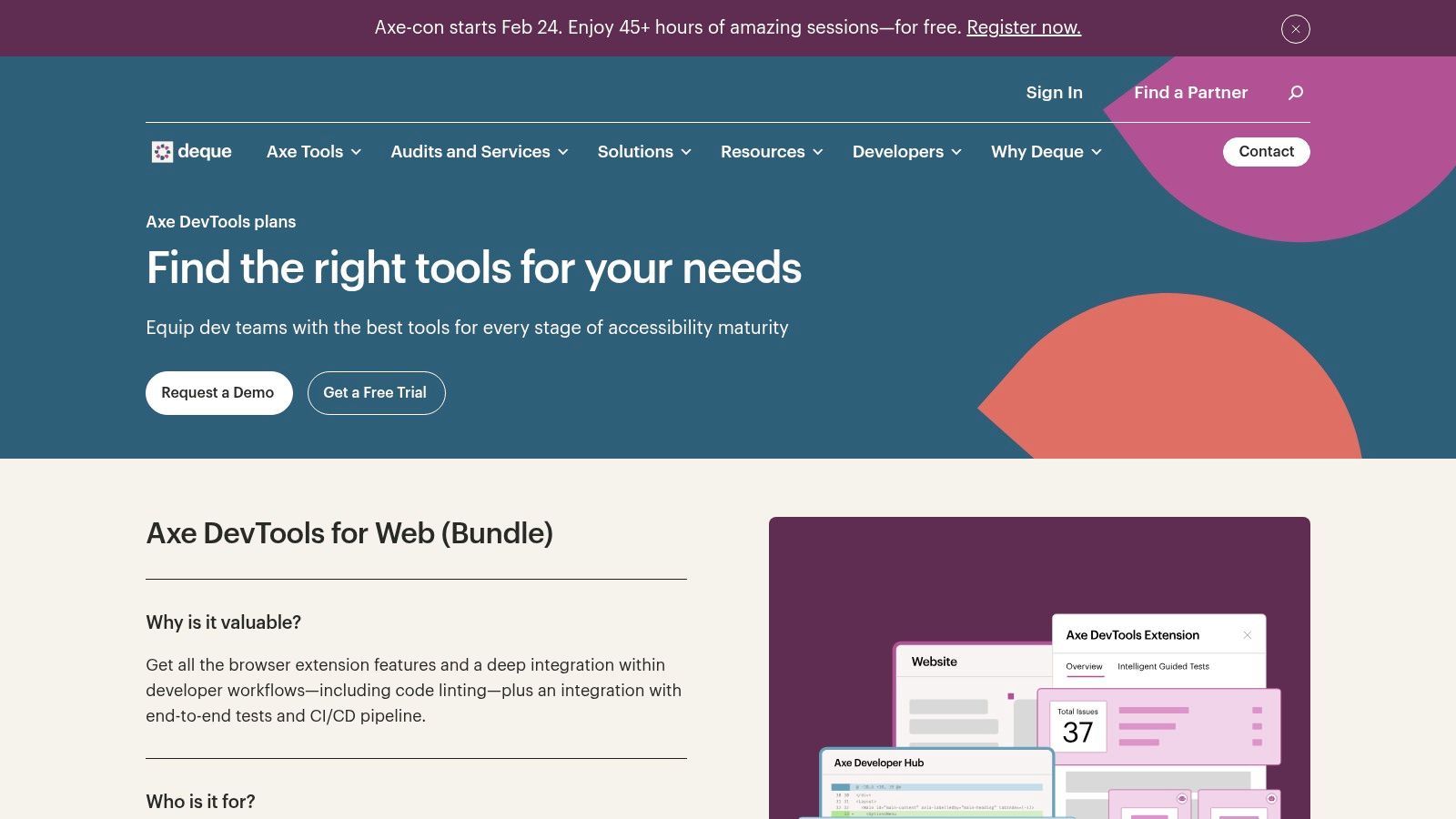
The platform operates on a freemium model. The free browser extension provides instant, on-demand scanning of any webpage, identifying common WCAG violations with zero false positives. The Pro version enhances this with guided "Intelligent Guided Tests" that help users find more complex issues that automation alone cannot, all without requiring deep accessibility expertise. It is available for Chrome, Firefox, and Edge.
Strategic Analysis: Why axe DevTools is a Foundational Tool
Axe DevTools excels by shifting accessibility testing "left," integrating it early and often into the development lifecycle. This proactive approach prevents costly fixes later and builds a culture of accessibility from the ground up.
Developer-Centric Feedback: The tool presents issues directly in the browser's developer tools, pinpointing the exact code element that needs attention. It provides a clear description of the problem, its impact, and a link to detailed remediation guidance.
Intelligent Guided Testing: The Pro plan's guided tests are a game-changer. They use a simple question-and-answer format to walk testers through checking for issues like keyboard accessibility and screen reader operability, bridging the gap between automated and manual testing.
Scalable and Trustworthy: Powered by the open-source axe-core engine, which is the de-facto standard for accessibility testing, its results are reliable and trusted by major tech companies and government agencies worldwide. If you're building a testing process, it's essential to understand the full landscape of website accessibility testing tools.
Key Insight: Deque axe DevTools transforms accessibility from a separate, final compliance check into an integral part of the development process. It gives developers immediate, actionable feedback, making them the first line of defense in creating accessible experiences.
Actionable Takeaways for Your Team
This tool provides a clear path to improving your team's accessibility workflow.
| Tactic/Feature | Actionable Takeaway for Your Team |
|---|---|
| Free Browser Extension | Mandate the installation of the free axe DevTools extension for all developers and QA testers. Incorporate a "zero-axe-violations" policy as a required check before any pull request is merged. |
| "Needs Review" Highlighting | Train your team to use the "highlight" feature to visually locate issues on the page. This helps developers and designers quickly understand the user-facing impact of a code-level problem. |
| Intelligent Guided Tests (Pro) | Assign QA specialists to run the guided tests on key user flows (e.g., checkout, login, registration) with every major release. This adds a crucial layer of semi-manual testing to your process. |
| Export and Share Issues | Use the export functionality to save scan results. Attach these reports to tickets in your project management system (like Jira) to provide developers with all the context they need to fix an issue. |
By embedding axe DevTools into your workflow, your team can catch and remediate a significant percentage of accessibility issues before they ever reach production.
7-Point Accessible Website Resources Comparison
| Item | Implementation complexity | Resource requirements | Expected outcomes | Ideal use cases | Key advantages |
|---|---|---|---|---|---|
| W3C WAI Before and After Demonstration (BAD) | Low — ready-made demos | Low — downloadable package, minimal setup | Clear, inspectable before/after examples; WCAG mappings | Stakeholder demos, workshops, governance reviews | Concrete visual learning; maps issues to WCAG; good for non-experts |
| WAI-ARIA Authoring Practices Guide (APG) + Example Library | Medium–High — developer-focused | Developer time and ARIA knowledge | Robust accessible widgets with correct focus/keyboard behavior | Building/adapting interactive UI components | Authoritative patterns; open code; detailed interaction guidance |
| GOV.UK Design System (Components) | Medium — integration and customization needed | Dev/design team; adaptation to branding | Production-proven components aligned to WCAG 2.2 AA | Large-scale services, government or enterprise projects | Government-grade standards; MIT-licensed code; strong documentation |
| WebAIM (WCAG 2.2 Checklist and Resources) | Low — practitioner-friendly checklist | Minimal — time for review; optional training/audits | Actionable acceptance criteria and audit/training reference | Translating guidance into tests, audits, training | Plain-language checklist; trusted nonprofit; regularly updated |
| WordPress.org Theme Directory – "Accessibility Ready" tag | Low — select and test themes locally | Low — theme testing and configuration | Better accessibility baseline out of the box (not guaranteed) | Small orgs, prototypes, agencies needing free starts | Free themes; transparent review criteria; large ecosystem |
| ThemeForest – "Accessibility-Ready" Website Templates | Low–Medium — purchase then adapt and verify | Paid templates; time for verification and customization | Wide variety of demo sites across verticals; variable quality | Commercial projects seeking themed demos and quick starts | Wide selection; live previews; instant download |
| Deque axe DevTools (Free and Pro) | Low (extension) to Medium (CI/Pro integration) | Developer resources for integration; Pro may incur cost | Fast automated issue detection; CI/PR checks; complements manual testing | Development pipelines, iterative testing, component validation | Fast feedback; integrates with workflows; enterprise adoption |
Building Your Accessibility Blueprint
Throughout this guide, we've moved beyond a simple showcase of accessible websites. Instead, we’ve dissected the frameworks, tools, and design systems that make digital inclusion possible at scale. From the foundational principles demonstrated by the W3C's Before and After Demonstration to the practical, component-based approach of the GOV.UK Design System, each resource offers a distinct piece of the accessibility puzzle.
We analyzed how the WAI-ARIA Authoring Practices Guide provides the technical DNA for complex interactive elements, while platforms like WordPress and ThemeForest are democratizing access to compliant foundations. Tools like WebAIM’s checklist and Deque’s axe DevTools empower teams to audit, test, and remediate issues systematically. The common thread is clear: a truly accessible website example is not a static final product but the result of an intentional, tool-assisted process.
Core Takeaways: From Examples to Execution
To translate these examples into your own workflow, focus on integrating the core principles we've uncovered. Accessibility is not a final-stage overlay; it is a foundational pillar of quality development and design.
Start with Structure: Leverage "accessibility-ready" themes and design systems. Building on a compliant foundation, like those found in the WordPress.org directory or the GOV.UK system, saves immense time and prevents fundamental errors from the start.
Embrace Component-Based Design: Don't reinvent the wheel for every dropdown or modal. Use resources like the WAI-ARIA Authoring Practices Guide to understand the correct semantic structure and keyboard interactions for common UI patterns. This ensures consistency and predictability for users of assistive technology.
Integrate Automated and Manual Testing: Use tools like axe DevTools early and often in the development cycle to catch low-hanging fruit. Complement this with manual testing guided by a comprehensive resource like the WebAIM WCAG 2.2 Checklist to ensure true usability and compliance.
Selecting the Right Tools for Your Team
The right toolset depends entirely on your team's structure, goals, and technical maturity. A small business may find an "accessibility-ready" WordPress theme sufficient for its needs, while a large enterprise will require a more robust, multi-faceted strategy.
Consider the following when building your toolkit:
For Development Teams: Prioritize tools that integrate directly into the development pipeline. Deque’s axe DevTools, with its browser extension and CI/CD integrations, is essential for shifting accessibility left.
For Design and UX Teams: Focus on foundational resources. The GOV.UK Design System and the ARIA APG example library are invaluable for designing and prototyping components that are accessible by default.
For Content and QA Teams: A clear, actionable checklist is paramount. The WebAIM checklist provides the structure needed for thorough manual audits and content reviews.
The journey toward a more accessible web is built on a foundation of shared knowledge and powerful tools. Each accessible website example we explored serves as proof that with the right blueprint, creating inclusive digital experiences is not just an ideal, but a tangible and achievable goal. For some industries, this is even more crucial; for instance, an optimized user experience is critical for healthcare websites, where clarity and ease of access can directly impact user well-being. By adopting a proactive, tool-driven approach, your team can move from simply admiring accessible design to consistently building it.
Ready to move from examples to implementation with confidence? WebAbility.io provides a comprehensive platform that combines AI-powered auditing with expert human guidance to help you build and maintain a truly accessible website. Go beyond checklists and start creating a sustainable accessibility blueprint with WebAbility.io today.
Quick Questions
Tap to ask AI about this article