Compliance Monitoring Software: A 2026 Explainer

Sidharth Nayyar
Compliance monitoring software is an automated system that continuously checks digital assets against accessibility and legal standards, helping teams move from reactive manual audits to ongoing governance. The broader compliance software market is projected at USD 40.82 billion in 2026 and USD 74.12 billion by 2031, with a 12.67% CAGR, which reflects how quickly organizations are shifting from periodic audits to continuous monitoring.
If you're leading a digital team, this probably feels familiar. A redesign goes live, a plugin update changes markup, a form flow breaks keyboard access, and suddenly the accessibility status you documented a few months ago is no longer current. The hard part isn't just fixing issues. It's staying fixed.
That's where compliance monitoring software earns its place. In accessibility work, the tool itself isn't the strategy. The strategy is the combination of software, workflow, and people. The software watches for drift. Your process routes issues to the right owners. Your team decides what needs automated remediation, what needs code changes, and what needs human review.
Good programs don't treat accessibility as a once-a-year checkpoint. They treat it as operational hygiene, much like uptime, security, or QA.
What Is Compliance Monitoring Software
Manual compliance work usually starts with a scan, then a spreadsheet, then a round of tickets, then silence. A few weeks later, someone asks whether the site is still compliant, and no one can answer with confidence.
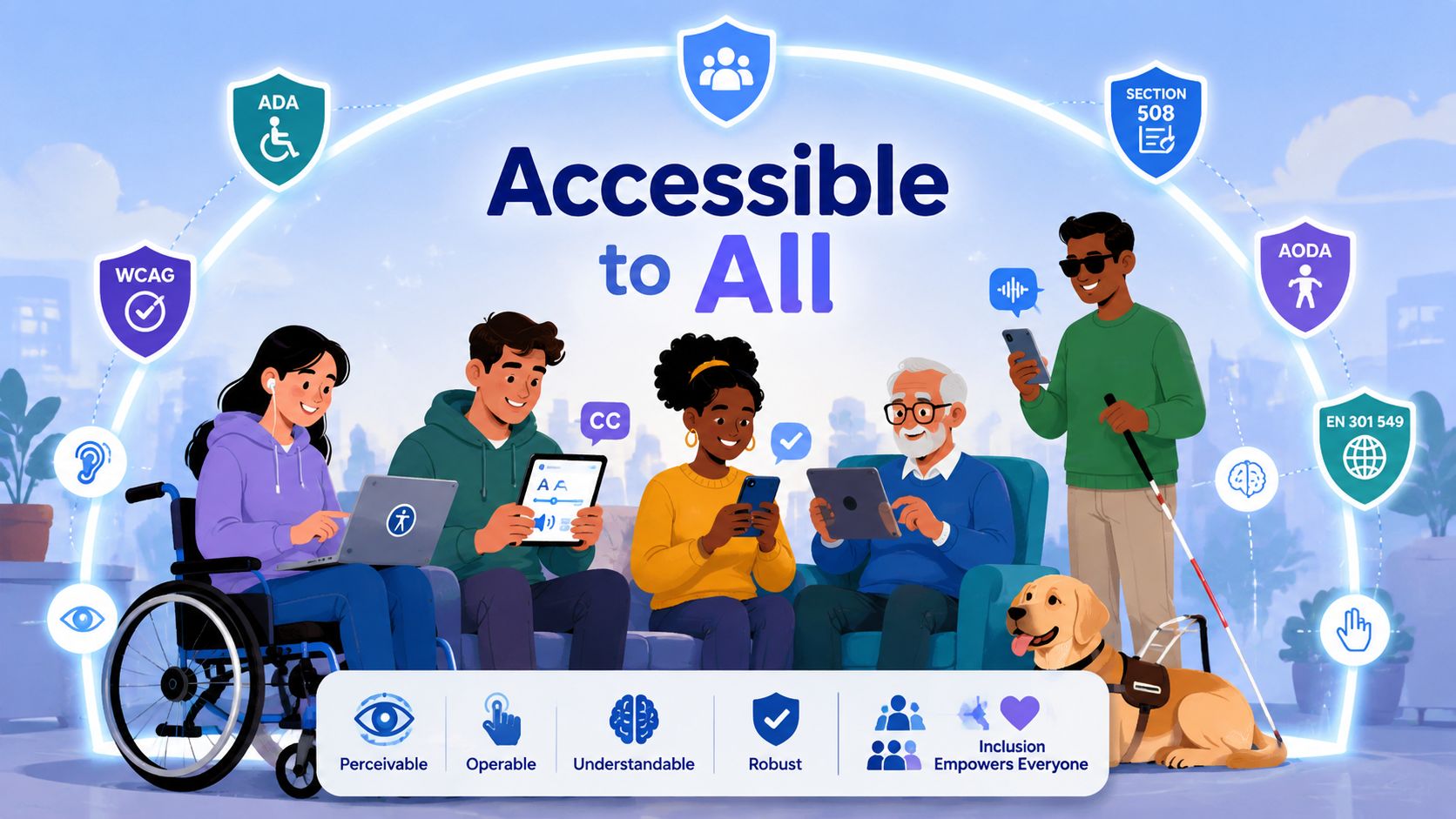
Compliance monitoring software solves that problem by checking your digital properties on an ongoing basis instead of relying on a one-time audit. For accessibility teams, that means watching websites, templates, components, and user flows for issues tied to standards such as WCAG, ADA-related obligations, Section 508, AODA, and EN 301 549.
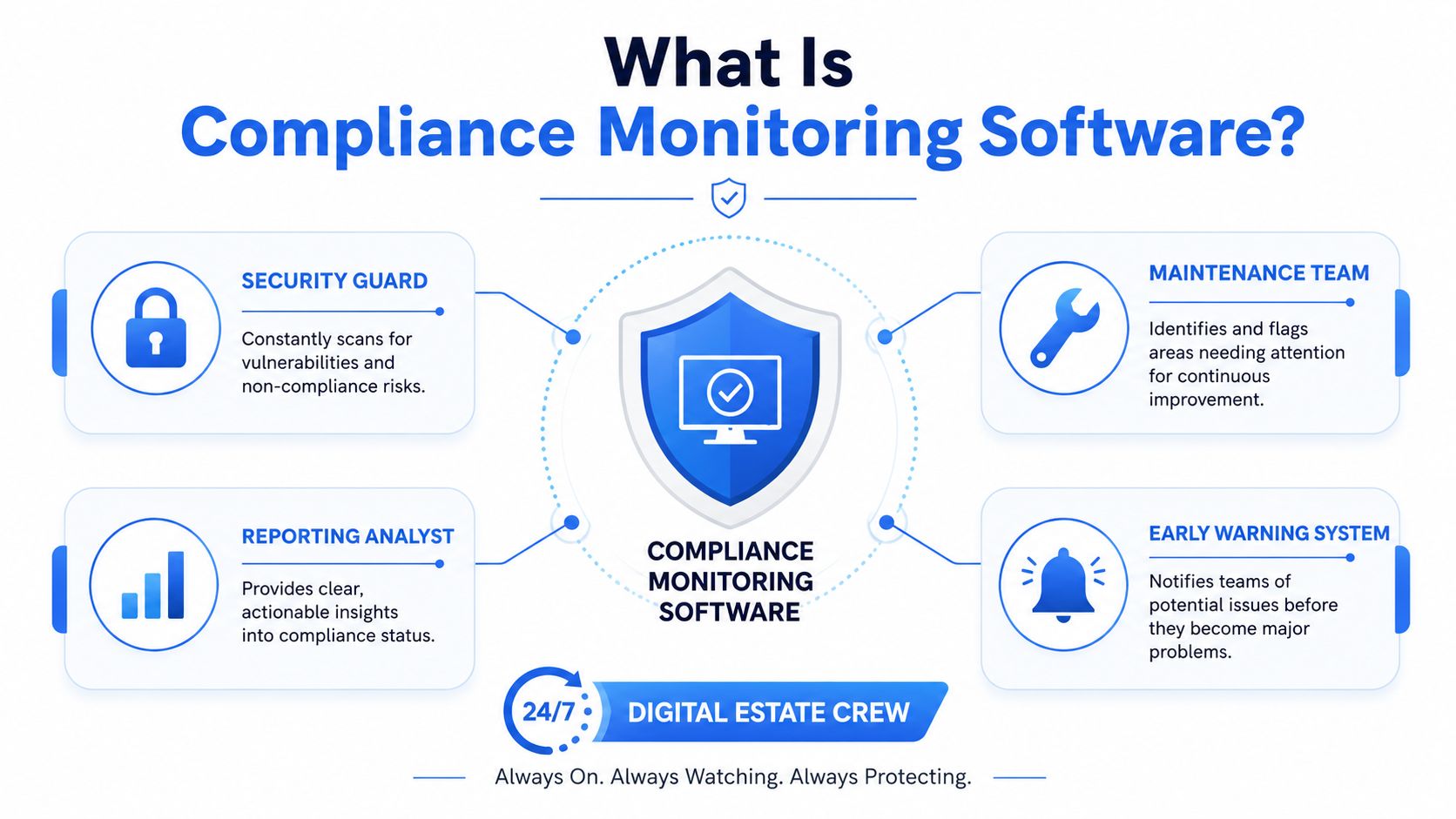
This software serves as a 24/7 crew for a digital property. One part acts like security, looking for new risks. Another part works like maintenance, spotting things that need attention before they become bigger problems. A reporting layer turns that activity into dashboards, evidence, and accountability.
Why teams are moving away from annual audits
The reason this category is growing isn't hard to understand. Organizations now need proof that controls are working continuously, not just proof that someone checked once. According to compliance software market projections from Mordor Intelligence, the global market is projected to grow from USD 40.82 billion in 2026 to USD 74.12 billion by 2031, at a 12.67% CAGR, driven by a structural shift from episodic annual audits to continuous controls monitoring.
For accessibility work, that shift matters because websites change constantly. Marketing publishes new landing pages. Product teams ship UI updates. Third-party scripts alter behavior. If your monitoring only happens at launch, you're blind between audits.
Practical rule: If your site changes weekly, your compliance process can't run yearly.
What it looks like in practice
A digital team lead usually needs three things from the system:
- Current status: Are we introducing new accessibility issues right now?
- Evidence: Can we show what was checked, when, and what changed?
- Ownership: Does each issue land with the right team, not in a generic backlog?
That applies across industries. If you work in financial services, for example, accessibility obligations often sit alongside broader marketing oversight. Teams that want a wider governance view can also review digital marketing compliance guidance to see how content controls and compliance workflows intersect.
A practical accessibility program also needs tooling that helps reduce business risk, not just produce another report. The best software doesn't replace experts, designers, or developers. It gives them a live operating picture so they can make better decisions faster.
Core Features That Drive Automation and Insight
The easiest way to understand compliance monitoring software is to stop thinking in feature lists and start thinking in jobs. The software has to help your team see, govern, and connect.
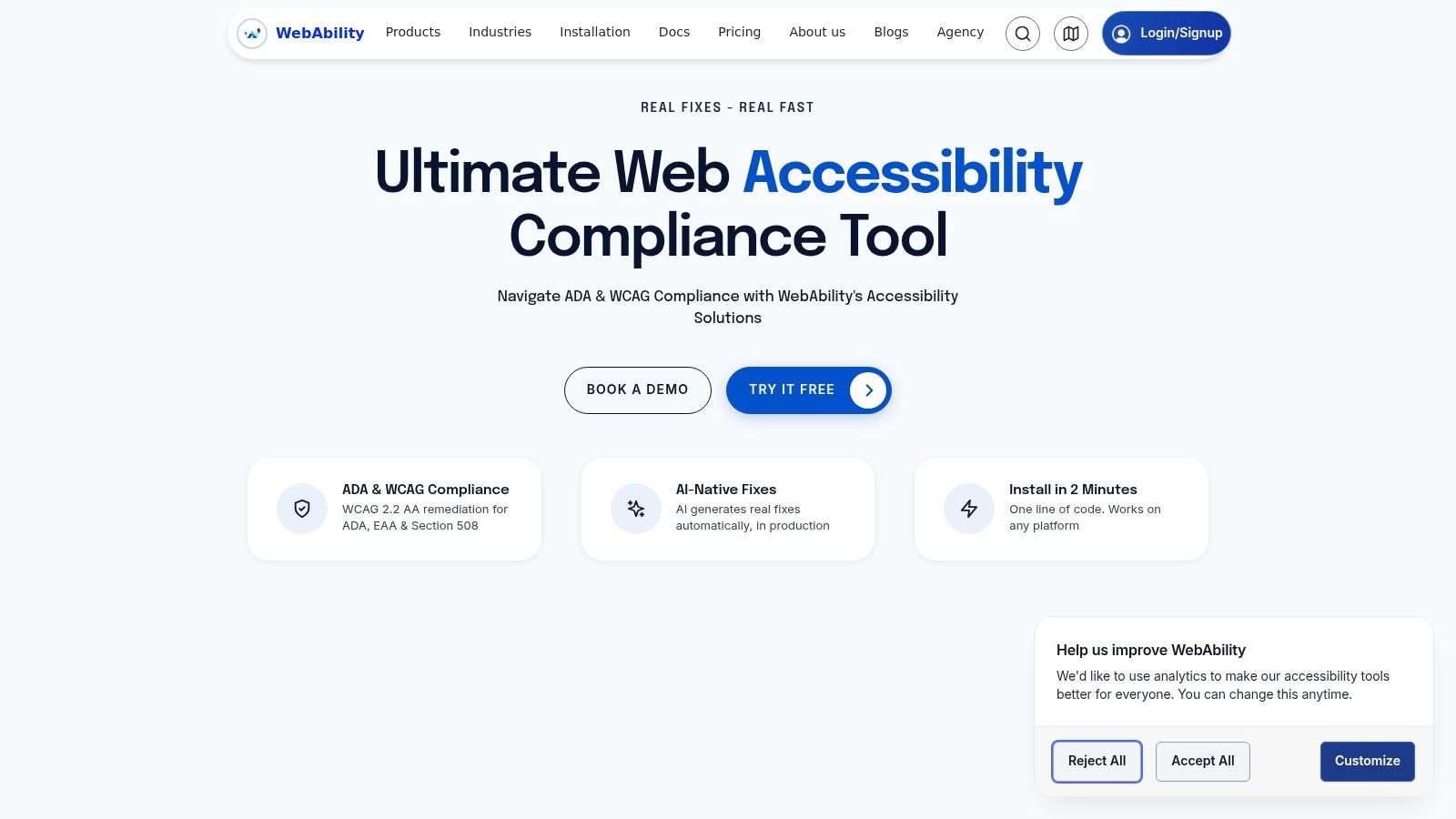
To make that concrete, here's the kind of interface many teams expect from a modern platform.
Visibility that isn't stale
First, the software needs to show what's happening now. Modern platforms should support real-time control checks, deep API integrations across cloud, code, devices, and people, customizable workflows, and strong analytics dashboards so teams stay in continuous audit readiness, as described in Sprinto's overview of compliance monitoring architecture.
In accessibility terms, that often includes:
- Automated scanning: Catching recurring technical issues on pages, templates, or site sections.
- Alerts: Telling the team when a release introduces regressions.
- Dashboards: Showing trends by site, department, geography, or property.
That last point matters more than people expect. A scan result on its own is just noise. A dashboard that shows which business unit keeps reintroducing inaccessible forms gives you something you can manage.
Governance that produces evidence
The second job is governance. Good tools don't just surface issues. They create a record.
You want a system that can log findings, document remediation work, retain historical results, and support an audit trail that makes sense to both legal and technical stakeholders. Executives need rollups. Designers need patterns. Developers need reproducible issue details. Compliance leads need evidence.
A useful platform doesn't just tell you that a problem exists. It shows when it appeared, where it lives, who owns it, and whether the fix held.
Integration that fits your stack
The third job is connection. If a platform can't fit your workflow, people stop using it.
Here's a simple view:
| Need | Why it matters |
|---|---|
| API integrations | Pulls data from your CMS, codebase, cloud systems, or issue trackers |
| Role-based access | Lets legal, QA, marketing, and engineering see the right level of detail |
| Multi-site management | Helps agencies and enterprise teams monitor many web properties together |
| Workflow routing | Sends issues into existing remediation processes instead of creating parallel work |
If your team is still sorting out the difference between scanners, dashboards, and workflow automation, this guide on automated accessibility tools explained is a useful companion.
Supporting Major Accessibility Frameworks
A tool becomes useful when it helps your team translate legal and technical standards into daily work. That's especially important in accessibility, where the names of the frameworks are familiar, but the operational impact often isn't.
What framework support actually means
For a digital team, support for ADA, WCAG, Section 508, AODA, and EN 301 549 shouldn't mean a badge on a pricing page. It should mean the software can map findings to requirements, preserve evidence, and help you answer a simple question: what do we need to fix for this property, in this region, for this standard?
That gets harder when organizations operate across borders. As Ncontracts notes in its discussion of compliance management software, existing coverage rarely answers how tools handle dynamic regulatory changes across global jurisdictions in real time, and many platforms still offer static framework support rather than jurisdiction-aware updates with cited audit trails.
For accessibility teams, that's not an academic issue. A public sector procurement team may ask for EN 301 549 alignment. A U.S. web team may be thinking in ADA risk terms. A federal contractor may need Section 508 documentation. The software should help those teams work from one source of truth without flattening everything into a single generic score.
A practical example
Say your team manages a university site, a U.S. ecommerce storefront, and a European product portal.
The same monitoring platform should help you:
- Spot WCAG failures: Missing form labels, weak focus states, contrast problems, and broken heading structures.
- Document remediation: Tie each issue to the page, control, task, and owner.
- Segment reporting: Give legal and procurement teams reports that align with the framework that matters to them.
- Track drift over time: Show whether releases are improving or degrading accessibility health.
A good checklist also helps ground the work. If your team needs a practical reference for issue review and acceptance criteria, use this wcag 2.1 aa compliance checklist alongside your monitoring workflow.
Framework support isn't just about detection. It's about translation. The software should convert broad obligations into prioritized, traceable work for real teams.
How to Evaluate and Choose the Right Software
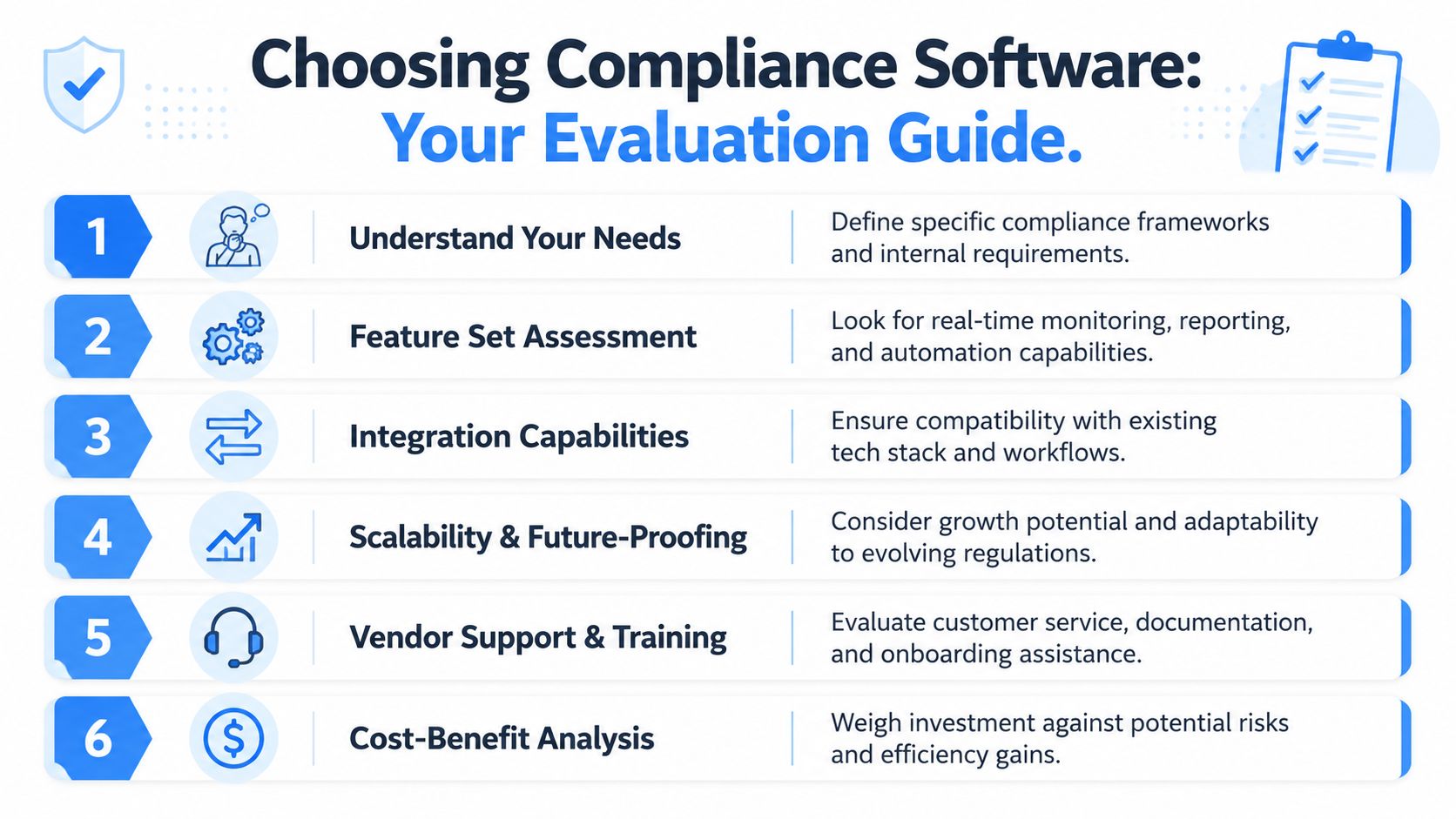
Buying compliance monitoring software gets messy when teams compare feature grids without agreeing on the operating model first. The better question isn't "Which tool has the most features?" It's "Which tool will still work when our content volume, site count, and governance demands increase?"
Start with the shape of your environment
A single marketing site needs something different from a digital agency managing dozens of client properties. A university system needs something different from a SaaS company shipping UI changes every sprint.
Ask these questions early:
- How many properties are you monitoring? One site, many subsites, client portfolios, or a global web estate.
- Who needs access? Developers, QA, legal, compliance, content editors, executives, or all of them.
- What frameworks matter? WCAG, ADA-related obligations, Section 508, AODA, EN 301 549, or several at once.
- How often does your content change? The faster your release cycle, the more you need continuous monitoring.
Evaluate for proof, not promises
One of the strongest practical tests is how the software handles evidence and time. According to Vanta's resource on compliance management software, automated platforms can reduce audit preparation time by 40 to 60% compared with manual processes, and they help organizations respond to regulatory changes within hours rather than weeks through automated evidence collection, control monitoring, and requirement tracking.
That tells you what to look for. Don't just ask whether the platform scans. Ask whether it preserves a usable record.
Use a shortlist like this:
- Scalability: Can it support one site today and many sites later without forcing a migration?
- Workflow fit: Does it integrate with ticketing, dev, content, and reporting processes your team already uses?
- Evidence quality: Can you export audit-ready documentation, not just screenshots of dashboard views?
- Role clarity: Can each team see the level of detail they need?
- Framework depth: Does it help organize work across jurisdictions and standards?
A lot of teams also want to see the product in action before a deeper review.
Look for a complete operating model
Some organizations want a platform that combines monitoring with user-facing accessibility support and governance reporting. For example, WebAbility.io provides automated scanning, real-time monitoring, compliance tracking, multi-site management, team roles, API integrations, and an accessibility widget within one accessibility-focused platform.
If you're comparing categories and vendors, a broader review of top tools for WCAG compliance can help you separate scanning tools from full monitoring systems.
A Practical Implementation Workflow
Implementation works best when you treat compliance monitoring software as part of delivery, not as a side project owned by one compliance person. The software should create a feedback loop that supports design, development, QA, content, and leadership.
Step one through step three
Start with a benchmark. Run an initial scan across your highest-value properties and identify the pages, templates, and user journeys that matter most. Homepages are rarely enough. Include forms, checkout, authentication, account areas, PDFs, and any area tied to conversions or service delivery.
Then triage the findings. Not every issue belongs in the same queue. Some are platform-wide component defects. Some are content authoring mistakes. Some need manual review because automation can flag a pattern without proving the user impact.
After that, assign ownership. Developers should get code-level issues. Content teams should get document structure, alt text, and media tasks. Legal and compliance teams should get visibility into status and evidence, not a pile of unresolved tickets.
Step four through step six
Build the remediation loop into the tools your team already uses. That might be Jira, a design system board, a sprint planning process, or a content workflow. If a finding lives outside the team's normal process, it usually stays unresolved longer than it should.
Keep your evidence clean. As Comply explains in its feature guidance for compliance software, audit-ready evidence collection should include repositories for files, attestations, audit work-papers, and control test results linked to specific control instances, tasks, and regulatory requirements. In accessibility work, that means your evidence should connect the issue, the fix, the owner, and the standard involved.
A simple operating workflow looks like this:
- Benchmark the estate: Scan sites, apps, and high-risk journeys.
- Prioritize by impact: Focus on barriers that affect critical tasks first.
- Route by discipline: Send issues to engineering, content, design, or compliance based on ownership.
- Verify fixes: Re-scan after release and confirm the problem is resolved.
- Store evidence: Keep records tied to tasks and requirements.
- Repeat continuously: Monitoring should catch regressions as normal site changes occur.
The implementation succeeds when the tool becomes part of release hygiene, not a separate compliance ritual.
Measuring ROI and Tracking Success with KPIs
Accessibility leaders often struggle with one internal question: how do we prove this is working beyond "the dashboard looks better"?
The answer is to use a small KPI set that connects compliance outcomes to operational behavior. According to MetricStream's guidance on compliance monitoring, organizations should track Regulatory Compliance Rate, defined as the percentage of applicable regulations with which the organization is fully compliant, and Incident Response Time, which measures the average time taken to detect, investigate, and remediate compliance violations.
What those KPIs mean for accessibility teams
Regulatory Compliance Rate gives leadership a summary view. In accessibility programs, that can reflect how many applicable requirements your monitored properties currently meet across the frameworks you support.
Incident Response Time shows whether your process is healthy. If teams detect issues quickly but take too long to assign or resolve them, the bottleneck isn't the scanner. It's the workflow.
A useful KPI set often includes a mix of executive and team-level measures:
| KPI | What it tells you |
|---|---|
| Regulatory Compliance Rate | Whether the organization is meeting applicable requirements overall |
| Incident Response Time | How fast the team detects, investigates, and remediates issues |
| Remediation backlog trend | Whether issue queues are shrinking or growing |
| Regression frequency | Whether releases are reintroducing known accessibility defects |
ROI without inflated math
You don't need shaky ROI formulas to make the case. In practice, the value usually shows up in two places.
First, cost avoidance. Teams spend less time preparing for reviews, hunting for evidence, and recreating historical context. Second, value creation. Better accessibility improves task completion, trust, and usability for a wider range of users.
For digital teams, that's where compliance work often supports conversion rate optimization. Cleaner forms, clearer labels, better keyboard flows, and more readable interfaces don't just support compliance. They also remove friction for many users, which helps key pages perform better and makes your internal links to service, product, and conversion pages easier to use.
Common Pitfalls and Proactive Solutions
The most common mistake is treating compliance monitoring software like a self-driving system. It isn't. It automates detection, evidence, and oversight, but it doesn't replace design judgment, code review, user testing, or governance.
Pitfall one through three
Set-it-and-forget-it deployment causes trouble fast. Teams install the software, run a scan, and assume they now "have compliance covered." The proactive fix is simple. Tie the platform to release management, assign owners, and review trends regularly.
Over-reliance on automation is the second problem. Automated checks are good at finding many technical issues, but accessibility still includes context. A scanner can flag missing alt text. It can't always tell whether the replacement text is meaningful, whether the reading order makes sense, or whether a workflow is cognitively clear.
Weak adoption across teams is the third. If legal owns the dashboard but engineering never sees the issues in its normal workflow, remediation slows down. If marketing launches pages outside the process, regressions keep coming back.
What a stronger model looks like
The teams that get this right usually do a few things consistently:
- They blend automation with human review: Software handles repeatable checks, while specialists review context-heavy issues.
- They assign ownership clearly: Every finding has a team, not a vague department.
- They monitor important journeys first: Login, checkout, forms, booking, and support flows get priority.
- They connect compliance to UX and CRO: Accessibility fixes often improve clarity, navigation, and task completion.
Good compliance programs don't rely on one tool or one team. They align technology, process, and accountability.
One more pitfall is choosing software that can't grow with your estate. A tool that works on one site but struggles with multiple brands, departments, or regions creates friction later. When you're evaluating options, look for evidence depth, multi-site governance, and a workflow your developers and content teams will use.
The long-term win isn't just fewer issues. It's a more reliable digital operation, where accessibility stays visible, measurable, and integrated into everyday work.
If you're ready to put that model into practice, WebAbility.io offers an end-to-end accessibility platform with continuous monitoring, reporting, and workflow support that can help digital teams build a more sustainable compliance process.
Quick Questions
Tap to ask AI about this article