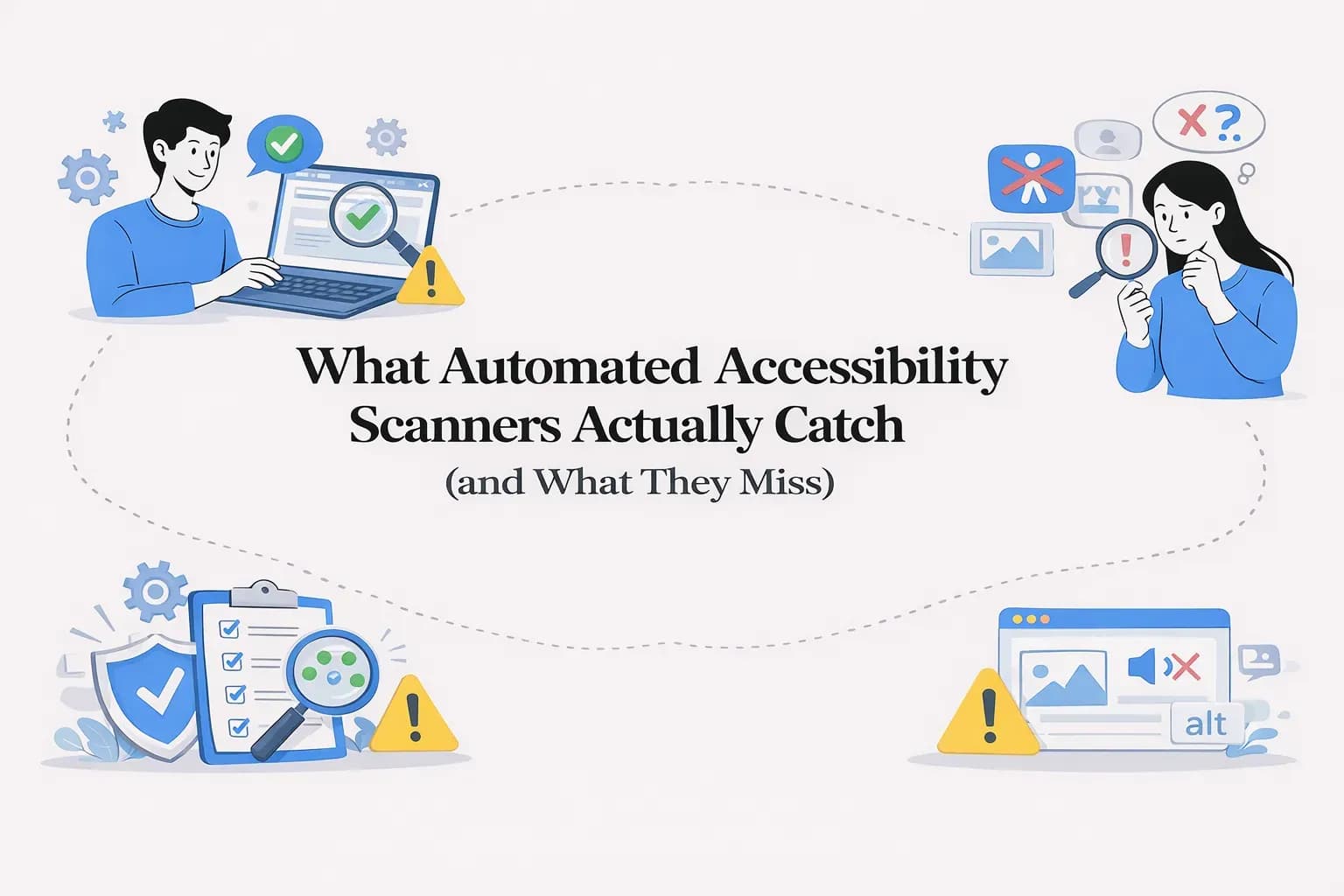
What Automated Accessibility Scanners Actually Catch (and What They Miss)
The “100/100 Lighthouse Score” Myth
If you’ve ever run your website through Lighthouse and seen a perfect accessibility score, it feels like a win. For many teams, that score becomes the signal that accessibility is “taken care of.”
We’ve seen this firsthand—marketing teams celebrating a 100/100 score, product teams marking accessibility as complete, and leadership assuming compliance is achieved.
But here’s the honest reality:
a perfect Lighthouse score does not mean your website is accessible.
Lighthouse (which uses axe-core under the hood) checks for issues that can be detected automatically. It doesn’t evaluate how your website actually behaves for someone using a screen reader, navigating with a keyboard, or processing content with cognitive limitations.
In other words, it measures what can be scanned—not what can be experienced.
This isn’t a flaw in Lighthouse. It’s a limitation of automation itself.
Across the industry—including guidance from W3C, WebAIM, and Deque—there’s broad agreement:
Automated accessibility tools catch only about 25% to 40% of real WCAG issues.
That means even a “perfect” score can leave the majority of user-impacting issues untouched.
What Automated Accessibility Scanners Actually Check
Automated scanners still play a critical role. In fact, they’re one of the fastest ways to catch foundational accessibility issues at scale.
Think of them as your first line of defense—they’re excellent at identifying problems that are clearly defined in code and follow strict rules.
They typically analyze your DOM, CSS, and ARIA attributes to flag issues that are programmatically determinable. Because of this, they’re consistent, fast, and reliable for certain categories of checks.
Here’s where they genuinely shine:
- Detecting missing alt attributes on images
- Flagging low color contrast based on defined color values
- Identifying missing or incorrectly associated form labels
- Catching improper heading structures
- Highlighting ARIA misuse or invalid roles
- Finding duplicate IDs in the DOM
- Checking for missing lang attributes
These are not small issues—they form the baseline of accessibility compliance, and automation handles them well.
But accessibility doesn’t stop at code correctness. It extends into usability, clarity, and interaction—areas where automation quickly reaches its limits.
How Major Accessibility Scanners Compare
Most accessibility tools today build on similar foundations, but each extends coverage in different ways.
axe-core, which powers Lighthouse and many enterprise solutions, is widely trusted for its reliability. It typically covers around 30–35% of WCAG issues, focusing on high-confidence checks that minimize false positives.
Deque’s platform builds on this with machine learning and guided testing. While it can detect more issues automatically, its higher coverage claims depend heavily on human-assisted workflows, which reinforces an important point—automation alone isn’t enough.
IBM Equal Access offers one of the most comprehensive open-source rule sets, with 174 rules aligned to WCAG, including newer criteria from WCAG 2.2. It expands coverage, but still operates within the boundaries of automation.
WAVE takes a slightly different approach by separating errors from alerts. It surfaces around 110 rules, but many of its findings intentionally require human interpretation.
AudioEye uses a proprietary model and claims broader detection. However, like every other tool, it cannot evaluate context, usability, or interaction quality.
Across all these platforms, one pattern remains consistent:
They are excellent at detecting what exists in code,
but not at understanding how users experience it.
The 65% That Requires Human Review
This is where accessibility becomes real.
The majority of accessibility issues aren’t about missing attributes or incorrect syntax—they’re about whether someone can actually use and understand your website.
These are problems that require judgment, context, and real interaction. And no matter how advanced a scanner becomes, these areas still depend on human evaluation.
Alt Text: Present vs Meaningful
Most scanners will tell you if an image is missing alt text. That’s useful—but incomplete.
What they can’t tell you is whether the alt text is actually helpful.
For example:
- alt="image123.jpg"
- alt="graphic"
Both technically pass automated checks. But for someone using a screen reader, they provide no real information.
Now compare that to:
- alt="Customer using a screen reader to browse a website"
This communicates intent and context—something only a human (or advanced AI interpretation) can evaluate meaningfully.
Keyboard Navigation Isn’t Just Tabbing
Keyboard accessibility is one of the most common areas where real users struggle—and one of the hardest for automation to validate.
A scanner can’t tell you:
- Whether focus gets trapped inside a modal
- Whether pressing Esc closes an overlay
- Whether dropdowns can be navigated using arrow keys
- Whether focus indicators are actually visible
These are interaction patterns. They need to be experienced, not just scanned.
Content Clarity and Cognitive Accessibility
Accessibility isn’t just technical—it’s human.
Even if your site passes every automated check, users may still struggle if:
- Instructions are unclear
- Language is too complex
- Content lacks structure
No tool today can reliably measure whether your content is understandable for users with dyslexia, ADHD, or cognitive impairments.
This is one of the most overlooked areas—and one of the most important.
Media Accessibility Goes Beyond Checkboxes
Scanners can detect if captions exist. But they can’t tell you if those captions are accurate, complete, or synchronized.
They also can’t verify whether important visual context is conveyed through audio descriptions.
For users who rely on this content, quality matters just as much as presence.
When Context Changes Everything
Take a simple example: a link that says “Read more.”
Is it accessible?
The answer depends entirely on context.
If the surrounding content clearly explains the link’s purpose, it may be perfectly acceptable. If not, it becomes ambiguous—especially for screen reader users navigating links out of context.
This is something only human evaluation can determine.
Modern UI Components Break Automation
Custom components—like date pickers, comboboxes, and drag-and-drop interfaces—are everywhere in modern web apps.
While scanners can flag incorrect ARIA usage, they can’t verify whether these components behave correctly.
- Can users navigate them with a keyboard?
- Is focus managed properly?
- Are interactions predictable and consistent?
These require real testing, not static analysis.
Responsive Behavior and Real Screens
Accessibility also depends on how your site behaves across different screen sizes.
WCAG requires content to remain usable at smaller widths (like 320px), but automation cannot fully replicate real viewport behavior.
Issues like overlapping content, hidden elements, or broken layouts often go undetected unless someone manually tests them.
The Pattern Is Clear
If an accessibility issue depends on:
- Meaning
- Context
- Interaction
- Visual interpretation
…it’s unlikely to be caught by automation alone.
How WebAbility Bridges the Gap
We don’t believe in “fully automated accessibility.” Because in practice, that doesn’t exist.
Instead, our approach is built around acknowledging this gap—and solving for it.
A Multi-Layered Detection Approach
We combine multiple engines instead of relying on just one:
- axe-core for industry-standard baseline checks
- IBM Equal Access for extended WCAG 2.2 coverage
- Additional rule layers to expand detection
This helps us go beyond what a single scanner can catch.
Focused Enhancers, Not Generic Checks
Accessibility isn’t one problem—it’s many.
That’s why we use 14 parallel enhancers, each focused on a specific area like images, forms, keyboard interactions, ARIA usage, and focus states.
Our focused enhancers on a specific domain:
- Animations
- Colors
- Images
- Media
- Icons
- Tables
- Keyboard
- Links
- Buttons
- Focus states
- Forms
- Headings
- ARIA
- Duplicate IDs
This allows for deeper, more contextual analysis instead of surface-level scanning.
AI That Understands Context (Not Just Code)
To address what traditional scanners miss, we integrate vision-based AI.
This allows us to:
- Evaluate whether alt text actually matches the image
- Analyze real contrast in text-over-image scenarios
- Detect issues that exist beyond the DOM
It’s not a replacement for human review—but it closes a significant gap.
Fixing the Source, Not Patching the Surface
Many tools rely on overlays that attempt to “fix” accessibility in the browser.
We take a different approach.
Issues are resolved directly in the codebase—making them more stable, compliant, and aligned with WCAG 2.2 best practices.
Human Review Where It Matters Most
And finally, we bring in human expertise—because some things simply require it.
Automation accelerates the process.
AI adds context.
But human judgment ensures accessibility actually works.
What to Look for in an Accessibility Scanner
If you’re evaluating tools, it helps to approach this with a critical lens.
Start by asking: is the tool transparent about its limitations?
If it promises “100% compliance,” that’s usually a red flag.
Look for solutions that combine multiple engines, support human validation, and go beyond static code analysis. Context-aware capabilities—whether through AI or guided testing—are becoming increasingly important.
Also pay attention to how issues are fixed. Overlay-based approaches may seem quick, but they often fail to address root problems. Long-term accessibility requires fixing issues at the source.
The Bottom Line
Automated accessibility scanners are essential—but they are not enough on their own.
They reliably detect the easier 25–40% of issues—the ones that can be measured in code.
But they miss the more complex 60–75%—the ones that affect real users.
True accessibility isn’t just about passing tests.
It’s about creating experiences that people can actually use.
And that requires a combination of:
- Automation for scale
- AI for context
- Human expertise for validation
Try It Yourself
If you want to understand the gap firsthand, run your website through a scanner.
See what it catches.
And more importantly—what it doesn’t.
👉 Try WebAbility’s Accessibility Scanner
Quick Questions
Tap to ask AI about this article