Loading
Free Interactive Checklist
ADA Compliance Checklist for Websites
There is no ADA-specific technical standard, so US courts and the Department of Justice treat WCAG 2.1 Level AA as the benchmark, with 50 success criteria. WCAG 2.2 Level AA adds 5 more, for 55 total.

What is ADA compliance for websites?
ADA compliance for websites means your site is usable by people with disabilities. The Americans with Disabilities Act (1990) predates the web and sets no technical standard of its own, so what counts is the standard courts and the DOJ actually apply. That standard is WCAG. For the full picture, see our ADA compliance hub.
Which rules apply to your site?
| Title II | Title III |
|---|---|
| Who | |
| State & local government, public schools, public universities, transit | Private businesses open to the public, such as retail, restaurants, banks, healthcare, ecommerce |
| Standard | |
| WCAG 2.1 AA (DOJ final rule, April 2024, legally binding) | WCAG 2.1 AA (applied by courts; no codified rule) |
| Deadline | |
| 24 Apr 2026 (≥50,000) 26 Apr 2027 (<50,000) | No deadline, enforced through litigation |
| Enforcement | |
| DOJ | Private lawsuits & demand letters |
| Start here | |
| ADA Title II Compliance Checker | This checklist |
State and local government entities
The first Title II deadline has already passed. Use the Title II checker for a deadline-specific assessment.
Self-assessment
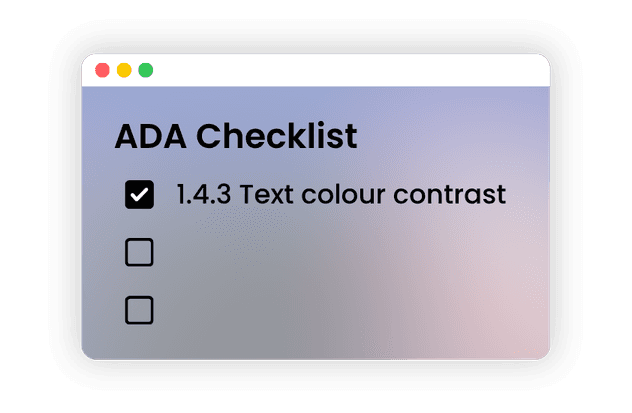
Interactive ADA Compliance Checklist
Use this Comprehensive ADA Compliance Checklist against all 55 WCAG 2.2 Level A/AA criteria, the current W3C standard, backwards-compatible with the WCAG 2.1 AA benchmark the DOJ's April 2024 Title II rule requires. Check off completed items to track your progress and identify areas needing attention.
0%
0 of 55
criteria
complete
You've completed 0 of 55. Of the 55 remaining, 35 need manual remediation, that's the part teams underestimate.
Showing 55 of 55
Operable
User interface components and navigation must be operable.
0/20
0/20
Keyboard access requires source-level changes. Our MCP generates framework-aware fixes your developer commits; our experts handle the rest.
Get a keyboard accessibility auditUnderstandable
Information and the operation of the user interface must be understandable.
0/13
0/13
Error messages and form labels are where most lawsuits start.
Get your forms reviewedRobust
Content must be robust enough to work with current and future assistive technology.
0/2
0/2
Custom components are the most common screen-reader failure.
Get your components audited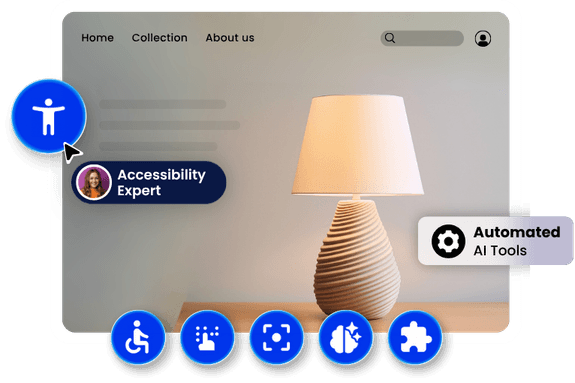
Complete Your ADA Compliance with WebAbility
WebAbility automates what's safe. 36% of these criteria are at least partly automatable, and our accessibility experts handle the rest, with a report you can show.
Automation Limits
What automated tools can and cannot fix
Can be automated
- Colour contrast detection
- Missing alt attributes
- Missing form labels
- Missing page language
- ARIA syntax errors
Needs human judgement
- Whether alt text is meaningful
- Logical heading hierarchy
- Keyboard operability of custom widgets
- Screen-reader announcement quality
- Whether error messages are helpful
Automated testing reliably detects roughly 30–40% of WCAG issues. Of the 55 criteria on this page, only 5 are fully automatable and 15 partially, 36% in total. No tool, including ours, can find them all. Any vendor claiming 100% automated compliance is overstating what is technically possible. WebAbility combines automated fixes with expert manual remediation for this reason.
Benchmark data
The 10 failures we find most often
We scanned 1,777 websites with the WebAbility scanner between June 2025 and August 2026. These were the most common WCAG Level A and AA failures, with the share of sites affected by each.
WCAG 1.4.3
0% of sites affected
Text contrast below 4.5:1
WCAG 2.4.7
0% of sites affected
No visible keyboard focus indicator
WCAG 1.3.1
0% of sites affected
Structure not conveyed in markup
WCAG 4.1.2
0% of sites affected
Custom controls missing name, role or value
WCAG 1.1.1
0% of sites affected
Images missing alt text
WCAG 2.1.1
0% of sites affected
Functionality not reachable by keyboard
WCAG 2.4.4
0% of sites affected
Empty or ambiguous link text
WCAG 1.4.11
0% of sites affected
UI component contrast below 3:1
WCAG 1.3.2
0% of sites affected
Reading order does not match visual order
WCAG 2.4.6
0% of sites affected
Unhelpful headings or labels
Methodology
1,777 sites, June 2025 to August 2026, automated + manual verification. Cite as: WebAbility, "State of ADA Compliance 2026."
Standards Covered
Standards This Checklist Covers

Every one of these laws points back to the same technical standard: WCAG 2.1 & 2.2 AA. Meet this checklist and you satisfy ADA, Section 508, EAA, AODA, and EN 301 549 at once.
Frequently asked questions
Everything you need to know about ADA compliance
Keep going
Related resources
Free tools, compliance guides and reference material for working through what this checklist flagged.