W3C CSS Validator: W3C CSS Validator: Master Stylesheets

Sidharth Nayyar
TL;DR:
- What it is: The w3c css validator is the official W3C tool for checking CSS against web standards that trace back to CSS becoming a W3C Recommendation on December 17, 1996 and the broader CSS effort that began at CERN in 1994.
- Why developers use it: It helps catch syntax mistakes and standards issues early so your styles behave more consistently across browsers.
- Why it matters for accessibility: Valid CSS is a foundational step toward WCAG-aligned frontends because broken cascade logic can affect things like high-contrast modes, focus styles, and keyboard usability.
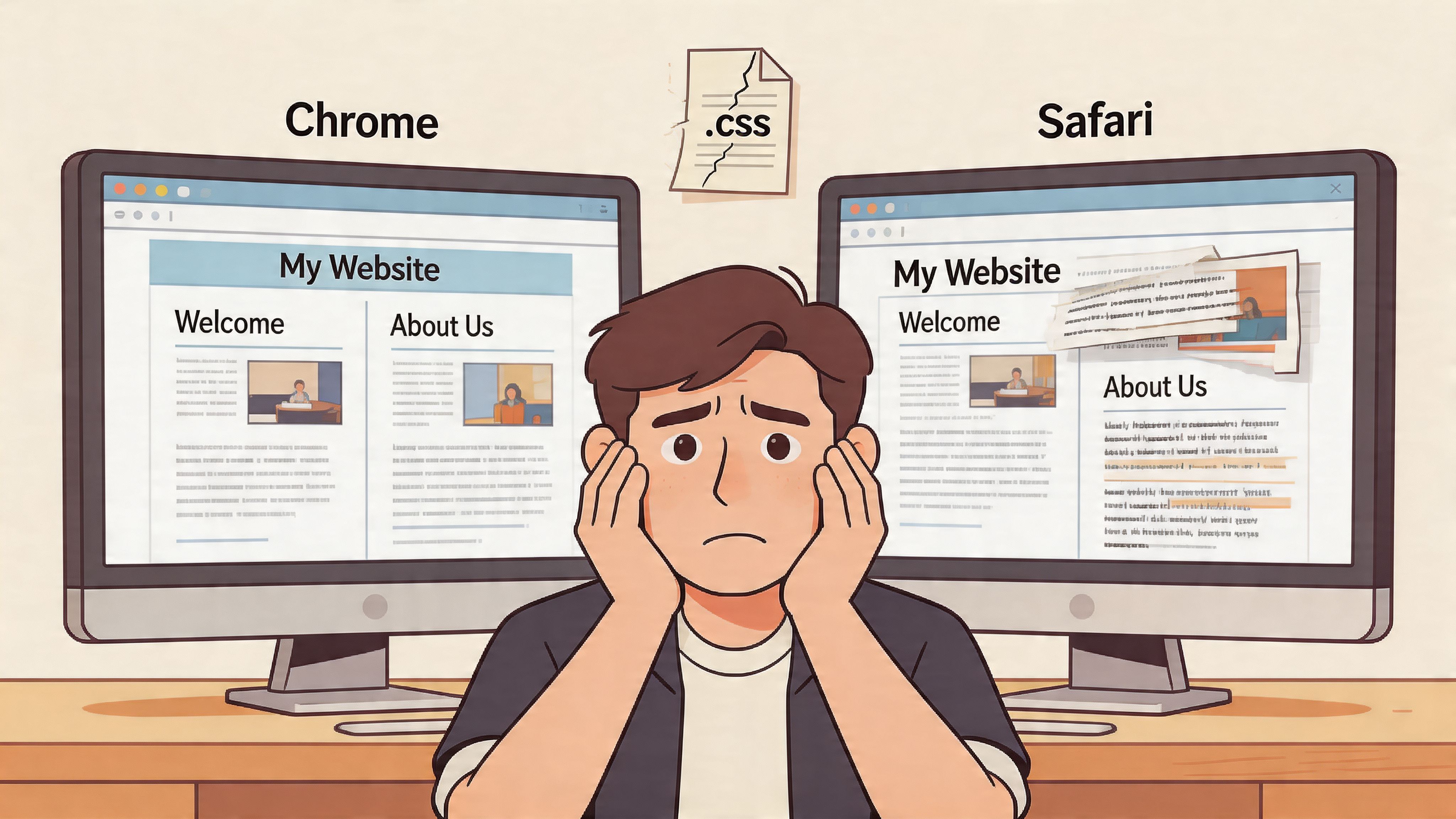
You know the bug. The page looks polished in Chrome. Then you open Safari and the card grid collapses, spacing disappears, and one button suddenly sits half outside its container.
At that point, most junior developers start tweaking random declarations until the layout “looks right.” Senior developers usually pause and ask a better question: is the CSS itself valid for the profile and context we’re targeting?
That’s where the w3c css validator earns its place. It’s not glamorous, and it won’t design your UI for you. What it does is simpler and more valuable. It checks whether your stylesheet follows the rules the browser is supposed to understand.
Why Flawless CSS is Your Secret Weapon
A few years into frontend work, you realize most “mystery browser bugs” aren’t mysteries. They’re usually one of three things: invalid syntax, an unsupported feature, or a cascade issue you didn’t notice because your main browser was forgiving.
The w3c css validator is one of the fastest ways to separate those categories. Think of it as your first pass before deeper debugging. If your stylesheet breaks the rules, every minute you spend testing visual edge cases is built on a shaky base.
Why experienced teams still use it
The validator matters because it comes from the same standards culture that shaped CSS itself. CSS development began at CERN in 1994, CSS1 became a W3C Recommendation on December 17, 1996, and the early CSS1 test suite developed by Eric Meyer helped browser vendors compare implementations and fix differences before wider adoption, according to the W3C history of CSS.
That history matters in practice. The validator didn’t appear as a random checker on the web. It grew out of the web’s push for interoperability, which is why it still feels authoritative when you need to answer, “Is my CSS written in a standards-compliant way?”
Where the business impact starts
Clean CSS isn’t only about developer pride. It affects whether people can use your site.
If a focus outline disappears because of a cascade mistake, keyboard users feel it. If a high-contrast rule fails, people with low vision feel it. If a product page renders inconsistently across browsers, conversion teams feel it.
A strong frontend workflow usually starts with code quality checks, then expands into broader testing. If you want a quick way to look beyond syntax and check broader accessibility patterns, a website accessibility checker is a practical next layer.
Practical rule: Validate first, debug second. You’ll waste less time and make better decisions.
How the W3C CSS Validator Actually Works
The easiest way to understand the w3c css validator is to compare it to a grammar checker.
A grammar checker doesn’t tell you whether your argument is persuasive. It tells you whether the sentence is structurally correct. The CSS validator works the same way. It doesn’t judge whether your design is tasteful. It checks whether your CSS follows the rules of a selected specification.
It reads your CSS against a profile
The validator uses a profile-based system. That means it doesn’t check your stylesheet against one vague idea of “CSS.” It checks against a specific profile, such as CSS 2.1 or CSS3, and it can also use parameters like usermedium to evaluate the stylesheet in a particular media context.
The W3C manual documents targeted validation through parameters like profile=css3 and usermedium=screen, which is useful when you want the validator to check modern CSS in a screen context rather than applying a more generic rule set. The same manual also notes that this matters for accessibility because spec-compliant CSS helps protect behavior in scenarios like high-contrast modes. You can see that behavior in the W3C CSS Validator manual.
What it checks
When you run a stylesheet through it, the validator generally looks for problems like these:
- Syntax mistakes: Missing braces, missing semicolons, malformed selectors.
- Invalid property values: A value that doesn’t match what the selected CSS profile allows.
- Unknown properties or constructs: Often caused by typos, old syntax, or newer features the validator profile doesn’t recognize.
- Media-specific mismatches: Rules that may not fit the declared output context.
Here’s a simple example:
.button { color: rebeccapurple1; display: flex; } If you validate that with a profile that understands display: flex but not the invalid color value, the color line gets flagged while the flex declaration may pass. That’s useful because it narrows your debugging. You stop guessing and start fixing the exact rule that’s broken.
Why profile selection confuses people
Many developers assume the validator is wrong when it complains about code that “works in my browser.” Sometimes the browser is being tolerant. Other times, you chose a profile that doesn’t match the feature set you’re using.
That’s why this tool works best when you treat it as a standards checker, not a browser popularity checker.
If the validator flags something, ask two questions: “Is this actually invalid?” and “Am I using the right profile for this code?”
A good mentor habit is to validate with intent. Don’t just paste code and hope for green. Choose the profile that matches the standards target of your project.
A Step-by-Step Guide to Validating Your CSS
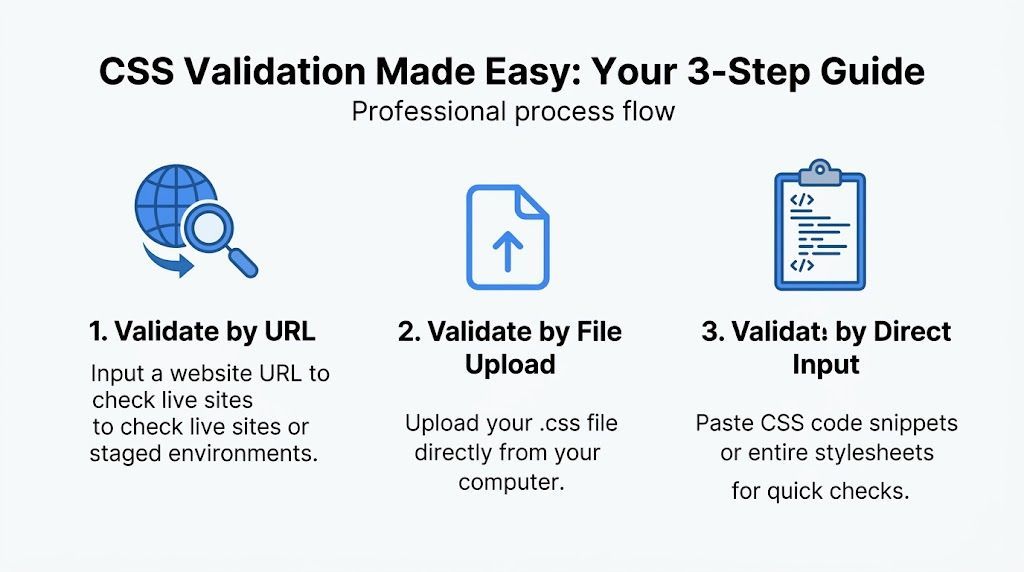
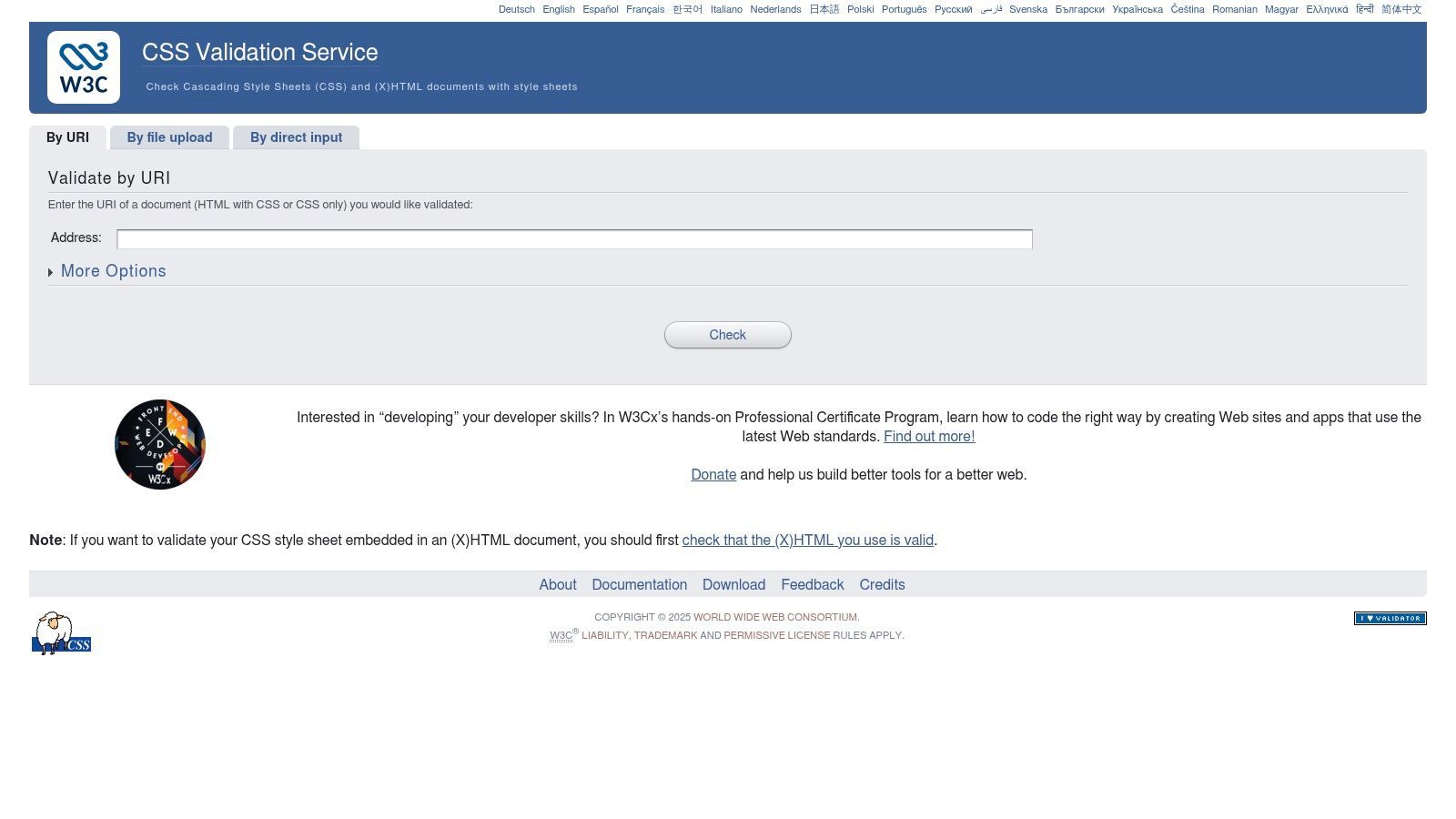
The online validator gives you three practical ways to check a stylesheet. Which one you choose depends on what you’re working on. Live site, local file, or a single code snippet all call for a different entry point.
Validate by URL
This is the fastest option when a stylesheet is already published or available in staging.
- Open the W3C CSS Validator.
- Choose the option that checks a URI or web address.
- Paste the page or stylesheet URL.
- Select the profile you want if the default doesn’t fit your project.
- Run validation and review the results.
This method is useful when the page is pulling styles from multiple linked files and you want to inspect what’s being served.
Best use case: A live marketing page, a staging site, or a client site where you can’t easily pull the source files locally.
Validate by file upload
Use file upload when you’re working with a standalone stylesheet on your machine.
- Save the CSS file you want to test.
- In the validator, choose the upload option.
- Select the
.cssfile from your device. - Set the profile if needed.
- Submit the file and review the report.
This is handy in early development, especially if the CSS isn’t deployed yet or if you’re working on a component library in isolation.
Best use case: Local development, design system work, or review before opening a pull request.
Here’s a walkthrough if you prefer seeing the interface in action:
Validate by direct input
This is the most surgical option. You paste a block of CSS directly into the form.
- Copy the rules you want to inspect.
- Choose the direct input tab.
- Paste the code.
- Run validation.
- Fix the reported issues, then re-run it.
This approach is excellent for debugging one stubborn component. If a modal, form, or navbar is behaving oddly, direct input helps you isolate the issue without scanning your whole codebase.
Quick method guide
| Method | Best for | Why it helps |
|---|---|---|
| URL | Published or staged pages | Checks what the browser actually receives |
| File upload | Local stylesheet files | Useful before deployment |
| Direct input | Single snippets or components | Fastest way to isolate a bug |
Mentor advice: Start small when you’re stuck. Validate the smallest chunk of CSS that still reproduces the problem.
Manual checks are useful, but they don’t scale well once you manage multiple pages and repeated releases. When you need ongoing review of accessibility-related issues alongside code checks, a wcag compliance checker can help you catch broader problems earlier in your workflow.
Decoding Results and Fixing Common CSS Errors
The first time you see a page full of red validator messages, it can feel worse than it is. Most of those messages are ordinary frontend cleanup work. The trick is learning which ones demand action now and which ones need context.
Errors versus warnings
Errors usually mean the validator found CSS that doesn’t conform to the selected profile. These are the items to fix first because they can point to invalid syntax, invalid values, or malformed declarations.
Warnings often need interpretation. A warning can appear because you’re using browser-specific prefixes, experimental syntax, or newer selectors that don’t fit the chosen validation profile.
That distinction matters because the validator often flags cutting-edge CSS features and pseudo-elements like :valid or :required even when browsers support them. That frustration shows up clearly in this developer discussion on Treehouse. In other words, a validation complaint doesn’t automatically mean you should rip the code out.
Common error patterns
Here are the mistakes I see junior developers hit most often.
Misspelled property names
Before:
.hero { bacgkround-color: #fff; }After:
.hero { background-color: #fff; }Invalid values
Before:
.card { width: autoo; }After:
.card { width: auto; }Broken syntax from a missing semicolon
Before:
.nav a { color: #222 font-weight: 600; }After:
.nav a { color: #222; font-weight: 600; }Unclosed blocks
Before:
.banner { padding: 1rem; background: #eee;After:
.banner { padding: 1rem; background: #eee; }
When not to over-correct
A common mistake is treating the validator as if it were the browser itself. It isn’t. Sometimes your code is fine in practice, but the selected validation profile or parser support is behind the syntax you’re using.
That’s especially true with newer selectors and pseudo-classes. If you’ve tested the code across target browsers and the feature behaves correctly, a validator complaint may be a standards-profile mismatch rather than a production bug.
Don’t “fix” a valid modern pattern into worse CSS just to make an older rule engine happy.
A good workflow is simple:
- Fix clear syntax errors first.
- Re-test the component in real browsers.
- Review any remaining warnings in context.
- Document exceptions your team accepts.
If you’re doing a broader engineering review, a website technical audit helps connect validator findings to larger frontend quality issues such as rendering behavior, performance bottlenecks, and accessibility gaps.
Automating CSS Validation in Your Development Workflow
Manual validation is fine for learning. It’s not enough for a production team.
Once multiple developers touch the same frontend, quality has to move earlier in the process. You want issues caught during development, in pull requests, or during deployment checks, not after a stakeholder notices that a checkout button is misaligned on a tablet.
What automation looks like in practice
A professional workflow usually combines a few layers:
- Editor feedback: Your IDE or editor flags syntax issues while you type.
- Linting in version control: Tools like Stylelint help catch rule violations before code is merged.
- Pipeline checks: CI/CD can run validation or related static analysis on every push or pull request.
- Targeted validator requests: Teams can use the W3C validator API for standards-focused checks when needed.
The W3C service supports parameterized requests, so teams can build repeatable checks around chosen profiles and media contexts. That’s useful when you want consistent validation behavior across environments.
Why security changes the workflow decision
There’s another reason experienced teams prefer local or integrated validation for sensitive work. A Google security advisory highlights an XXE vulnerability in the W3C CSS Validator’s XML parser, which can matter when validating untrusted input. If your workflow handles client-submitted code, uploaded files, or external sources, that’s a strong argument for using local validation tools or a secure internal process, as described in the Google security advisory for GHSA-745m-xmq6-g6x7.
That doesn’t make standards validation unhelpful. It means the way you operationalize it should match the risk level of your environment.
How this fits with other technical checks
CSS validation works best as one checkpoint in a bigger release process. Teams often pair it with visual regression testing, accessibility scans, and infrastructure-aware reviews. If you’re mapping that bigger picture, this guide to a technical SEO audit is useful because many production issues overlap across rendering quality, crawlability, and frontend implementation discipline.
Local automation gives you two wins at once: faster feedback for developers and tighter control over what code leaves your environment.
The Critical Link Between CSS Validation and Accessibility
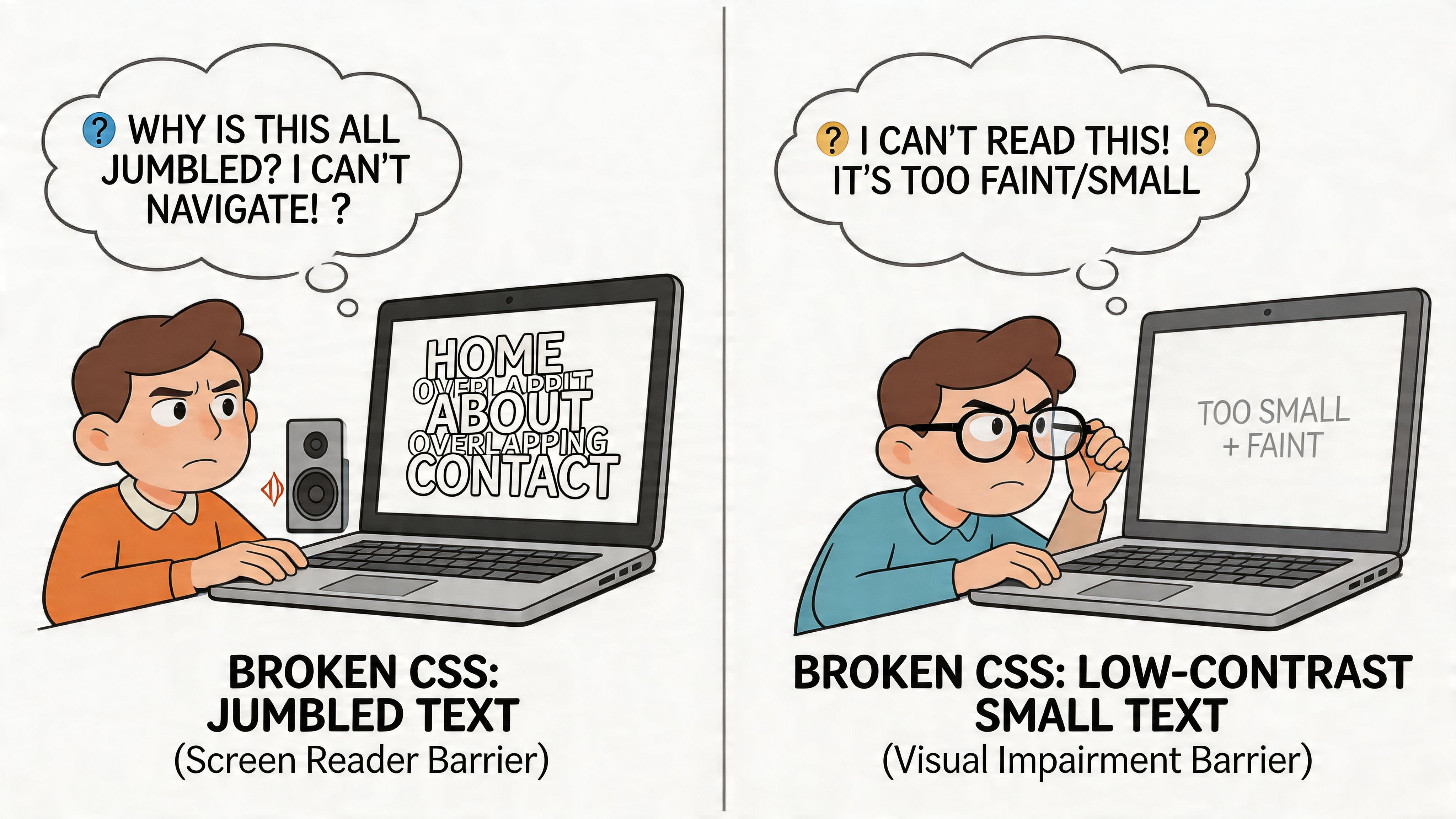
Accessibility bugs often look like “just CSS” until you watch someone try to use the interface.
A missing focus style doesn’t stop a mouse user. It can stop a keyboard user. A broken media query might not matter to a developer on a standard display. It can matter a lot to someone relying on high contrast settings or alternate viewing conditions.
How invalid CSS creates user-facing problems
Let’s keep this practical.
If a rule that styles :focus contains an invalid declaration, the browser may ignore it. If a custom theme depends on a cascade that breaks under a parsing issue, users may lose visual clarity. If responsive CSS fails in a narrow viewport, the reading and tabbing experience can become confusing or unusable.
That’s why standards validation has accessibility value. It helps ensure the browser can interpret the styling logic your accessible design depends on.
Why validation alone isn’t enough
The catch is that the validator has limits. A W3C Tech presentation about the CSS checker notes that the validator’s legacy Java architecture uses an ad-hoc parser that deviates from the CSS Syntax Level 3 spec, and that it can struggle with modern features like custom properties (--var) and container queries (@container). The same source notes this can lead to missed cascade problems in responsive or adaptive designs that affect accessibility-sensitive behavior such as keyboard navigation, covered in the W3C CSS checker presentation.
So here’s the mentoring takeaway: valid CSS is necessary, but it isn’t proof of accessibility.
The validator can’t tell you whether your color contrast is sufficient. It can’t judge whether focus order makes sense. It can’t confirm whether a form error message is understandable. It checks syntax and standards alignment. That’s valuable, but it’s only one layer.
The real compliance mindset
Strong accessibility work starts with code quality and extends into testing, design review, and ongoing monitoring. If you want a plain-language overview of that broader legal and practical context, this article on website accessibility compliance is a useful companion read.
For teams that need structured support beyond code-level checks, wcag compliance services can help connect frontend implementation with formal accessibility goals.
A validator tells you whether the CSS is written correctly. Accessibility work asks the harder question: does the interface still work for real people?
Beyond Validation How WebAbility.io Ensures True Accessibility
The w3c css validator is a strong foundation. It helps you catch standards issues early, reduce avoidable frontend bugs, and keep your CSS disciplined. That matters.
But accessibility in production goes further than valid syntax. Teams also need continuous monitoring, visibility into issues over time, and tools that support the ways people interact with a website.
That’s where a platform approach becomes useful. WebAbility.io is built for organizations that need to sustain accessibility work across sites, teams, and releases. Its platform combines automated 24/7 scanning, a centralized dashboard with compliance scoring and reporting, expert support, and an AI-enhanced accessibility widget with 40+ features for user customization, according to the publisher information provided for this article.
Used the right way, that combination doesn’t replace good frontend engineering. It strengthens it. Validation helps you write cleaner CSS. A broader accessibility platform helps you monitor user impact, prioritize fixes, and support inclusive experiences at scale.
If you’re responsible for quality, compliance, or conversion, that difference matters. Clean code is the start. Sustainable accessibility is the outcome.
If you want to move from one-off CSS checks to a fuller accessibility workflow, explore WebAbility.io. It gives teams a practical way to combine automated scanning, monitoring, reporting, expert guidance, and user-facing accessibility tools in one place.
Quick Questions
Tap to ask AI about this article