Web Accessibility Checklist: 10 Essential Items (2026)
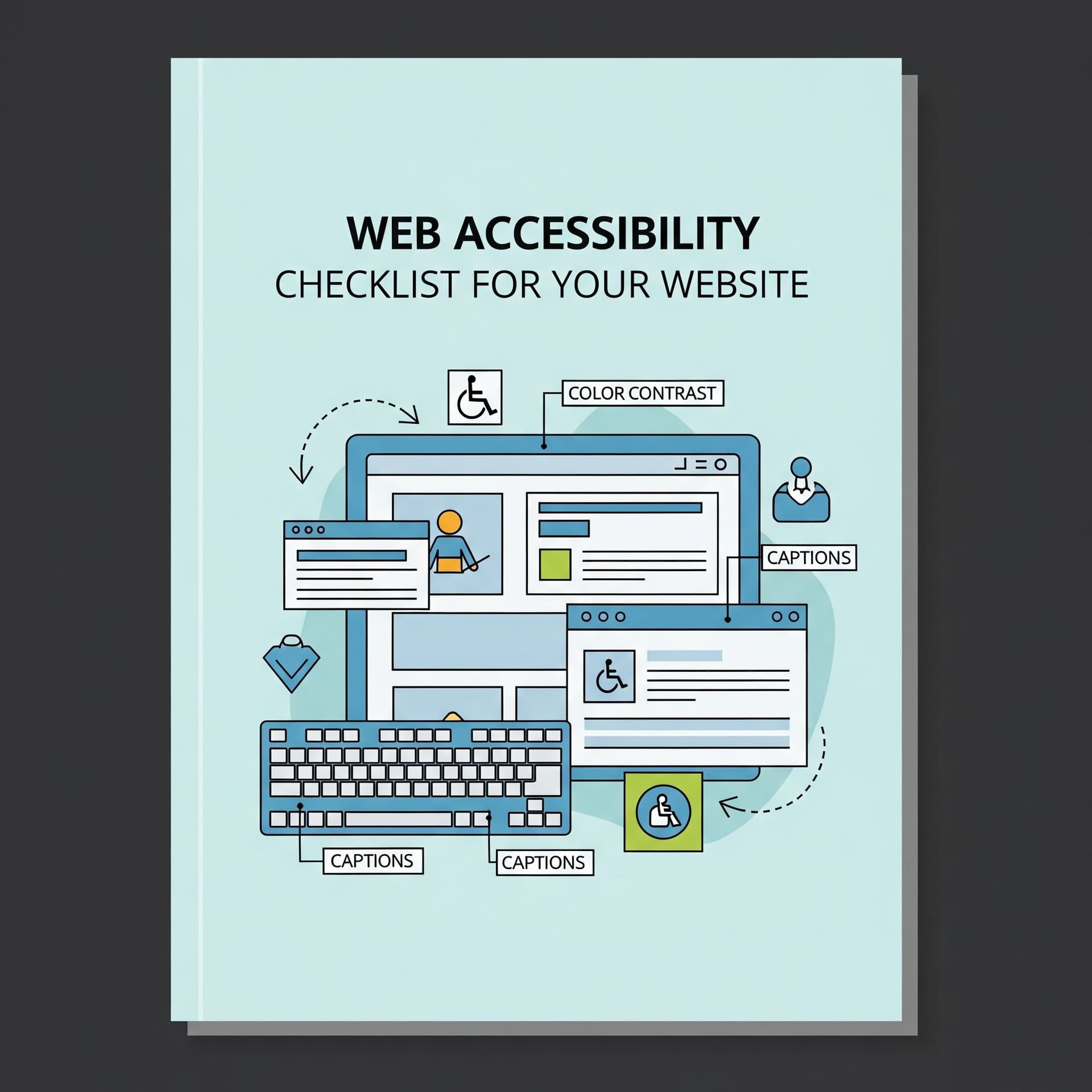
10 Essential Items in Web Accessibility Checklist
A website is more than just a business presence—it’s a gateway for users to interact with your brand. But if your site isn’t accessible, you could be unintentionally excluding a significant portion of your audience. Web accessibility ensures that people of all abilities—including those with visual, auditory, motor, or cognitive impairments—can navigate, interact with, and understand your website.
Implementing accessibility not only aligns with ethical standards and legal requirements but also enhances user experience, improves SEO, and increases conversions. Webability specializes in making websites more accessible, and this checklist will guide you step by step to create an inclusive online experience.
Web Accessibility Checklist
1. Keyboard Accessibility
- Ensure all interactive elements (links, buttons, forms) are fully navigable using a keyboard.
- Avoid requiring mouse-only actions for essential features.
2. Alternative Text for Images
- Add descriptive alt text for all meaningful images to convey their purpose.
- Avoid generic phrases like “image” or “photo.”
3. Color Contrast and Readability
- Maintain high contrast between text and background to aid readability.
- Use tools like Webability Contrast Checker to verify accessibility compliance.
4. Proper Heading Structure
- Use headings (H1, H2, H3, etc.) logically to structure content.
- Headings should accurately describe the content that follows.
5. Accessible Forms
- Label all form fields clearly and associate labels programmatically.
- Provide descriptive error messages and guidance for form completion.
6. Clear and Descriptive Links
- Avoid vague link text like “click here” or “read more.”
- Make sure links are visually distinct and easy to identify.
7. Video and Audio Accessibility
- Provide captions for videos and transcripts for audio content.
- Ensure media controls are accessible via keyboard and screen readers.
8. Responsive Design
- Ensure your website is fully functional across devices (desktop, tablet, mobile).
- Check text resizing, navigation, and interactive elements on different screen sizes.
9. ARIA Roles and Landmarks
- Implement ARIA attributes to enhance screen reader compatibility.
- Clearly identify regions such as navigation, main content, and complementary sections.
10. Testing and Continuous Improvement
- Test your website using assistive technologies like screen readers and keyboard navigation.
- Collect feedback from users with disabilities and adjust accordingly.
Webability’s Best Tools for Accessibility
- Accessibility Audit Tool – Quickly scans your site for common accessibility issues.
- Contrast Checker – Ensures your color schemes meet accessibility standards.
- Keyboard Navigation Tester – Simulates keyboard-only interactions to spot problems.
- Alt Text Validator – Checks all images for proper alternative text.
- Screen Reader Preview – Lets you experience your website as users with screen readers do.
These tools streamline the process of making websites accessible and ensure compliance with WCAG standards.
Conclusion
Accessibility is an ongoing commitment, not a one-time task. Following this checklist ensures that your website is inclusive, functional, and user-friendly for everyone. By leveraging Webability’s tools, you can continuously improve your website’s accessibility, enhance user experience, and expand your reach to a broader audience. Making your website accessible is not just good practice—it’s essential for ethical, inclusive, and successful digital experiences.
Frequently Asked Questions (FAQs)
Q1: What is web accessibility?
Web accessibility ensures that websites can be used by people with disabilities, including visual, auditory, motor, and cognitive impairments.
Q2: Why should I prioritize accessibility?
Accessible websites improve user experience, reach more users, boost SEO, and demonstrate inclusivity.
Q3: How do I test my website for accessibility?
Use automated tools like Webability Audit Tool, manual keyboard testing, and screen readers. Feedback from real users is also crucial.
Q4: Does accessibility benefit everyone?
Yes. Accessible websites help all users, including those with slow connections, older devices, or temporary impairments.
Q5: How often should accessibility be updated?
Regularly—especially after content updates, new features, or redesigns—to maintain inclusivity and compliance.
Quick Questions
Tap to ask AI about this article