Web Accessibility and User Experience: Creating Inclusive Designs
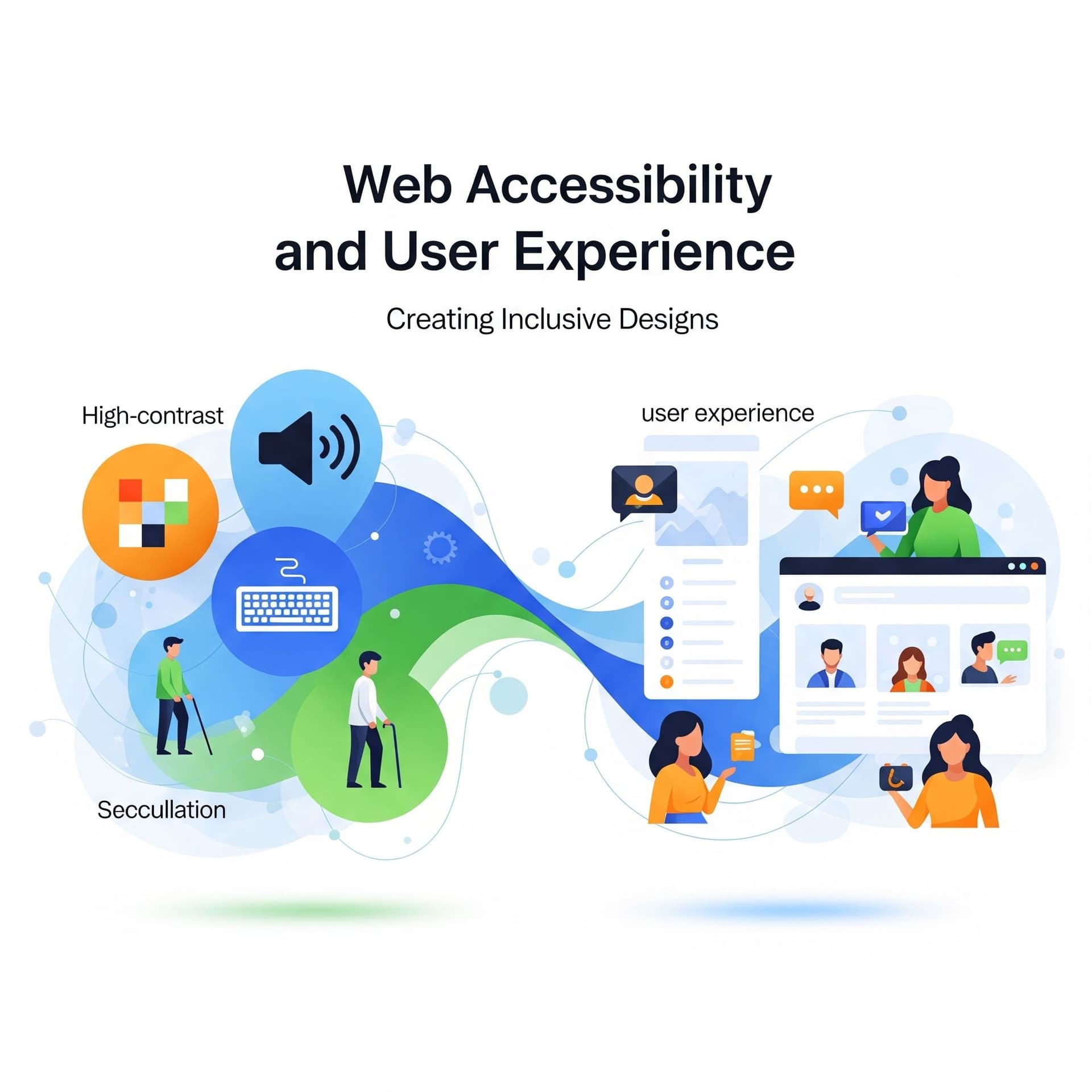
Web Accessibility and User Experience
A website should welcome everyone. But too often, poor design choices unintentionally lock people out—especially those with disabilities. Web accessibility ensures that every visitor, regardless of ability, can navigate, interact with, and benefit from your website.
At Webability, we believe accessibility is the foundation of exceptional user experience (UX). An inclusive website doesn’t just meet compliance—it improves usability, boosts engagement, and strengthens your brand.
Why Accessibility and UX Go Hand in Hand
1. Accessibility Improves Usability
Features like alt text, captions, and clear navigation help people with disabilities—and make your website more intuitive for all users.
2. Inclusive Design Builds Trust
Visitors are more likely to engage with and return to a website that shows respect for all users. Inclusivity strengthens your reputation and demonstrates social responsibility.
3. Mobile and SEO Benefits
Accessible design practices, such as responsive layouts and structured content, improve mobile usability and boost search rankings.
4. Accessibility Expands Your Market
Roughly 1 in 5 people live with a disability. By ignoring accessibility, you risk excluding a significant portion of your potential audience.
Best Practices for Creating Inclusive Designs
- Use Proper Heading Structures – Organize content with logical headings (H1, H2, H3) for clarity.
- Ensure Sufficient Color Contrast – Improves readability for users with visual impairments.
- Add Alternative Text to Images – Describe images so screen readers can convey meaning.
- Enable Full Keyboard Navigation – Don’t assume all users have a mouse or touchscreen.
- Caption and Transcribe Media – Videos should include captions, audio should have transcripts.
- Test with Real Users – Combine automated tools with user testing for best results.
Webability’s Best Tools for Accessibility
Webability provides solutions to help businesses create accessible, high-performing websites:
Accessibility Checker – Instantly scan your site for WCAG compliance issues.
Contrast Analyzer – Verify color contrast ratios for readability.
Alt Text Generator – Ensure every image has meaningful descriptions.
Accessibility Audit Services – Expert reviews and recommendations tailored to your website.
Conclusion
Accessibility is not just a checkbox—it’s the foundation of an inclusive, user-friendly web. By combining strong UX design with accessibility best practices, you ensure that every visitor can engage with your website confidently.
At Webability, we make it simple to build websites that are not only beautiful and functional but also inclusive by design.
FAQs
1. What is web accessibility?
It means designing websites so that people with disabilities can use them effectively.
2. How does accessibility improve UX?
Accessibility ensures smoother navigation, readability, and interaction—making websites easier for everyone.
3. Do accessibility practices help SEO?
Yes. Features like alt text, headings, and semantic HTML also improve search rankings.
4. Does my business legally need to be accessible?
In many regions, yes. Laws like ADA (U.S.) and AODA (Canada) require accessible websites.
5. How can Webability help me?
We provide accessibility checkers, audits, and tools to ensure your website meets compliance and delivers a great user experience.
Visit us at Webability.io
Contact us: [email protected]
Powered by Webability
Quick Questions
Tap to ask AI about this article