Boost Your Results with section 508 compliance test Strategies

Sidharth Nayyar
TLDR: A Section 508 compliance test is a multi-layered evaluation to ensure digital products are usable by people with disabilities, a legal requirement for U.S. federal agencies and their contractors. An effective test combines automated scans to catch common errors, manual checks for user experience issues, and testing with assistive technologies like screen readers for real-world validation. After testing, prioritize fixes based on user impact and create detailed, actionable bug reports. True compliance is an ongoing process, requiring continuous monitoring, formal documentation like a VPAT, and staying ahead of evolving accessibility standards.
So, you need to run a Section 508 compliance test. What does that actually mean? In simple terms, it's a deep-dive evaluation of your digital products—your website, software, or even a PDF document—to make sure people with disabilities can use them. For any U.S. federal agency or company that works with them, this isn't just a good idea; it's a legal requirement.
A proper test is never just a single, one-off scan. It’s a combination of automated tools, hands-on manual checks, and real-world testing with the same assistive technologies that people with disabilities use every day. This layered approach is the only way to find and fix the barriers that could be locking people out.
Your Quick Guide to Section 508 Compliance Testing
Getting to Section 508 compliance is about more than just checking boxes; it’s a genuine commitment to making sure your technology is open to everyone. This mandate is rooted in the Rehabilitation Act of 1973, and its purpose is clear: technology funded by taxpayers shouldn't exclude any part of the population. This includes people with visual, auditory, motor, or cognitive impairments.
Ultimately, the goal of a Section 508 test is to confirm your digital assets align with the technical standards laid out in the Web Content Accessibility Guidelines (WCAG). If you want to get into the nitty-gritty of those standards, our Section 508 compliance checklist is an excellent resource to get you started.
A truly effective test isn't just a single event but a multi-layered strategy. It identifies everything from simple coding errors to complex user experience flaws that automated tools alone cannot detect.
The Three Pillars of Testing
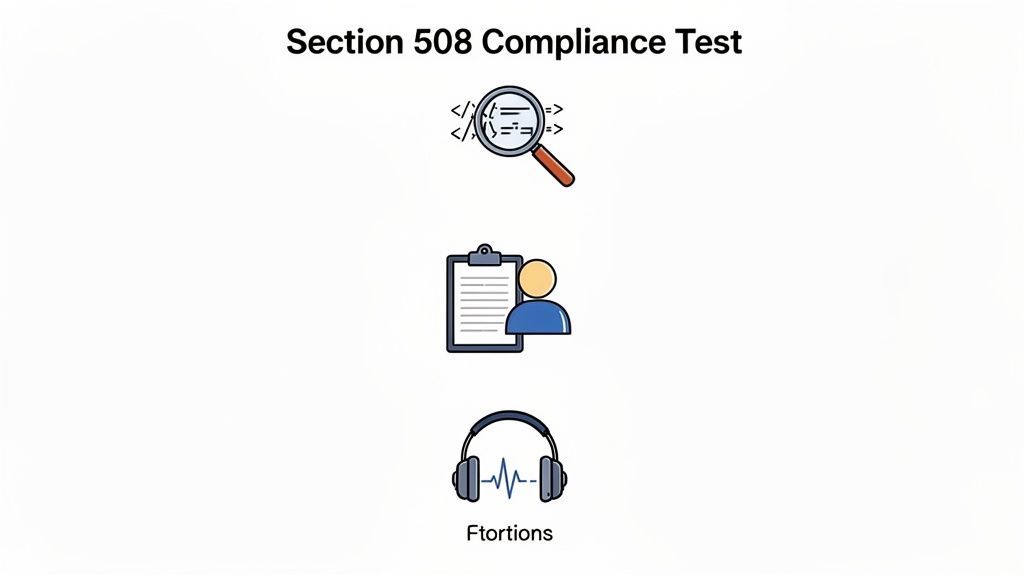
To build a testing process you can actually rely on, you need to bring three distinct methods together. Each approach has its own strengths and is designed to catch different kinds of accessibility problems. This is a fundamental concept, and you can learn more by checking out this practical guide to accessibility in web design which covers these core ideas.
To make this clear, I've broken down these core testing methods into a simple table. Think of these as the three pillars holding up your entire compliance effort.
The Three Pillars of a Section 508 Compliance Test
| Testing Method | Primary Focus | Common Issues Detected |
|---|---|---|
| Automated Scans | Code-level compliance and common errors | Missing alt text, poor color contrast, missing form labels |
| Manual Checks | User experience and logical flow | Keyboard navigation traps, confusing reading order, illogical headings |
| Assistive Technology | Real-world usability for disabled users | Screen reader compatibility, functionality of dynamic content |
As you can see, relying on just one of these methods will leave you with significant blind spots. Automated tools are fast but superficial, manual checks catch what the tools miss, and assistive technology testing confirms it all works for real people.
Laying the Groundwork for a Solid 508 Audit
Before you even think about running a test, you need a game plan. Jumping straight into an accessibility audit without proper preparation is a recipe for wasted time and confusing, overwhelming results. A little upfront strategy is what separates a frustrating box-ticking exercise from an audit that actually leads to meaningful improvements.
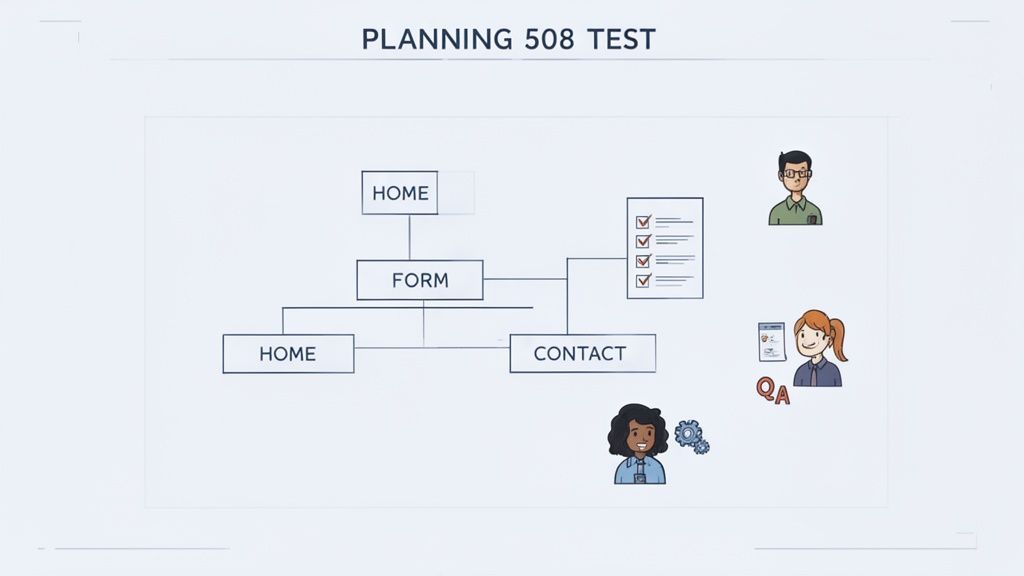
Think of it this way: your prep work is the blueprint. It helps you focus your efforts where they matter most, gets everyone on the same page, and ensures the findings are clear and actionable.
Start by Defining Your Scope
First things first: you can't test everything at once, especially on a large site. It's just not practical. The key is to zero in on the most critical user journeys. These are the core paths people follow to get something important done on your site or application.
What are the absolute must-do actions for your users? Maybe it’s creating an account, completing a checkout process, or finding a specific document. Mapping these essential flows is how you concentrate your time and resources for the biggest impact.
For example, you could prioritize journeys like:
Account Management: The whole nine yards—from signing up and logging in to changing a password or updating a profile.
E-commerce Funnel: The complete path a customer takes from adding an item to their cart to hitting "confirm purchase."
Key Information Look-up: The process of navigating to and successfully accessing a vital piece of content, like a support article or a downloadable form.
When you focus on these pathways, you're ensuring the most vital functions of your digital property are usable for everyone, which is the heart of any good Section 508 compliance test.
A poorly planned test often produces overwhelming data with no clear path to remediation. Focusing on core user journeys from the start transforms a vague goal into a series of concrete, manageable tasks.
Assemble the Right People
Accessibility isn't a one-person job—it's a team sport. To get the full picture, you need to bring people with different skills to the table. A developer will see issues in the code that a designer might miss, while a designer can flag usability problems a developer might overlook.
Your dream team for a 508 compliance audit should include:
Developers: They know the code inside and out and can trace issues back to their source.
QA Testers: These are your pros for methodical testing and meticulously documenting every bug.
UX/UI Designers: They provide the crucial perspective on user experience, interaction, and visual design.
Content Creators: They can check for things like clear language, logical heading structures, and properly tagged documents.
This collaborative approach means you'll catch a much wider range of problems. Better yet, the solutions you come up with will be more practical because they've been vetted from both a technical and a user-focused angle.
Pick a Smart Mix of Tools
There's no single magic tool that does it all. A truly effective testing strategy uses a combination of tools, each with its own strengths. This lets you layer quick, automated checks with the irreplaceable nuance of manual testing.
A well-rounded toolkit should include:
Browser Extensions: Great for doing quick spot-checks on individual pages. They're perfect for catching low-hanging fruit like color contrast errors on the fly.
Automated Scanning Platforms: When you need a comprehensive, site-wide audit, these tools are essential for scanning thousands of pages for common violations at scale.
Assistive Technologies: You absolutely need to do some manual testing with tools like JAWS or NVDA to understand how someone using a screen reader actually experiences your site.
This blended approach gives you both speed and depth. And believe me, you'll need it. The scale of the problem is staggering; a recent WebAIM Million report found that 94.8% of the top million homepages had detectable WCAG 2 failures. Taking the time to plan your audit is the first step in making sure your site doesn't end up as just another statistic.
Executing a Multi-Layered Testing Strategy
To run a Section 508 compliance test that actually means something, you can't just rely on a single, superficial scan. A truly effective audit digs deep, and that requires a multi-layered approach. You need to combine the raw speed of automation with the critical, nuanced eye of a human expert to catch the full spectrum of accessibility issues.
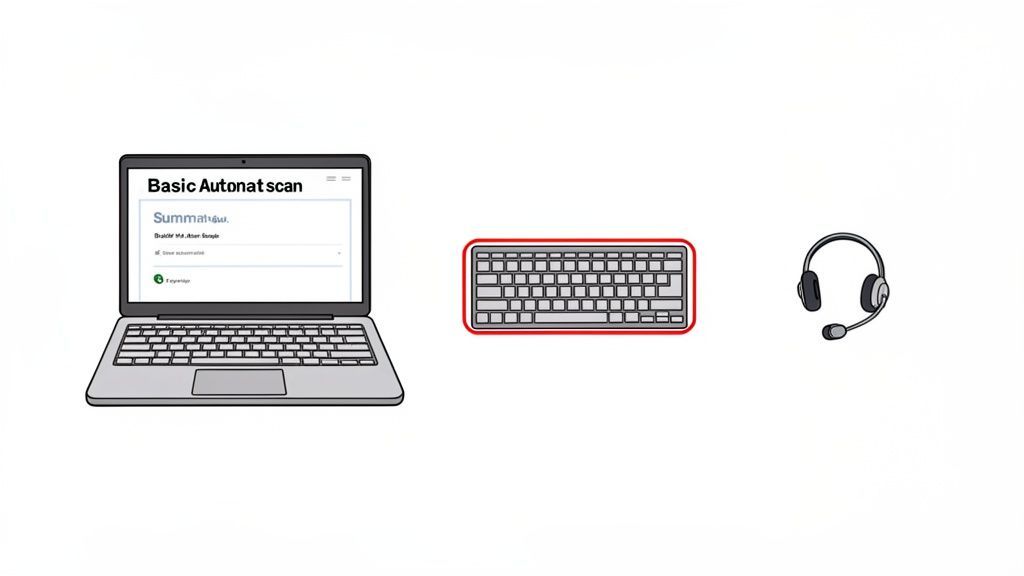
Think of this setup as your accessibility toolkit. The laptop runs your automated scans, while the keyboard and headset are essential for hands-on manual and assistive technology checks. Each tool represents a crucial layer in a comprehensive testing process.
Kicking Off with Automated Scans
Your first pass should always be with an automated tool. This is your initial sweep, designed to quickly identify the common, code-level errors—the "low-hanging fruit" of accessibility. These scanners are incredibly fast and efficient, flagging widespread problems across your entire site in minutes.
Automated tools are great at catching things like:
Missing
alttext for imagesPoor color contrast that makes text hard to read
Empty links or buttons with no context
Missing form labels that confuse screen reader users
These scans give you a solid baseline report and a high-level view of where you stand. But it's critical to remember their limitations. Automated tools can only catch about 30-40% of all potential accessibility barriers. For instance, a tool can tell you an alt tag exists, but it has no idea if the description is actually helpful or just gibberish.
The real value of automated scanning is speed and scale. It clears the deck of obvious, programmatic errors, allowing your manual testing efforts to focus on the more complex, human-centered issues that machines simply cannot understand.
Deepening the Audit with Manual Testing
With the automated scan complete, it's time for the human touch. Manual testing is where you uncover the subtle usability issues that automated tools are completely blind to. This is a methodical, hands-on process where you step through the site, simulating how people with different disabilities would actually use it.
Keyboard-only navigation is a cornerstone of this phase. Seriously, unplug your mouse. Can you get to and operate every single link, button, form field, and menu using only the Tab, Shift+Tab, Enter, and arrow keys? You’d be surprised how many problems this one test uncovers.
During a manual review, I'm always looking for:
Logical Reading Order: Does the tab key move you through the page in a way that makes sense, or does it jump around erratically?
Keyboard Traps: Can you get stuck inside an element, like a pop-up window, with no way to tab back to the main page?
Visible Focus Indicators: As you tab, is it always perfectly clear which element is currently selected?
Clear and Descriptive Links: Does a link’s text make sense on its own, or are you still using vague phrases like "click here"?
This manual inspection is absolutely non-negotiable for a legitimate Section 508 compliance test. It goes beyond checking code to evaluating real-world usability. To see what tools can help with this, check out our guide on Section 508 compliance testing software.
Validating with Assistive Technology
The final and most important layer of your strategy is testing with actual assistive technologies (AT). This is where the rubber meets the road. It lets you experience your website exactly as a user with a disability does, providing the ultimate reality check on your accessibility work.
The most common AT testing involves screen readers like JAWS, NVDA, or VoiceOver. This is the only way to know if your site's content and structure translate into a coherent experience for someone who is blind or has low vision.
When I fire up a screen reader, I'm checking:
Are images and charts described in a way that’s actually useful?
Are data tables announced logically, with proper row and column headers?
Do dynamic updates, like error messages or new search results, get announced to the user?
This step often uncovers critical flaws that both automated and manual checks missed. In fact, AudioEye's Digital Accessibility Index found that enhanced testing protocols uncovered an average of 297 accessibility issues per page—a huge jump from just 37 previously. This stat alone shows why a thorough, multi-layered approach is no longer optional. You can get more details from their full report on digital accessibility trends.
Documenting Findings for Action
A test is only as good as its report. Your documentation needs to be crystal clear and, most importantly, actionable for the developers who will be fixing the issues. Don't just hand them a list of errors; give them a clear path forward.
For every issue you log, make sure you include:
A Clear Title: Summarize the problem (e.g., "Checkout Button Not Keyboard Accessible").
Location: Note the specific URL and include a screenshot or screen recording.
Steps to Reproduce: Detail the exact actions needed to trigger the issue.
The User Impact: Explain why it's a problem (e.g., "Keyboard-only users cannot complete a purchase").
Suggested Remediation: Offer a clear solution and link to the relevant WCAG success criterion.
This kind of detailed, solution-focused reporting is what turns a simple test result into a practical roadmap for building a truly inclusive experience.
Transforming Test Results into a Remediation Roadmap
You've run your Section 508 compliance test, and now you're staring at a mountain of data. This is where the real work begins. A raw list of accessibility errors isn't a strategy—it's just noise. The goal is to transform that data into a crystal-clear, prioritized roadmap that your development team can actually execute.
This is the crucial pivot from simply finding problems to methodically solving them.
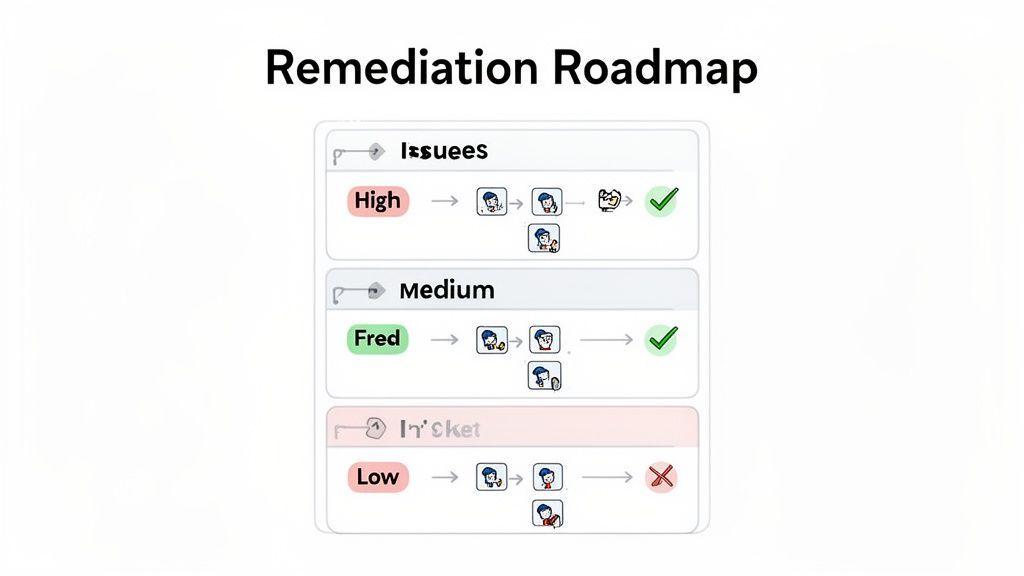
A logical and efficient remediation plan doesn't just tackle the first error on the list. Instead, you need a smart framework for deciding what to fix now, what can wait, and how to communicate these issues so they get resolved quickly and correctly.
Prioritizing Fixes Based on User Impact
Let's be clear: not all accessibility issues are created equal. An automated scanner might flag a dozen minor color contrast warnings, but a single issue found during manual testing—like an "Add to Cart" button that's invisible to a screen reader—is a total showstopper.
That’s why you have to prioritize based on user impact, not just the raw error count.
I find it helps to group issues into practical severity levels. This gives everyone on the team immediate clarity on what matters most.
Critical Blockers: These are the five-alarm fires. They completely stop a user from completing a core task. Think of a login form that traps keyboard users or a checkout process that’s unusable with a screen reader. These need to be fixed yesterday.
High-Impact Issues: These create major headaches and frustration but might not be a complete dead end. A data table without proper headers, for instance, makes the information nearly impossible for a screen reader user to decipher.
Medium-Impact Issues: These are frustrating problems that a determined user might be able to work around. A confusing tab order or poor color contrast on secondary text falls into this category.
Low-Impact Issues: These are minor technical non-conformances that barely affect the user experience. A good example is a purely decorative image having a slightly redundant
alttag.
This impact-first approach immediately focuses your team's energy where it counts. It changes the conversation from "How many bugs are there?" to "Which bugs are hurting our users the most right now?"
Prioritizing by user impact turns a daunting list of accessibility errors into a manageable, step-by-step plan. It guarantees that your most valuable development resources are spent on removing the most significant barriers first.
Creating Bug Reports Developers Will Appreciate
Okay, you’ve got your priorities. Now you need to document these issues so a developer can actually fix them. A vague ticket like "the form is broken" is a recipe for frustration and wasted time.
A truly great bug report is a self-contained instruction manual for fixing one specific problem. It leaves nothing to interpretation and gives the developer everything they need to get straight to work.
Here’s what every single bug ticket should include:
A Descriptive Title: Be specific. Instead of "Nav bug," write "Keyboard focus is not visible on main navigation links."
The Exact Location: Don't make them hunt for it. Provide the specific URL where the issue happens.
Clear Steps to Reproduce: Number them. "1. Navigate to the page. 2. Press the Tab key three times. 3. Observe..."
Observed vs. Expected Behavior: Clearly state what’s wrong and what should be happening. For example, "Observed: Tabbing past 'Submit' moves focus to the browser's address bar. Expected: Focus should move to the 'Cancel' link."
Visual Evidence: A picture is worth a thousand words. A short screen recording is even better. Always include a screenshot or video showing the problem in action.
Relevant WCAG Criteria: Link directly to the specific WCAG success criterion being violated. This gives developers crucial context and helps them understand the why behind the required fix.
Providing this level of detail empowers your developers and eliminates the painful back-and-forth. If this process feels overwhelming, professional accessibility audit services can be a massive help in building out these detailed, actionable remediation plans for your team.
Maintaining Ongoing Compliance Beyond a Single Test
Getting that passing score on a Section 508 compliance test feels like a huge win. But it's crucial to see it for what it is: a snapshot in time. It’s not a permanent seal of approval.
The second you push a new feature, update content, or tweak the UI, your compliance status can shift. True digital inclusion isn’t a project with an end date; it’s a continuous practice.
To avoid losing ground, you have to shift your team's mindset from "passing a test" to embedding accessibility into your organization's DNA. This is about building a sustainable process that keeps accessibility front and center long after the initial audit wraps up.
Embracing Continuous Monitoring
One of the most powerful ways to maintain compliance is with continuous automated monitoring. Think of these platforms as a 24/7 security system for your website's accessibility. They're constantly scanning for new issues that inevitably pop up during routine development and content updates. This gives you a real-time pulse on your site's health.
Instead of getting hit with hundreds of new errors during an annual audit, a monitoring system helps you:
Catch new issues instantly: It can flag problems like missing alt text on a new blog post image the moment it goes live.
See the big picture: High-level dashboards can show you whether your site's accessibility is generally improving or degrading over time.
Integrate into existing workflows: Alerts can be sent straight to development teams, allowing fixes to become part of regular sprints.
This proactive approach transforms accessibility from a massive, periodic cleanup project into a much more manageable, day-to-day maintenance task.
Adopting a continuous monitoring strategy is the single most important step you can take to move from reactive remediation to proactive accessibility management. It ensures that compliance is a constant state, not a temporary achievement.
Documenting Compliance with a VPAT
If your organization works with the federal government, formally documenting your accessibility isn't just a good idea—it's essential. This is where the Voluntary Product Accessibility Template (VPAT) comes into play.
A VPAT is a standardized document that spells out exactly how your product or service conforms to Section 508 standards. The process of completing one forces you to go through your product, feature by feature, and measure it against each specific WCAG criterion. The final document, known as an Accessibility Conformance Report (ACR), becomes a clear statement to procurement officers about your commitment. It's not just a box to check; it’s a powerful tool for building trust and closing deals in the federal marketplace.
Future-Proofing Your Accessibility Strategy
The world of digital accessibility doesn't stand still. The standards evolve to cover new technologies and reflect a deeper understanding of user needs. A huge part of maintaining compliance long-term is keeping an eye on the horizon and preparing for what's coming next.
For example, Section 508 compliance testing is on the verge of some big updates. Experts anticipate a future mandate for WCAG 2.2 or even WCAG 3.0 alignment, which would be a significant jump from the current WCAG 2.0 standard. These changes will bring stricter requirements for things like keyboard navigation and better support for cognitive disabilities.
You can learn more about these upcoming Section 508 updates to see how the landscape is changing. By anticipating these shifts now, you can build a more resilient and forward-thinking accessibility program.
Got Questions About Section 508 Testing? We've Got Answers.
When you're in the weeds with a Section 508 compliance test, it's easy to get tangled up in the jargon. A lot of teams hit the same roadblocks and ask the same questions.
We've been there. So, we've put together some straightforward answers to the most common questions we hear. Think of this as your quick-reference guide to cut through the noise.
What’s the Real Difference Between Section 508 and WCAG?
This is probably the number one point of confusion, but it’s actually pretty simple.
Think of it this way: Section 508 is the law. It's a U.S. federal mandate saying that government technology has to be accessible. WCAG, or the Web Content Accessibility Guidelines, is the how-to manual for meeting that law.
When the government needed a clear, technical yardstick to measure "accessibility," they didn't reinvent the wheel. They just pointed to WCAG 2.0 Level AA and said, "Do this."
So, when you run a Section 508 compliance test, what you're really doing is auditing your site against the technical rules in WCAG. They’re two sides of the same coin: one is the legal requirement, the other is the technical standard you have to meet.
Understanding this link is crucial. The law tells you what to do, and WCAG tells you how to do it with testable criteria that form the backbone of any real audit.
Can I Just Use an Automated Tool and Call It a Day?
In a word: no. Automated scanners are fantastic starting points, but relying on them alone will leave you with a false sense of security.
These tools are great at catching low-hanging fruit quickly. They can scan your site and almost instantly find about 30-40% of potential accessibility problems, like an image missing its alt text or a button with poor color contrast.
But they have no concept of human context. An automated tool can see that an alt attribute exists, but it can't tell you if the text is a helpful description ("A golden retriever catching a red frisbee in a park") or just garbage ("image_123"). It can't determine if your keyboard navigation flows in a logical order or if a screen reader user would even know that new content just appeared on the page.
A real Section 508 compliance test requires a blended approach. You start with automated scans, but then you absolutely must follow up with detailed manual testing and validation using the actual assistive technologies people with disabilities use every day.
How Often Should We Be Testing for Section 508 Compliance?
Accessibility isn't a "one and done" project; it's an ongoing commitment. If you're only thinking about it once a year, you're going to fall behind.
Instead of a single, massive annual audit, it’s much more effective to weave testing into your regular workflow.
The Big Audit: You should still do a comprehensive, wall-to-wall audit (automated, manual, and assistive tech testing) at least annually or before any major redesign or new product launch.
Constant Monitoring: Set up automated scanning tools to run daily or weekly. This acts as an early warning system, catching small regressions from new code or content updates before they snowball into huge problems.
Pre-Release Checks: Before any significant release, get a human to manually test the new features and critical user journeys. This ensures your new work doesn't break the accessible experience you've already built.
This layered strategy makes staying compliant a manageable, proactive part of your operations, not a dreaded, reactive fire drill.
What’s a VPAT, and Do I Actually Need One?
A VPAT, or Voluntary Product Accessibility Template, is a standard document that details how well a product meets Section 508 accessibility standards. Once you fill it out, the finished report is called an Accessibility Conformance Report (ACR).
Basically, it's a disclosure statement. Federal agencies require them from vendors to understand a product's accessibility before they buy it.
So, do you need one? If you sell any software, hardware, or digital services to a U.S. federal agency, the answer is an emphatic yes. It's a non-negotiable part of the procurement process.
And creating one isn't just about checking boxes. A credible VPAT has to be backed by a thorough Section 508 compliance test. The audit provides the evidence you need to accurately and honestly report your product's accessibility status.
Ready to move from testing to true compliance? The WebAbility.io platform provides the end-to-end solution you need. With real-time monitoring, automated scanning, and a powerful AI-enhanced accessibility widget, you can achieve and sustain compliance with confidence. Discover how our tools can simplify your workflow at https://www.webability.io.
Quick Questions
Tap to ask AI about this article