Loading
Documentation
Docs > Go High Level
Installing the widget on your Go High Level Site
Welcome to our Go High Level accessibility widget solution! This guide will walk you through installing the WebAbility widget on your Go High Level Site.
Get Started
- Access the Marketplace
- Browse the Widgets
- Install the Widget
Detailed Steps
1. Access the Marketplace
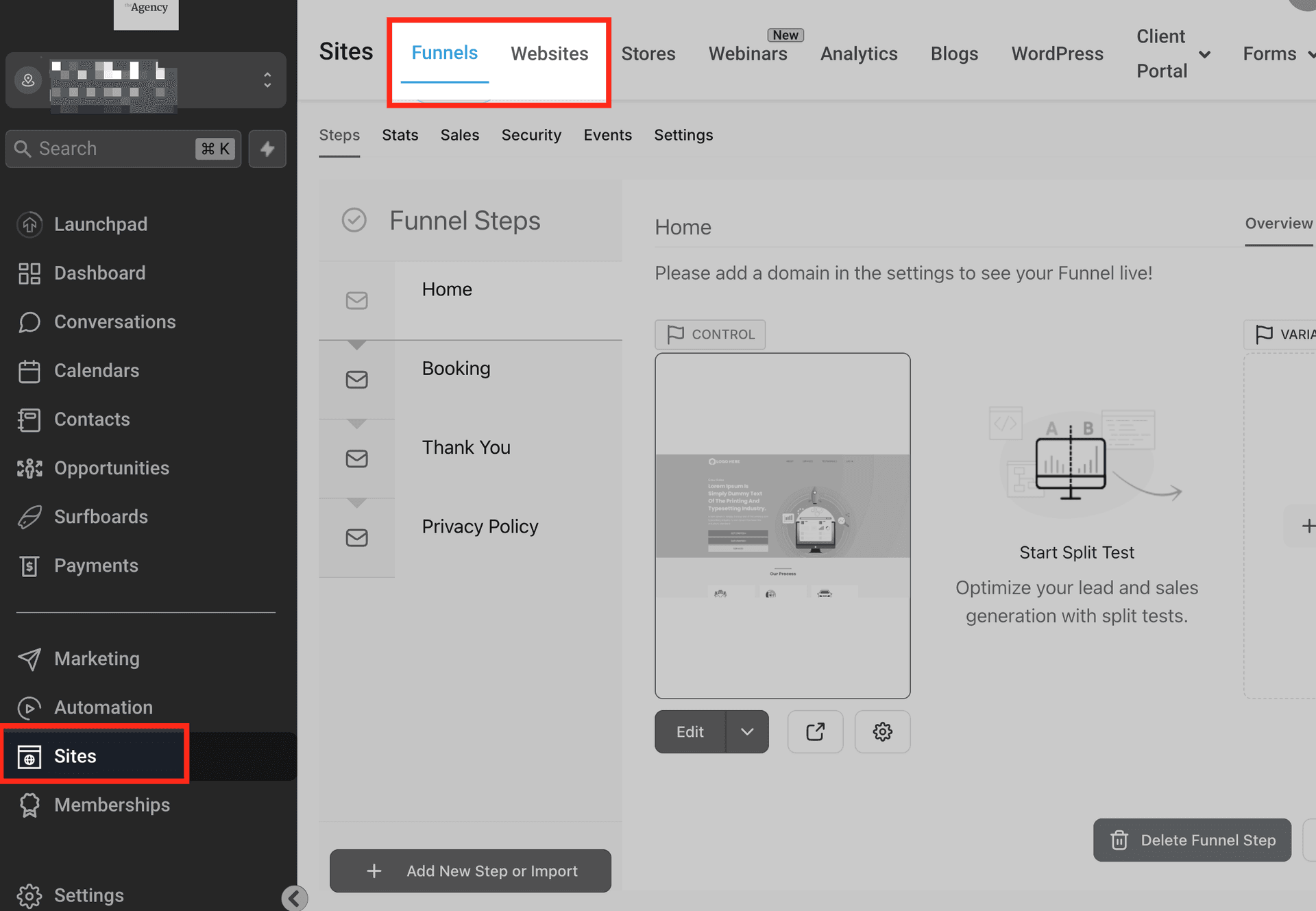
After you have logged in, Go to your website builder.
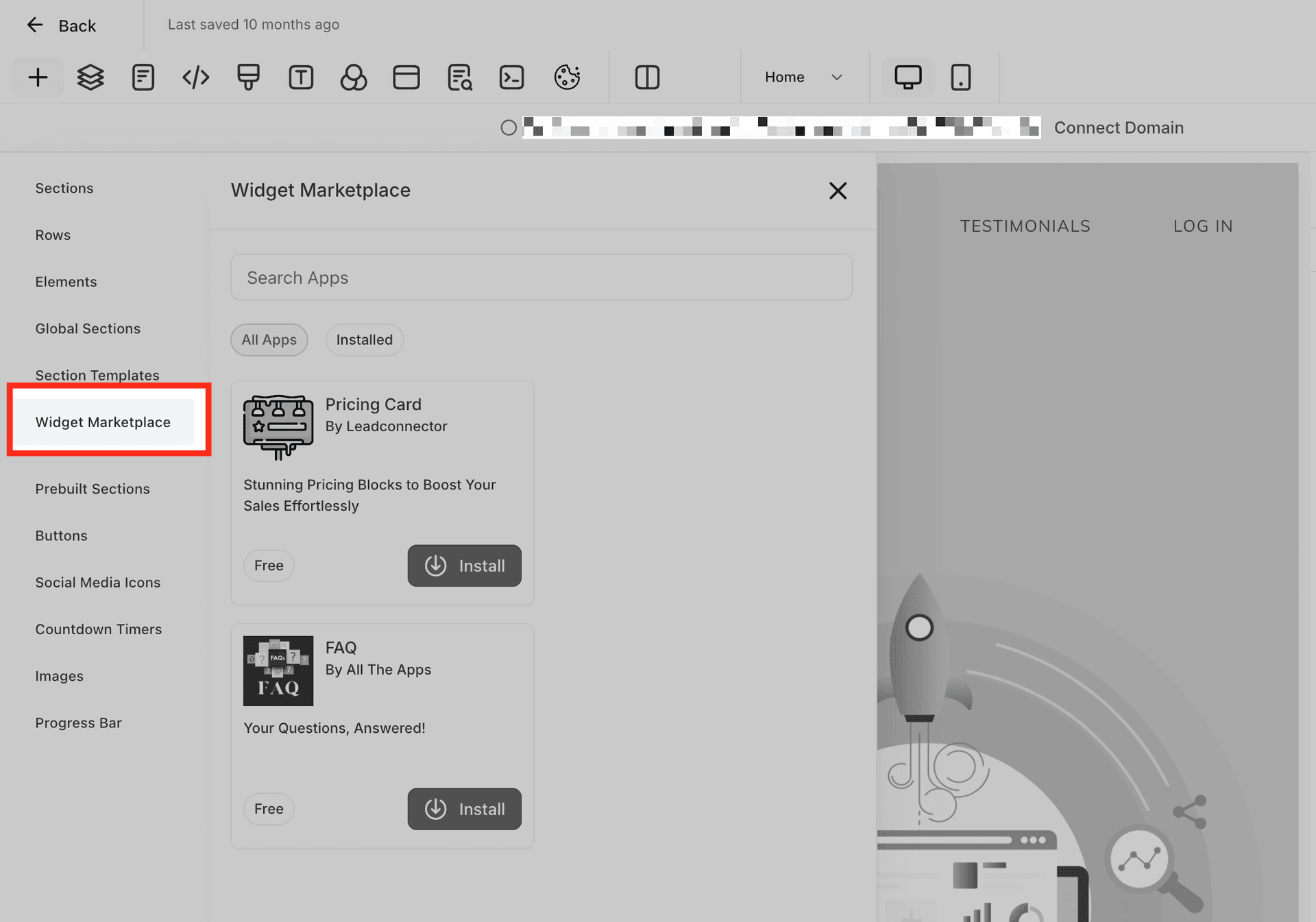
Open the Widget Marketplace tab.
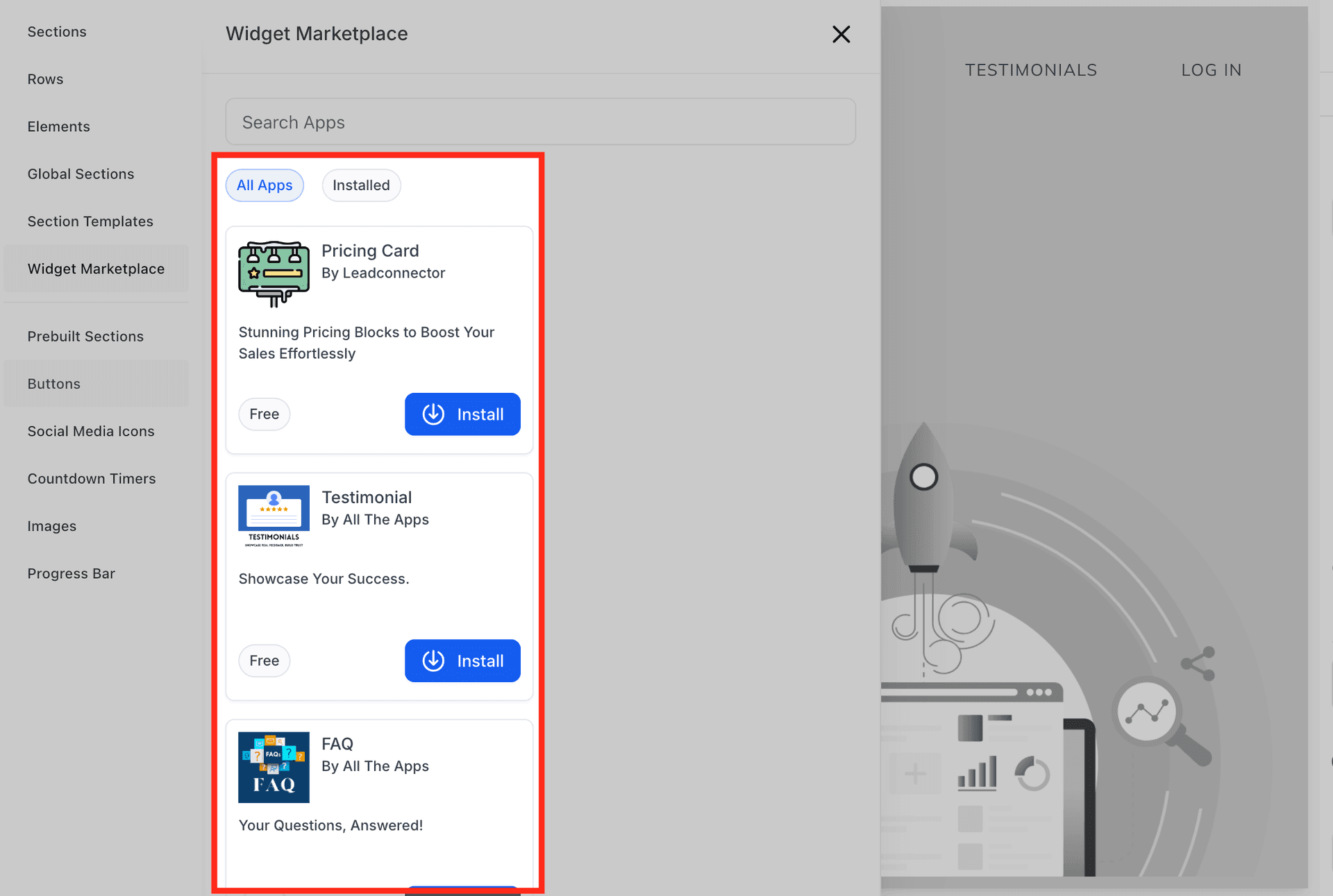
2. Browse the Widgets
Scroll through the available widgets or use the search bar to find the WebAbility widget.
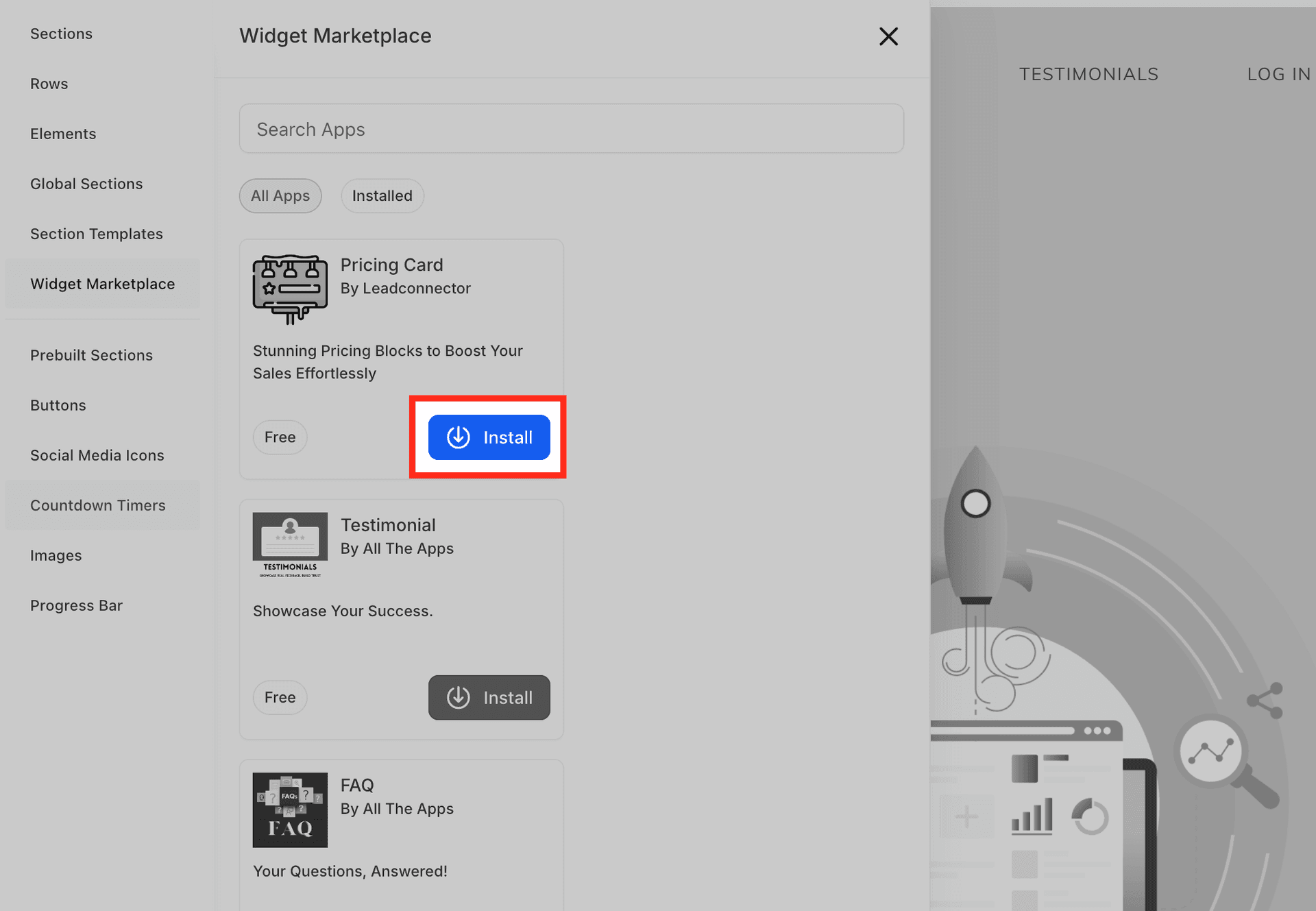
3. Install the Widget
When you find the widget, click Install. The widget will now be available in your Installed Apps section.
4. Drag and Drop onto Your Page
Drag the widget from the Installed Apps section and drop it into the page where you want it.