Accessibility in Education: AODA Simplified
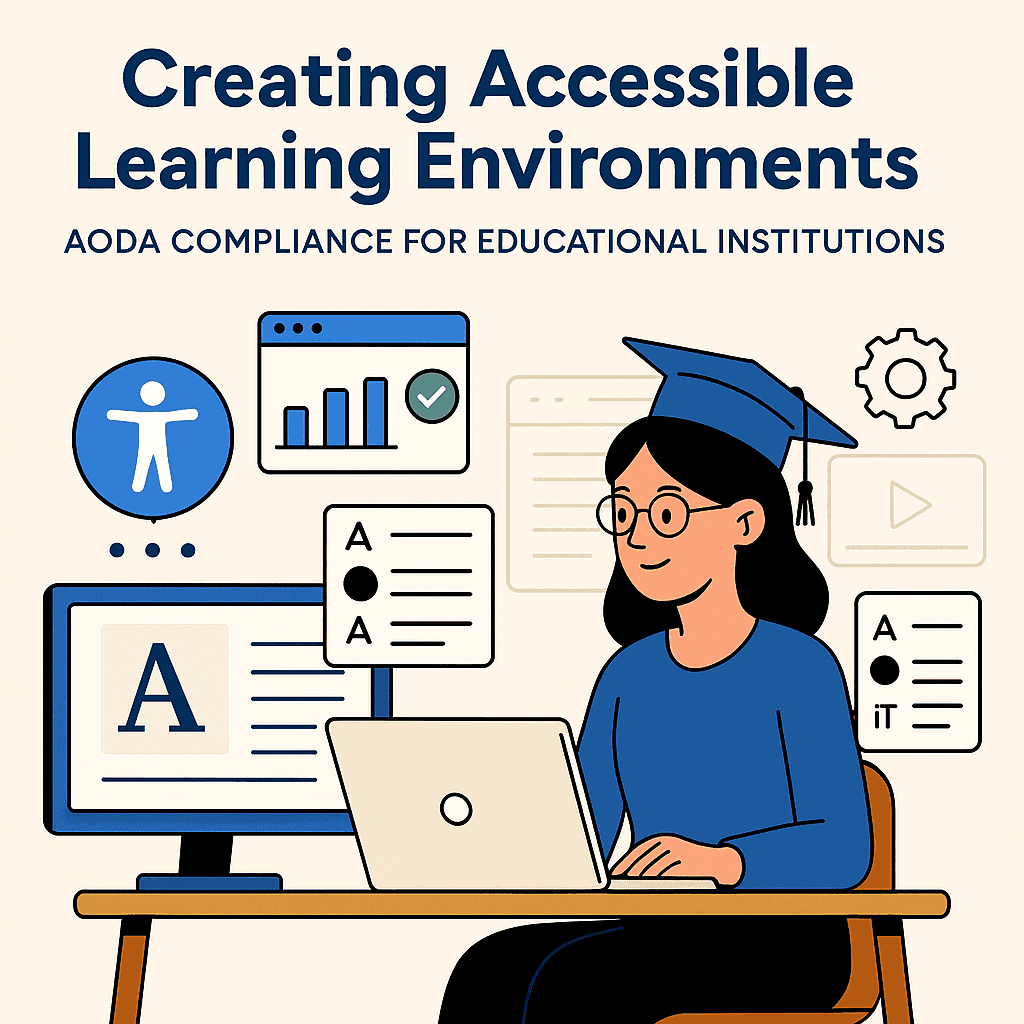
Web accessibility in education isn’t optional—it’s essential. As digital learning becomes a core part of education, schools, colleges, and universities must ensure that every student can access course materials, portals, and services—regardless of ability. In Ontario, that requirement is not just ethical—it’s mandated by law under the Accessibility for Ontarians with Disabilities Act (AODA).
In this article, we’ll break down what AODA compliance means for educational institutions and how Web ability provides the practical tools to help you meet those standards efficiently and affordably.
What Is AODA Compliance?
The AODA was established to make Ontario fully accessible by 2025. It requires organizations—including educational institutions—to follow specific accessibility rules, especially in digital communications.
If your institution is public-sector or a private organization with 50+ employees, you are required to ensure your websites, web applications, and digital documents meet WCAG 2.0 Level AA standards.
Why AODA Matters in Education
Every student deserves access to equal learning opportunities. Yet, many students with disabilities face barriers to:
- Reading course content
- Navigating learning platforms
- Completing online forms or exams
- Accessing video lectures or PDFs
Over 2.6 million Ontarians live with a disability. By not meeting accessibility standards, institutions may be unintentionally excluding a significant portion of their student body—and risking non-compliance penalties.
Common Accessibility Gaps on Educational Websites
Many schools unknowingly fail to meet AODA standards. Here are the most common violations:
- PDFs that are not screen-reader friendly
- Videos without captions or transcripts
- Websites that cannot be navigated by keyboard
- Poor color contrast or font choices
- Forms without clear labels and instructions
These issues directly impact students’ ability to learn, communicate, and participate fully in school life.
How Web ability Helps Educational Institutions Comply with AODA
Web ability is a purpose-built accessibility platform designed to help schools, colleges, and universities audit, fix, and maintain accessible digital environments.
Here’s how Web ability makes AODA compliance simple:
1. Website Accessibility Audit
Web ability scans your entire website and identifies issues based on WCAG 2.0/2.1 standards. It flags broken accessibility elements such as missing alt text, improper heading structure, inaccessible buttons, and more.
2. Accessibility Widget
Install a user-friendly widget that allows students to adjust:
- Font size and spacing
- Color contrast and brightness
- Text alignment
- Cursor and highlight options
This gives users control over how they experience your site—without requiring you to redesign your content.
3. Real-Time Compliance Dashboard
Stay updated with real-time accessibility scores, issue tracking, and progress monitoring. Know exactly what needs fixing, and how urgent each issue is.
4. Fix Recommendations and Guidance
Web ability doesn’t just point out problems—it provides clear, practical steps to fix them. Whether your content is created on WordPress, Moodle, or custom-built platforms, our tool integrates smoothly.
5. Long-Term Monitoring
Education content evolves constantly. Web ability continuously monitors your website for new issues, so you can stay compliant as your content grows.
Built for Educational Institutions
Web ability supports a variety of institutions including:
- K–12 School Boards
- Colleges and Polytechnics
- Public and Private Universities
- Online Education Providers
- Adult and Continuing Education Programs
Whether you're managing a learning portal, library site, or student registration system, Web ability adapts to your infrastructure and helps ensure consistent compliance and usability.
Accessibility Is Ongoing—Not One and Done
Many organizations make the mistake of treating accessibility as a one-time project. In reality, true accessibility requires continuous attention—especially in education, where content updates happen weekly or even daily.
Web ability offers flexible tools and ongoing support to help institutions build sustainable accessibility practices.
Why Choose Web ability?
- ✅ Designed for WCAG & AODA compliance
- ✅ Fast installation and easy use—no coding required
- ✅ Canadian-based accessibility standards expertise
- ✅ Affordable pricing for education
- ✅ Real human support when you need it
Related Articles You May Find Useful
- Top 5 Accessibility Mistakes That Hurt Your Compliance
- What Is a Web Accessibility Widget and Why Your Website Needs One
- AODA, WCAG & ADA: The Simple Path to Website Accessibility
Ready to Make Your Institution AODA-Compliant?
Let Web ability help you build a more inclusive digital learning environment today. Whether you need an audit, an accessibility widget, or full platform support—we’re here to help.
👉Visit www.webability.io to get started📅 Or schedule a free accessibility consultation
Web ability – Enabling Inclusion in Education.
Quick Questions
Tap to ask AI about this article